Dados da Steam coletados em 17/11/2026 17:54 · 1 amostras de jogadores no banco. Projeto independente, sem ligação com a Valve.
Jogadores
Quando o jogo tem mais gente
O mapa de calor aparece quando houver pelo menos 24 horas de dados de jogadores deste jogo.
Atualizações do jogo
- ATUALIZAÇÃOSpace Station Designer - Last beta update before release
Dear Station Designers, Last month we published Space Station Designer version 00.07.00 , which brought a significant upgrade to the visuals.
Dear Station Designers,
Last month we published Space Station Designer version 00.07.00, which brought a significant upgrade to the visuals. With less than one month to go before the game's release on November 18th, we're pushing ahead and tidying up the loose ends to ensure a smooth release. Today we're happy to share Space Station Designer version 00.08.00 with all of you. This update will be the last one before version 1.0. As always, you can find the full release notes in our public document here.
Comprehensive UI polishing pass
We went through all the game's screens and conducted a deep polishing pass, which has significantly improved the usability and overall look of the game. This pass included adjusting the layouts of the UI elements, tweaking fonts, removing backgrounds that caused legibility issues, and much more.
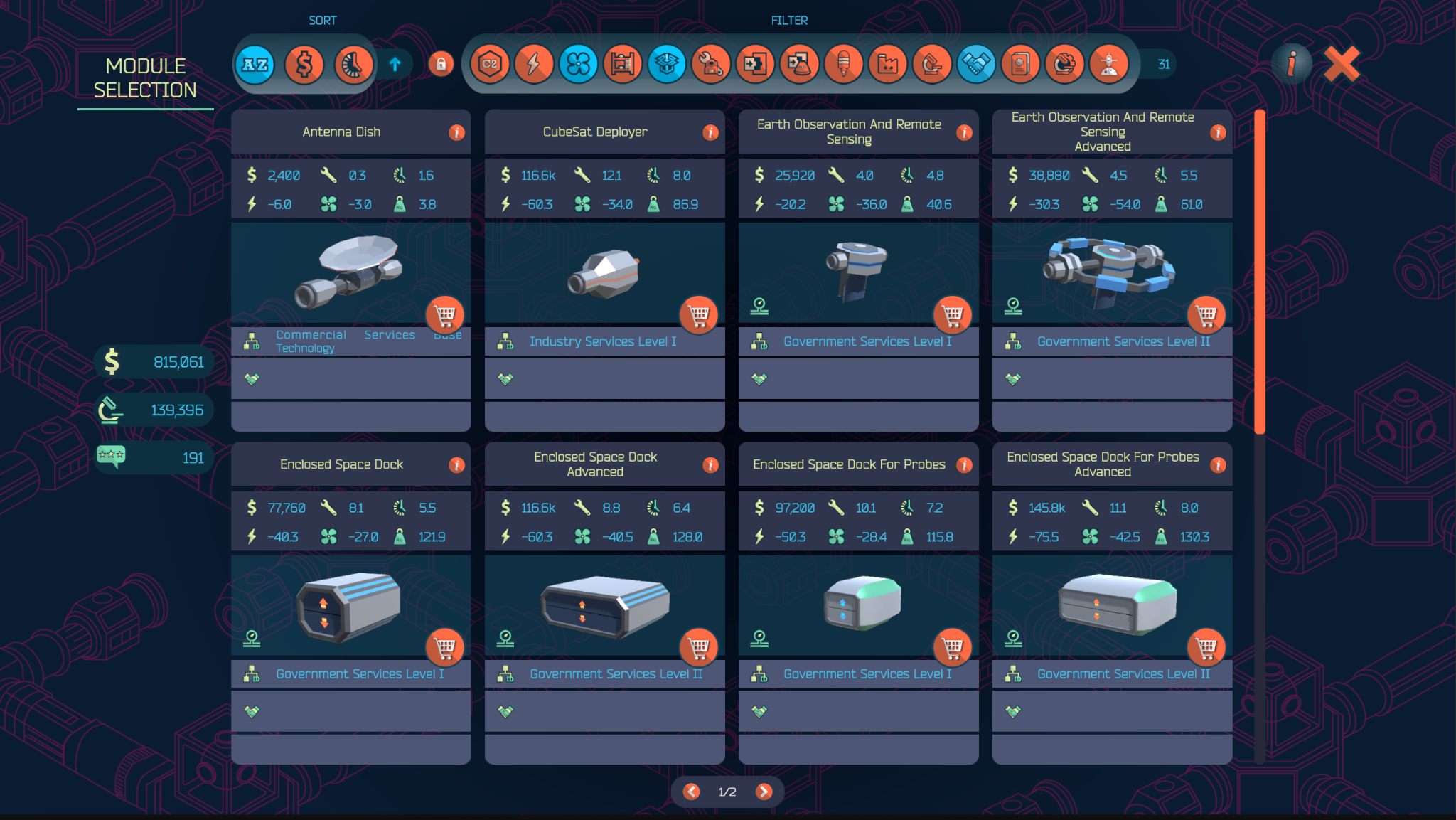
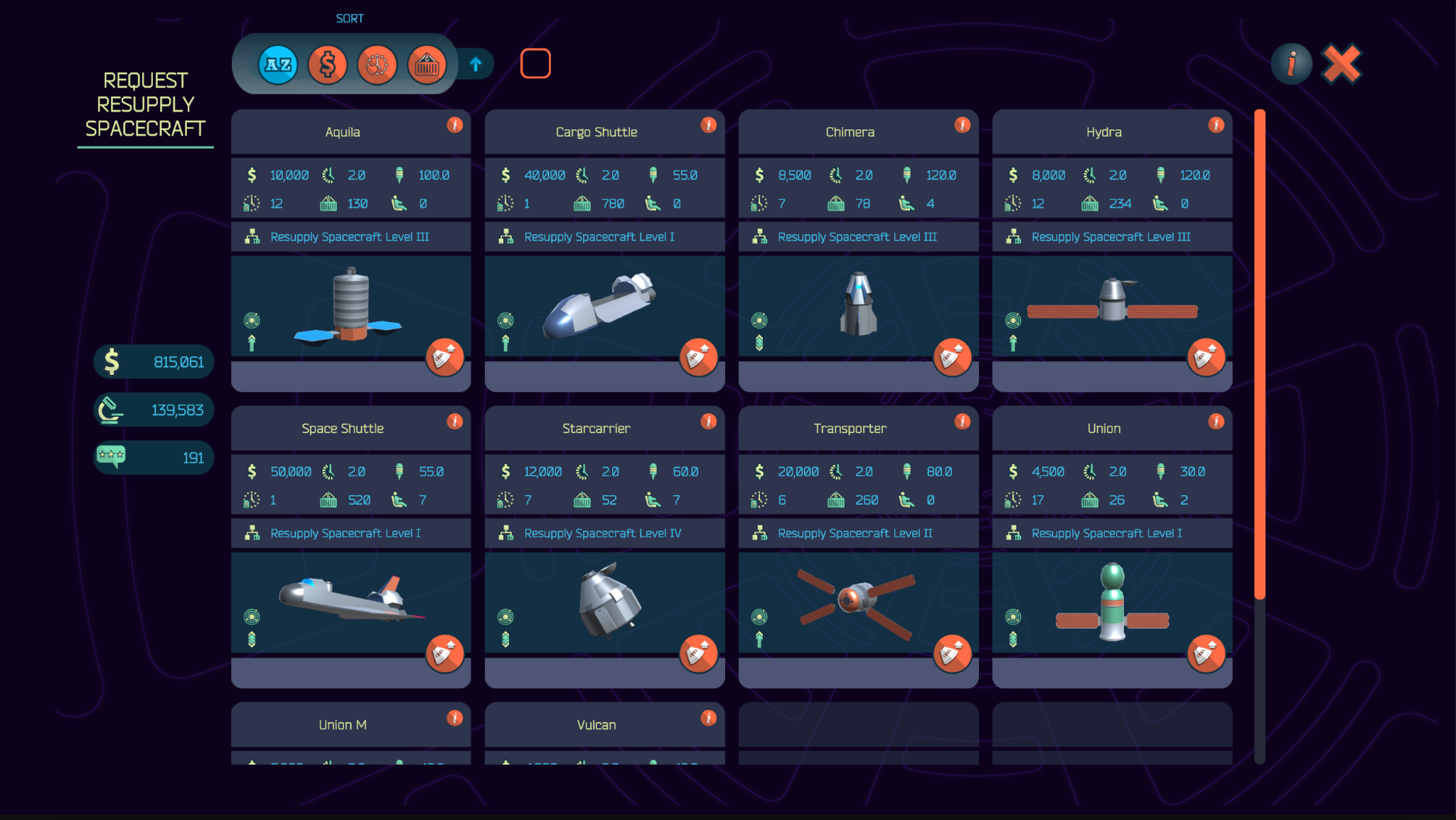
For example, frequently accessed screens, including 'module selection' and 'request resupply spacecraft' now feature a title, labels that clearly indicate the purpose of the buttons at the top, and better formatting of the titles.
The Global Screen has been adjusted so that it uses a tilted view instead of a top-down one, which makes the Earth and the Moon stand out more.
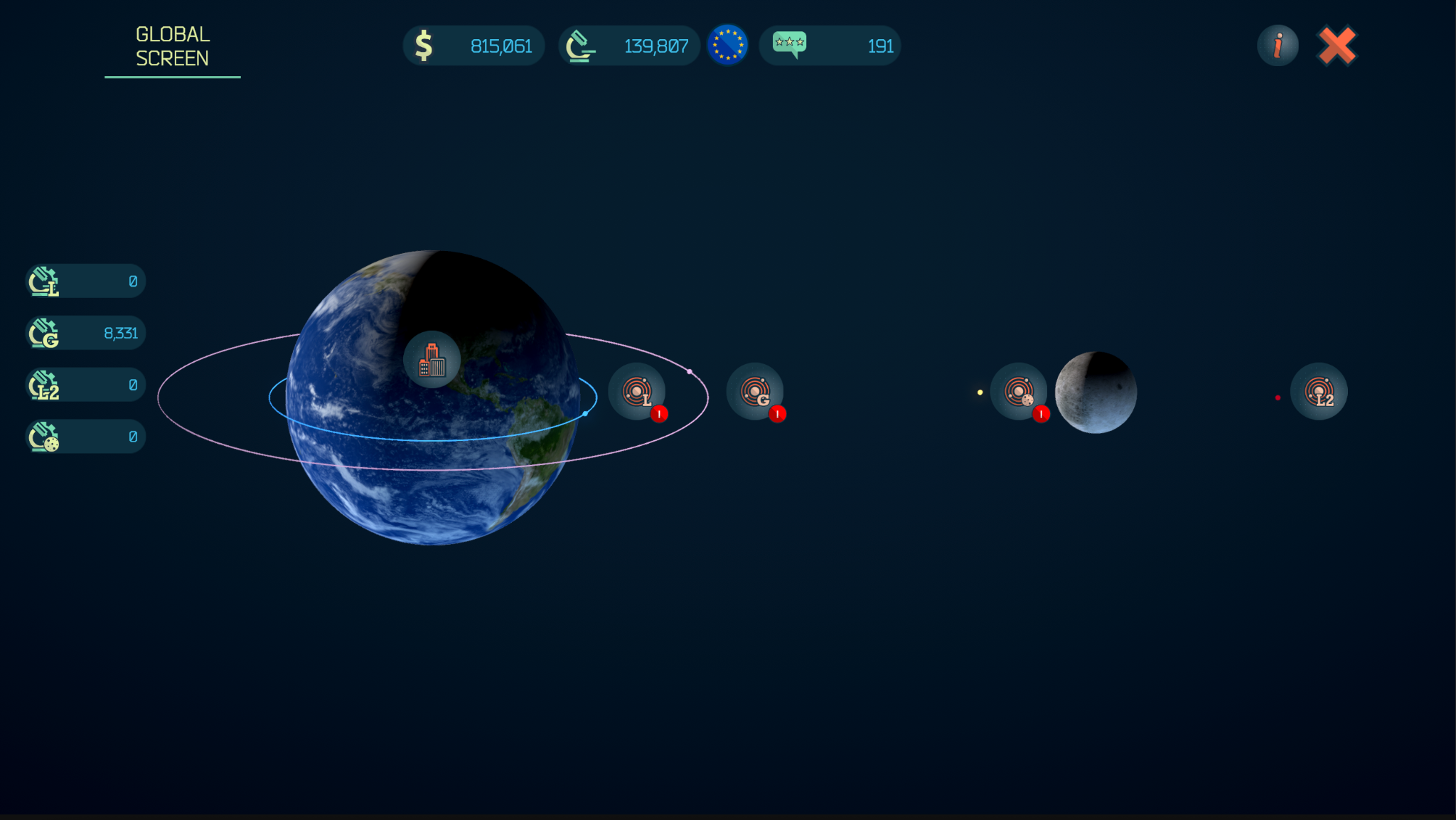
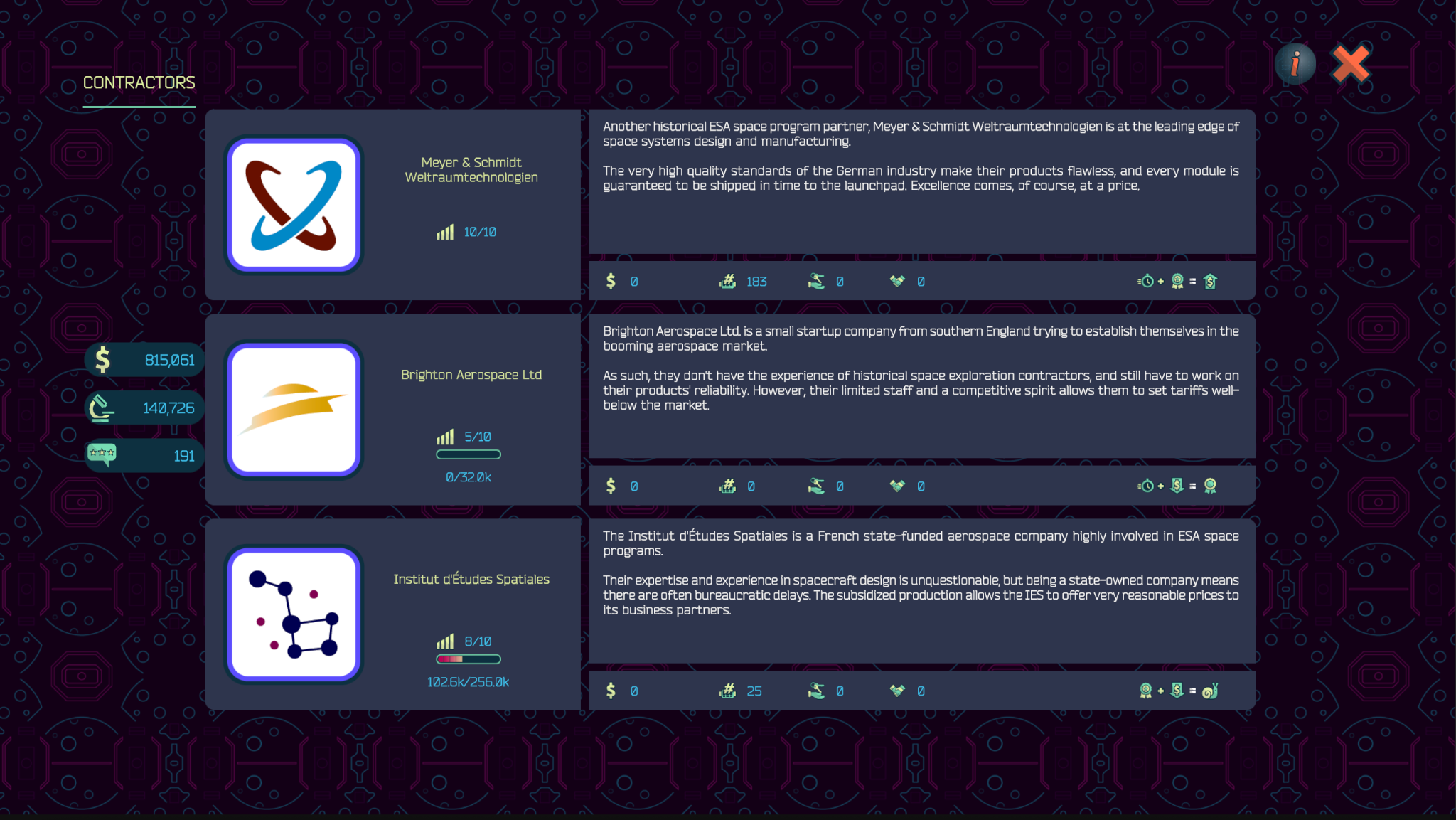
We have also ensured that the information is presented more clearly all across the UI. For example, the 'Contractors' dialog now takes a larger portion of the screen. This improves its legibility and should make it much more comfortable to use.
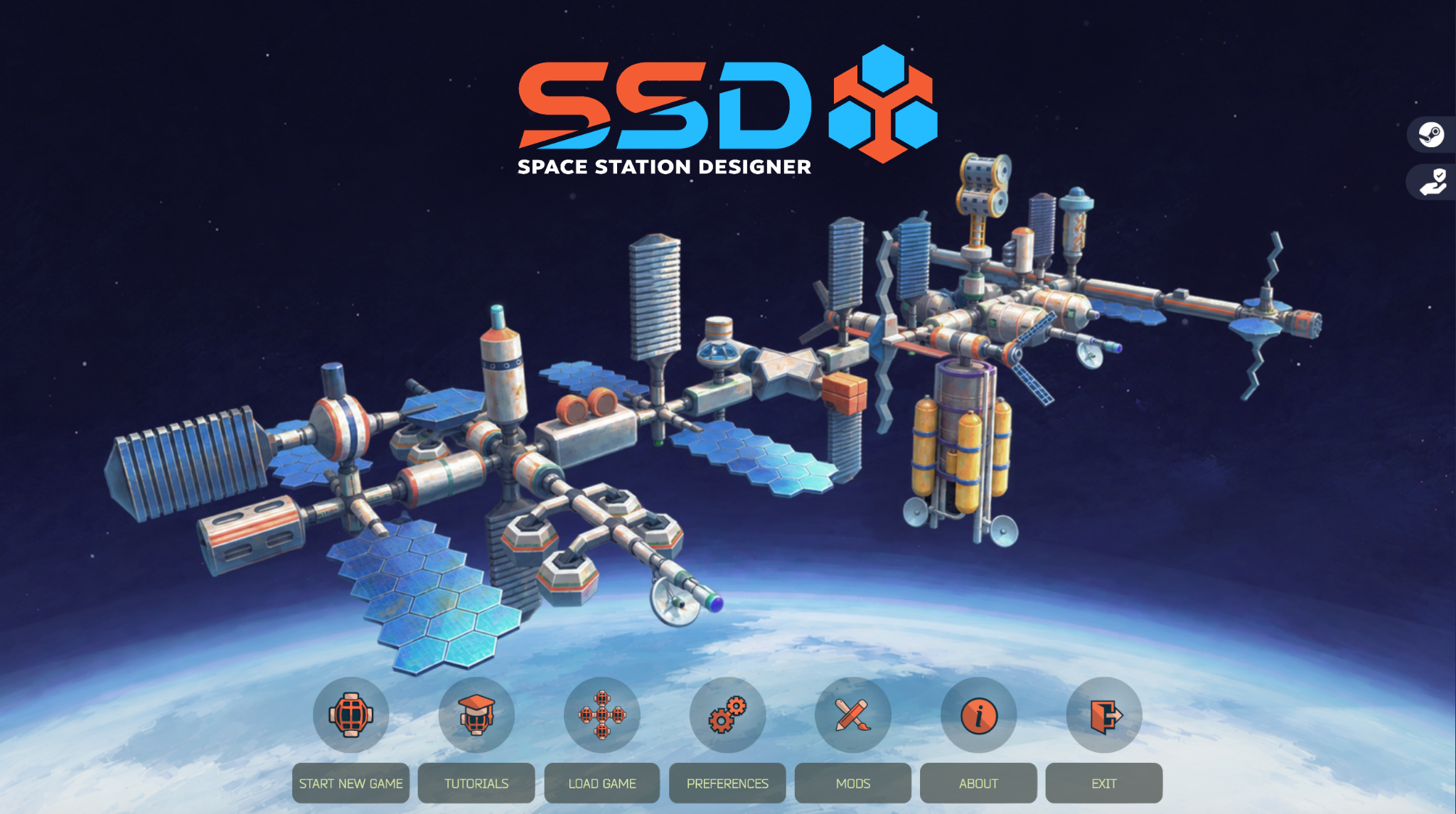
Lastly, we have created a series of additional images for the main menu, based on some station designs we made internally:
Achievements
Space Station Designer will be released in multiple online stores and, where available, it will feature support for in-game Achievements. There are more than 50 Achievements available, and the game logic to detect them is already in place. This will surely provide a nice challenge for those of us who are completionists!
Notable mention for the 'Flight Director' achievement, which is granted when you win a 'Campaign' or 'Sandbox' game with 'Medium' difficulty. The artwork will surely remind you of one of the most famous Flight Directors during the Apollo era!

Quality of Life (QoL) improvements and minor gameplay changes
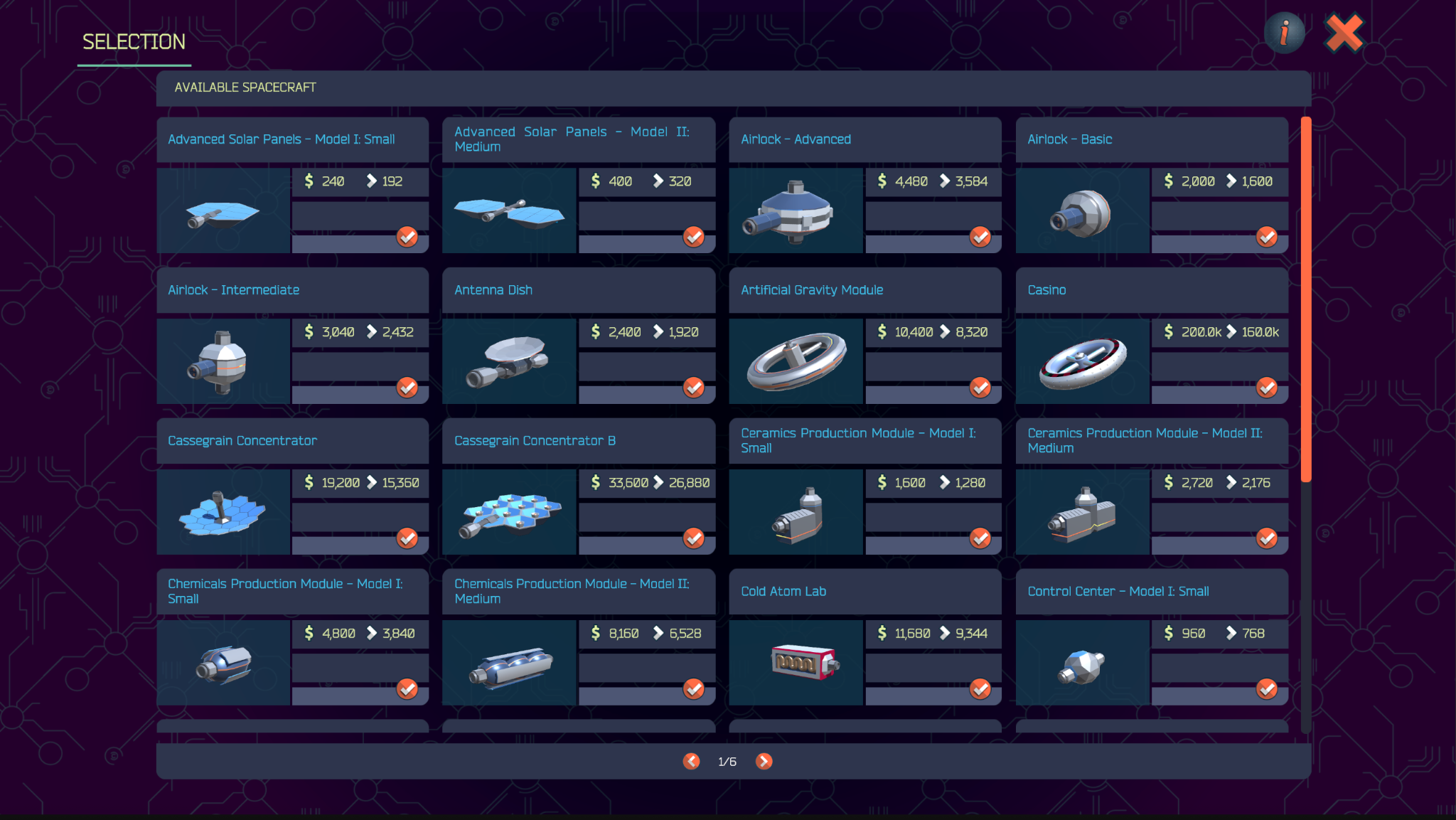
In addition to the UI pass, we also made some focussed usability improvements, such as redoing the layout of the menus for selecting modules, resupply spacecraft, and astronauts for Continuous Improvement Programs (CIPs). These changes allow you to see more entries at once, which results in less clicks and easier decisions.
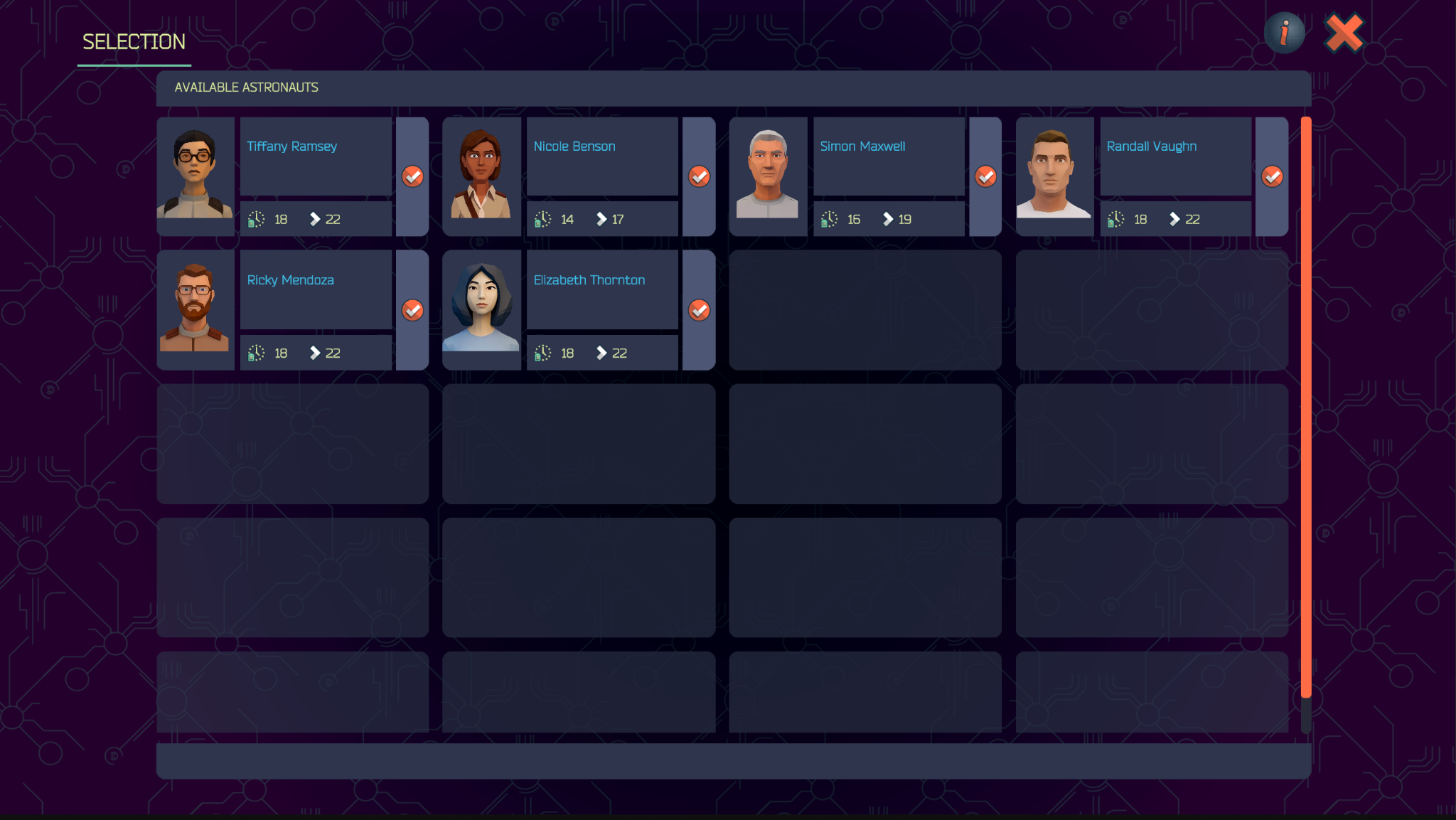
Closing thoughts
We hope you like all the changes brought by this final update before release. We're conducting a lot of internal testing, but if you can help us by giving the game a spin and let us know if you run into any problems, we'd really appreciate it.
As mentioned earlier, this update will be the last one before the 1.0 release, which will be released on November 18th. Obviously, the journey won't end there, and we'll be sharing more about our post-release plans soon.
See you on November 18th!
--Ignacio, Mauricio, and Nicolas (Polar Motion) Wishlist Space Station Designer
- ATUALIZAÇÃOSpace Station Designer - Visuals and polishing update
Dear Station Designers, At the end of July, we published Space Station Designer version 00.06.50 , which included improved visuals, new gameplay features, and general improvements.
Dear Station Designers,
At the end of July, we published Space Station Designer version 00.06.50, which included improved visuals, new gameplay features, and general improvements. We continue making progress towards the release date on November 18th, and today we're happy to share Space Station Designer version 00.07.00 with all of you. As always, you can find the full release notes in our public document here.
Visuals
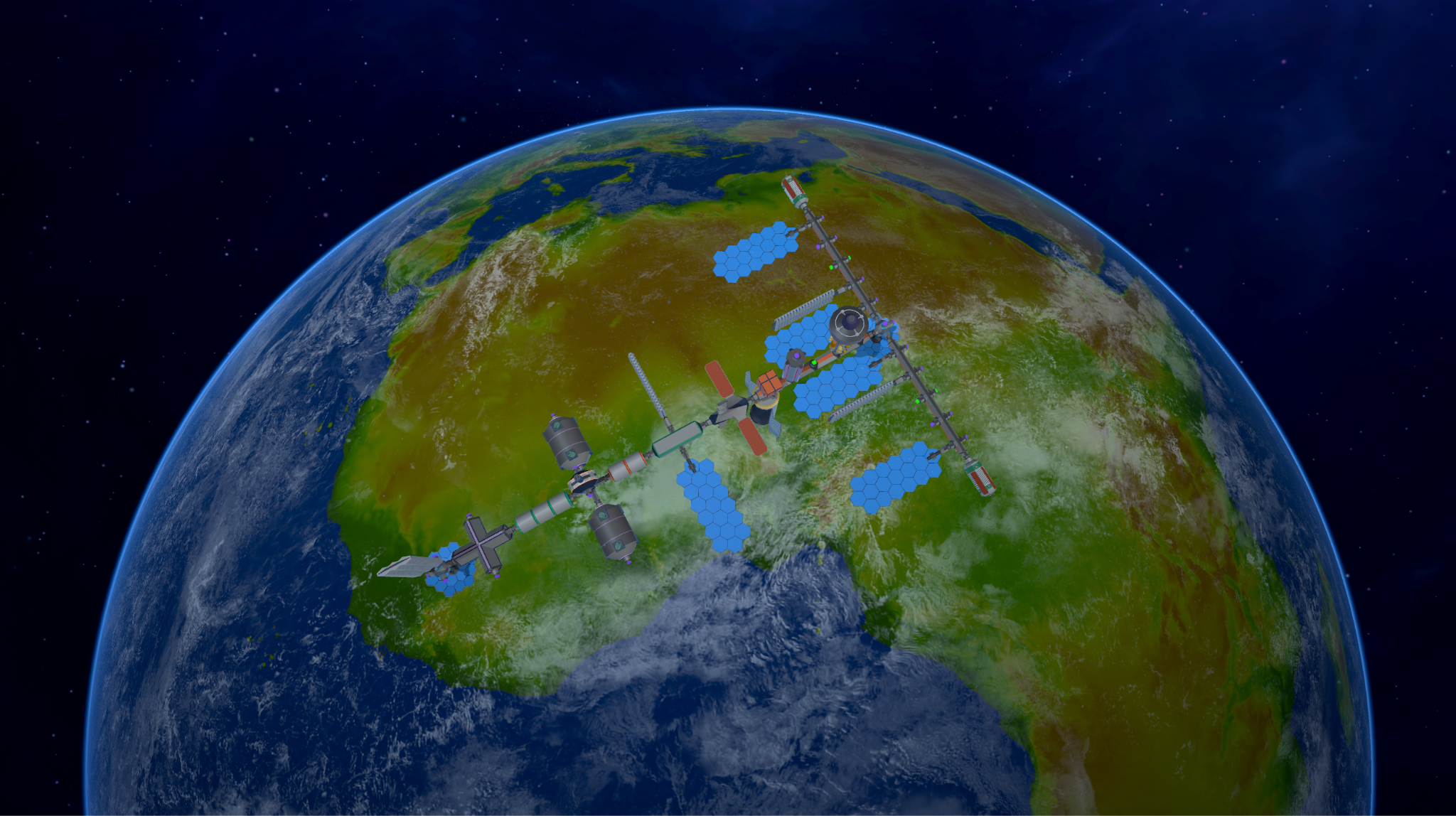
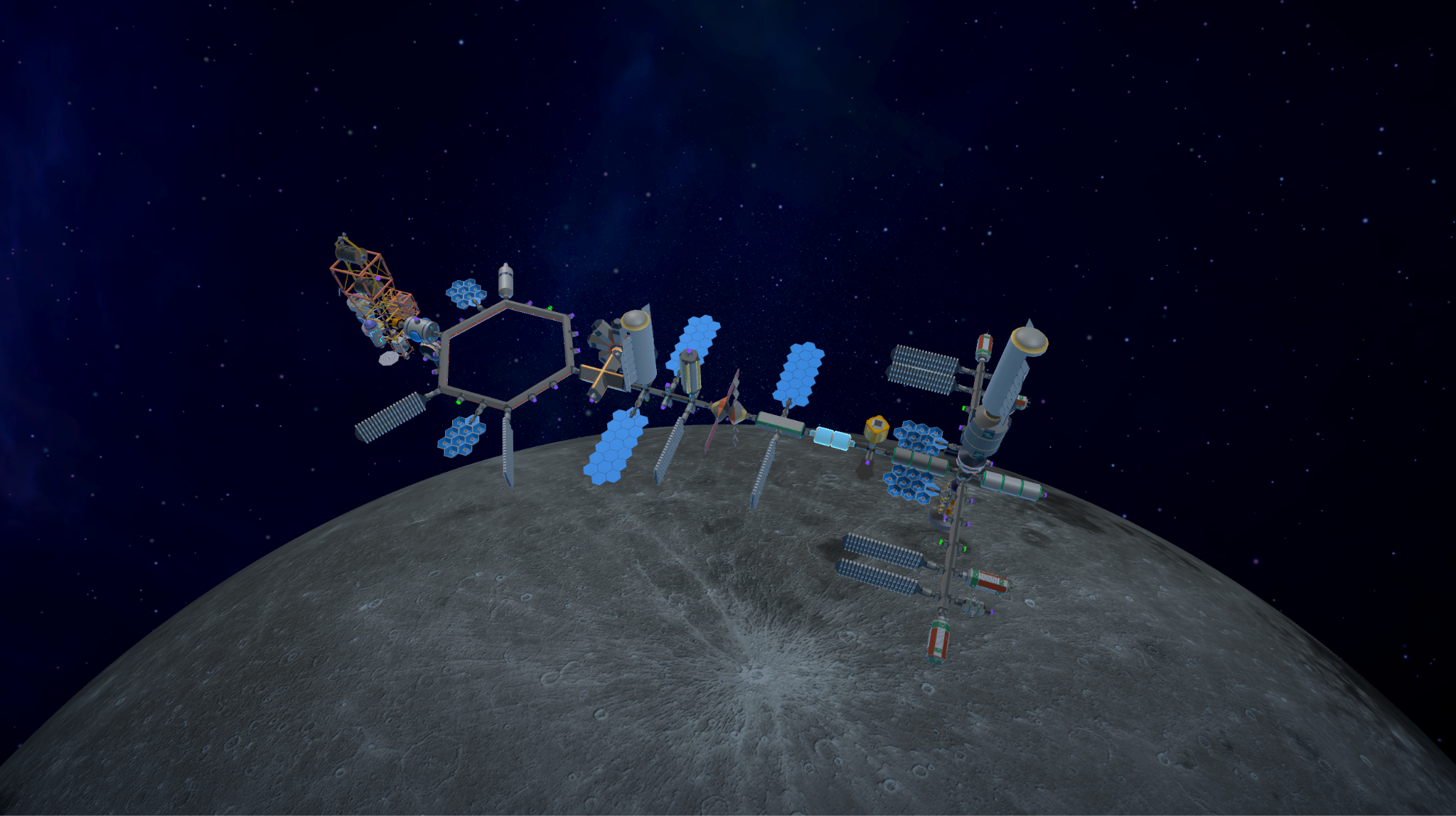
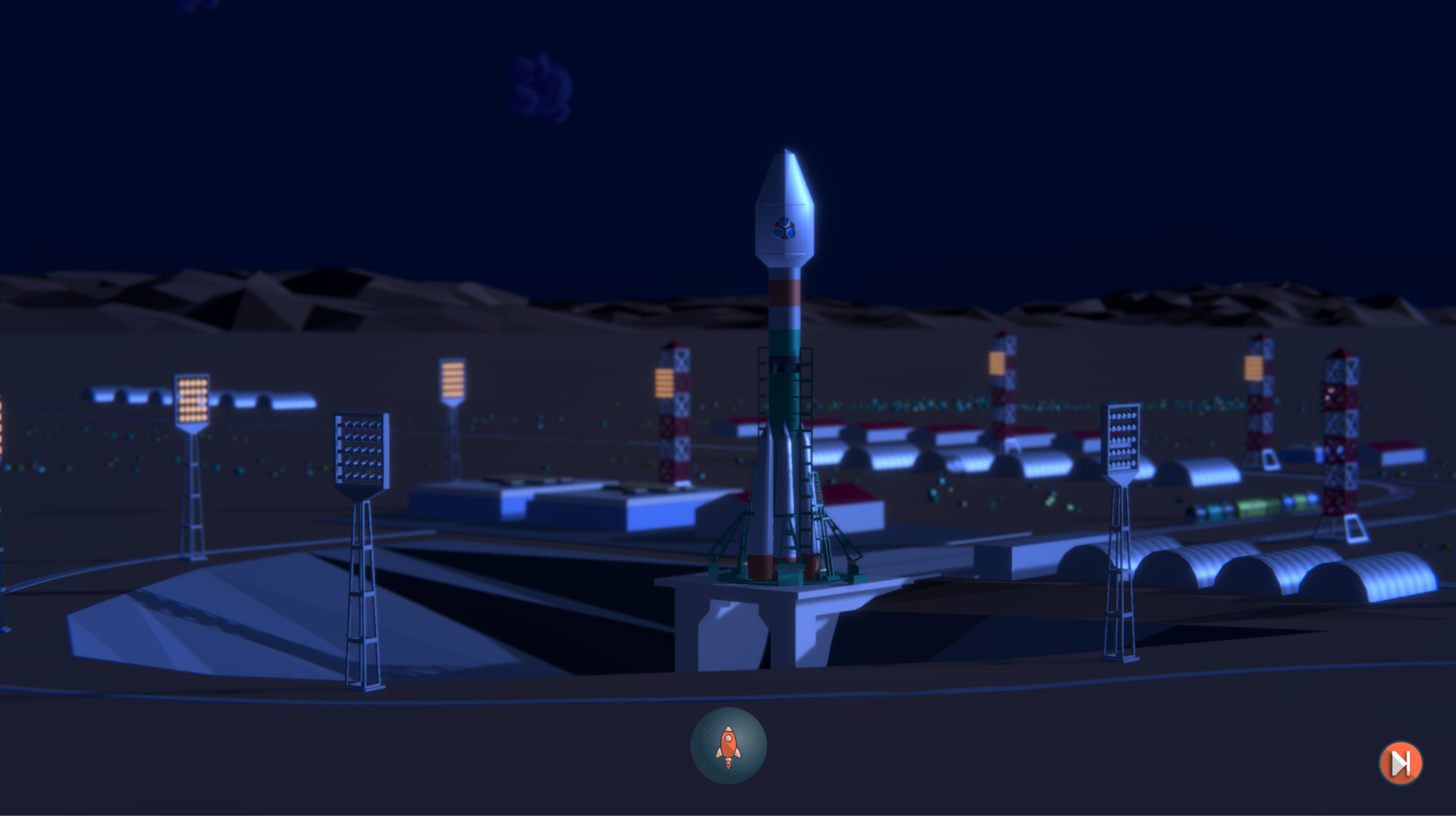
In the visuals department, we've made yet another pass across all scenes, which includes tweaks to the lighting, post-processing, camera positioning, animations, and materials. Please find some examples below that show these changes in the main space station screen, the Earth Facilities, and the Russian launch pad.


Gameplay
In terms of gameplay, we implemented a system that keeps track of a plethora of stats across various areas, including 'Finances', 'Astronauts', and the stations across all orbits. This screen will help you understand better where revenue is coming from, where money is going to, and help you spot trends. Note that these new stats aren't available in save game files prior to version 00.07.00.
We've also implemented a mechanism that applies a cost and mass factor to the space station modules according to the space station's orbit, which adds another layer of planning and cost management.

Quality of Life (QoL) improvements
When it comes to QoL improvements, some notable examples include the handling of the 'Escape' key across all screens (kudos to BiterJuice for pointing this out as part of his deep dive video), and the addition of a button in the space station screen that toggles the module indicators on and off, which helps declutter the screen.

Fixes and polishing
We always aim to fix all bugs, either because we come across them ourselves during playtesting, or because they are reported by the community. As part of 00.07.00, we fixed a bug that was causing the game to enter an invalid state if players pressed the 'Escape' key repeatedly in the Production Lines management screen, and another one that was causing the docking ports to be shown incorrectly (once again, kudos to BiterJuice for reporting these!).
We've also started making an optimization and consistency pass across the whole UI. As a result of this, we cut down memory usage for UI backgrounds in half, and fixed a few instances that were using the wrong icons.
Lastly, we've addressed some visual glitches in the 'Tourists Deluxe Quarters Large' and 'Nuclear Reactor Small' modules, and the 'Hydra' resupply spacecraft.
Closing thoughts
We hope you like all the changes brought by this new update. We're still running a closed beta, which you can apply to by signing up here. We're aiming to deliver the best version of Space Station Designer we can on release date. If you want to help us, please don't hesitate to give the game a go and let us know if you run into any issues.
The next update will be the last one before the 1.0 release. Throughout the next month, we'll be implementing a long list of minor QoL improvements, along with various modifications to the UI. As always, we keep an eye on our Discord server and forums, so don't hesitate to let us know if you have any feedback for us.
--Ignacio, Mauricio, and Nicolas (Polar Motion) Wishlist Now
- ATUALIZAÇÃOSpace Station Designer - Visuals, gameplay, and polishing update
Dear Station Designers, Last month we unveiled Space Station Designer version 00.06.00 , which included new gameplay features, improved visuals, and various QoL improvements.
Dear Station Designers,
Last month we unveiled Space Station Designer version 00.06.00, which included new gameplay features, improved visuals, and various QoL improvements. We made some good progress this past month across various areas, and today we're pleased to share Space Station Designer version 00.06.50 with all of you. If you're interested in the full list of changes and additions, please take a look at the release notes here.
Visuals
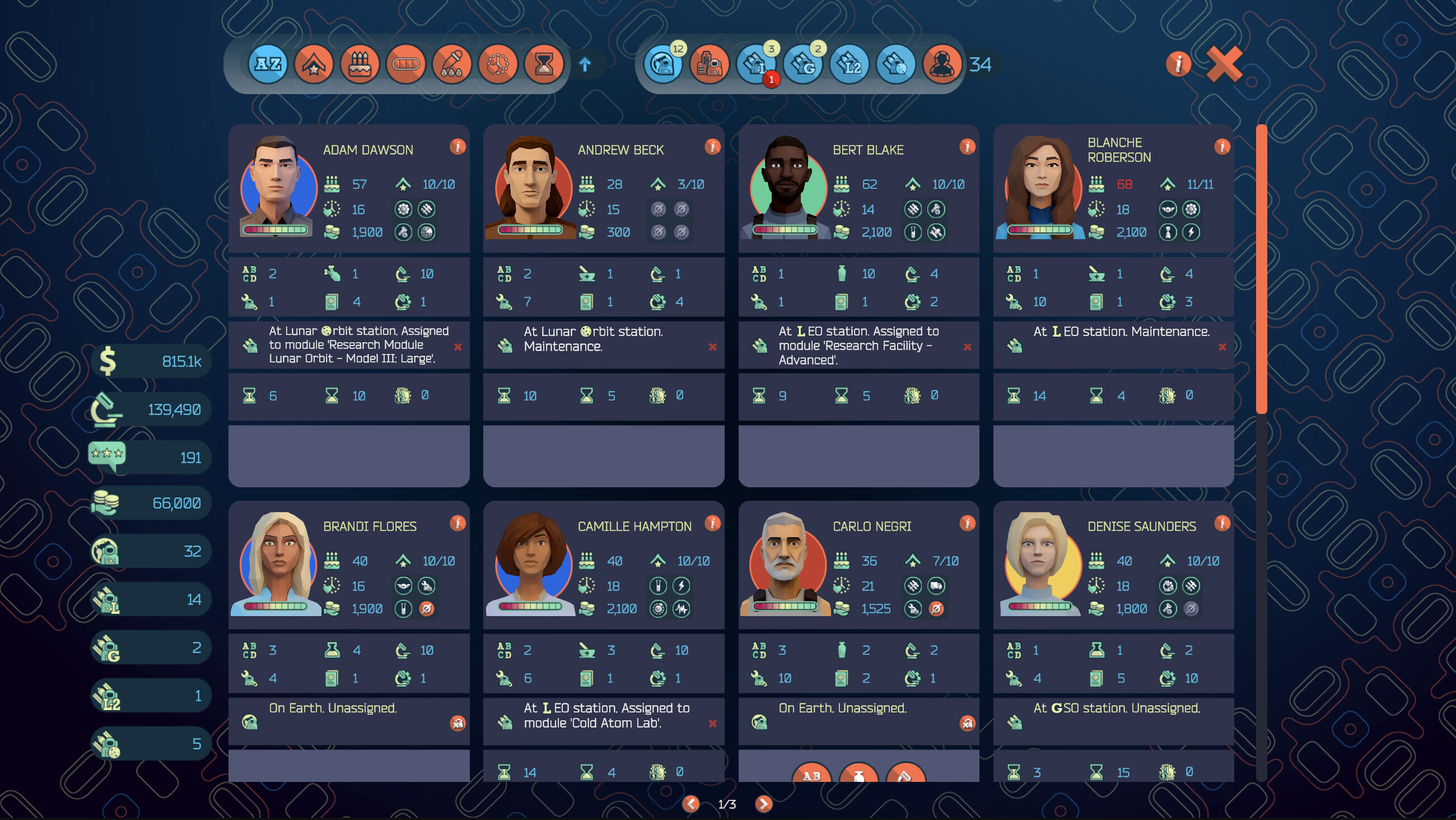
In terms of visuals, we've replaced all the existing astronauts' portraits with a fresh new set of nearly 250 images. We are confident that this is a significant improvement that should make all astronaut management tasks more engaging.
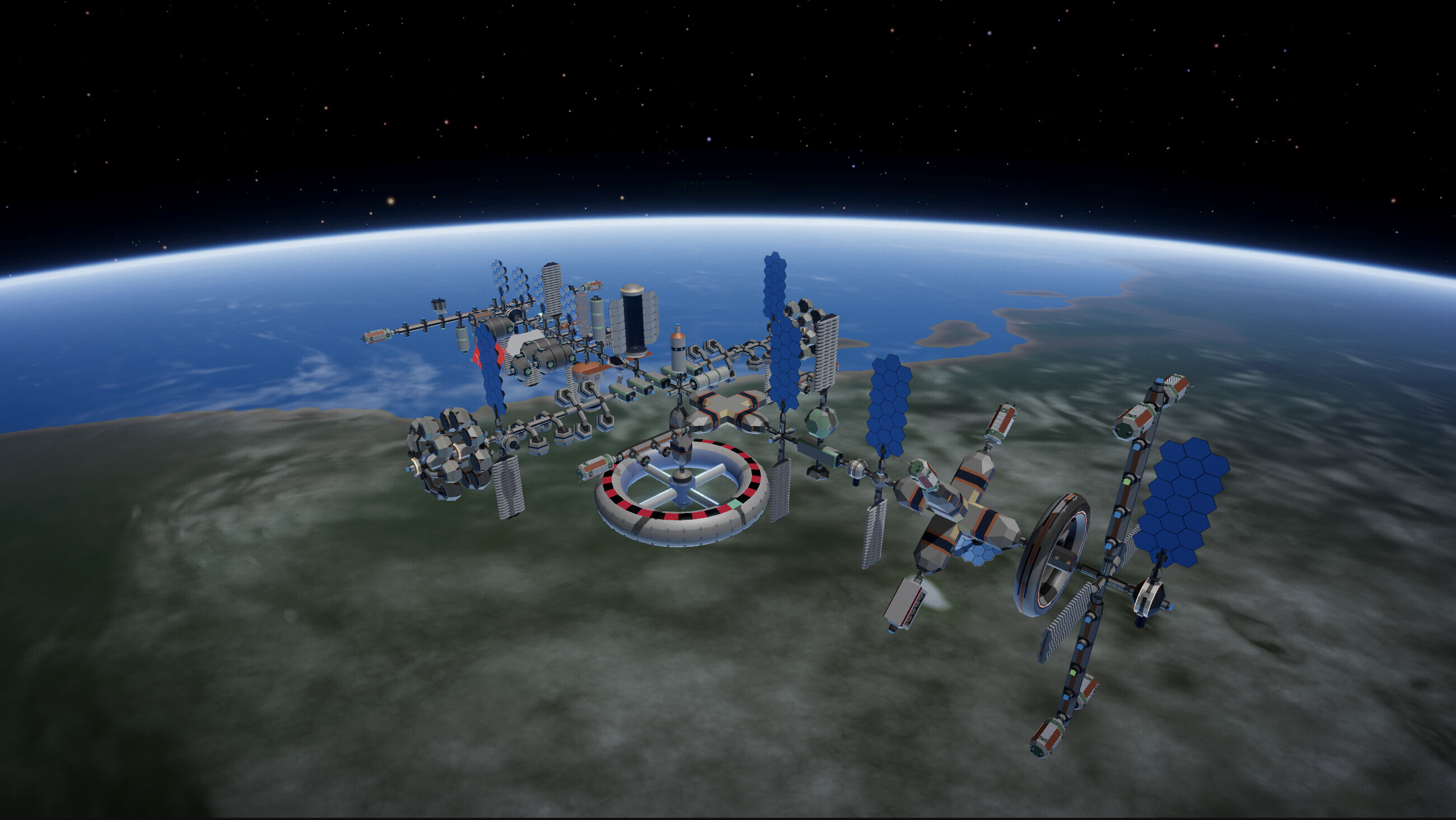
We've also improved the quality of the space station modules' and resupply spacecraft's materials, which combine nicely with the improved Earth material that we released in our previous update.

Gameplay
One of the coolest features of this new update is that 'Free Builder' sessions can now be converted into 'Sandbox' ones by clicking a button in the top left area of the screen.
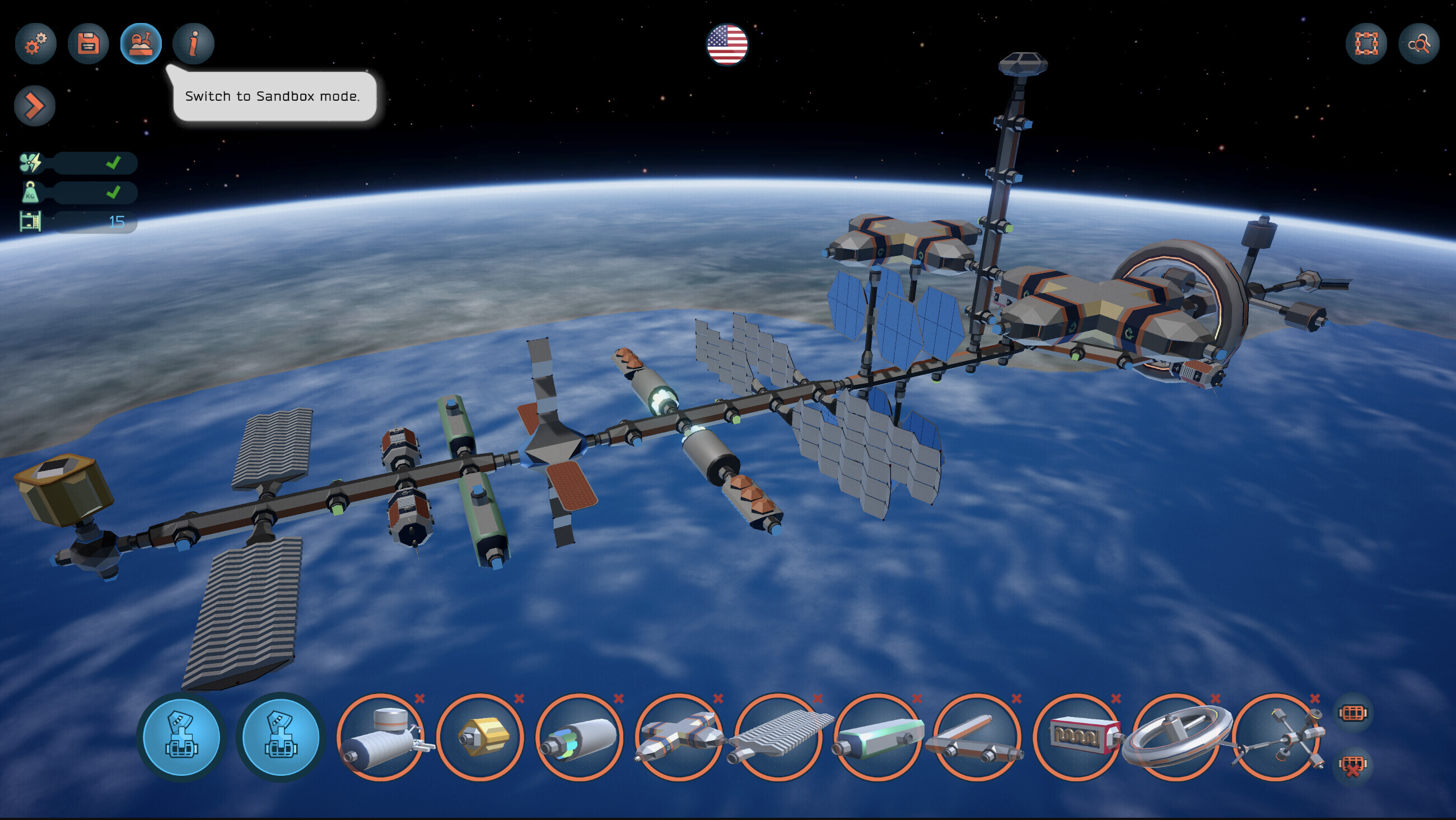
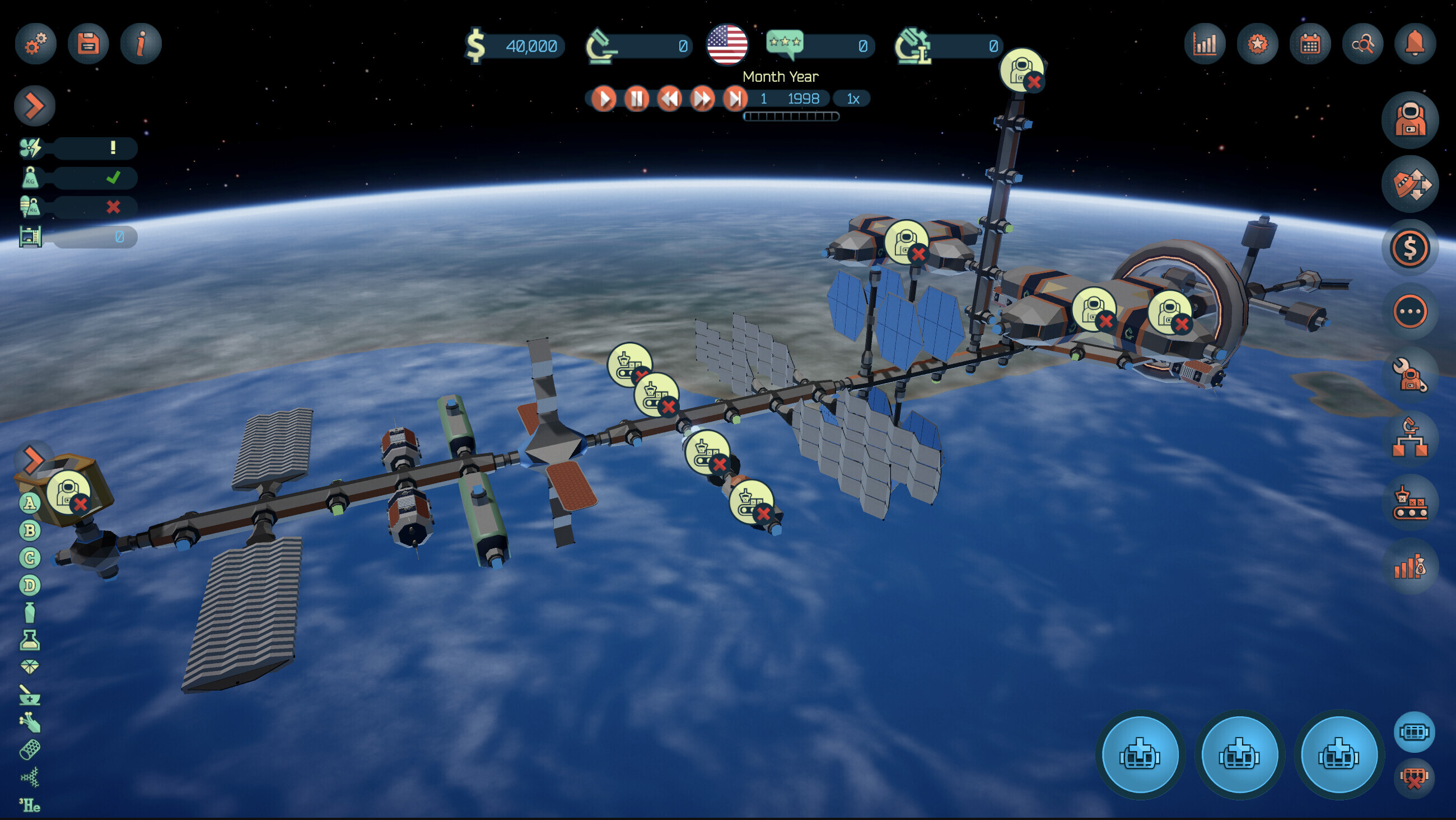
The game will then assign enough astronauts to cover the required Maintenance needs, and then behave as a regular 'Sandbox' session, with Contracts, modules purchases, astronaut management, and all the various mechanics available.
We've also added support in code to detect the completion conditions of 50 unique Steam Achievements. Note that, for now, only a handful of them are available and enabled. We'll be uploading more to the Steam backend in the upcoming weeks.
Polishing
As part of this update, we revised and tweaked the 2D animations in the launch sequences of the various resupply spacecraft available throughout the game.
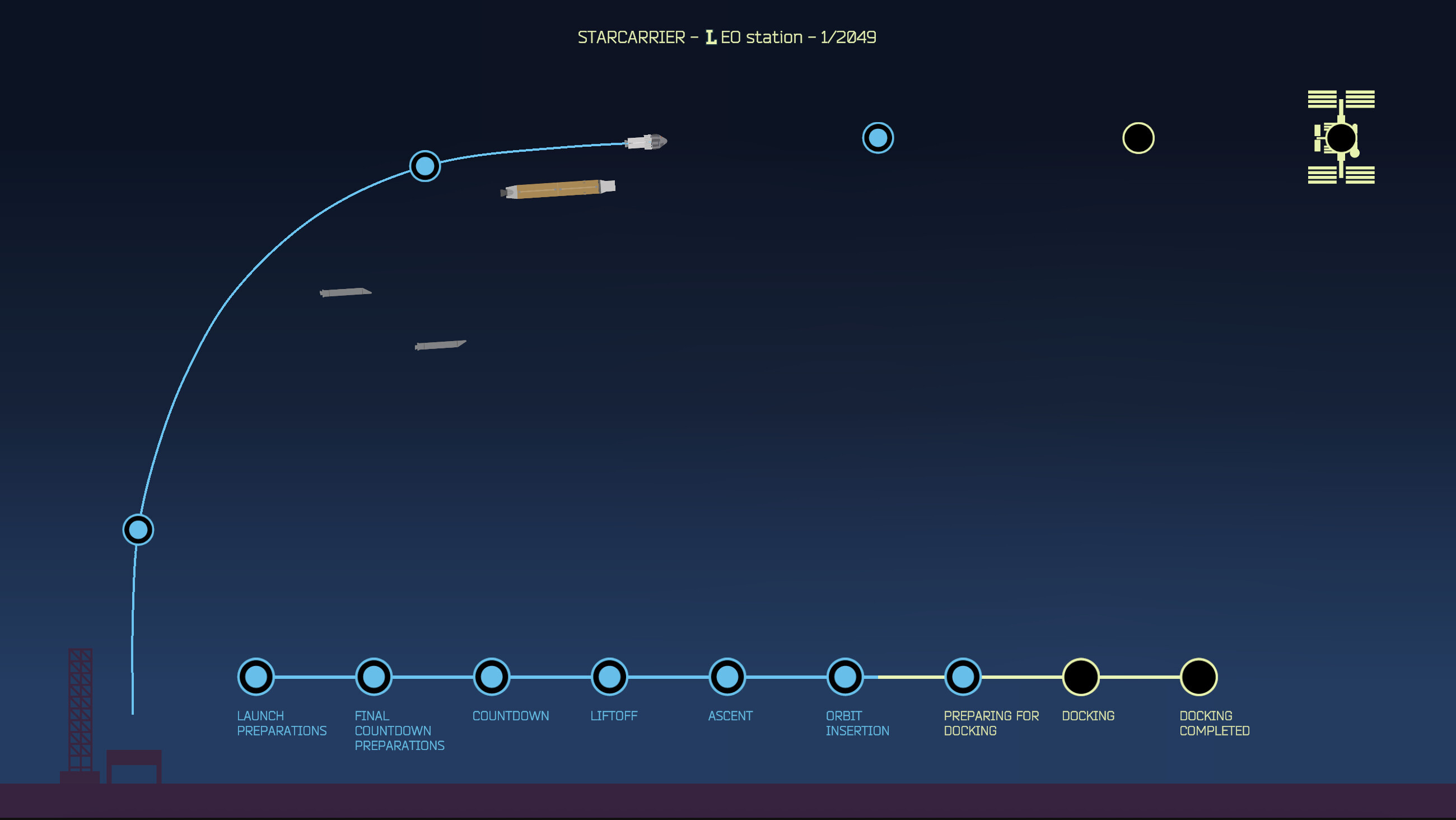
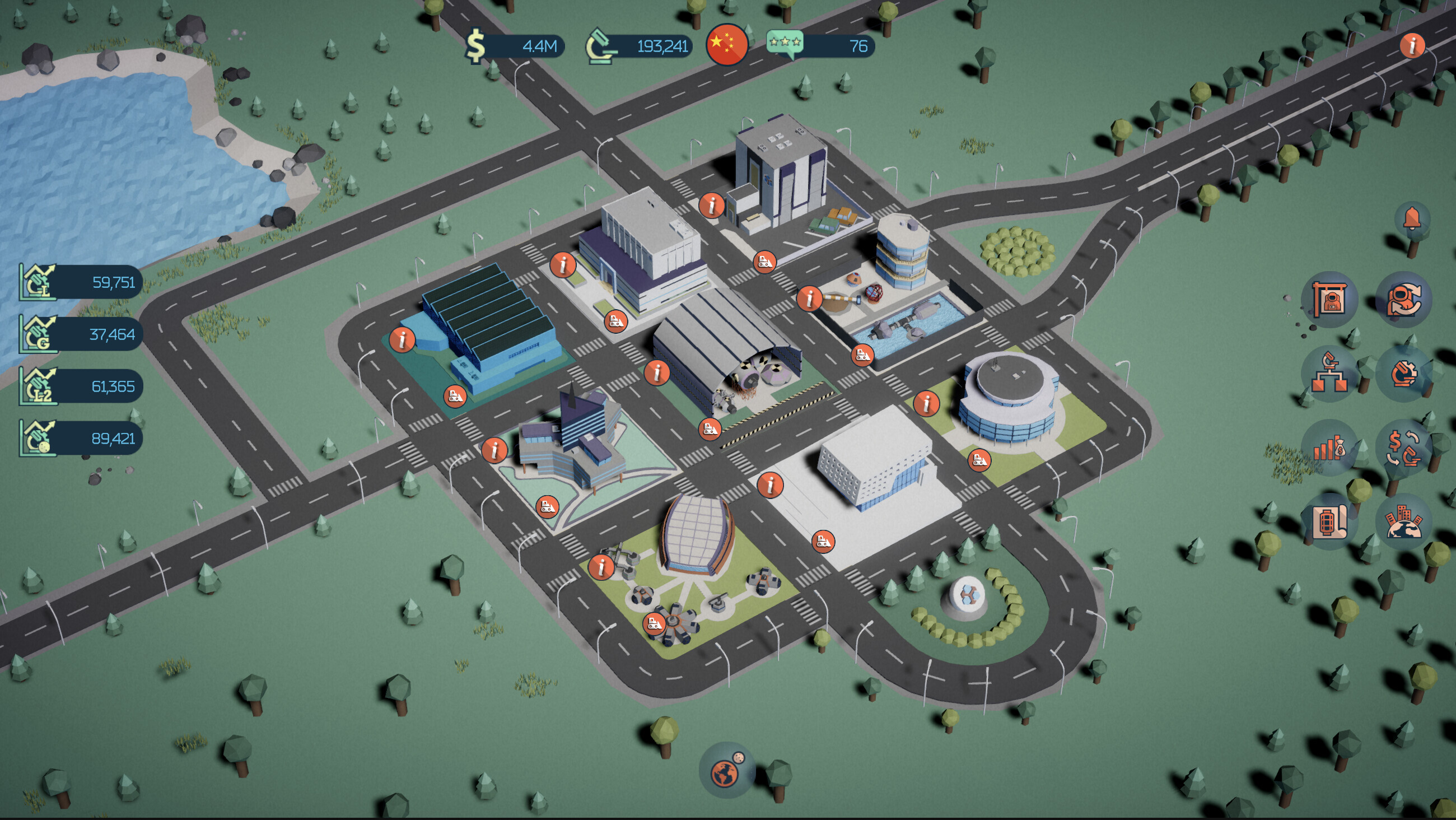
We've also added new SFX to the Earth Facilities screen and the Module Repair screen.
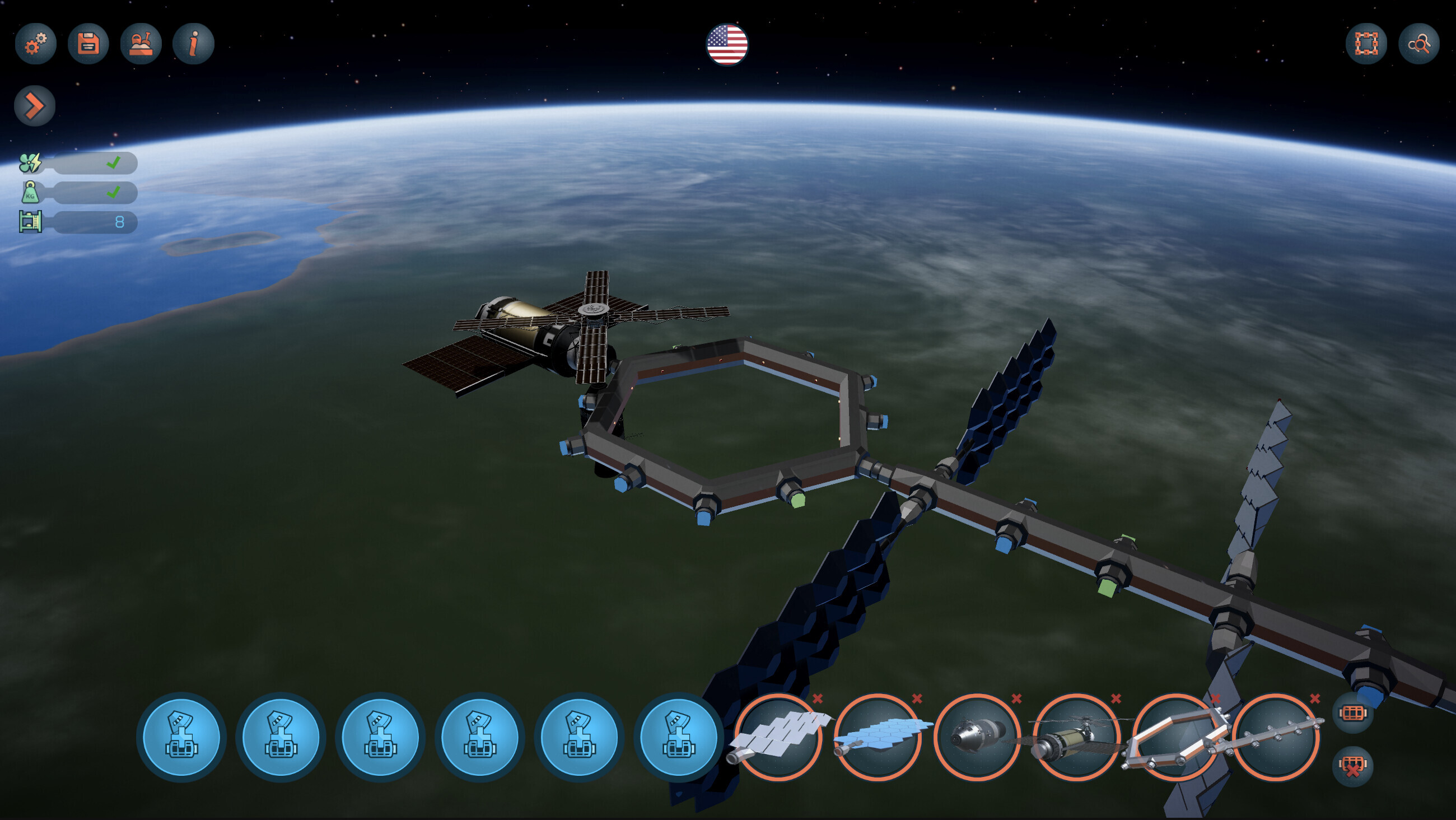
We also made a few tweaks to the layout of the main space station screen, such as putting the 'Remove Modules' button closer to the modules slots in the lower area of the screen, which should improve the ergonomics.

Modding
As part of this update, we resolved a few incompatibility issues with our official mods. All of them have been replaced with updated versions, and we've also used this opportunity to update our official documentation.
Closing thoughts
We sincerely hope that you will enjoy all the improvements brought by this new update. We're currently running a closed beta, so if you want to give it a go, please consider applying by visiting the following link.
For the next update, we'll be focussing on adding a 'Statistics' screen, implementing a mechanism that will let you define the initial conditions of a 'Sandbox' session, along with the usual batch of QoL improvements. We continue monitoring our Discord server and the forums, so don't hesitate to let us know if you have any feedback or comments.
--Ignacio, Mauricio, and Nicolas (Polar Motion)
Wishlist Now
- ATUALIZAÇÃOSpace Station Designer - Visuals, gameplay, and QoL update
Dear Station Designers, Back in late March we released Space Station Designer version 0.5.130 , which featured dozens of improved gameplay mechanics, QoL additions, bug-fixes, and general improvements.
Dear Station Designers,
Back in late March we released Space Station Designer version 0.5.130, which featured dozens of improved gameplay mechanics, QoL additions, bug-fixes, and general improvements. After another three months of work, today we're unveiling Space Station Designer version 00.06.00. This update includes a combination of additions and improvements, including updated visuals, new gameplay mechanics, QoL additions, and bug-fixes. If you're interested in all the details, please take a look at the full release notes here.
Also, in case you missed it, Space Station Designer was featured in the Slitherine: Next Checkpoint event back in early May. We talked at length about the game with Slitherine's Business Development Manager Alberto Casulini, including details about the main mechanics, what we're working on, sources of inspiration, and much more. You can still catch the recording here.
Gameplay
In terms of gameplay features, 00.06.00 brings some interesting new additions, including the option to set a difficulty level when starting a new Campaign or Sandbox session. The selected difficulty level impacts multiple areas of the gameplay experience, such as costs, rewards, and penalties. It even affects subtle elements, including the frequency when certain types of random events are shown.

When it comes to balancing, we've made the following changes:
Tweaked the factors that determine the Public Reputation points granted when leasing modules to Private Companies, and added functionality to cap the rewards/penalties so that it's set to (-100, 100). This helps address balancing issues in terms of large rewards and unforgiving penalties.
Redesigned the formulas (recipes) for manufacturing Commercial Goods and made them more consistent.
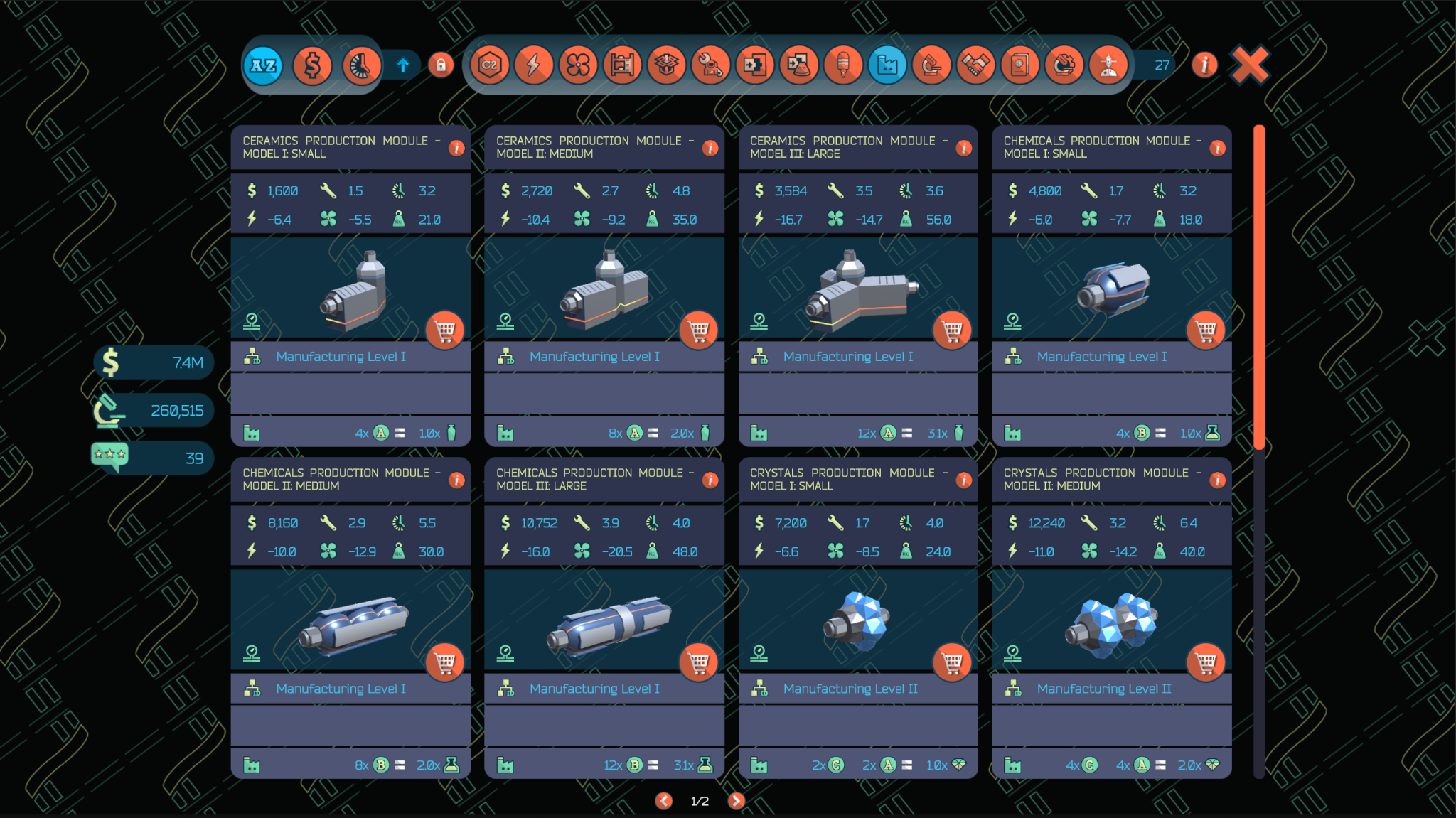
We've also added the following rules:
Casino modules now need to be within a maximum distance from a Space Tourism Quarters module, and Space Tourism Quarters modules need to be within a maximum distance from a Spaceport module. This encourages players to create neighborhoods or 'areas' across the station.
When stations enter deficit (i.e., inadequate electricity, cooling, or supplies), all astronauts are now automatically unassigned from their tasks, and their 'Maintenance' capability is halved.

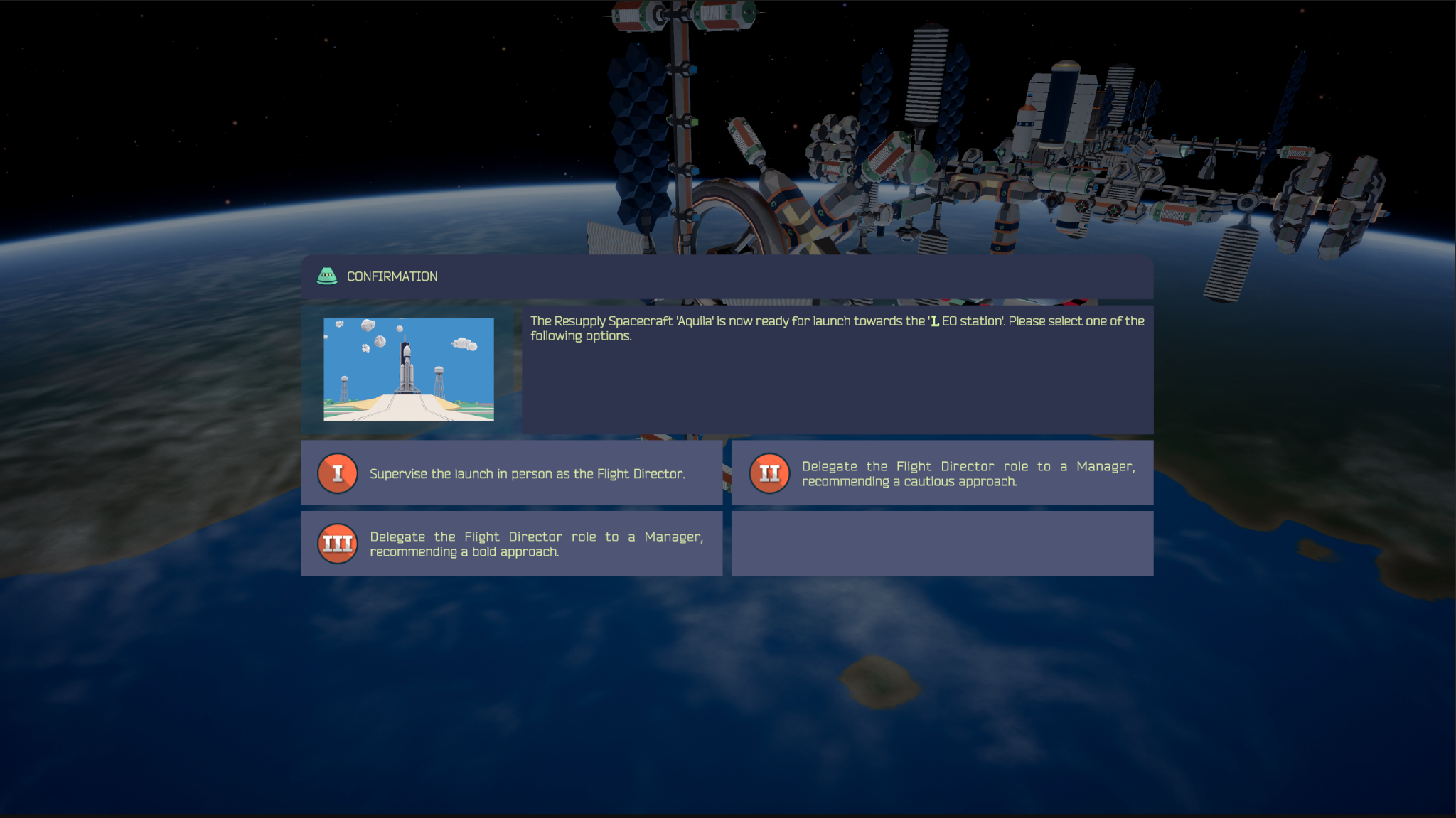
Lastly, we've also added a few more random events related to Astronauts and Earth Facilities, and changed the logic behind the 'Cautious' and 'Bold' resupply spacecraft launches so that they more closely mimic the flow of the 'Supervised' launches. This will ensure that you're getting more consistent results.
Visuals
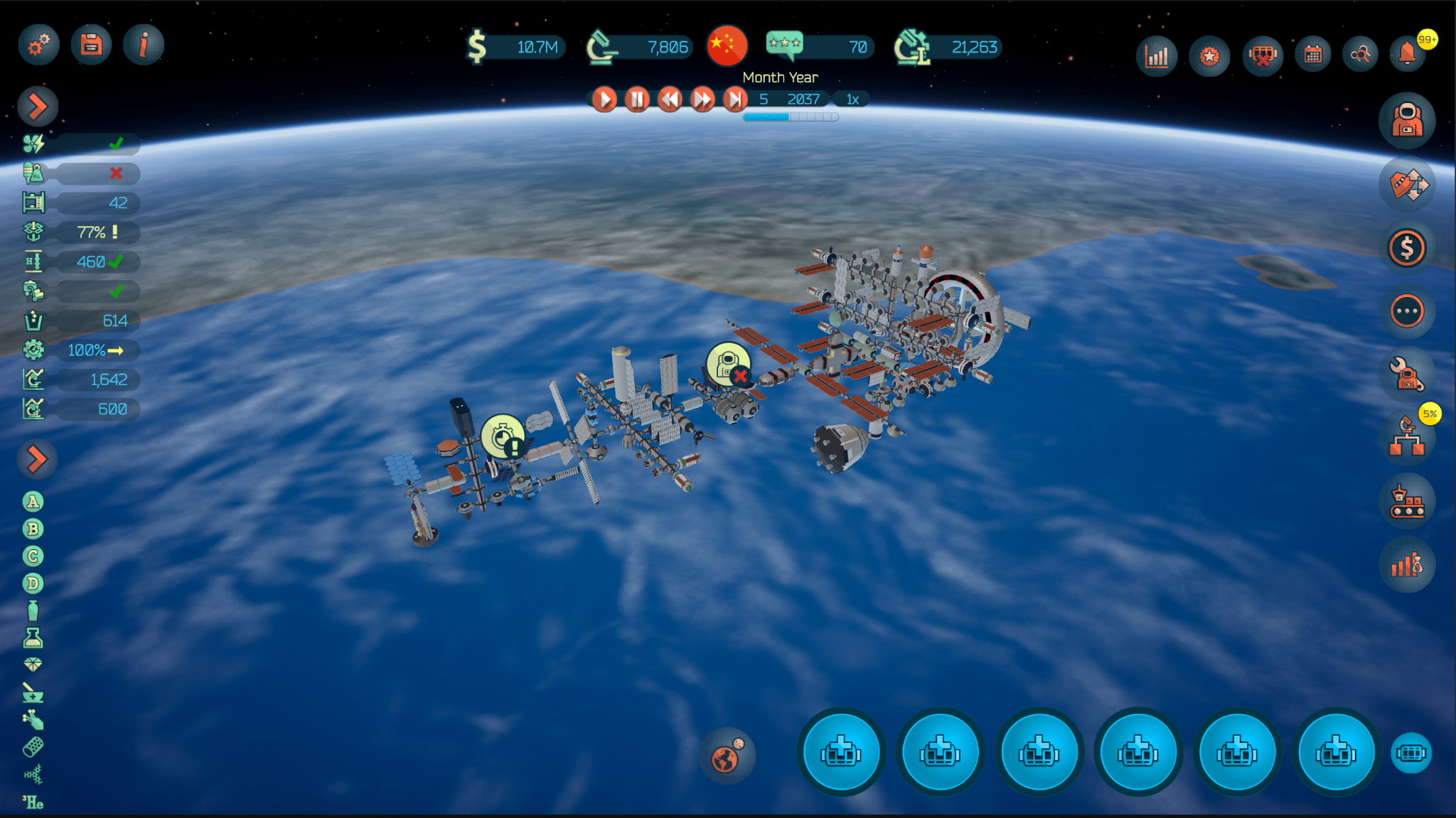
In the Graphics & Visuals department, we've upgraded the Earth's and Moon's shaders, and improved the quality of the space station modules' materials.
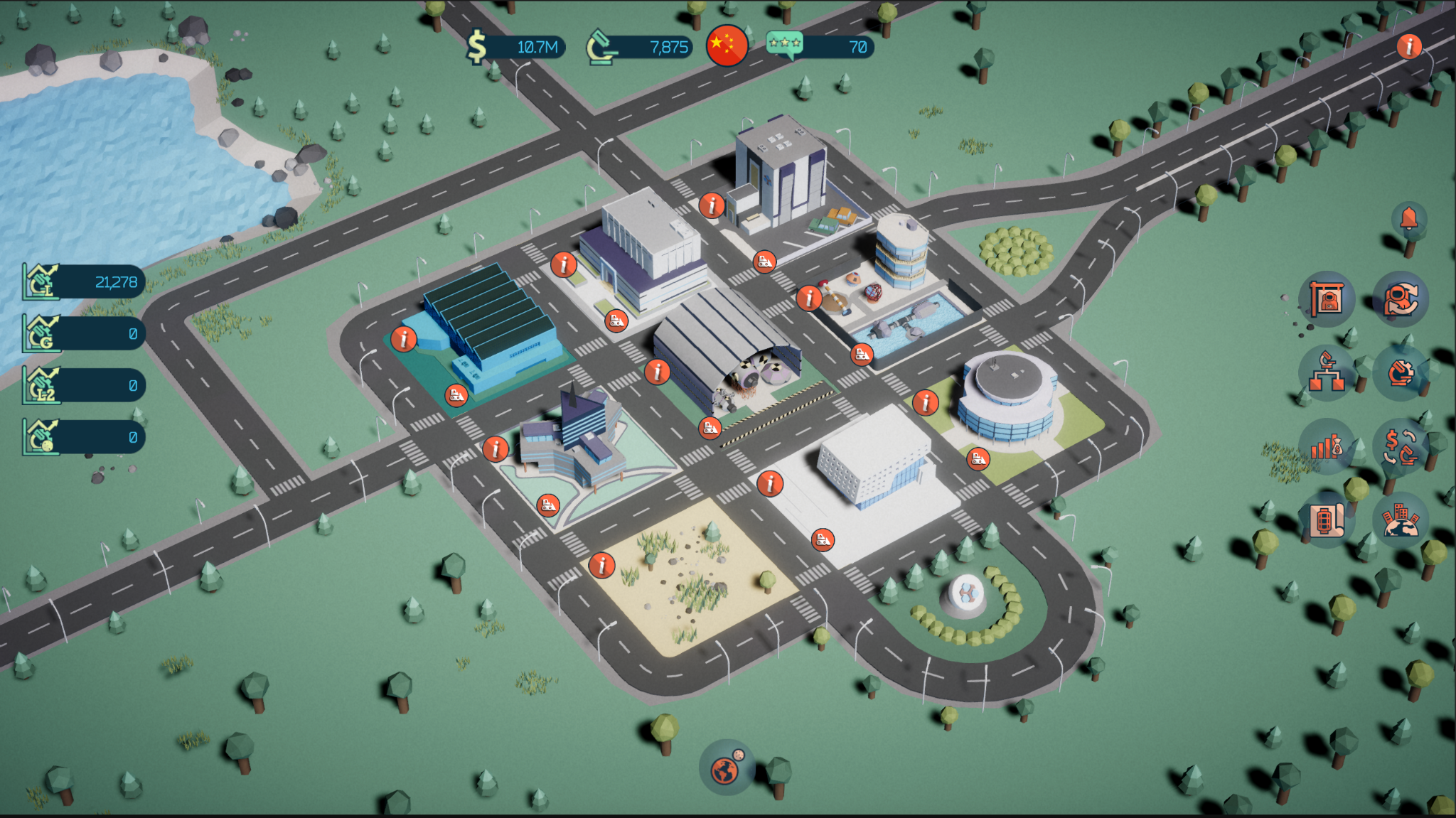
We've also revisited the lighting of the Earth Facilities scene.
We have even more visual improvements coming down the pipeline, so stay tuned for future updates!
Quality of Life (QoL) improvements
Space Station Designer is becoming larger than we originally envisioned, and this comes with the challenge of ensuring that the user interface is suitable for managing large complexity, including four crewed stations, dozens of active astronauts, a very large Research Tree, and multiple ongoing Contracts.
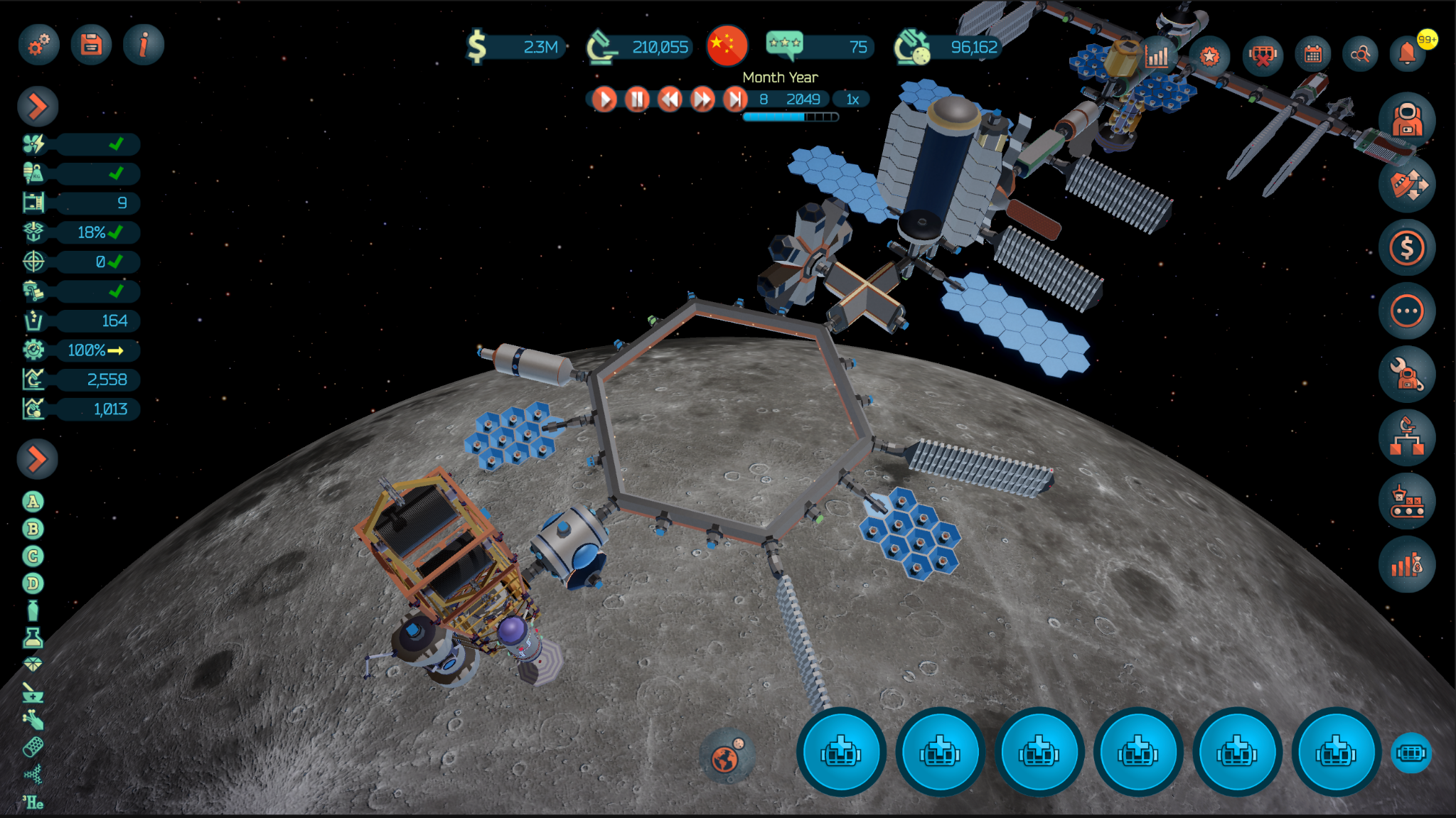
Some of the QoL improvements in 00.06.00 that will help tame this complexity include:
A 'Yellow Exclamation Mark' type of indicator in the stats panel located on the left-hand side of the station screen, which draws attention to numbers that are close to becoming unhealthy.
A new row in the Module Information card featuring the 'Module Indicator' icons affecting it (along with accompanying tooltips). This makes it easier to visualize and identify all the issues that require our attention.
A visual indicator above the 'Research Tree' button, which shows the progress (as a percentage) of the technology currently under research.
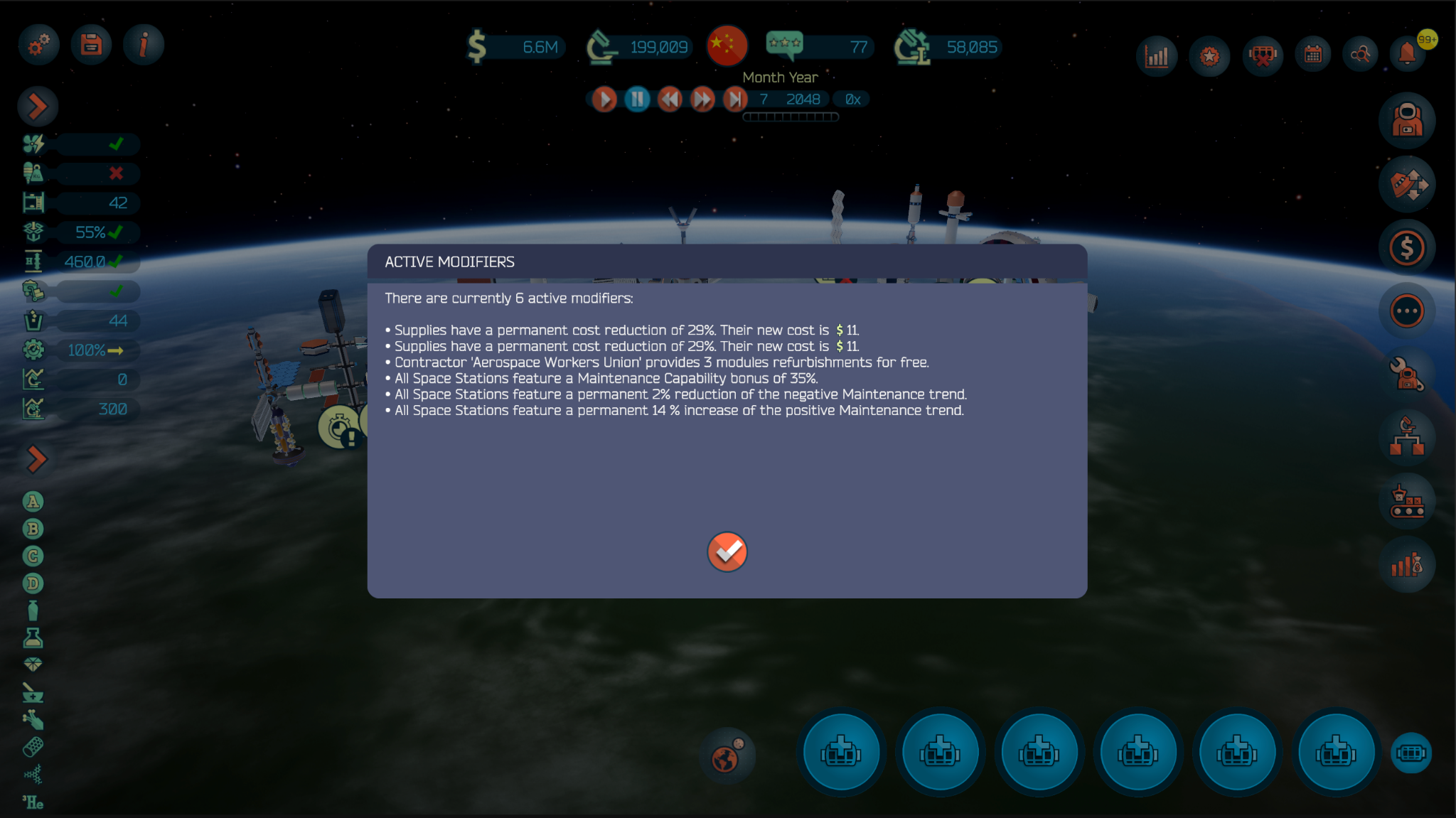
A new dialog, which can be accessed via the main Station screen, which shows all active modifiers (bonuses) granted by the Earth Facilities, Random Events, and others.
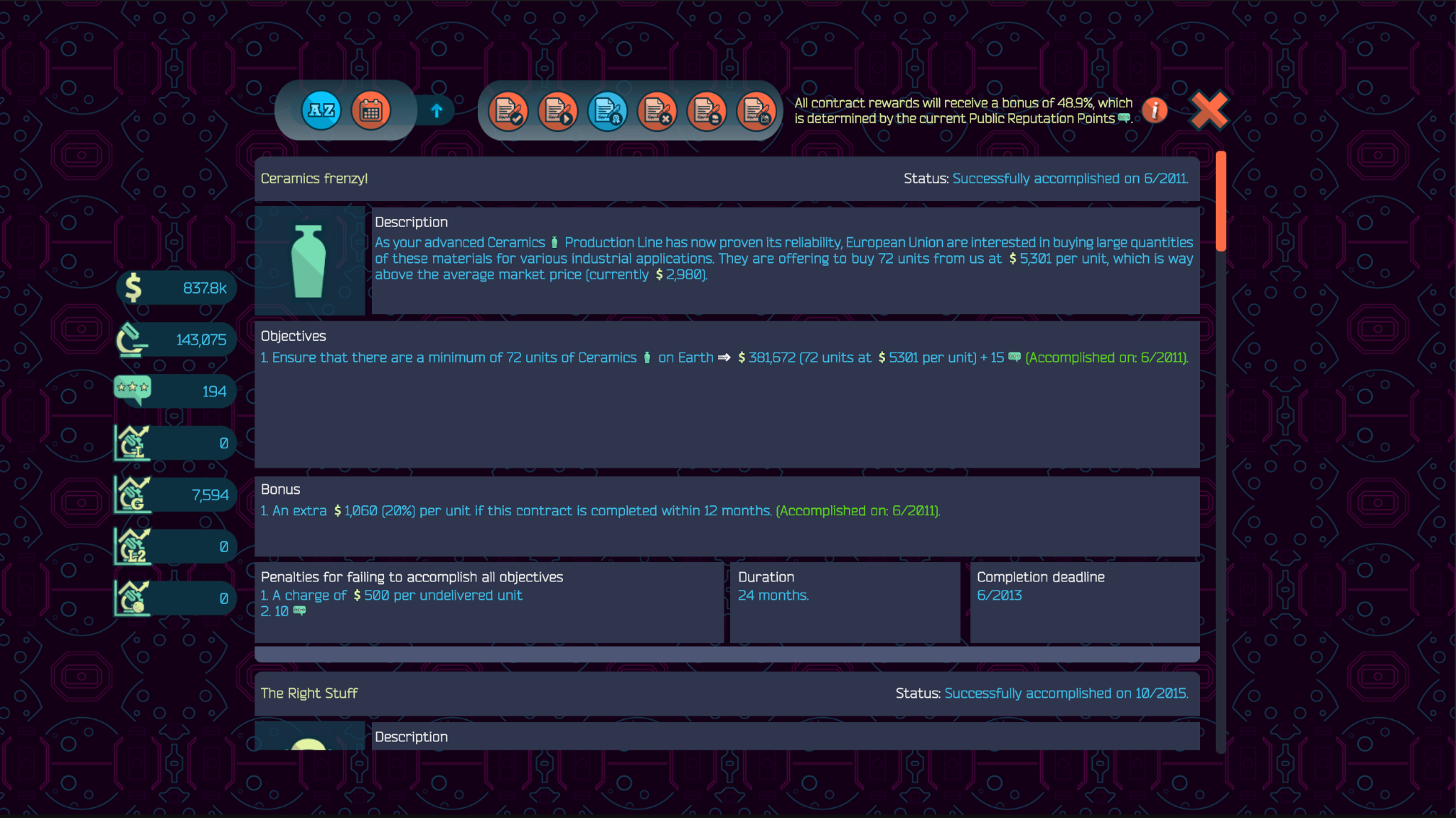
A mechanism that displays the date when a Contract's Bonus has been accomplished.
Issues fixed
No update is complete without a series of bug-fixes. There were no major bugs affecting the game, but as part of our continuous playtesting we came across, and resolved, a few issues, including:
Updating the icons template used for interspersing images with text, and added some extra padding, which prevents visual artefacts under certain conditions.
Implemented a mechanism to prevent players from incorrectly installing the modules that belong to the Lunar Space Elevator Megaproject (e.g., the LASER Power Beaming Module, the Elevator Cabin, the Elevator Service Module, etc).
Addressing an edge case affecting the 'End of the Month' report dialog, which was causing some Continuous Improvement Programs (CIPs) to be listed more than once.
What we're currently working on
We've already started working on the next update, which will include support for Steam Achievements and additional sound effects. We've also started prototyping a feature that will allow you to build a station in the Free Builder mode, and then turn the session into a Sandbox. We're still ironing out a few details, but it looks very promising so far!
Closing thoughts
We hope you enjoy all the improvements brought by this new update. We're currently running a closed beta, so if you want to give it a go, please consider applying by using the following link.
For the next update, we'll be focussing on further gameplay additions, new content, and more QoL improvements. We continue monitoring our Discord server and the forums, so don't hesitate to let us know if you have any feedback or comments.
--Ignacio, Mauricio, and Nicolas (Polar Motion)
Wishlist Space Station Designer
- ATUALIZAÇÃOSpace Station Designer - Gameplay Fine-Tuning & QoL Update
Dear Station Designers, Back in late November we released Space Station Designer version 0.5.90, which focused exclusively on polishing the overall game experience.
Dear Station Designers,
Back in late November we released Space Station Designer version 0.5.90, which focused exclusively on polishing the overall game experience. After nearly four months of work, today we're unveiling Space Station Designer version 0.5.130, featuring dozens of improved gameplay mechanics, QoL additions, bug-fixes, and general improvements. If you're interested in the details, you can find the full release notes here.
Astronauts' Special Skills bonuses
The Astronauts' Special Skills have an impact across a wide range of areas, including Commercial Services engagements, space station modules repairs, enabling bonuses in the Earth Facilities, and more. As part of this new update, we've added the following rules:
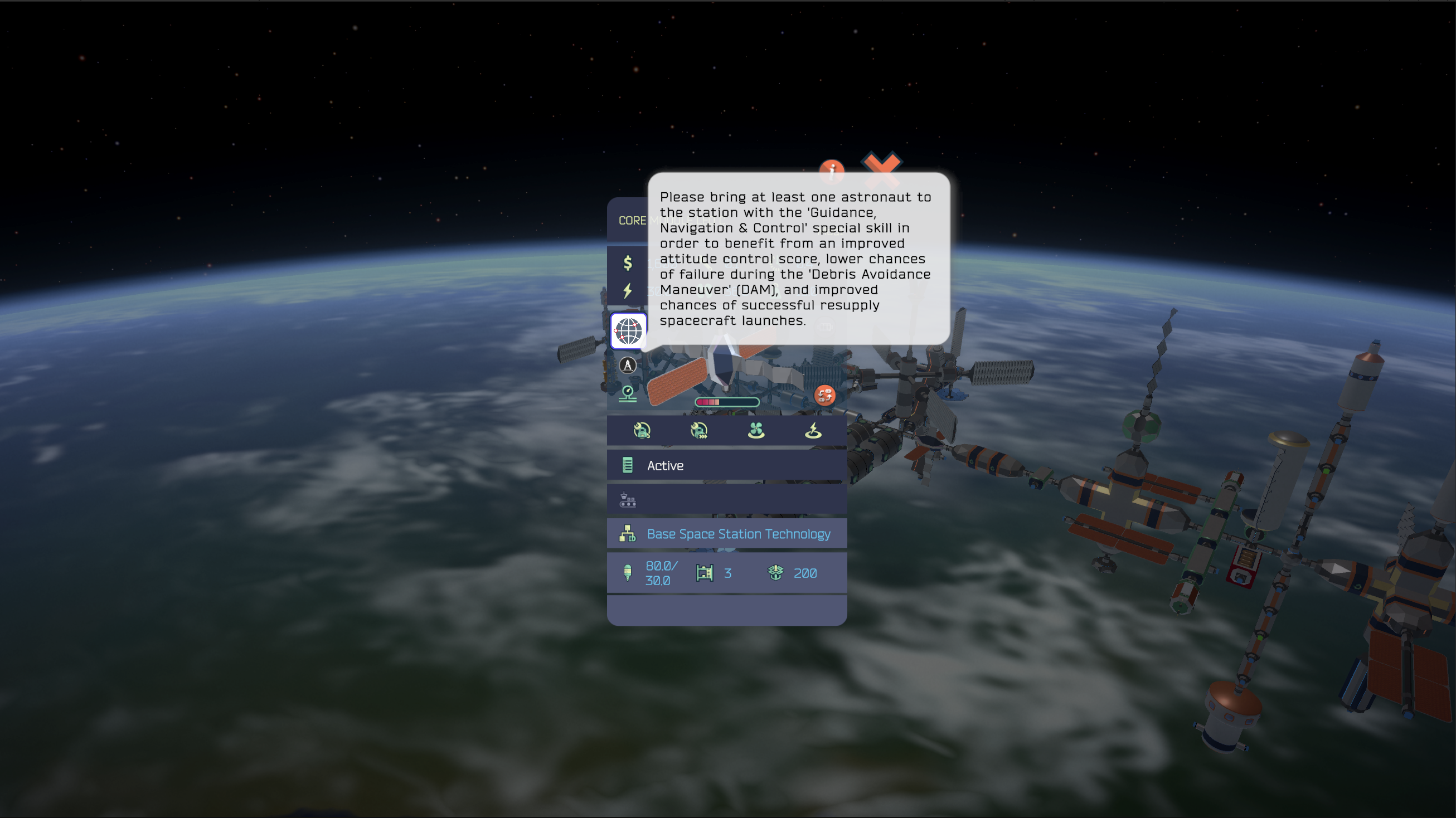
Having at least one astronauts with the 'Guidance, Navigation & Control' special skill aboard the station improves the 'attitude control' score, lowers the chances of failure during a 'Debris Avoidance Maneuver' (DAM), and improves the chances of success of resupply spacecraft launches.
Astronauts with the 'Endurance' skill now get a +2 Autonomy bonus.
Having an astronaut on-board the station with the 'Emergency Healthcare' special skill now completely prevents health-related random events from happening.
Bear in mind that astronauts can only be trained in up to four Special Skills, and each one of these skills increases their monthly salary, so manage them accordingly.
'Keep Clear' area for Space Tourism spaceports
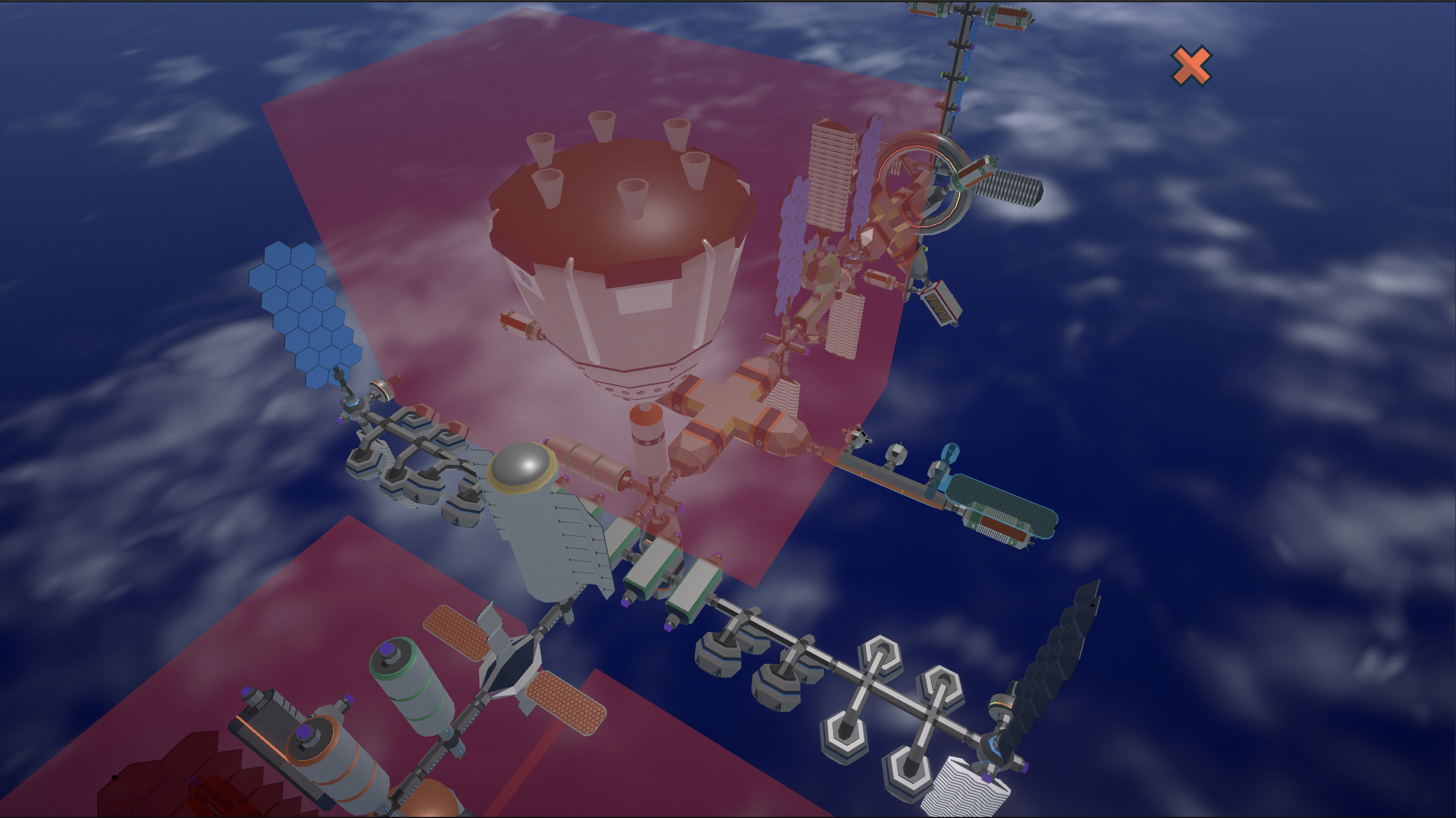
Up until this version, it was possible to install a module that could technically obstruct the docking of a Space Tourism Shuttle. This new update introduces the concept of 'Keep Clear' areas around Space Tourism spaceports, which are represented by large red cuboids. This adds another layer of design considerations that need to be taken into account when installing modules.
Contractors
We've made a few improvements in the 'Contractors' screen and added a mechanism that tracks the amount of money spent on them, either by procuring modules or by ordering refurbishments. We've also added a tooltip that clearly communicates how a Contractor's level affects their output.

Lastly, we've also changed the game's behaviour so that Contractors who have reached the maximum level no longer accumulate further experience points. Moreover, their level is now shown as 'current level/maximum level', which makes things more clear.
Additional fine-tuning of gameplay mechanics
In addition to the changes described earlier, we've made a series of smaller gameplay additions. Some of these include:
If the Lunar Orbit Station drifts too far from the L2 point, it will enter into deficit and progress on the Lunar Space Elevator Megaproject will be put on hold.
Players can now select a specific Contractor when requesting a module refurbishment. Previously, the refurbishment would be carried out by the same Contractor who built the module.
Entering Phases II and III, which happens after acquiring the 'Expansion in LEO' and 'Expansion Beyond LEO' Research Technologies, now unlocks the additional extra slots for placing Limit Orders.
Keeping a Casino module operational throughout the whole duration of a Space Tourism engagement now grants an income bonus.
Special skills are now taken into consideration when calculating the Astronauts' salaries.
Partially inoperative 'Electricity' and 'Cooling' modules now work at reduced capacity.
Manufacturing modules can no longer be included as part of Module Leasing engagements.
The Lunar Orbit station no longer requires 'orbit control'/'drift from L2' management after the ribbon to the Lunar Surface Terminal is in place.
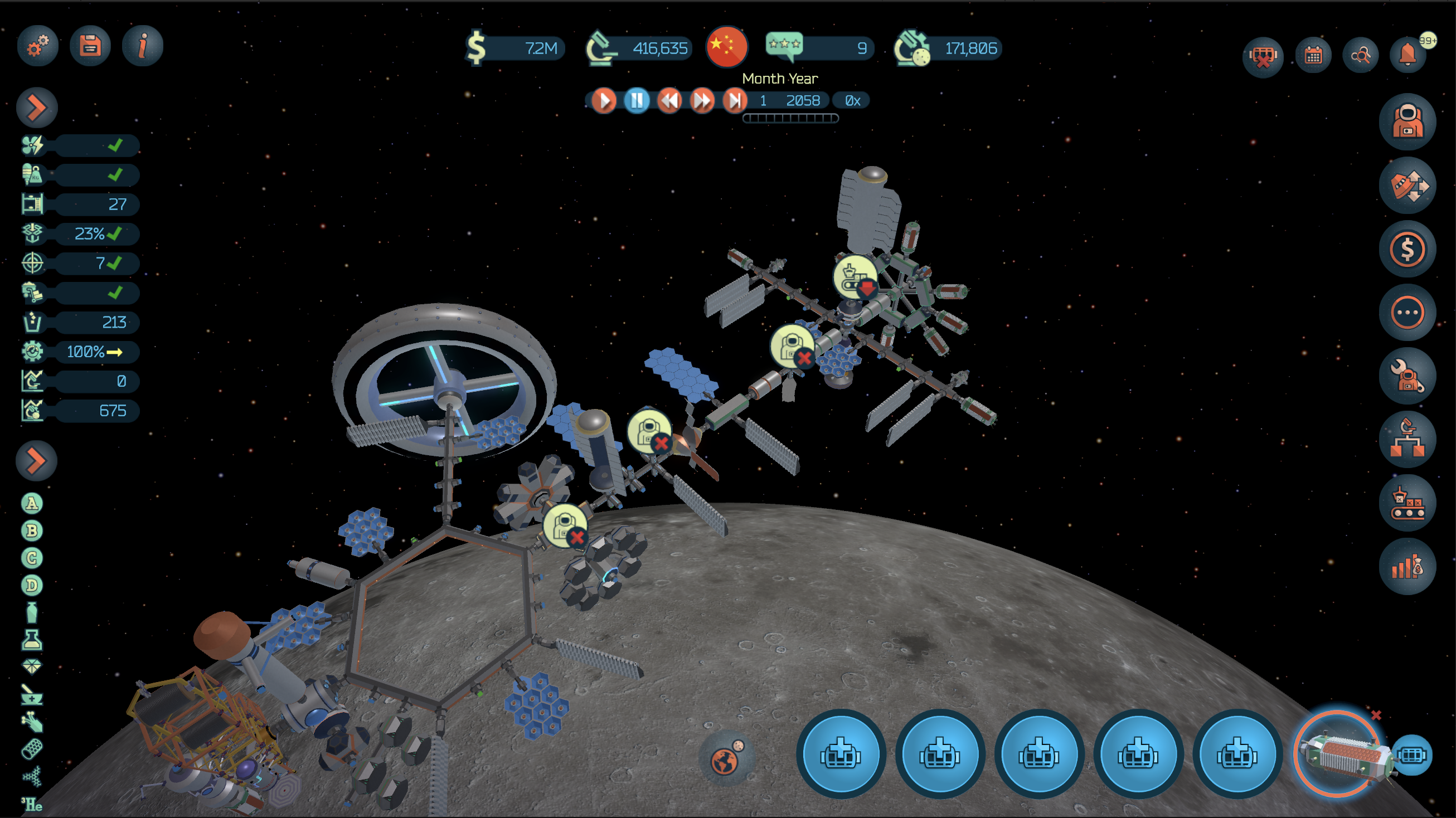
QoL Improvements
We started another playthrough of the Campaign mode in early January and, as always, we keep finding small areas of improvements that can help create a smoother game experience. This is particularly important in the late stages of the game, where we have to manage multiple stations and a large number of astronauts. These are some of the main improvements we're including as part of this update:
Added extra information in the tooltips used in the Research Tree and Space Station Modules Acquisition screen so that the prerequisite technologies and the technology path required to acquire a given module are clear.
Added a label with the maximum conversion allowance in the 'Funds <=> Research Points' conversion dialog, and a visual indicator in its associated button that shows the number of months left before the end of the cooldown period.
Added a 'transfer all' button in the Dispatch Resupply Spacecraft screen that transfers as many astronauts as possible starting with those with the lowest remaining autonomy.
Added a mechanism that prevents dragging the sliders of the propulsion modules in the 'Debris Avoidance Maneuver' (DAM) setup screen into a value that can cause a negative Service Life after the maneuver is over.
Added a mechanism to display the 'local time' in the main game screen. This is particularly useful to make sure you don't go to bed late during a weekday!
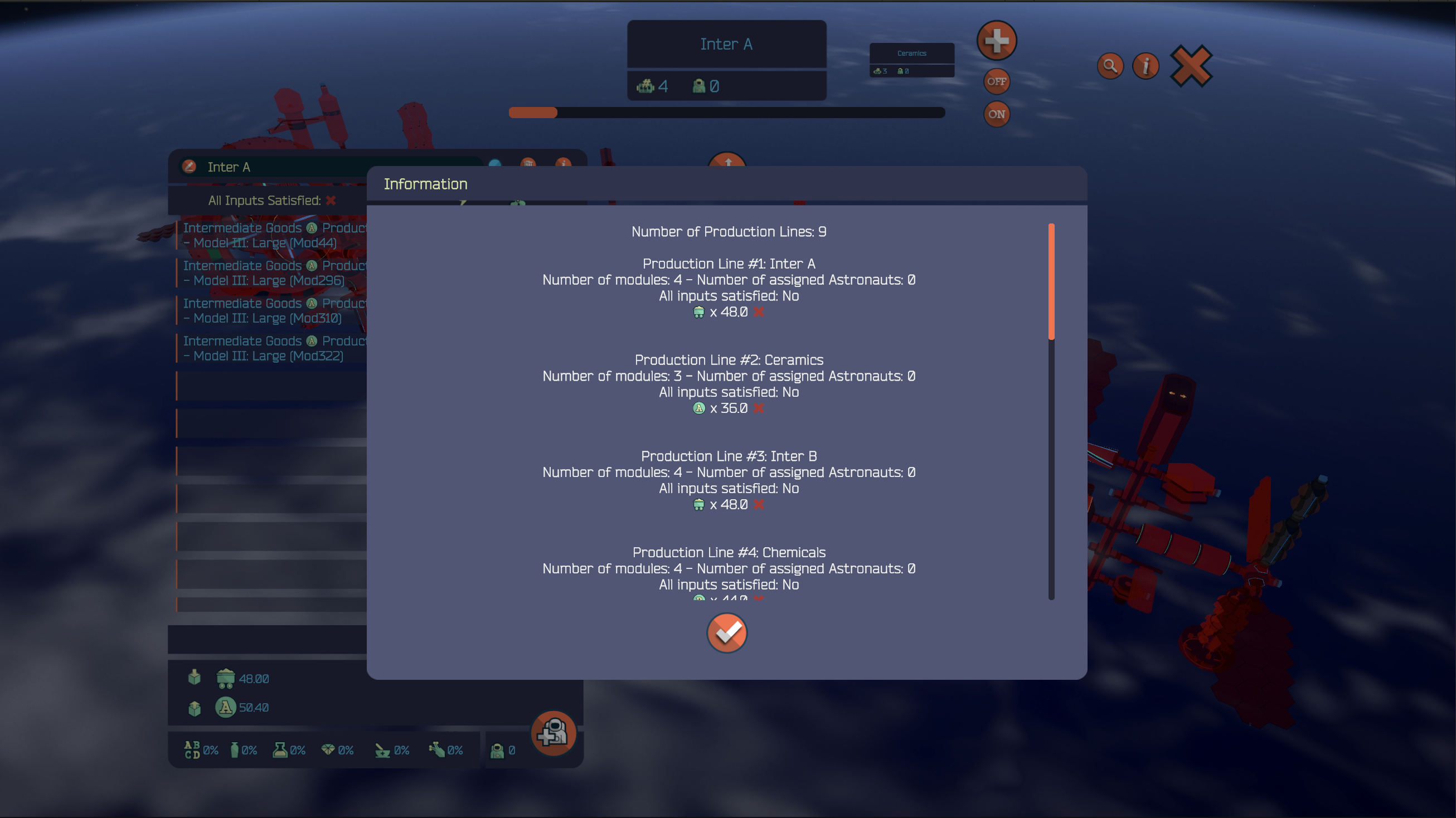
Added a mechanism to list the sum of the required inputs across all Production Lines. This can be accessed via a 'Magnifying Glass' button in the Production Lines screen.

New content
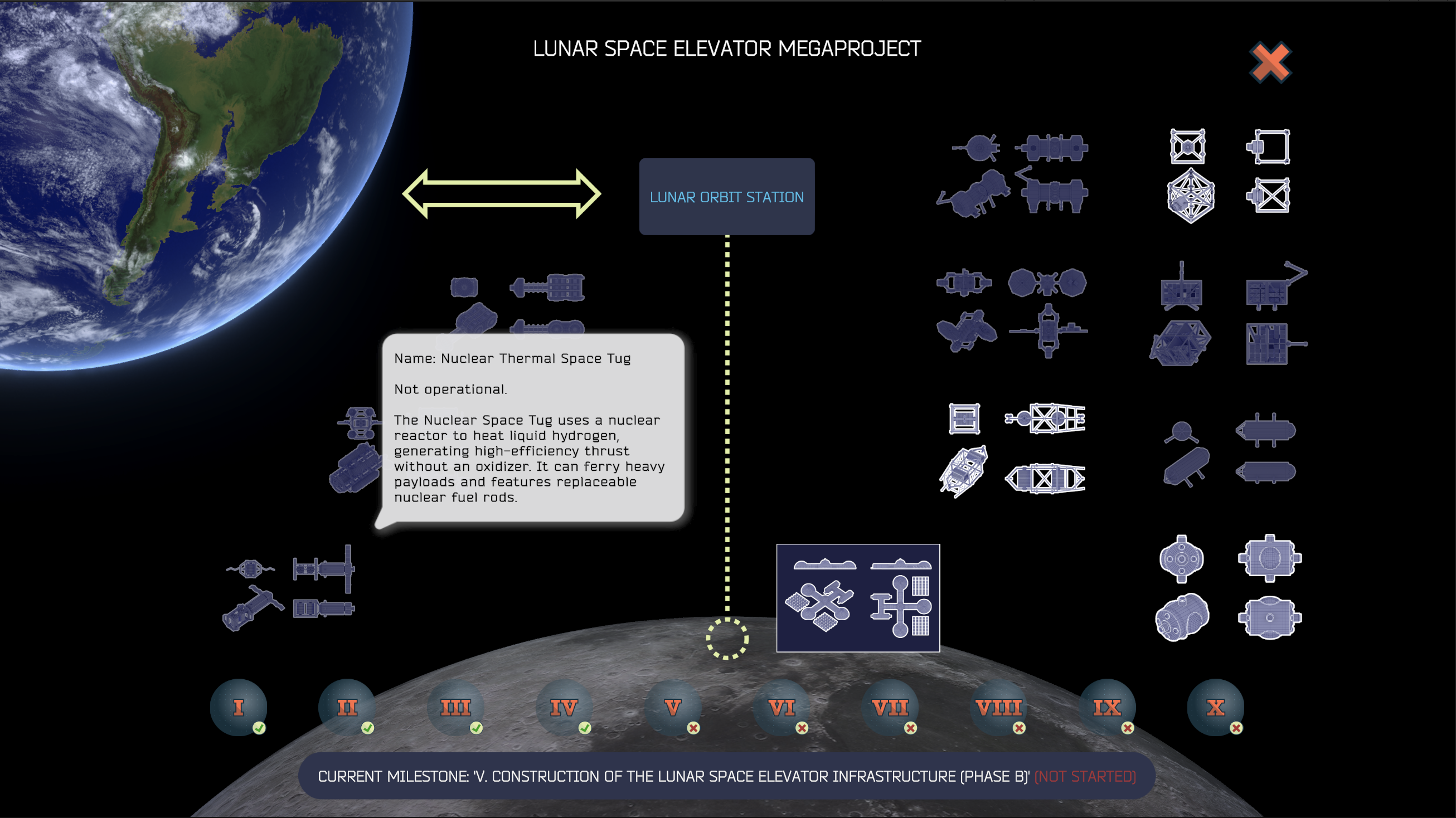
As part of this update, we've added the missing descriptions from a few space station modules, along with reduced the descriptions of the Lunar Space Elevator Megaproject's components. In addition to this, we rewrote the descriptions of all the Industrial R&D technologies, which can be accessed via the 'Information' button in the Industrial R&D research tree.
Bug-fixing
No update is complete without a list of bug-fixes! Many of them only affected the late stages of the game, and they were caused by the fact that our initial ambitions for Space Station Designer were way smaller, and we weren't expecting to stretch the game systems this much.
The full list of bug-fixes can be found in the public release notes document here. Some of these include:
Astronauts who are assigned to Earth Facilities now get automatically unassigned when they reach retirement age.
Fixed the 'Request resupply spacecraft' so that it can handle the large numbers required in the late stages of the game.
Fixed various edge cases related to 'Modules Leasing' and added functionality in order to prevent the player from including modules that are disabled, inoperative, etc.
Fixed the display of floating point numbers, which was causing issues in certain scenarios due to rounding inaccuracies.
Fixed a limitation in the Commercial Goods Market screen, which was failing to handle large values.
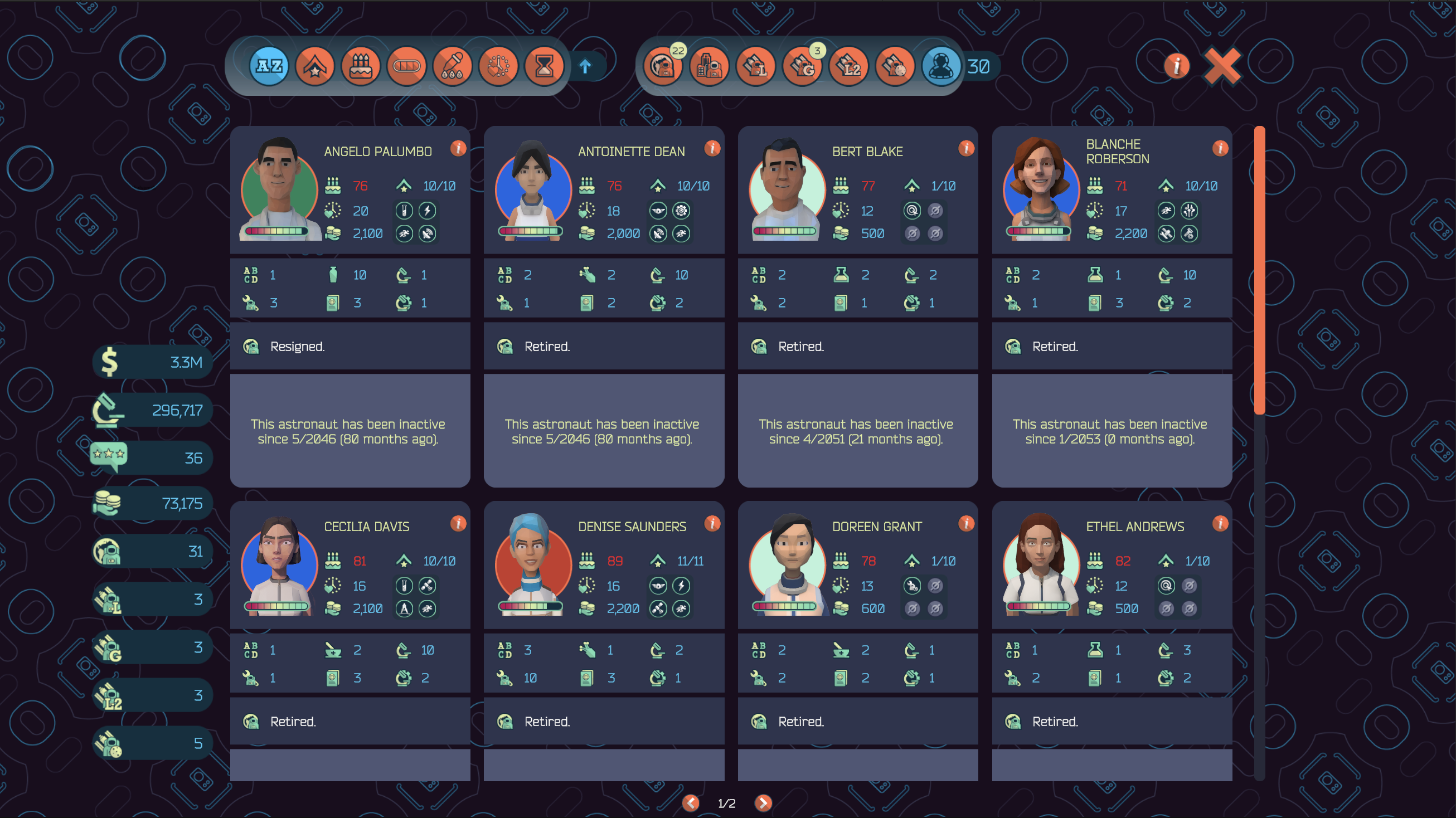
Fixed the code that handles the assignment of astronauts to the various milestones of the Lunar Space Elevator in order to prevent the assignment of those who are close to retirement age.
Closing thoughts
We hope you enjoy all the improvements brought by this new update. We're currently running a closed beta, so if you want to give it a go, please consider applying by using the following link.
For the next update, we'll be focussing on further gameplay additions, new content, and more QoL improvements. We continue monitoring our Discord server and the forums, so don't hesitate to let us know if you have any feedback or comments.
--Ignacio, Mauricio, and Nicolas (Polar Motion)
- ATUALIZAÇÃOSpace Station Designer | Polishing Update
Dear Station Designers, Back in early September we released 'Space Station Designer' version 0.5.72, which included a series of improvements and a whole revised set of Interactive Tutorials.
Dear Station Designers,
Back in early September we released 'Space Station Designer' version 0.5.72, which included a series of improvements and a whole revised set of Interactive Tutorials. Today we're happy to unveil 'Space Station Designer' version 0.5.90, which is exclusively focused on polishing the overall game experience. Please read on to learn about the main highlights. You can find full detailed release notes here if you're interested in the details.
Improved Visuals, Music, and SFX
We went through every screen in the game and added a coat of paint by including a series of animated backgrounds, which add a touch of personality compared to the dark backgrounds used in previous versions.
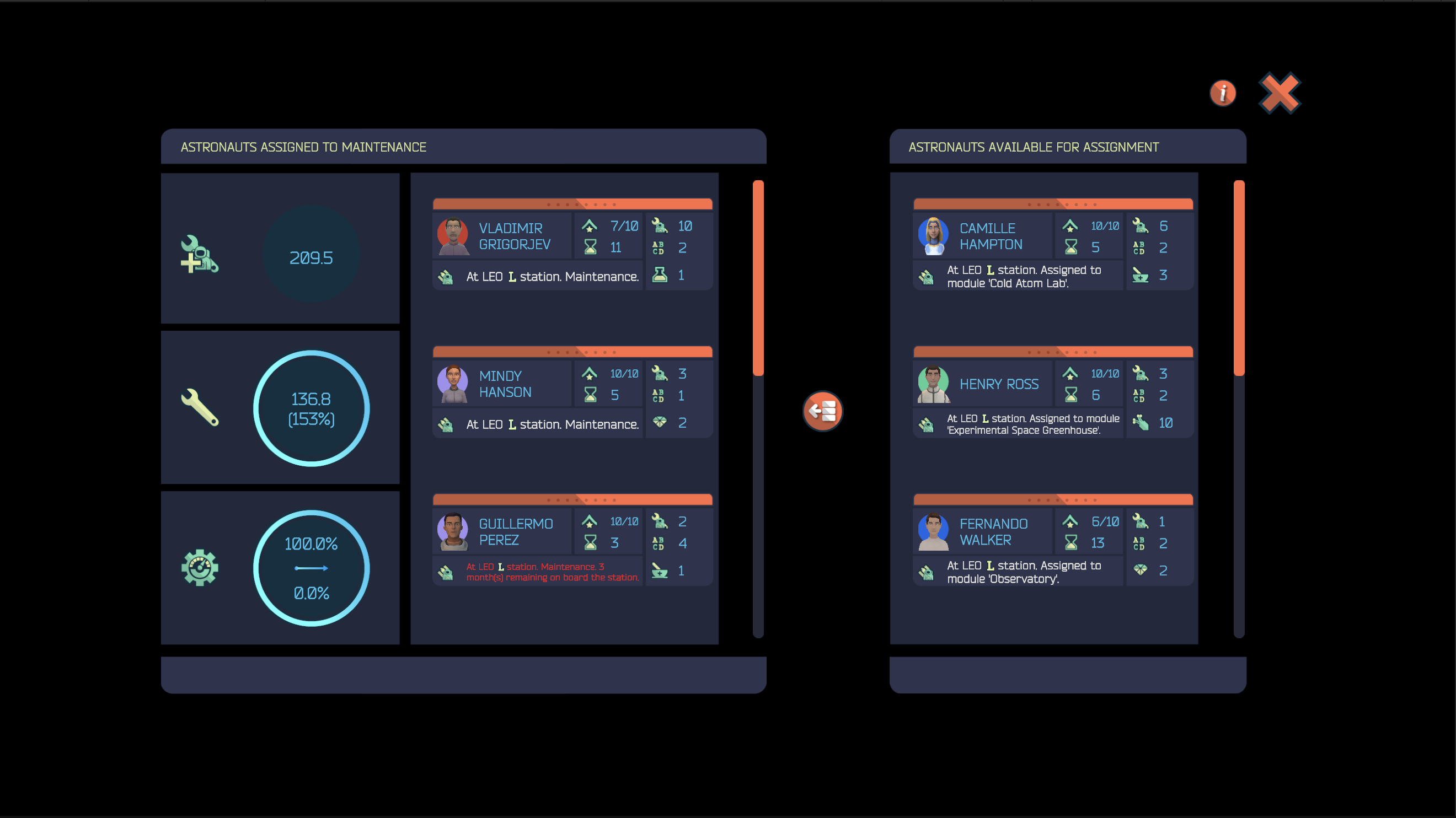
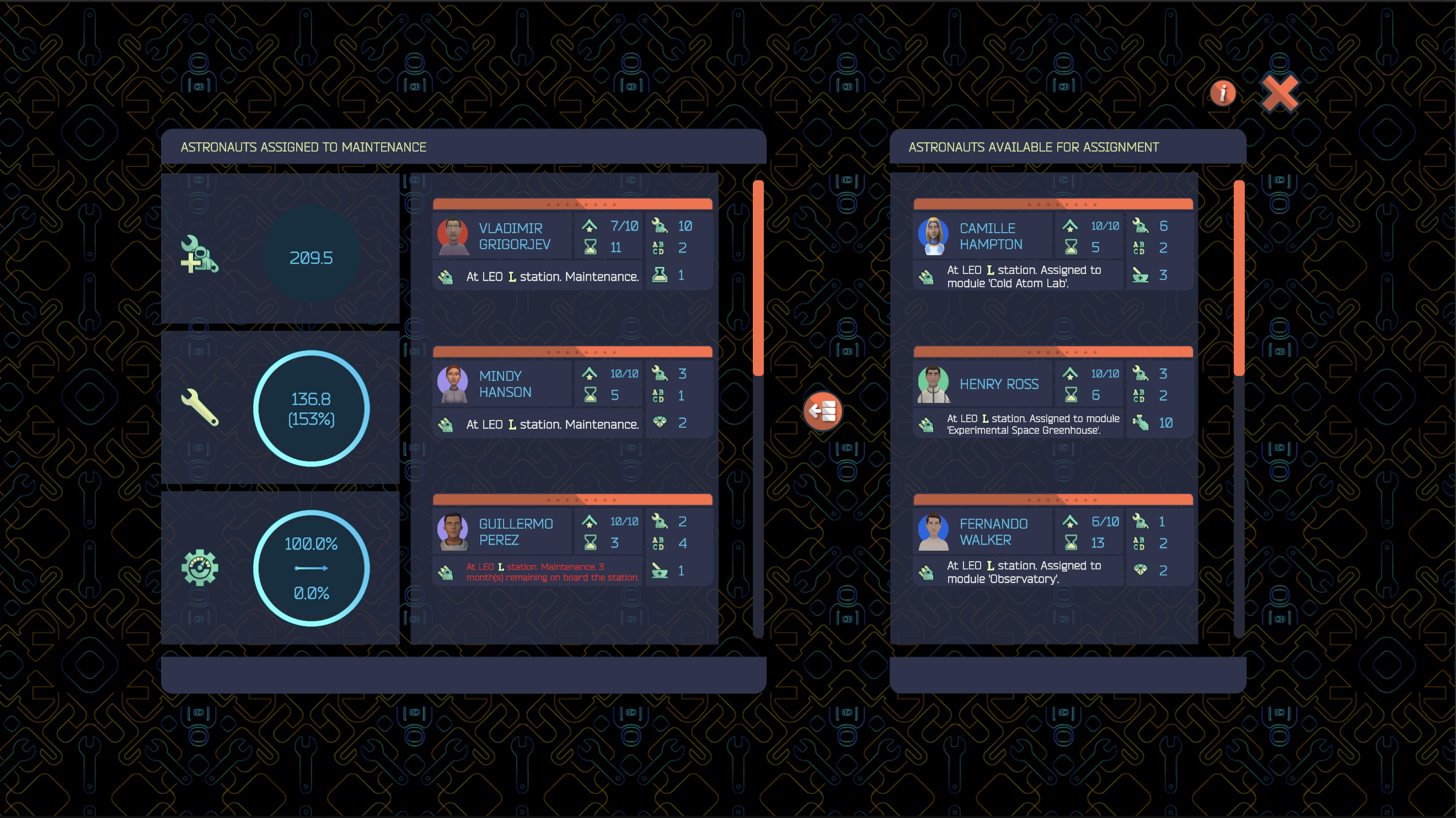 In addition to this, we expanded the game's OST by including a range of new tracks, and added sound effects across the whole user interface. Unfortunately, we cannot provide any screenshots for these two additions, but we're sure you'll like them!
Improved Strings System
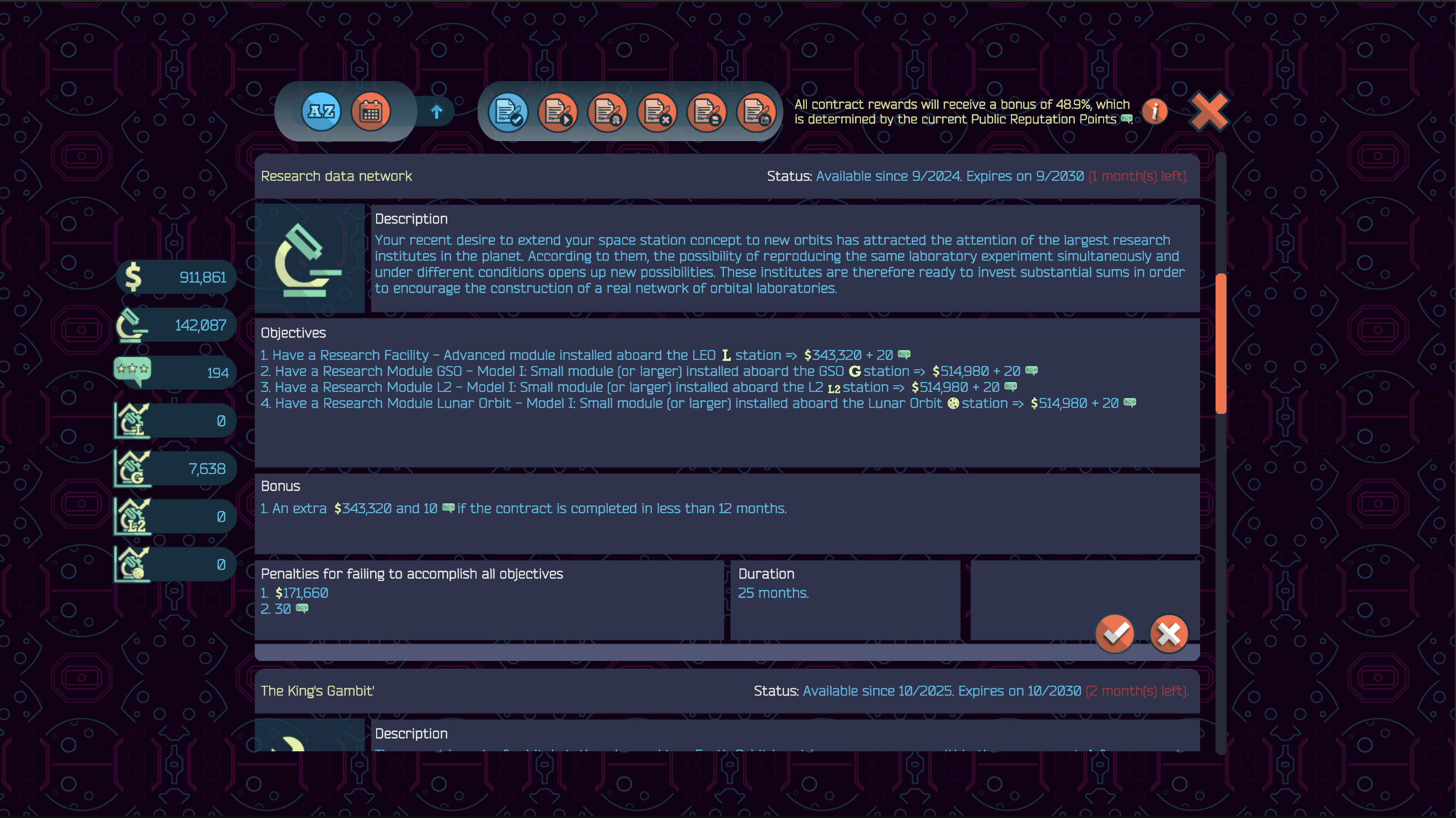
The strings system has been revamped so that it includes not only characters, but also the various symbols and icons used throughout the game. This helps reduce the amount of 'walls of text', while also helping reinforce the game's concepts with their associated icons.
 Information Awareness Tools
We continue conducting heavy playtesting of 'Space Station Designer', and despite the fact that we're getting really good at it, we realise that the late stages of the game can be quite intense: random events, multiple ongoing engagements, a large astronaut roster, four full stations to manage, etc. To help players stay on top of things, we implemented an overlay mechanism that identifies the modules that require their attention. This includes modules that:
Are being refurbished.
Are inoperative.
Are missing a connection with a Core Module or a Control Center.
Are too far away from a Cooling module.
Are too far away from an Electricity module.
Are partially inoperative.
Are part of a Production Line that doesn't have adequate inputs to complete its monthly production.
Is a Manufacturing module that isn't currently assigned to a Production Line.
Has reached the end of its Service Life.
Is getting close to reaching the end of its Service Life.
Has no astronaut assigned to it (note that this is only applicable for Research and Industrial R&D modules).
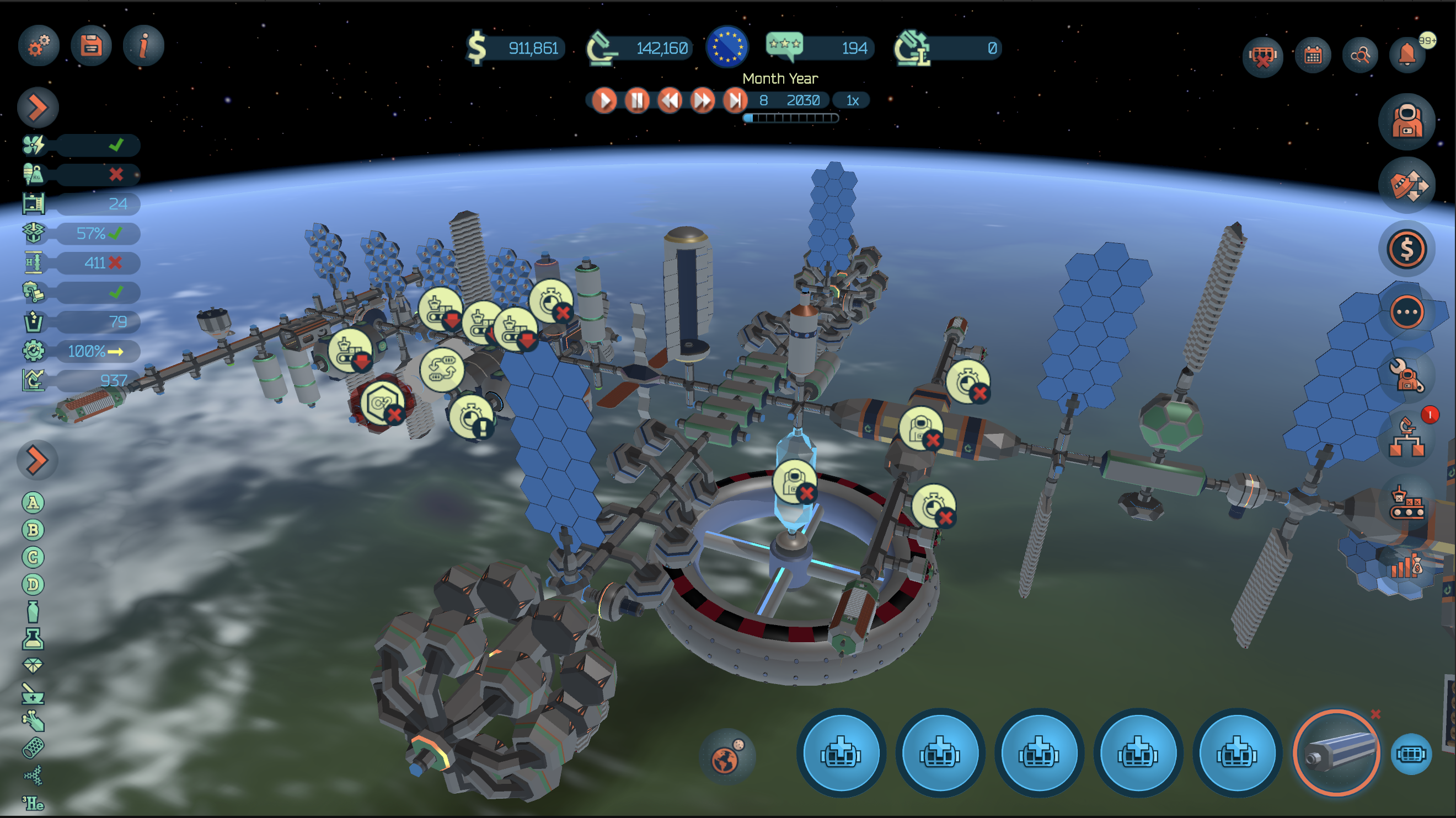
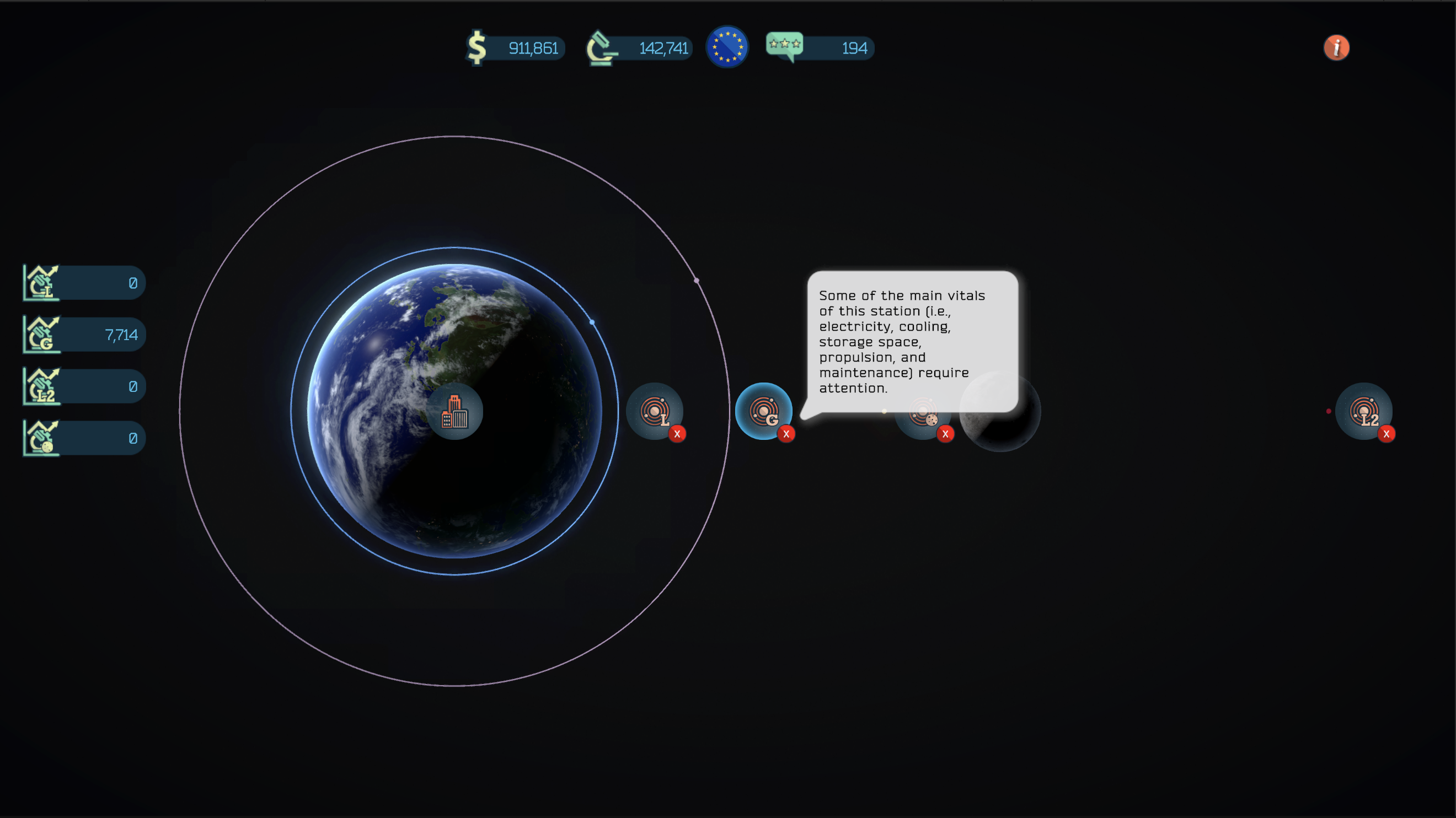
We also took this concept one step further and added a mechanism in the Global Screen that points to the stations that require attention, too.
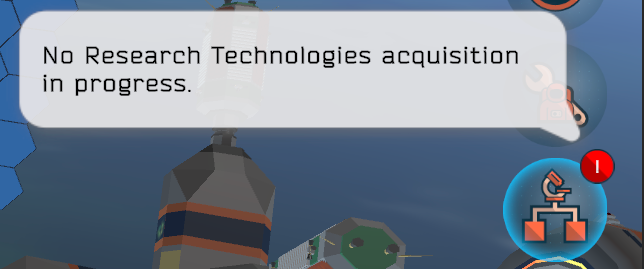
 We've also added an indicator to let players know that there are no Research Technologies in development. This is particularly useful after the recently introduced changes in the Research system where technologies are no longer instantly acquired.
Management Tools Enhancements
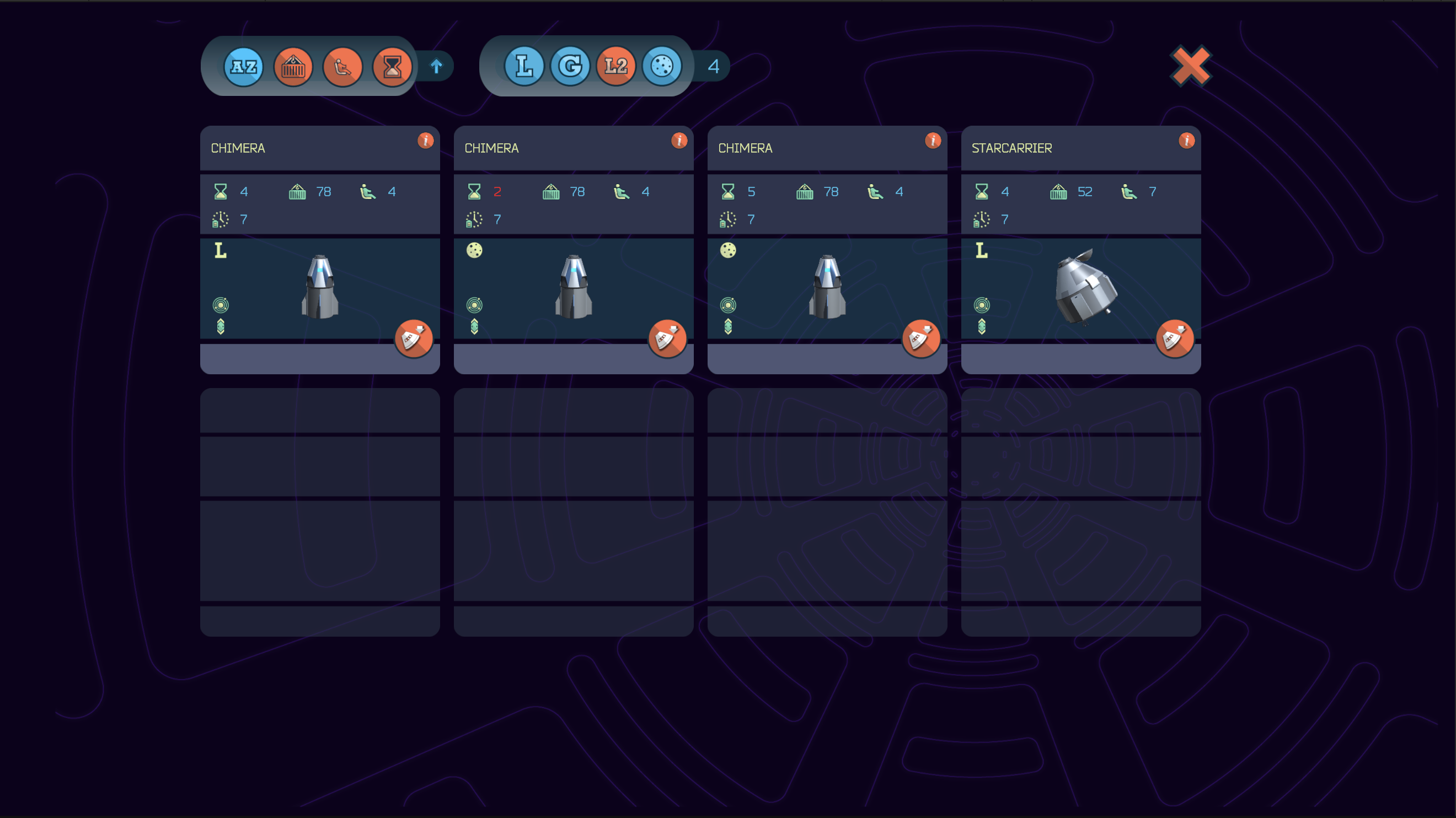
As mentioned in an earlier section, the cognitive load in the late stages of the game can be particularly high. To address this, we revamped the 'Dispatch Resupply Spacecraft' screen so that it includes the resupply spacecraft across all stations. We've also added additional sorting buttons, so that it's easier to find out, for example, which resupply spacecraft needs to be deorbited first based on its remaining autonomy.
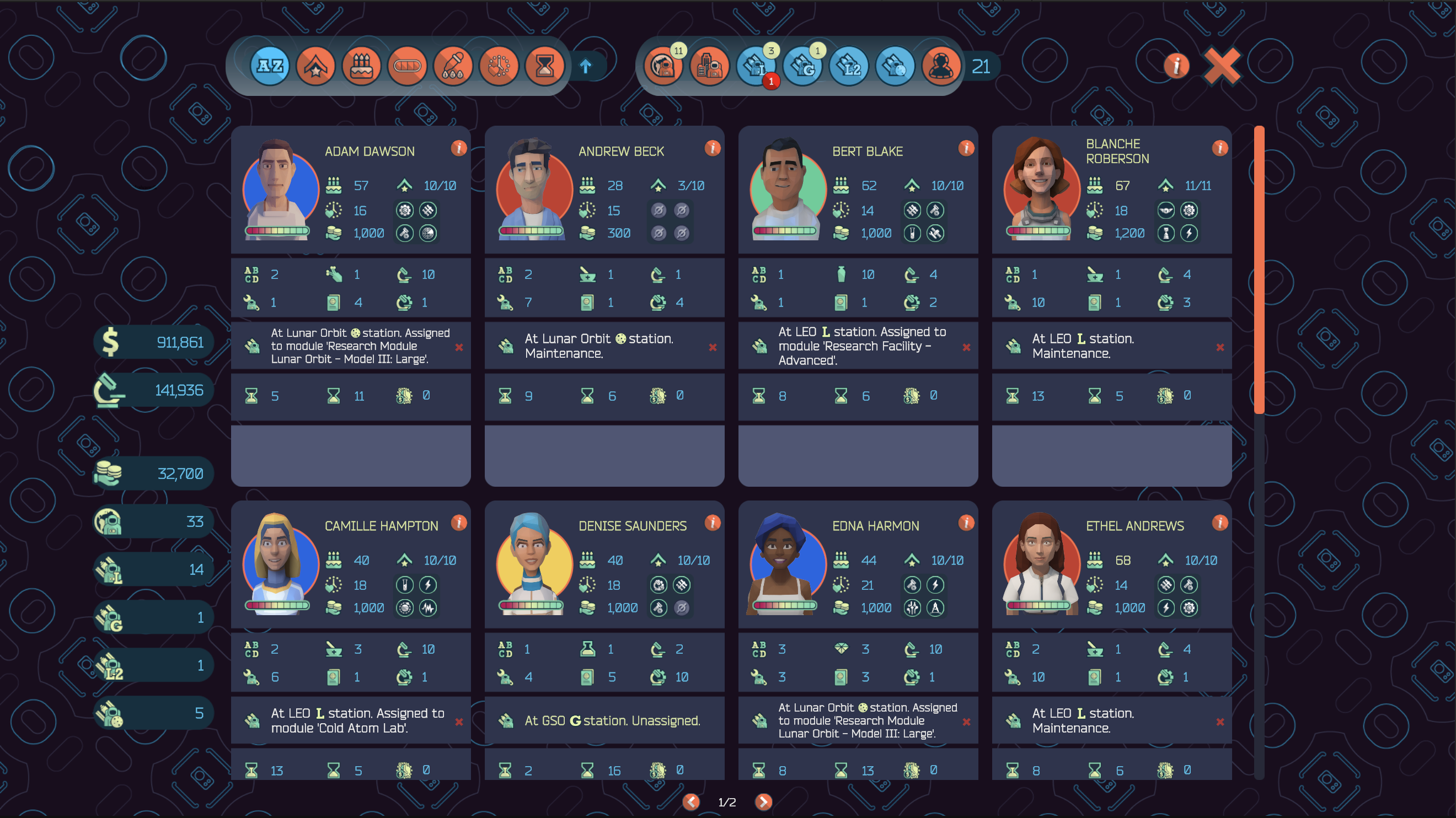
 We've also extended the astronaut management screen by including additional sorting buttons, and added a visual indicator that indicates the number of astronauts approaching their max stay at the station. This is particularly useful when coordinating crews across all four stations.
 Some additional management-related QoL improvements include a mechanism to open the 'Production Lines' management screen from within the module information card, and a button to unassign astronauts from their current task, provided that it's not a long-term commitment (e.g., Space Tourism, or a Commercial Services engagement).
Other Minor QoL Improvements
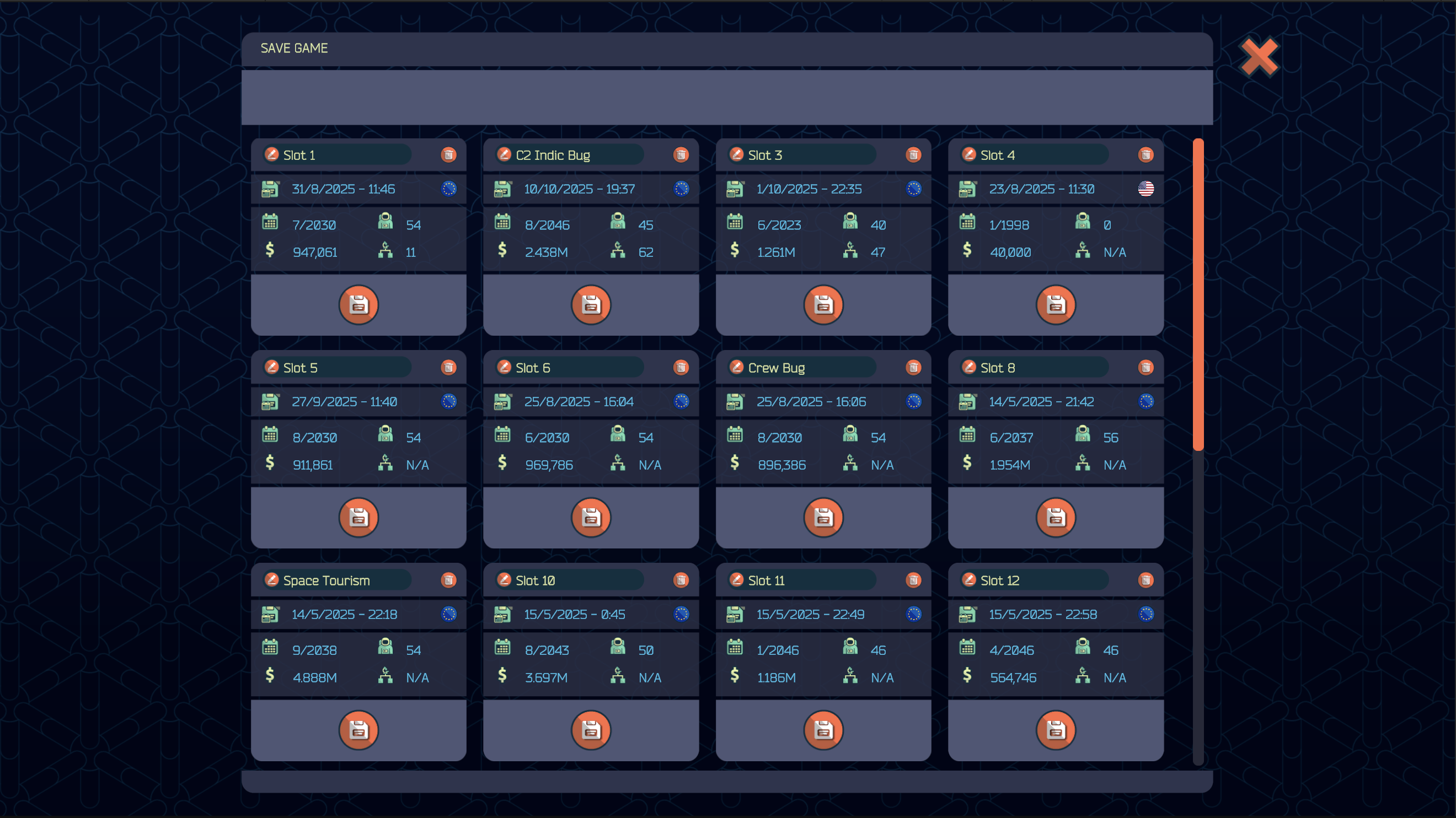
In addition to the management-related QoL improvements mentioned earlier, we've included some minor ones, including 'trackers' to the Contracts and the Campaign Objectives, more 'input' settings, and the removal of some confirmation dialogs which were slowing down the game experience (we may end up removing even more in future updates). We've also extended the save game slots, which now support a short description. This is handy for managing multiple game files!
 Bug Fixes
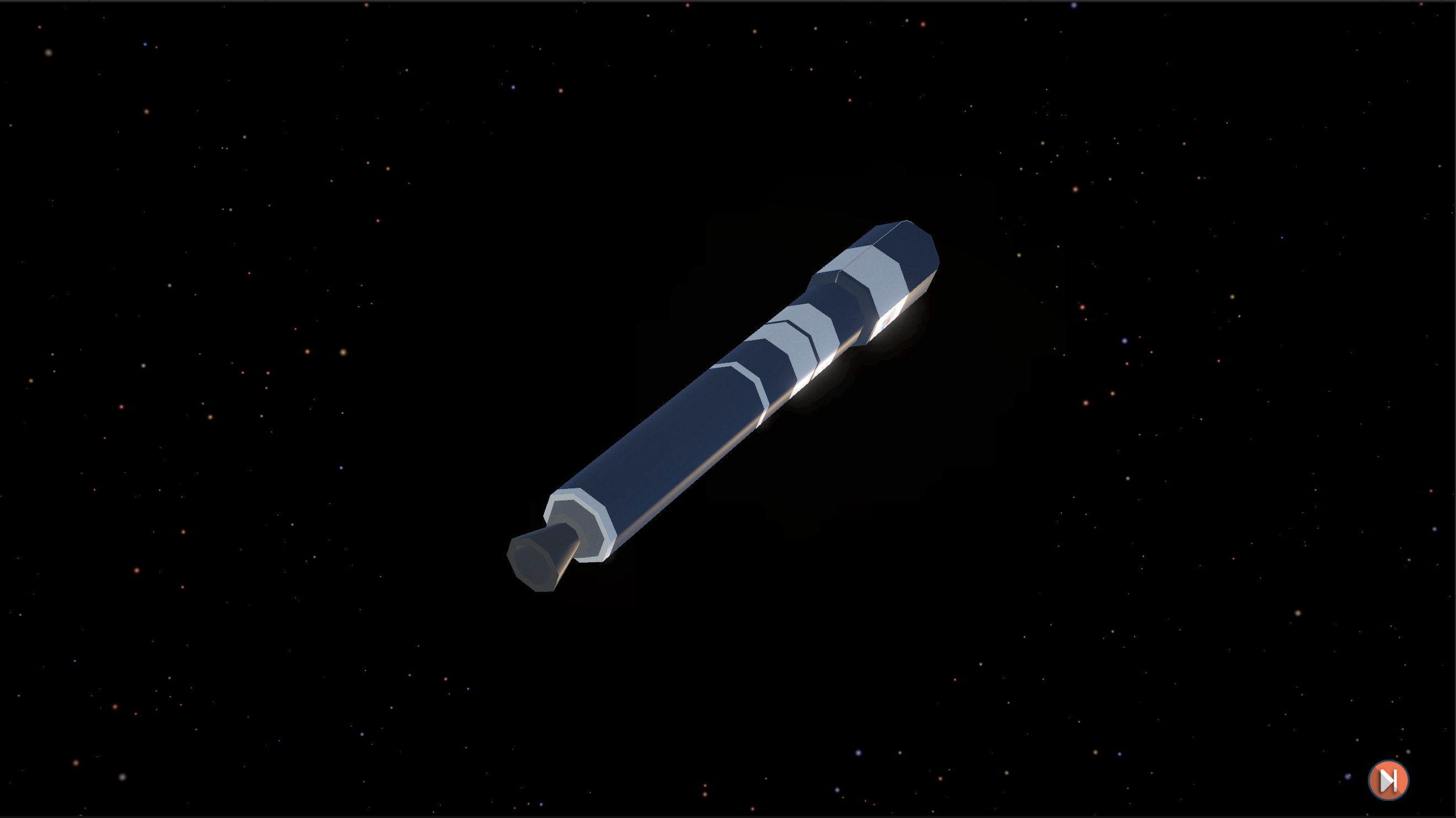
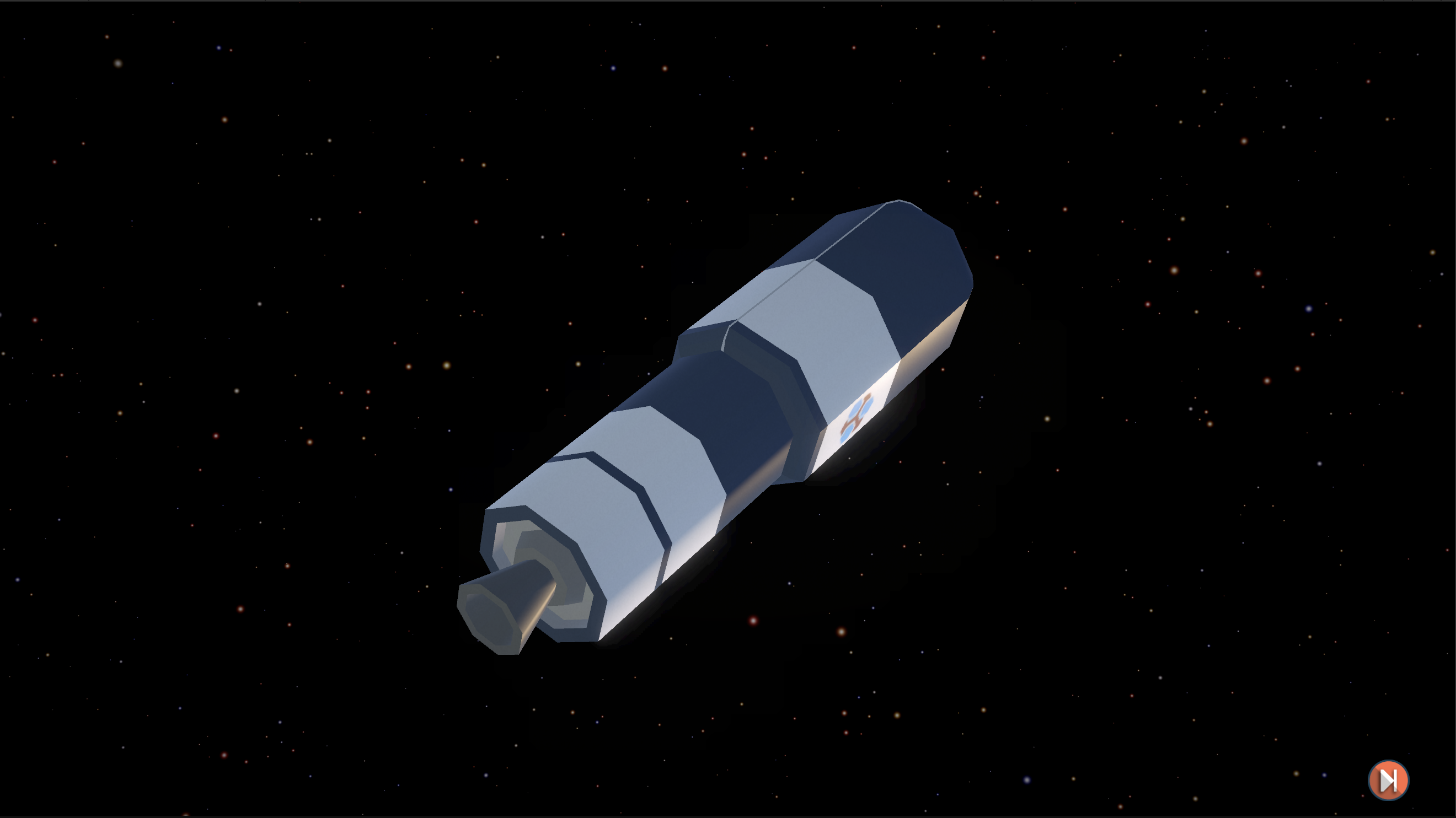
No update is complete without a bug fix or two! You can find the full list in the release notes, but some notable offenders in this release include UV mapping issues in the Spaceport modules and minor string glitches. A special mention goes to the one that was causing a 'black halo' around the Core Module's launch rocket.
 Which is now fixed:
 Closing thoughts
We hope you enjoy all the improvements brought by this new update. We're currently running a closed beta, so if you want to give it a go, please consider applying by using the following link.
This will be the last update of the year. For the next version, we'll be focussing on gameplay additions, new content, and more QoL improvements. We continue monitoring our Discord server and the forums, so don't hesitate to let us know if you have any feedback or comments.
--Ignacio, Mauricio, and Nicolas (Polar Motion)
- PATCHNew Update - Space Station Designer v0.5.72
At the end of June we published 'Space Station Designer' version 0.5.60 . We have continued making progress since then, and today we're proud to share 'Space Station Designer' version 0.5.72 with all of you.
At the end of June we published 'Space Station Designer' version 0.5.60. We have continued making progress since then, and today we're proud to share 'Space Station Designer' version 0.5.72 with all of you. This new version comes with a lot of cool stuff that we're sure you'll enjoy. As usual, this post will cover the main highlights. If you're interested in the full overview, you can always go through our detailed release notes here.
Graphics Improvements
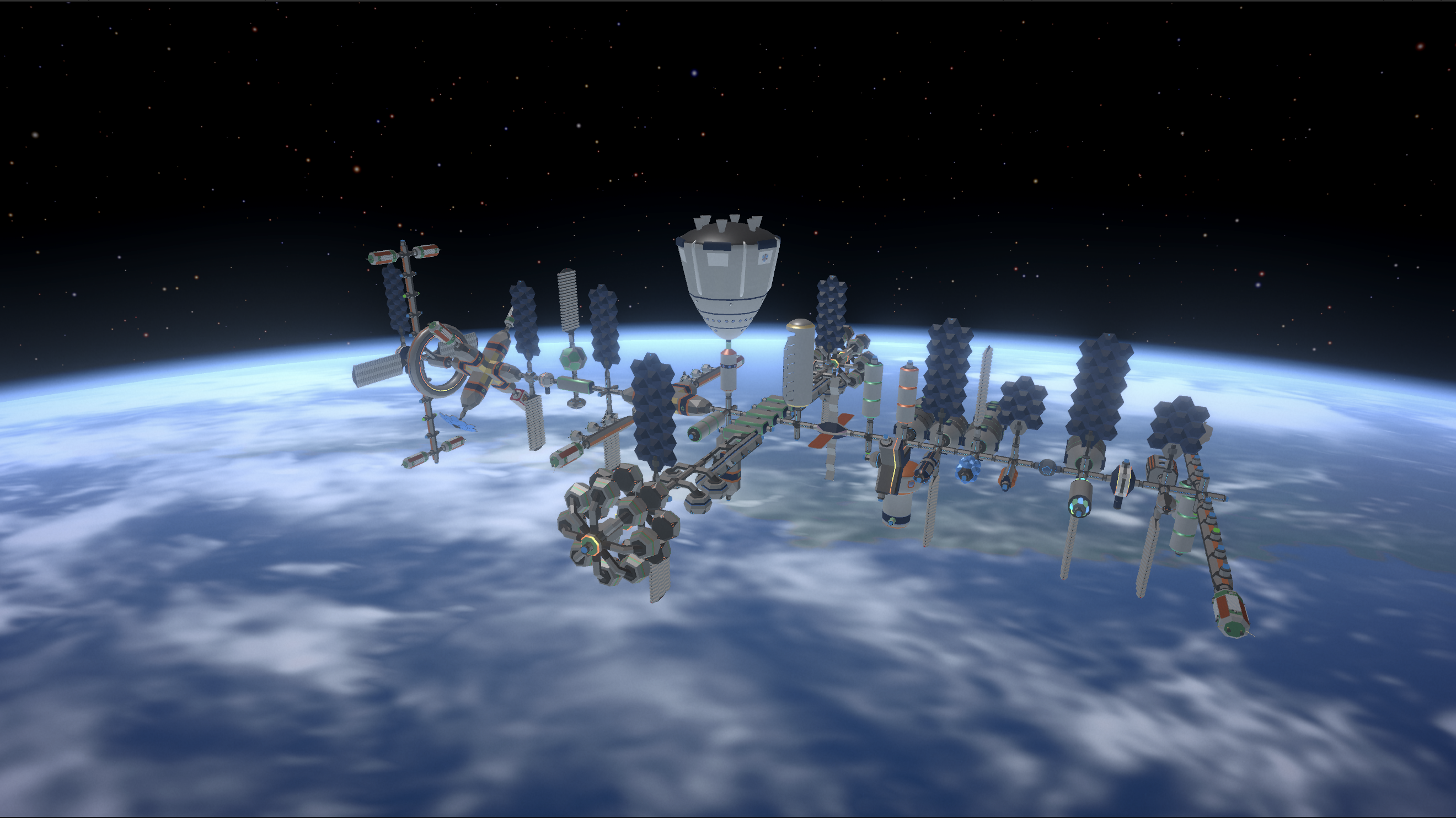
We continue finding ways to revamp the overall quality of the visuals. As part of this update, we've tweaked the lighting, improved the atmospheric halo around the Earth, tweaked the camera post-processing effects, and completely revamped the details of the Moon.

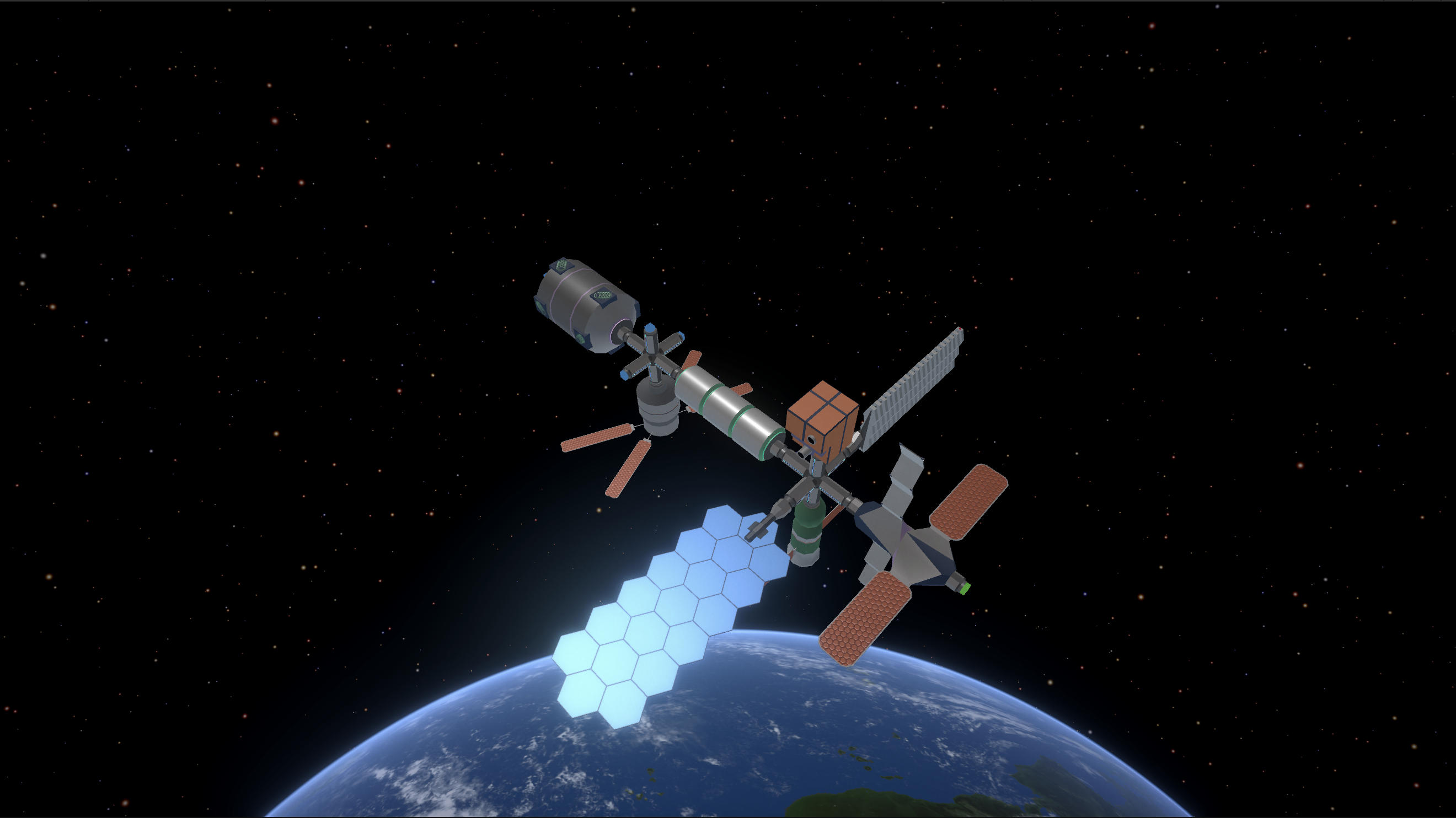
In parallel, we continue working on an experimental branch featuring various techniques that we are planning to include in a future update. Once this branch is complete, we'll be able to include a proper "day/night" cycle, a variable orbit inclination, and a more realistic relationship between the orbit of the Earth around the Sun, the orbit of the Moon around the Earth, and the orbits of the various stations around the Earth/Moon. We still need to figure out a few technical issues, but we're hopeful we'll be able to share all this very soon.
Revised Interactive Tutorials
Back in 2021, we released 'Space Station Designer' version 0.3.6, which included a series of interactive tutorials that introduced the various concepts behind the game as a series of bite-sized lessons. The game has changed significantly since then, and at some point last year we made the decision to temporarily disable these tutorials, as many of them were really outdated and not very enlightening.
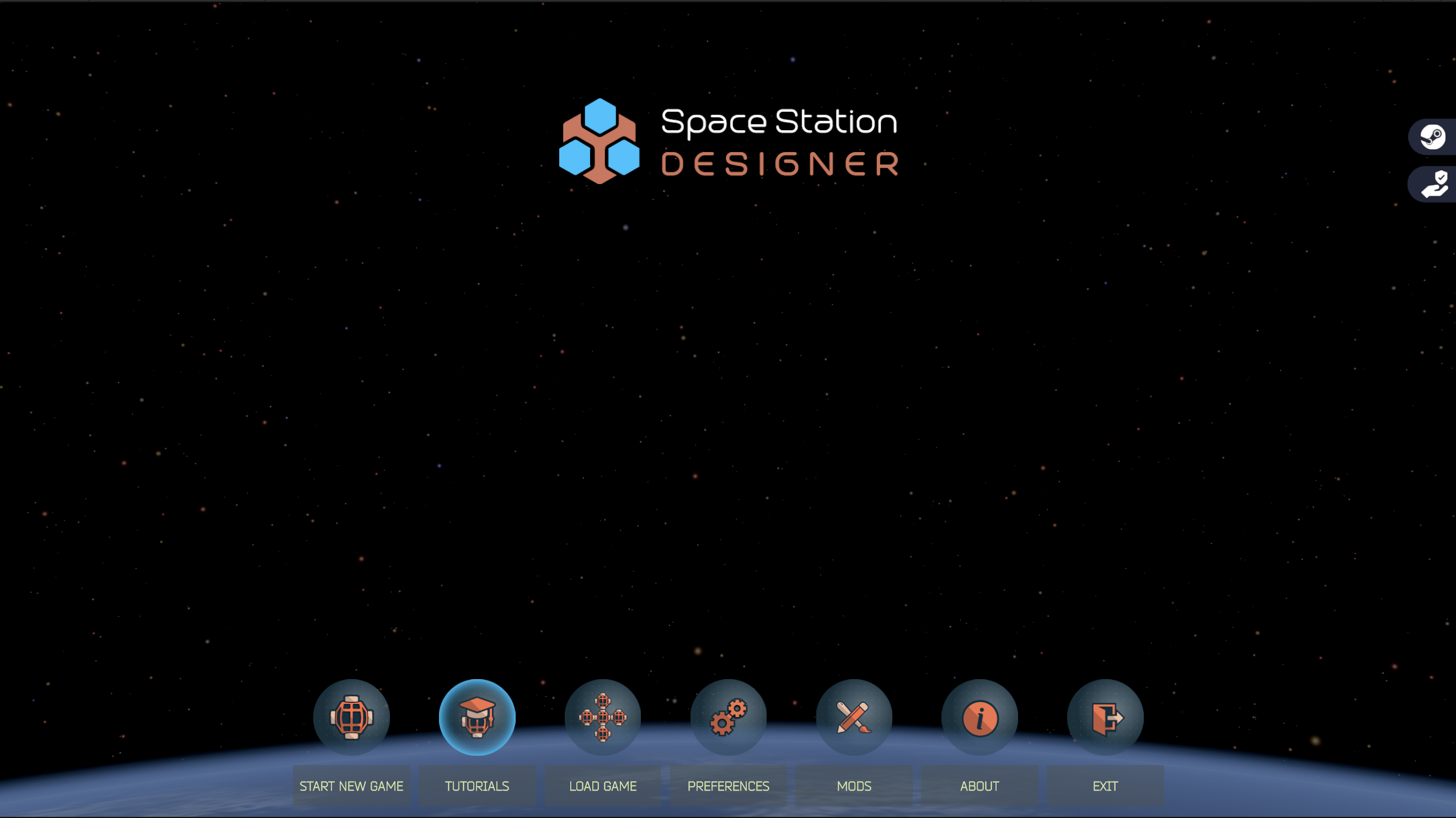
Now that the mechanics behind 'Space Station Designer' are starting to settle, we decided that it was a good time to go through all the tutorials and bring them up to date. The end result is seven tutorial categories: 'Basic Concepts', 'Astronauts', 'Resupply Spacecraft', 'Above and Below the LEO station', 'Currencies', 'Revenue Generation', and 'Station Upkeep', featuring a grand total of 25 tutorials.
The tutorials can be accessed from the main menu:
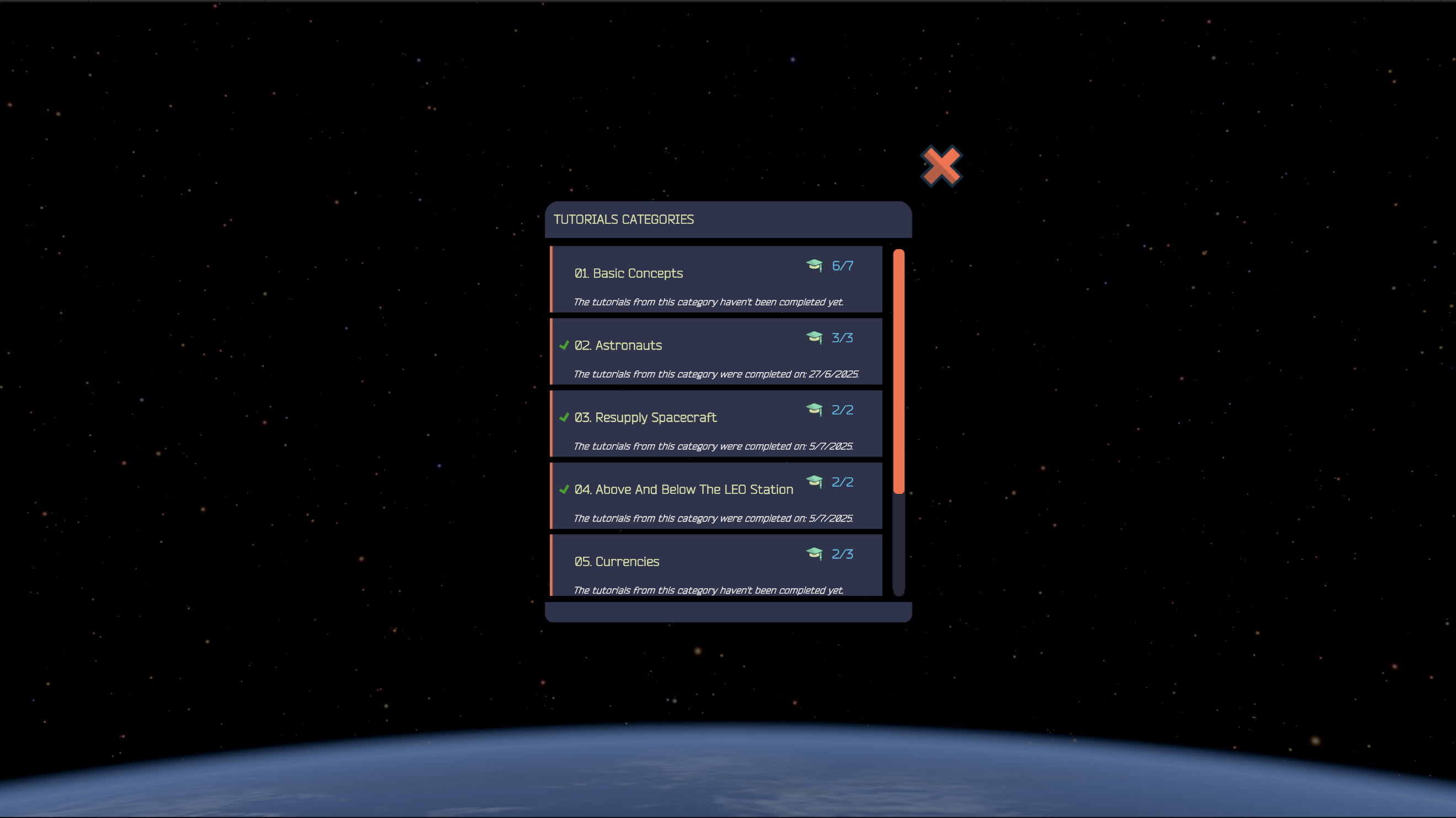
Each category features its own progress tracker:
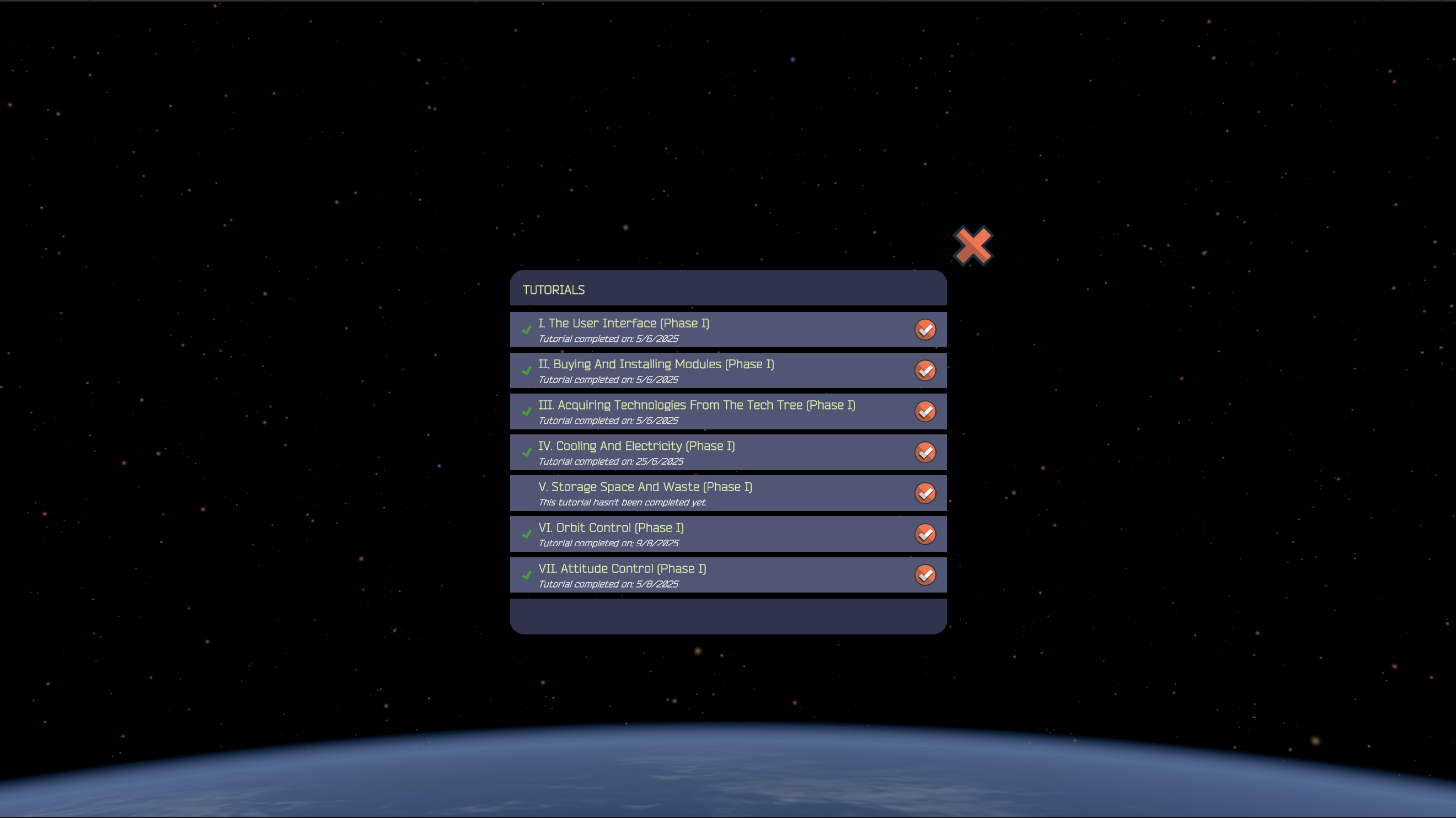
And if you don't recall when was the last time you revised a tutorial, you can always reference the date when it was completed:
The tutorials present the information with pop-up dialogs, and many of them feature a series of 'tasks' to complete, which are similar to the 'Campaign Objectives' from the Campaign mode.
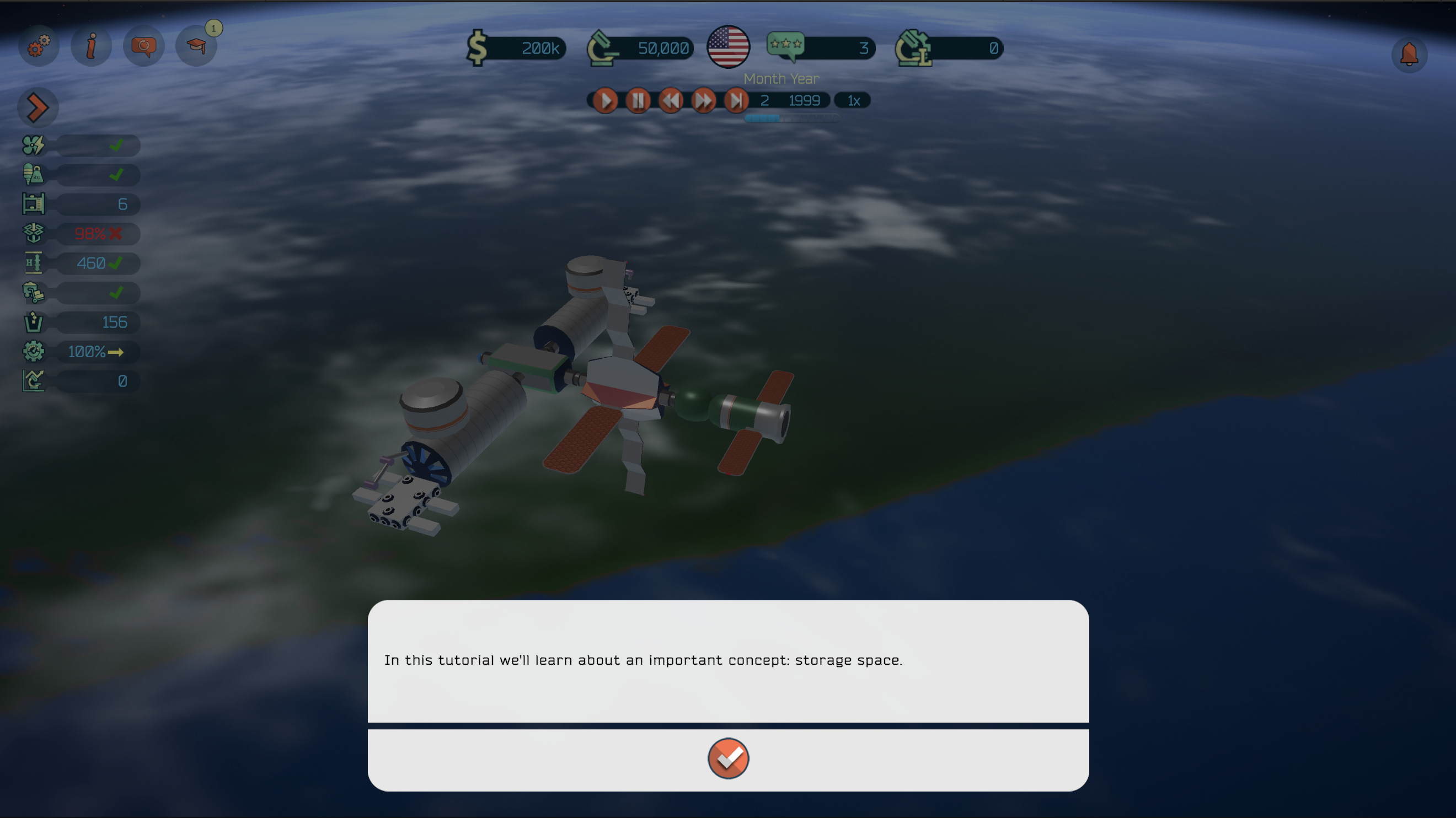
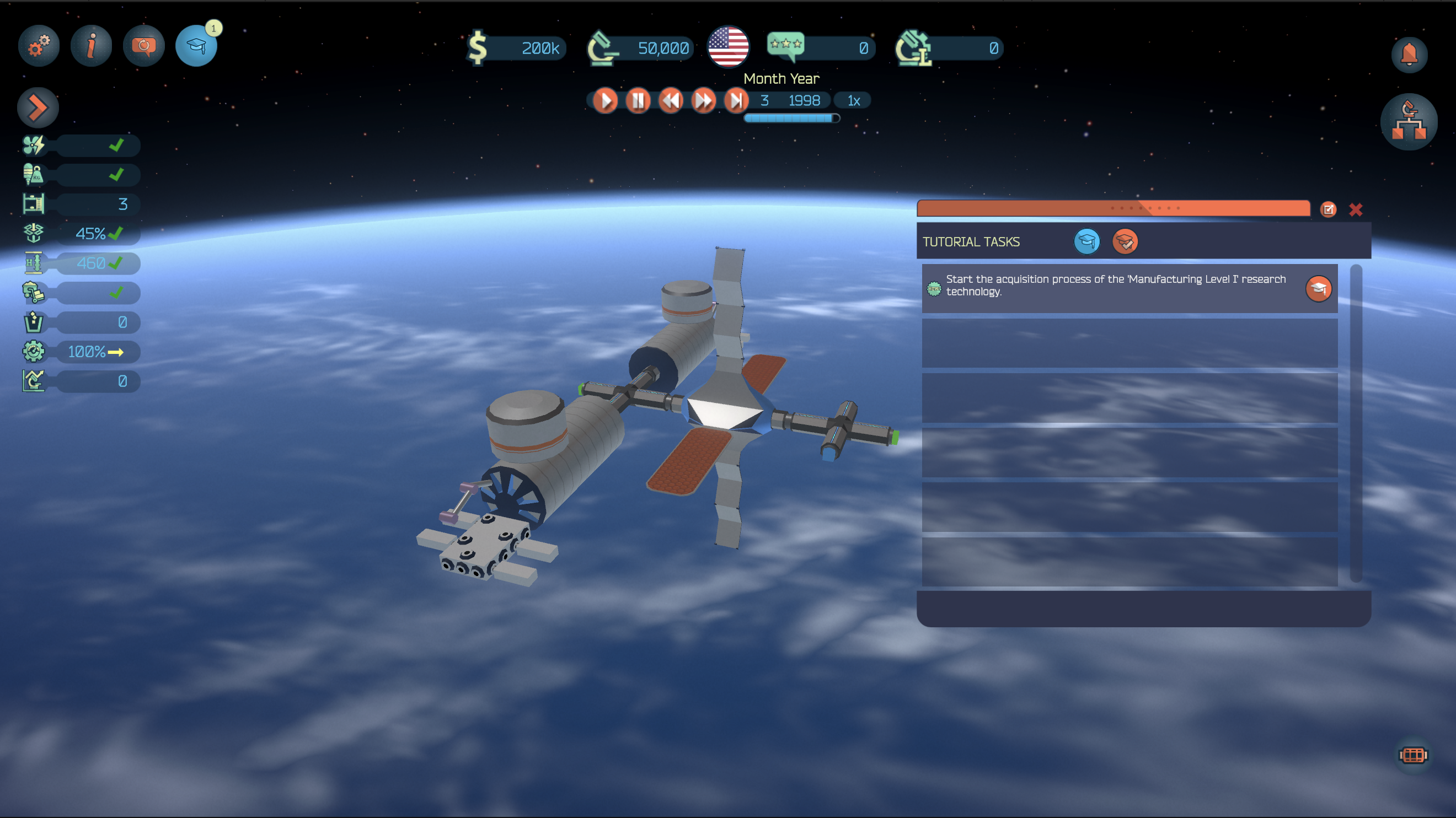
One piece of feedback we received in the past was the fact that some tutorials required players to repeat a series of steps that they had already done in previous lessons. As part of this revision, we made sure that all tutorials remain focused, and don't ask you to retread the same concepts over and over. Depending on their complexity, completing a tutorial can take anywhere between 3 to 10 minutes.
The full list of tutorials is as follows:
Category 1: Basic Concepts
I. The User Interface (Phase I)
II. Buying & installing modules (Phase I)
III. Acquiring Technologies from the Research Tree (Phase I)
IV. Cooling & Electricity (Phase I)
V. Storage space & waste (Phase I)
VI. Orbit Control (Phase I)
VII. Attitude Control (Phase I)
Category 2: Astronauts
I. Hiring Astronauts (Phase I)
II. Onboarding And Training Astronauts (Phase I)
III. Astronauts Autonomy and Morale (Phase I)
Category 3: Resupply Spacecraft
I. Bringing Resupply Spacecraft To The Station (Phase I)
II. Dispatching & Transferring Resupply Spacecraft (Phases I & III)
Category 4: Above and below the LEO station
I. Earth Facilities (Phase I)
II. Orbital Outposts In Higher Orbits (Phase III)
Category 5: Currencies
I. Research Points (Phase I)
II. Public Reputation Points (Phase I)
III. Industrial R&D Points (Phase III)
Category 6: Revenue Generation:
I. Production Lines And Goods Manufacturing (Phase I)
II. Modules Leasing (Phase II)
III. Commercial Services (Phase II)
IV. Space Tourism (Phase II)
V. Commercializing Industrial R&D Technologies (Phase III)
Category 7: Station Upkeep
I. Maintenance And Modules Failures (Phase I)
II. The Debris Avoidance Maneuver (DAM) (Phase I)
III. Service Life and MTBF Of Space Station Modules (Phase I)
Note that the Campaign provides a large range of objectives that progressively introduce you to the various game mechanics. The tutorials aren't meant to be a replacement for these objectives. Instead, they complement them, and they are a great mechanism to learn the nuance of the various mechanics and ensure that the concepts stick.
Overhaul of the 'orbit control' system
As part of this new update, we made significant changes to the 'orbit control' system. More specifically:
The LEO station needs to be kept at an altitude of 460 km by maintaining an 'orbit control' score equal or greater than 100%. Failing to maintain the minimum score will cause the altitude to drop. If the altitude goes below 160 km, it will burn up on re-entry and the game will end.
The GSO and L2 stations have no need for 'orbit control'.
The Lunar Orbit station also requires 'orbit control'. Unlike the LEO station, the Lunar Orbit station doesn't need to maintain a certain altitude. Instead, the 'orbit control' is used to keep the station fixed at the Earth-Moon Lagrange point 1, or 'L1'. Failing to provide adequate 'orbit control' will cause the Lunar Orbit station to 'drift'.
We'll be providing more details regarding the Lunar Orbit station in the upcoming Dev Diaries #12 and #13.
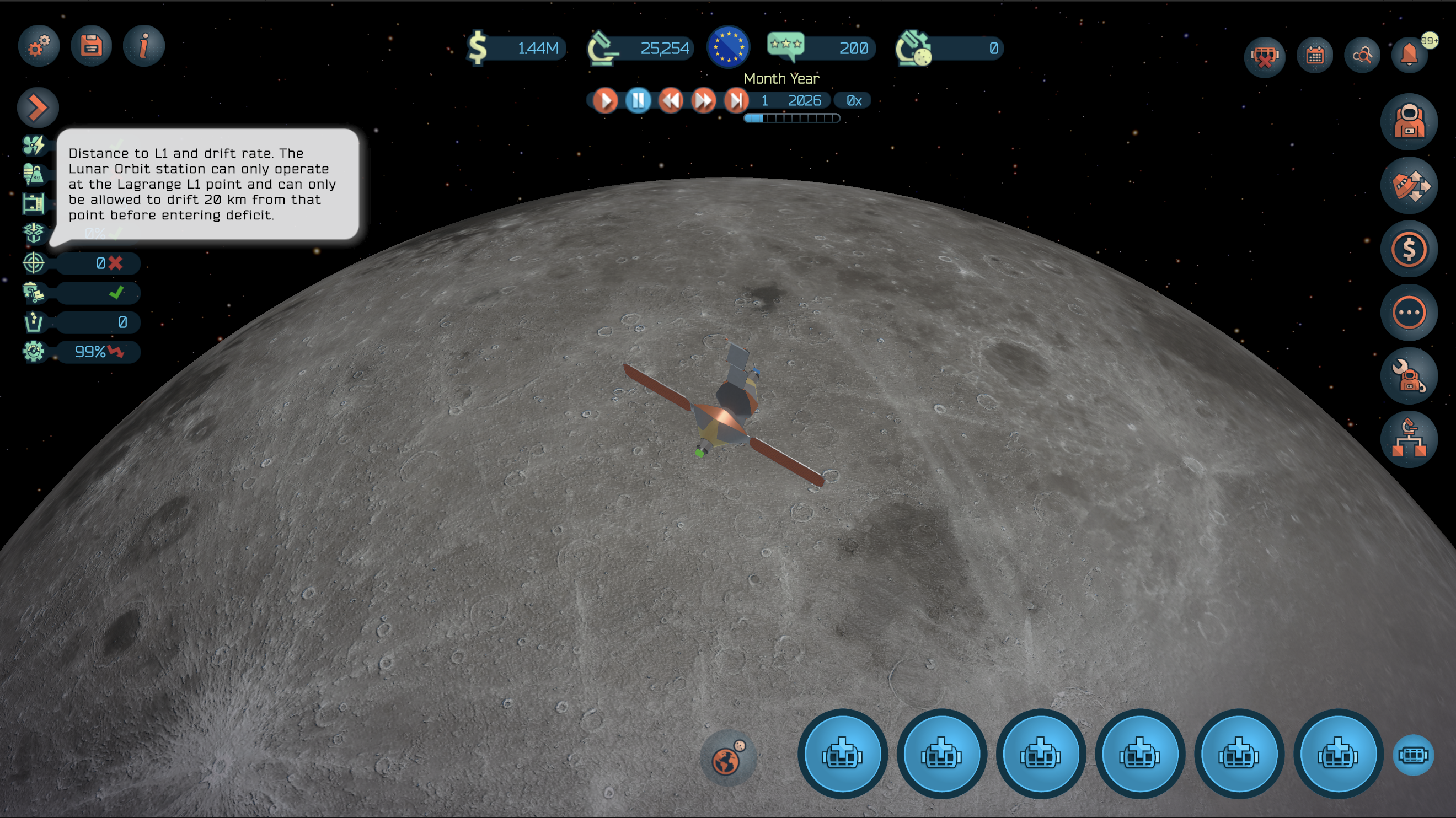
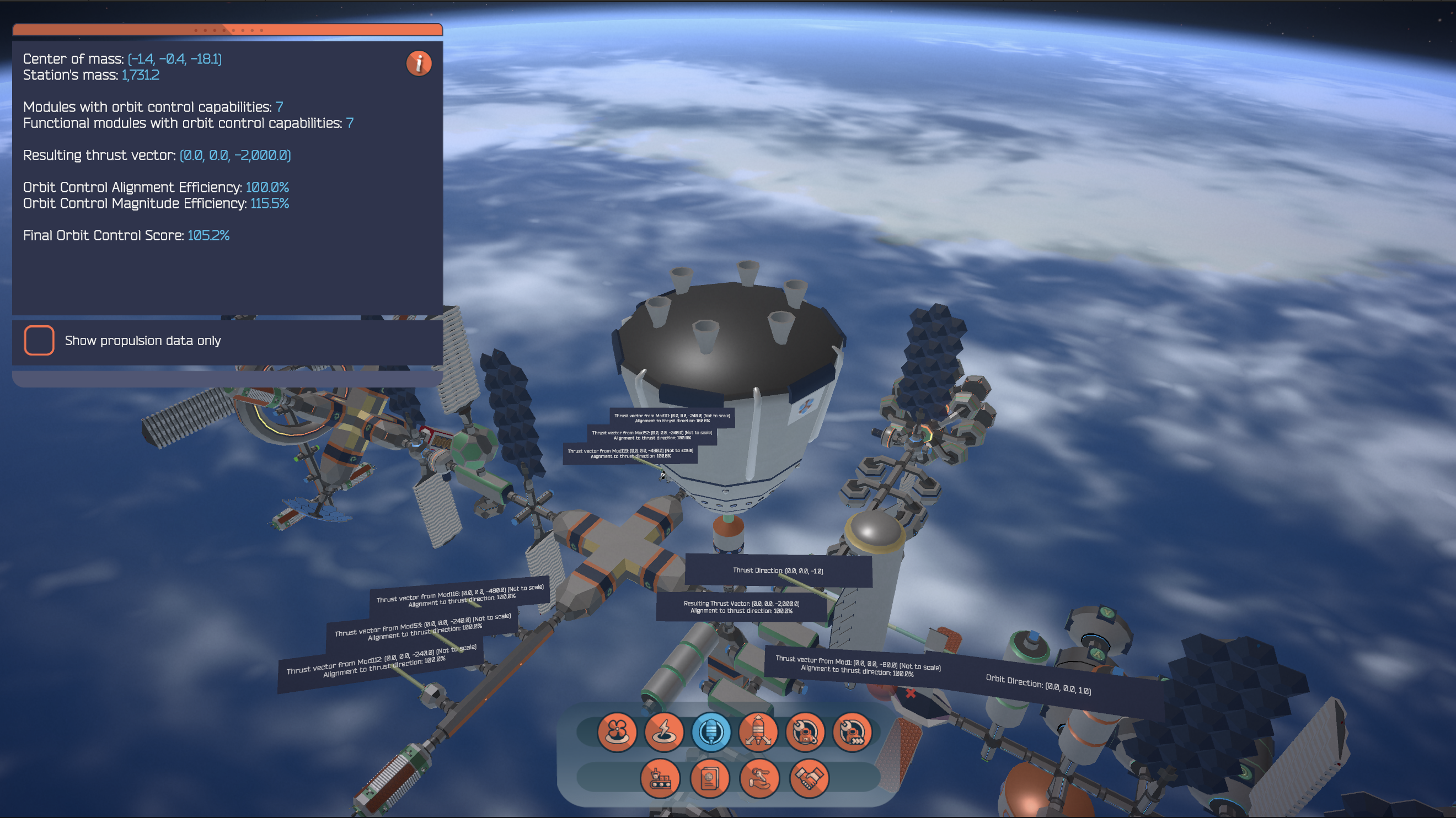
In addition to all these changes, we introduced some improvements to the way the propulsion-related information is displayed in the spacecraft filters panel, including more descriptive messages, more variety of font colors, and code to ensure that the various 3D widgets are shown in front of the modules. These changes, coupled with the revised interactive tutorial on 'Orbit Control', should make this mechanic a lot easier to understand.
Conversion of subsystems from turn-based to real-time
One of the most noticeable changes in version 0.5.72 is the fact that several subsystems have been converted from turn-based to real-time. In practice, this means that instead of seeing abrupt changes at the end of the month/turn, you'll see smaller incremental changes throughout it.
These changes include: maintenance trend adjustments, research points and Industrial R&D points generation, supplies consumption/waste generation, and altitude decay (for the LEO station) and distance to L1 drift (for the Lunar orbit station). The game world feels a lot more dynamic after these changes, and we're confident you'll love them!
Fixes and QoL improvements
As part of this update, we're including a series of fixes and Quality of Life (QoL) improvements. Some of the most notable ones include:
Fixed the geometry of the 'NEXUS Module' used in the Lunar Space Elevator megaproject.
Fixed the representation of the GSO station in the Global screen. Now the station's rotation speed matches the Earth's.
The filters dialog can now be opened directly using the F keys (e.g., F1 for 'Cooling', F2 for 'Electricity', F3 for 'Orbit Control', etc).
As always, you can find the full list in our public release notes here.
Closing thoughts
We hope you enjoy this new update. We're currently running a closed beta, so if you want to try out all these changes, please consider applying by using the following link. We're specially interested in getting your feedback regarding the newly revised interactive tutorials, so let us know your thoughts.
As always, we'll be monitoring our Discord server and the forums, so don't hesitate to let us know if you have any feedback or comments.
--Ignacio, Mauricio, and Nicolas (Polar Motion)
- PATCHNew Update - Space Station Designer v. 0.5.60
A few months ago we published 'Space Station Designer' version 0.5.47 , which included the first implementation of the 'Lunar Space Elevator' megaproject, along with a series of Quality of Life (QoL) improvements, bug…
A few months ago we published 'Space Station Designer' version 0.5.47, which included the first implementation of the 'Lunar Space Elevator' megaproject, along with a series of Quality of Life (QoL) improvements, bug fixes, and new content.
We've been very hard at work since then, and today we're proud to unveil 'Space Station Designer' version 0.5.60, which is our largest update to date in terms of changes and additions. This post will cover the main highlights. If you're interested in the full overview, you can find our detailed release notes here.
Engine Upgrade & Improved Graphics
As part of this update, we upgraded 'Space Station Designer' from Unity 2022.3 to Unity 6, and we spent a lot of time improving the overall quality of our graphics, including new high-resolution models of the Earth and the Moon and a Sun illuminating the scene.
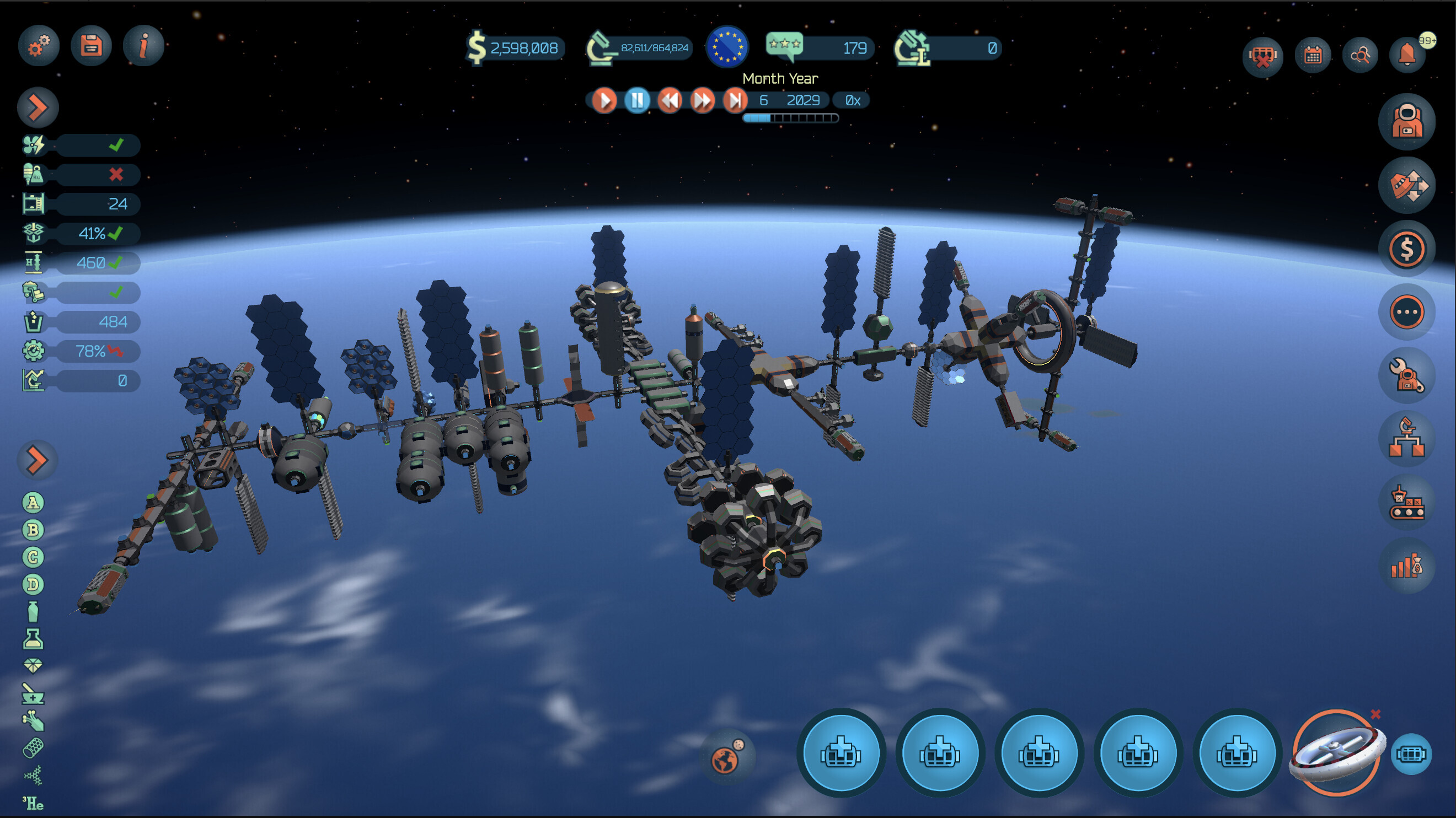
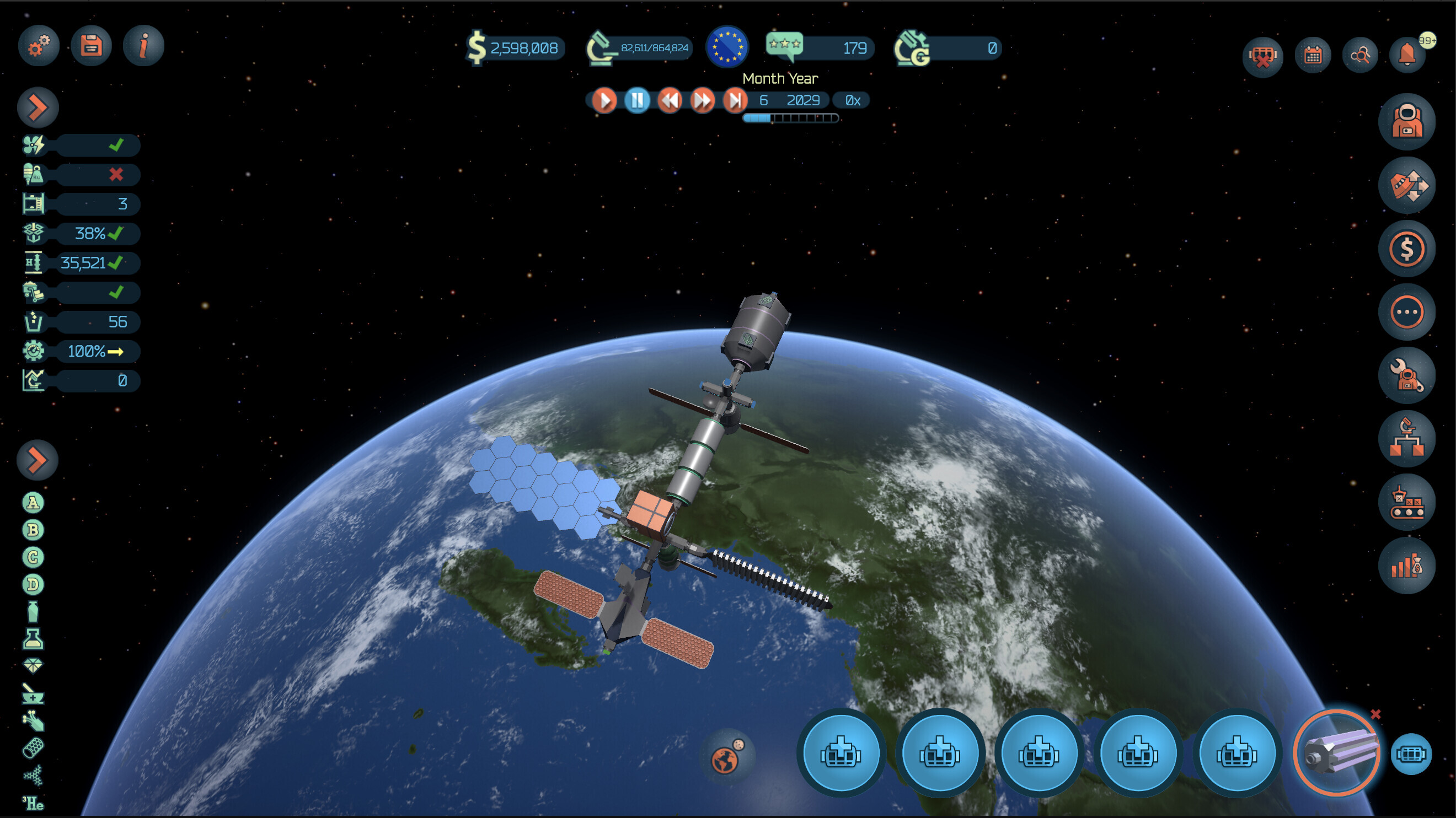
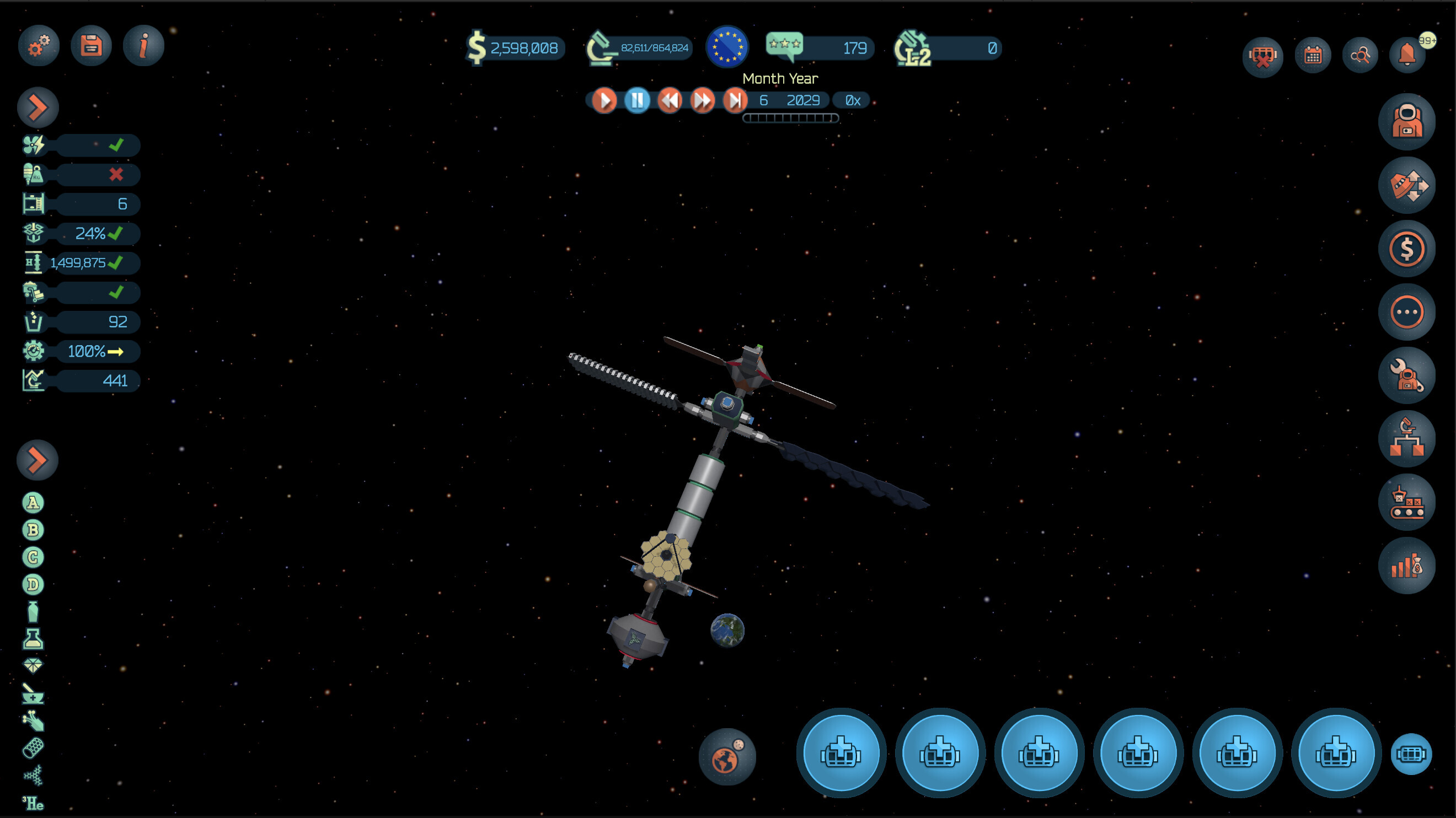
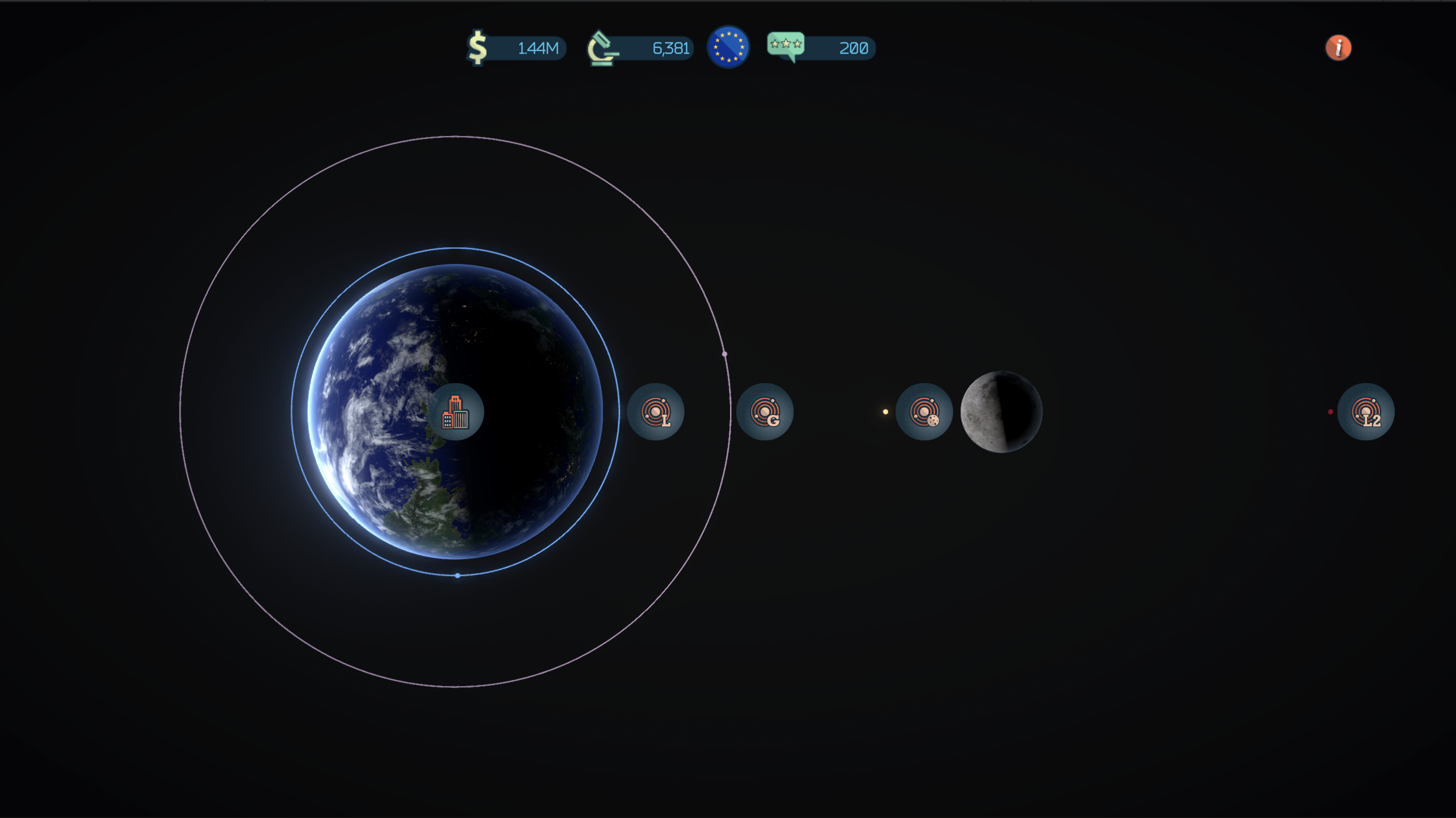
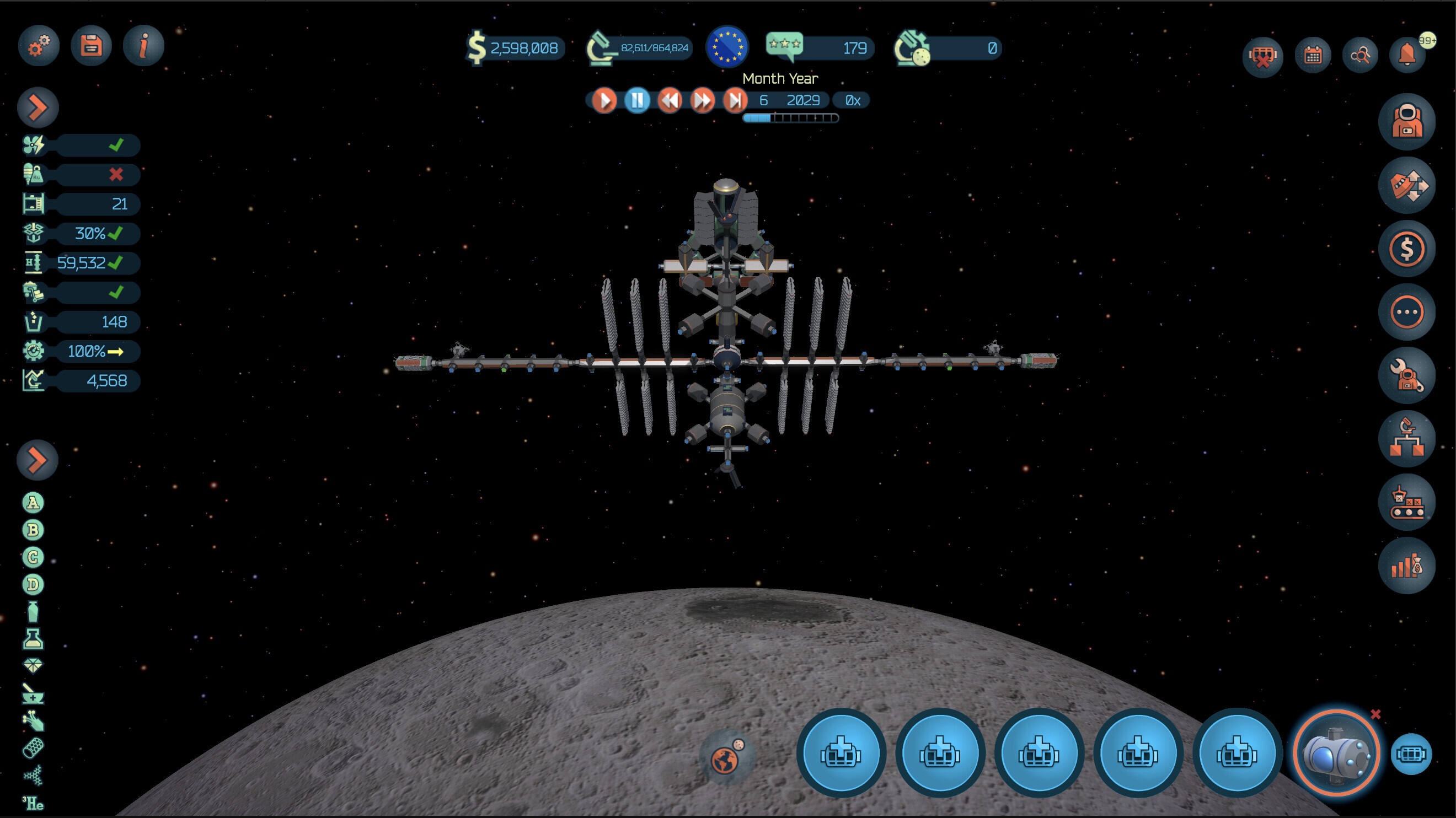 Moreover, we have redone the 'Global Screen' so that it also includes high-resolution models of the Earth and the Moon, a day/night cycle, and a more accurate representation of the relationship between the various stations and the celestial bodies they are orbiting around.
 The screenshots above are work in progress, as we're still exploring new ideas and approaches to make the graphics even better. Expect more changes in future updates!
First step towards the migration of systems from turn-based to real-time
As part of 0.5.60, we revised the space station modules acquisition system and converted it from turn-based to real-time. In practice, this means that the delivery of a module can happen at any point throughout the month, which results in a much more engaging experience.
We've already started converting other existing turn-based systems to real-time, such as maintenance, research/industrial R&D points generation, and supplies consumption/waste generation. These changes didn't make it to the cut-off for this update, and will be included in a future release.
Research Technologies: No more 'instant' acquisitions
Following the feedback we got from the community, we made substantial changes to our research system: now research technologies are no longer 'instantly' acquired after paying their cost in research points. Instead, paying these costs only marks the start of the acquisition process, which can last several months depending on the complexity of the technology.
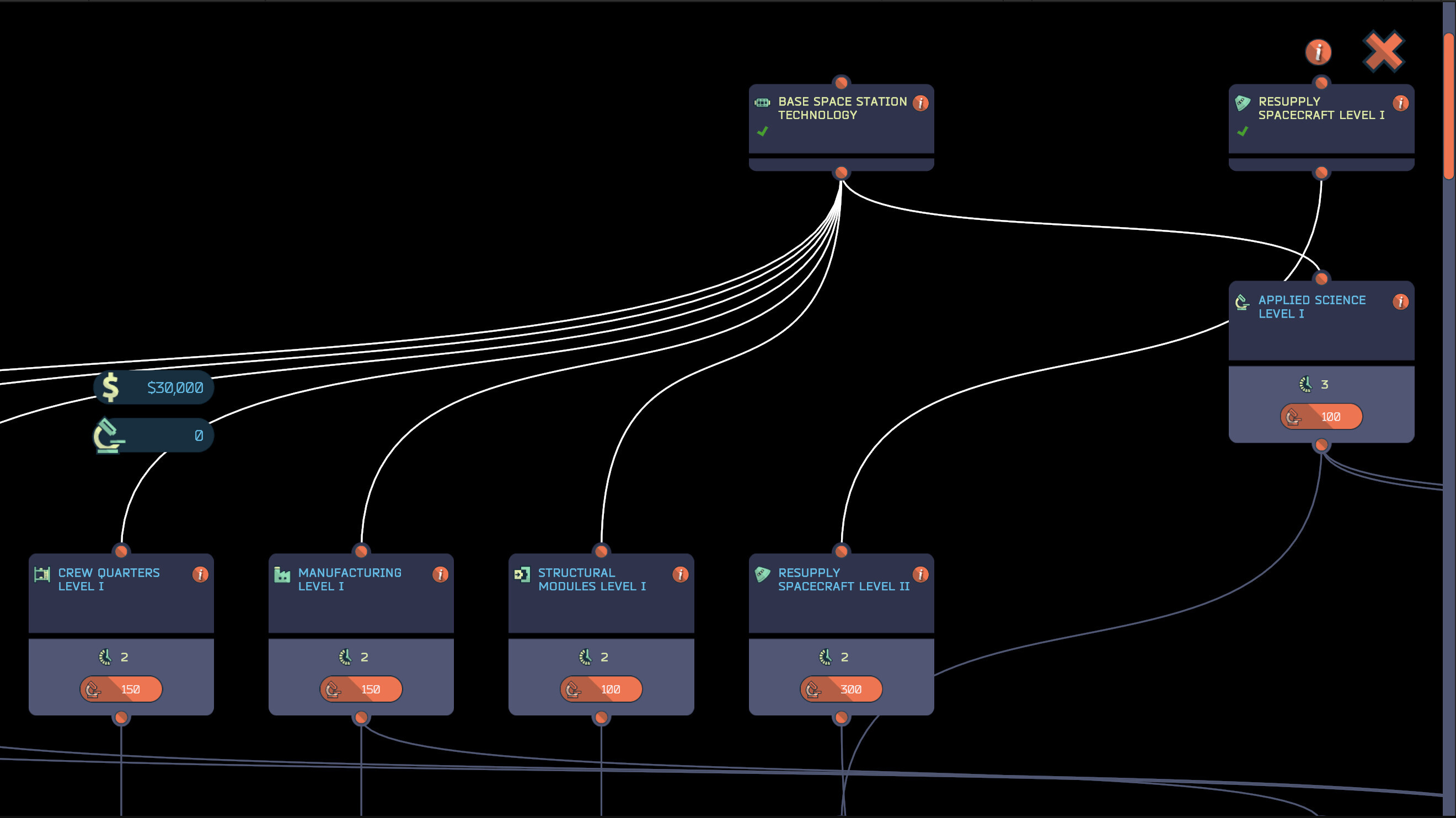 Note that only one research technology can be acquired at the time. But, fear not! We can always 'pause' an ongoing acquisition if our priorities change and we find ourselves in a situation where we urgently need to acquire a different technology.
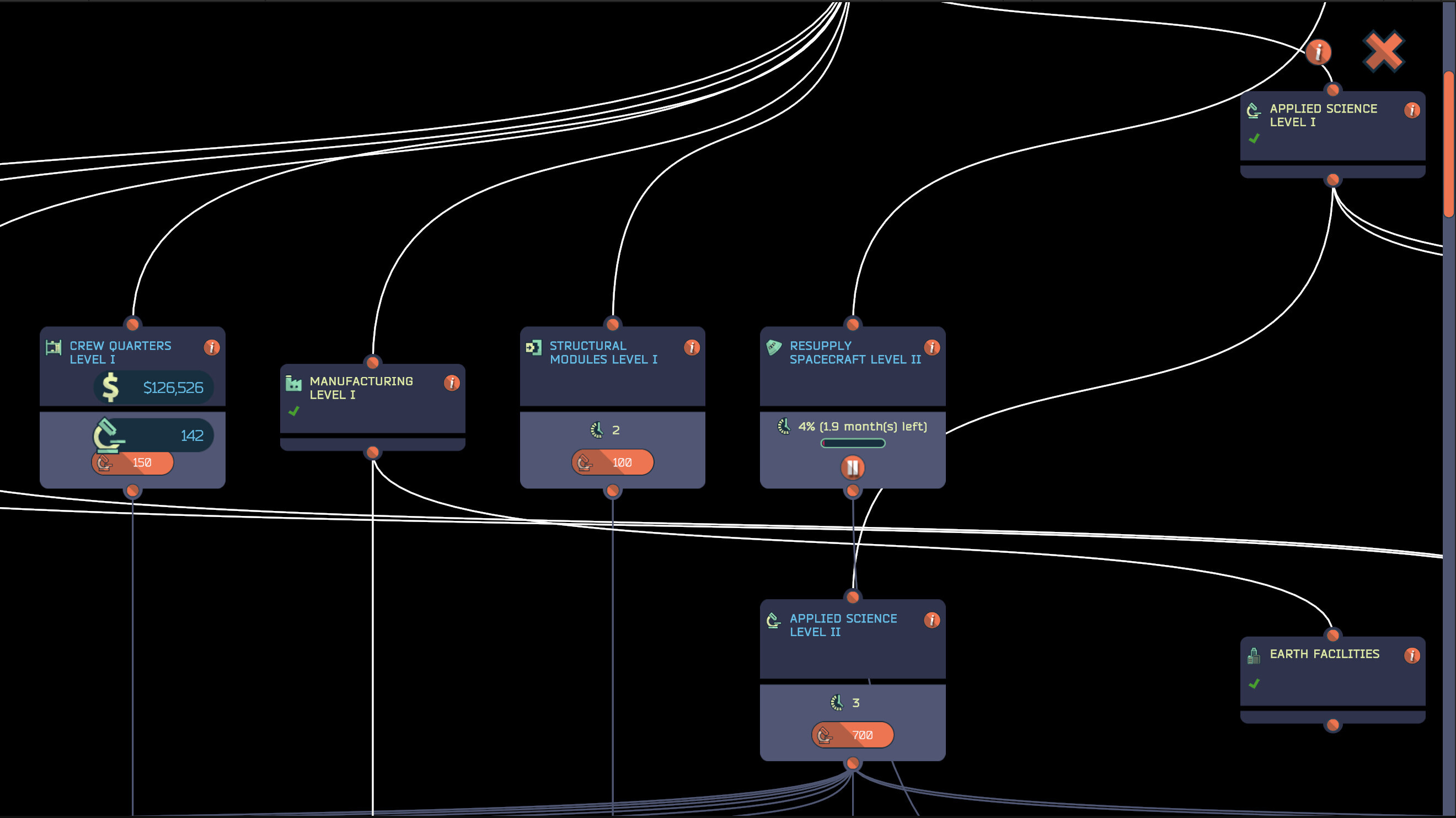 Lastly, research modules now require an astronaut assigned to them in order to produce research points, which is more in-line with the way research in microgravity works in real life.
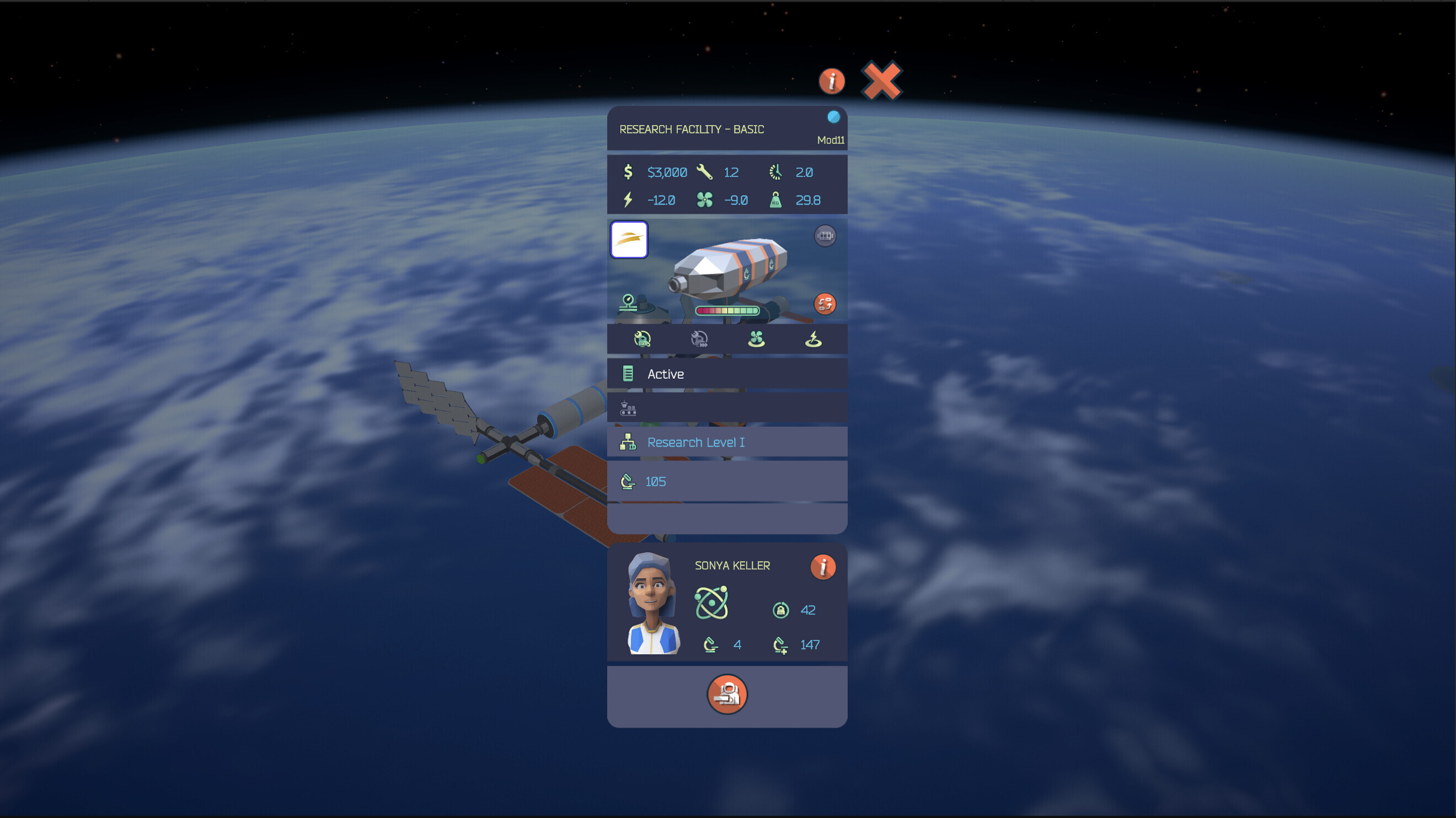 Redesign of the Public Reputation points currency
We spent a significant amount of time on the drawing board rethinking how the Public Reputation points currency meshes with all the various game subsystems. As a result of this, we have completely redesigned the purpose behind this currency from the ground up.
More specifically, now Public Reputation points are a currency that ranges from -100 to +200, with 0 being the 'neutral' point. The value can go up or down depending on our actions and various events that happen throughout the game, and it has an impact on other aspects of the game. This includes, for example, the quality of astronaut candidates, a multiplier effect in the rewards provided by Commercial Services/Space Tourism tours, chances that astronauts with low morale end up leaving our company, etc.
A poor Public Reputation will not completely tank our company overnight, but it will certainly have a negative impact across multiple areas of operation. Moreover, it's now possible to get financial aid in exchange of Public Reputation points if our numbers ever get into the red, which is yet another incentive to keep our numbers healthy.
Astronaut recruitment process
Starting with this update, astronaut recruitment seasons will open up on a yearly basis every January, and remain open for 3 months. Up until now, the seasons only lasted for a month, which proved quite limiting, and sometimes even a tad frustrating.
In addition to this, we have added a series of small QoL improvements, such as a system that clearly communicates the hiring windows in the astronaut hiring screen, and a monthly reminder when the player hasn't recruited any astronauts during the current window.
 QoL improvements in the astronaut management screen
As part of our ongoing playtesting, we keep finding new ways to make the astronaut management process more effective, especially in the late stages of the game when there are tens of active astronauts distributed across all four stations and our multiple Earth facilities. Some of the improvements included in this update include a panel to the left-hand side of the astronaut management screen that displays the number of astronauts on Earth/every station, along with their cumulative salaries, a new 'sort by morale' button, and a new button to 'filter' all astronauts assigned to our Earth facilities.
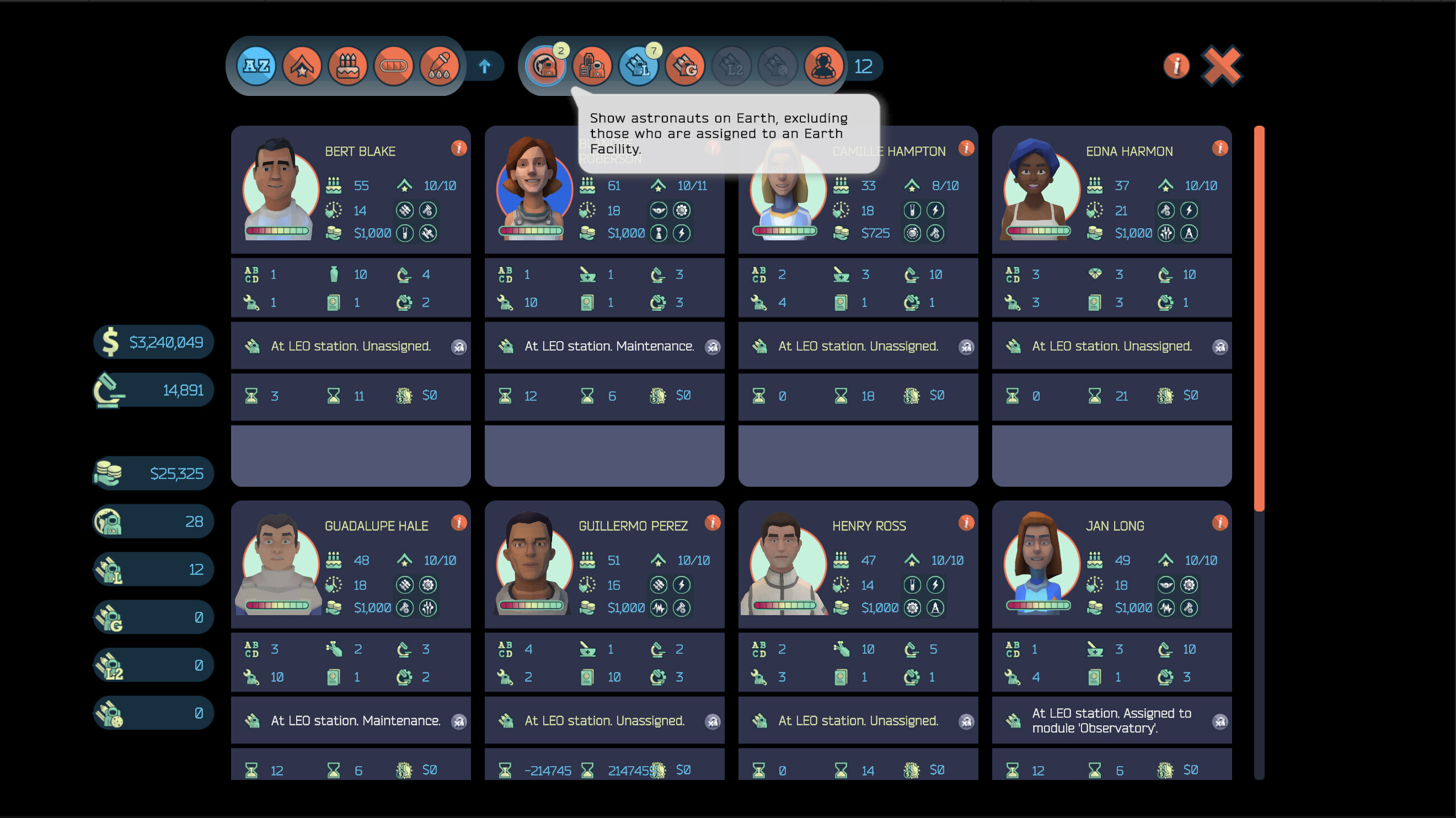 We're very happy with all these new additions, and we can confirm that they definitely make a large volume of astronauts easier to manage!
Preventing the 'death spiral' when the station is in deficit
Stations that cannot either provide enough electricity or cooling, or have used up all their available storage space, are known to be in 'deficit'. Up until the current version, entering into the 'deficit' state was very dangerous, because the game puts very strong restrictions on the station' operations, including removing all astronauts from their assignments, disabling thrusters, and forbidding resupply spacecraft from docking. These restrictions caused a 'death spiral' that could be very challenging, and sometimes impossible, to escape from.
To make the game less punishing, we have introduced a series of changes as part of version 0.5.60. More specifically, when a station is in 'deficit', we will still be able to bring resupply spacecraft with astronauts and supplies, and assign astronauts to maintenance duties. Moreover, attitude control thrusters will still be functional, which help minimize any potential damage caused when executing a Debris Avoidance Maneuver (DAM). These two changes bring our game model closer to real-life scenarios. If you want to learn more about this, you can find an informational recap on how the Soyuz T-13 mission salvaged the Salyut 7 station here.
Improvements to the Contracts system
Active contracts now include a 'progress tracker' when appropriate. This makes it easier to understand how far we are into the completion of the various objectives and, equally important, find out in advance whether there's a risk of failing a contract because we're falling behind.
 In addition to this, the contracts rewards (i.e., funds, research points, etc) are now affected by an 'inflation index' instead of using fixed values. This is specially important because certain contracts can be available for many years, and the rewards should be in line with the completion date: the costs of running our network of stations in 2020 are smaller than in 2030, and the contracts' rewards should reflect that.
Other notable QoL improvements
As part of our ongoing QoL improvements, we have completely revised the layout of the 'stats' panel located in the left-hand side of the screen. This includes new icons, consistent numeric format across all fields, and better ways to display the summarized values.
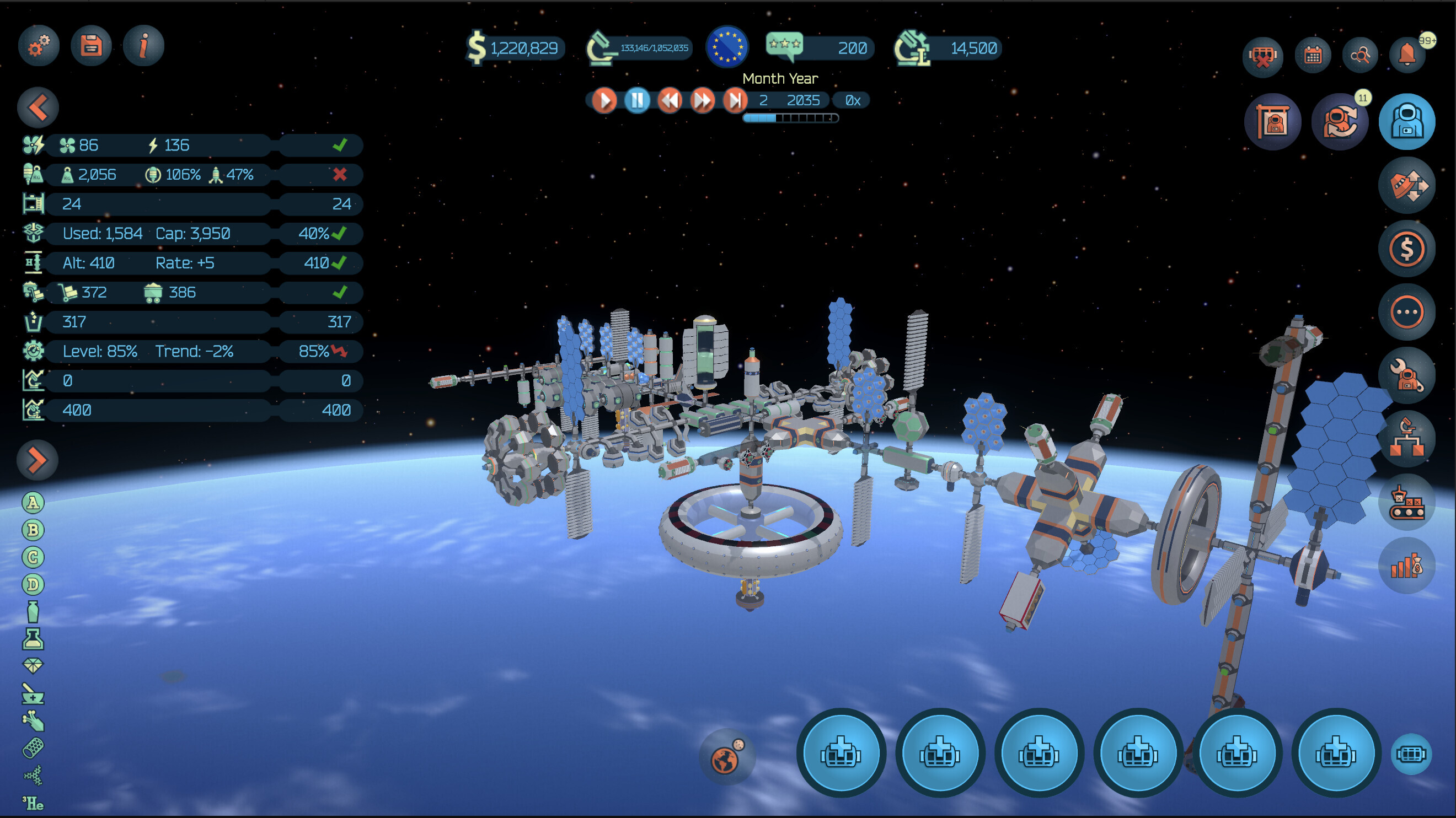 We have also revised the imagery we use for identifying 'locked' modules (i.e., modules that cannot be acquired yet since we're missing their associated research technology) and made the whole system more intuitive.
 Lastly, we have revised the logic behind the screens used for sending astronauts back to Earth or transferring them to another station so that they issue a warning if we're attempting to send astronauts in a "removable" assignment (e.g., being assigned to maintenance, a production line, a research module, etc), and prevent them from sending an astronaut in a "non-removable" assignment (e.g., a space tourism group, or a commercial services engagement). This will help us prevent very costly mistakes, especially in the late stages of the game when it's very easy to lose track of all our astronauts and their assignments.

 Note that the points above are just some notable examples. For the full list of QoL improvements, please check out our live public release notes document.
Bug-fixes
Before every large release, we always conduct a full Campaign playthrough and validate that the game can be played from start to finish. These playthroughs take around 40 hours, and always end up surfacing unexpected side-effects of introducing new gameplay mechanics, and small things that we missed before.
In this particular release, we came across an interesting one that it's too good not to share: it turns that when an astronaut is scheduled to visit a space station on the same month that they reach retirement age (i.e., 70 years), they get into an invalid state that causes a lot of other problems further down the line. In the end, we ended up resolving it by adding a mechanism to prevent us from assigning astronauts to a mission unless they are at least two years away from retirement.
Closing thoughts
As we mentioned in the introduction, this update is the largest one we've released so far. We're currently running a closed beta, so if you want to try out all these changes, please consider applying by using the following link.
As always, we'll be monitoring our Discord server and the forums, so don't hesitate to let us know if you have any feedback or comments.
--Ignacio, Mauricio, and Nicolas (Polar Motion)
Wishlist Space Station Designer
Notas de atualização que o estúdio publicou na Steam, mais as atualizações sem nota que o Radar percebeu nos dados técnicos do jogo (estas só a partir de quando o site começou a acompanhar).
Mídia



- Site oficial
- Tempo para zerar (HowLongToBeat)média de horas até terminar a história e até 100%
- E-mail de suportesupport@slitherine.co.uk
- Redes sociaisDiscord · Twitch · YouTube · Facebook · X (Twitter)
Não tem português do Brasil.
| Idioma | Interface | Legendas | Áudio |
|---|---|---|---|
| Inglês | ✓ | — | — |
Mínimos
- Sistema Operativo
- Windows 10 or newer
- Processador
- 2.0GHz Dual Core Processor
- Memória
- 4 GB de RAM
- Placa gráfica
- A graphics card with DX10 capabilities.
- DirectX
- Versão 10
- Espaço no disco
- Requer 1 GB de espaço livre
Preço em cada país
| País | Preço atual | Preço cheio | Desconto | Em reais | vs Brasil | Menor visto |
|---|
Do mais barato ao mais caro em reais, pela cotação do dia (só para comparar: o preço cobrado é o da moeda local).
Histórico de preço
Ainda não há promoções registradas para este jogo aqui. Nas grandes promoções da Steam (verão, inverno, outono e primavera) a maioria dos jogos entra com desconto. As faixas douradas no gráfico marcam as grandes promoções da Steam.
Todas as mudanças de preço
| Visto em | País | Preço | Preço cheio | Desconto | Em reais |
|---|---|---|---|---|---|
| Nenhum preço registrado ainda. | |||||
Uma linha nova aparece sempre que o preço muda. A linha em destaque é o preço atual de cada país. Valores em reais pela cotação do dia (21/11), só para comparar: o preço cobrado é o da moeda local. Rates By Exchange Rate API
Edições e pacotes
As edições e pacotes aparecem depois da próxima coleta.
DLCs · preços no Brasil
Este jogo não tem DLCs, ou elas ainda não foram coletadas.
Cartas colecionáveis · cartas, laminadas e insígnias
Este jogo não tem cartas colecionáveis Steam.
Itens de perfil · fundos, emoticons e loja de pontos
Este jogo não tem itens de perfil nem itens na loja de pontos (conferido em 17/11/2026 17:54).
Conquistas · percentual global de jogadores
Este jogo não tem conquistas, ou elas ainda não foram coletadas.
Evolução da nota · análises positivas mês a mês
O histórico de análises ainda não foi coletado (vem da loja da Steam, uma vez por dia).
Comentários dos jogadores · análises da Steam
Este jogo ainda não tem análises com texto na Steam.
Jogos parecidos
 Planet Zoo 264% · 6.543 análisesR$ 154,99✓Deck: Verificado
 Cities: Skylines92% · 220.273 análisesR$ 115,99!Deck: JogávelProtonDB: Ouro
 Cities: Skylines II57% · 65.265 análises-30% R$ 119,06×Deck: IncompatívelProtonDB: Ouro
 Transport Fever 370% · 7.516 análisesR$ 164,99×Deck: IncompatívelProtonDB: Platina
 Planet Coaster 274% · 13.595 análisesR$ 134,99✓Deck: Verificado
 Jurassic World Evolution 393% · 12.061 análisesR$ 226,00!Deck: Jogável
 Manor Lords84% · 78.537 análisesR$ 79,99!Deck: JogávelProtonDB: Platina
 Anno 117: Pax Romana69% · 12.729 análises-40% R$ 179,99!Deck: Jogável
Os jogos que a própria Steam considera parecidos (o "Mais como este" da loja). Preços do Brasil.
Comunidade · estimativas do SteamSpy
O SteamSpy ainda não tem estimativas de donos para este jogo (costuma demorar com lançamentos recentes).
Idiomas
English
Estimativas do SteamSpy, atualizadas em 17/11/2026 17:54. Donos é uma faixa aproximada, não um número exato. O tempo de jogo só aparece quando o SteamSpy tem esse dado (hoje ele vem zerado para quase todos os jogos).
Últimas notícias e notas de atualização
| Data | Título |
|---|---|
| 11/11/2026 | Welcome to the nineteenth Dev Diary entry of 'Space Station Designer'! In the last three entries (Dev Diary #16, Dev Diary #17, and Dev Diary #18) we took a deep dive into the Lunar Space Elevator. Last night, we sent the Gold Master to our Producer at Slitherine, so now it's a good time to reflect on this long development journey in preparation for the final release date on November 18th! How it all startedA few months after we published the iPad version of Buzz Aldrin's Space Program Manager (BASPM) in March 2015, we started working on the concept for a game that would pick up where the first game ended (i.e., with the Moon landings). Following the path that space exploration took in the 1970s, we agreed that the focus should be on space stations and orbital outposts. However, we realised that such a game wasn't really a good match for the 'formula' we used for BASPM, which consisted of improving hardware through R&D, training astronauts, and scheduling multi-step missions. Instead, this next game would feature its own set of mechanics and, more importantly, it would try to avoid certain aspects that made BASPM a bit rigid in terms of gameplay. During the initial planning stages, we drew inspiration from several sources, including books, technical publications by NASA, and videogames from the 1980s and 1990s. If you're interested in the details, we covered these sources of inspiration at length in Dev Diary #14 and Dev Diary #15.
Development Environment and ToolsGiven our existing familiarity with Unity from BASPM, we decided to continue using the same game engine for Space Station Designer. We started with an early version of Unity 5 back in 2015. During this very lengthy development period, we went through every instalment from Unity 2017 to Unity 2022, until we settled into Unity 6. The Gold Master was built using Unity 6000.4.11f1, so a pretty big delta! The various engine version upgrades along the way were always straightforward, with the sole exception of when we migrated from the built-in renderer to the Universal Render Pipeline (URP). If we were to start a similar project today, we'd probably adopt a different approach, but back then Unity was the best choice for us in terms of tooling, and we're very happy about our decision. Since we're a very small team of three, we're relatively lightweight in terms of processes: We mainly use Trello for passing tasks back and forth and, about a year ago, we created a spreadsheet to make it easy for us to get a better overview of the large picture. This is the current status of our Trello board (mostly empty, and you can get a glimpse of our plans for our first update):
And this is a screenshot of our spreadsheet that corresponds to the 00.08.00 build that we released a few weeks ago:
As we got closer to the Gold Master (GM) delivery date, we became more and more focused in terms of what to do and what to leave out for future updates. Luckily, we ended up delivering a final GM that has way more content, gameplay features, and QoL improvements than we had originally planned for. We have tons of ideas on how to make the game better, and we're really curious about your thoughts. Once the game is out, please don't hesitate to swing by the forums and share your feedback with us. Version Control ArchaeologyBack in the day of Buzz Aldrin's Space Program Manager we used a version control system named Subversion (SVN). Since we were already familiar with it, and we were (and still are) a small team, we decided to continue using it throughout the development of Space Station Designer. Similar to the game engine choice we discussed earlier, if we were to start a similar project today we may adopt a different version control system, but SVN served us well. If you're curious about stats, the first commit happened on December 6th, 2015, and the revision number we used for the final version that we sent last night was 9343. That's close to 4000 calendar days, so an average of 2.33 commits per day. Not bad for a side project!
Development ProcessObviously, the development of Space Station Designer started way before LLMs and Generative AI were a thing. After some initial poor experiences with GenAI tooling in 2025, Ignacio gave Codex another go about a month ago and found it very useful to help him troubleshoot some issues and help with the integration of the APIs required by the various online stores. When it comes to the space station modules and the UI artwork, all these were created 'by hand' by our 3D and UI artist Mauricio. That being said, we trained our own local model with DreamBooth and Google Colab. For this training, we used screenshots of our own space station modules and resupply spacecraft, along with the initial 'cartoon style' astronaut portraits we had in the early versions of the game. This local model allowed us to generate a large volume of portraits, which are the ones we've added in a previous update earlier this year. Additional IllustrationsA few months ago, we hired Eugene Filimonov (Portfolio) as a contractor to help us resolve a series of very specific problems around technical art, illustration, and user interface. Eugene has more than 20 years of experience in games and film production, and during his professional career he’s seen it all. We asked him to share some details behind the workflow he used for generating the illustrations used in the 'synopsis' screen when starting a new game. Please see below: “Each illustration had a clear brief defining what needed to be shown. My first task was to come up with a composition that worked for the given subject. I started most illustrations with a rough blockout of the environment. This allowed me to establish the composition, proportions, and placement of the main elements before experimenting with lighting and colors.
I used AI mainly to speed up the initial coloring of environments and objects. By providing a prepared sketch with an already established composition, I could significantly limit the AI's freedom to invent or change what was actually depicted. Some individual objects used to populate the environments were generated directly from text prompts, simply by describing what I needed. My goal was usually to get a result that was at least 70% satisfactory. I didn't need AI to produce a perfect image. If a particular area didn't look right, I could generate that part separately and composite it into the illustration in Photoshop, or simply paint over it manually. Of course, some elements were difficult to generate, and I couldn't always get even a 70% satisfactory result. But in certain cases, I realized that cleaning up and painting over an imperfect image would be much faster than spending more time trying to get a perfect AI generation. So sometimes I simply took the generated image into Photoshop and finished it manually, correcting problematic areas, removing AI artifacts, and painting in missing details. The satellite composition is a good example of this approach. In some cases, I was able to start from an existing 3D in-game scene. In those situations, I simply took a screenshot and worked on improving the image. Some parts were generated separately with AI and integrated into the composition. This was the approach I used for the rocket illustrations.
The final stage was a separate lighting and polish pass. I adjusted the lighting where necessary, enhanced certain areas, refined the colors, and added depth of field (DOF) where it helped the composition. You can see the final illustration below:
Final ThoughtsThe development of Space Station Designer has been a very long journey, and we're very happy that it's actually going to see the light of day soon. Space Station Designer will be coming out next week (November 18th). If you like space stations and/or management games, we're sure you'll like it. Thank you for being part of this journey with us. Don't hesitate to let us know your thoughts in the forums so that we can decide where to take this next. See you on the 18th! --Ignacio, Mauricio, and Nicolas (Polar Motion) Space Station Designer is launching on November 18th. Wishlist Now! |
| 04/11/2026 | Welcome to the eighteenth Dev Diary entry for Space Station Designer! In our last entry, we reviewed which practical difficulties make the realization of such a project a real challenge. In today’s diary, we’ll see how the theoretical and practical considerations we discussed in the previous ones translate into Space Station Designer gameplay, and what were our guidelines. Dev Diary #16: Lunar Space Elevator - Part 1 of 3 Dev Diary #17: The Lunar Space Elevator - Part 2 of 3 Dev Diary #18: The Lunar Space Elevator - Part 3 of 3 (this entry) Translating a very complex project into actual gameplayThe Megaproject meaning as an ultimate achievementWhile the gameplay of Space Station Designer can be separated into 3 phases (First steps in LEO, Expansion in LEO and Expansion beyond LEO), the Megaproject allows the player to achieve something that really stands out and ‘means something’. Once ‘Expansion beyond LEO’ has been mastered, the cis-lunar space is under complete control, and the next logical step for mankind would be to expand to other planets. But these are much farther away and this would require a whole new set of technologies in order to make such an expansion viable in economical terms. The hazards of interplanetary travel are great: high-energy radiation (high energy protons, cosmic rays, Gamma, and X-rays) during the trip and on planetary surfaces, the impossibility to abort a mission and be back to Earth in a matter of days (which saved Apollo 13), and even communication delays (due to light speed) that make real-time conversation impossible.
A simple two-way radio exchange takes 6 to 42 minutes, depending on the two planets alignment. Every 2 years, the Earth, the Sun & Mars are aligned (Mars Solar conjunction), which makes communications impossible. Not to scale. Real world space agencies like NASA have been considering these difficulties for years and have chosen not to risk astronaut lives. While the impact of political and financial decisions is of course real, it does not boil down to just that. The current technology simply makes a crewed trip to Mars too dangerous for too little returns, while unmanned probes and rovers are increasingly capable. What seems a consensus as of today is that a permanent lunar base would be a necessary milestone in order to launch interplanetary missions. This is what NASA and SpaceX, but also the CNSA, are currently aiming at. A solid infrastructure on and around the Moon would allow them to refuel spacecraft and accommodate astronauts to long low-gravity missions.
Furthermore, the Lunar Space Elevator could make the ‘holy grail of energy production’ accessible by allowing operators to extract and carry in orbit significant quantities of Helium-3, a rare isotope of Helium that is nearly absent on Earth, and relatively abundant in the lunar regolith. Which would probably allow advances on fusion powered nuclear reactors, potentially solving energy problems not only on Earth but also, once the technology matures, in space. A spacecraft powered by a miniaturized fusion reactor could burn fuel even more efficiently than one powered by a fission reactor, allowing longer powered flight phases, which in turn would considerably shorten the trips and the crew solar radiation exposure. And let’s remember the golden rule in radiation exposure: it is a matter of intensity and duration. How does this translate in terms of gameplay?This is where the Lunar Space Elevator makes sense. It would facilitate access to the lunar surface and make the Lunar L1 Station a thriving hub for spacecraft coming from Earth or heading out to other planets. It would also be the ideal location to build an experimental miniaturized fusion reactor operated in real conditions. Completing the Lunar Space Elevator is not only the end of a playthrough; it is also something that opens a world of possibilities.
When it comes to the actual process of building the elevator in game, the first thing the player has to do is to research the ‘Megaproject’ technology, located at the far bottom of the tech tree. The next step is to validate a series of milestones, whose requirements are understandably quite high. As an example, you’ll need a team of astronauts with specific special skills, commercial goods from the top of the production chain that, while very valuable, are not easy to manufacture, and currencies like Funds (obviously), Research Points, Industrial Research Points… On a larger scale, the idea is that you’ll need to develop a network of space stations that all have, to some extent, cutting-edge industrial production and research facilities, as these are necessary to progress through the milestones.
The other thing is that these milestones take time and while continuing to make progress on the Megaproject, the players must make sure their network of stations isn’t collapsing. Realistically, and without teasing too much of content, you’re in for several years of in-game time. Maybe it is the ideal opportunity to transition your aging Low Earth Orbit station from a complex industrial and research hub to a simpler services-providing platform. There sure are many possibilities!
As you progress through the milestones, new modules will be available in the Lunar Orbit station that provide the necessary infrastructure in order for the Megaproject to be completed. These modules are unique in that you can only place them at a given orientation. Implementing that limitation was necessary in order to ensure that the elevator ribbon was always ‘going down to the Moon’. Some of these modules have hefty power and cooling requirements, so obviously you should be sure that your station infrastructure is up to them.
As we mentioned in a previous diary, the Earth-Moon Lagrange Point 1 (aka. EML1) isn’t perfectly stable. Small trajectory corrections are necessary in order to stay right on it. You can imagine having a basket or soccer ball and trying to put a golf ball on top of them. In perfect conditions, you can achieve equilibrium, but if you do that outdoors, a gentle breeze alone is likely to break it. So the Lunar Orbit Station requires careful orbit control in order to keep making progress on the megaprojects milestones, and the acceptable deviation is very tight. Once the elevator ribbon is fully deployed, it actually helps keep the station in position, and orbit control is much less a problem.
This is the end of this series of diaries focused on the Lunar Space Elevator Megaproject, we hope you liked them! In the next and final pre-release diary, we’ll provide details on the development highlights, and give some details behind our development process. Space Station Designer will be released on Steam on November 18th. Wishlist it now. --Ignacio, Mauricio, and Nicolas (Polar Motion) |
| 22/10/2026 | Dear Station Designers, Last month we published Space Station Designer version 00.07.00, which brought a significant upgrade to the visuals. With less than one month to go before the game's release on November 18th, we're pushing ahead and tidying up the loose ends to ensure a smooth release. Today we're happy to share Space Station Designer version 00.08.00 with all of you. This update will be the last one before version 1.0. As always, you can find the full release notes in our public document here. Comprehensive UI polishing passWe went through all the game's screens and conducted a deep polishing pass, which has significantly improved the usability and overall look of the game. This pass included adjusting the layouts of the UI elements, tweaking fonts, removing backgrounds that caused legibility issues, and much more. For example, frequently accessed screens, including 'module selection' and 'request resupply spacecraft' now feature a title, labels that clearly indicate the purpose of the buttons at the top, and better formatting of the titles.
The Global Screen has been adjusted so that it uses a tilted view instead of a top-down one, which makes the Earth and the Moon stand out more.
We have also ensured that the information is presented more clearly all across the UI. For example, the 'Contractors' dialog now takes a larger portion of the screen. This improves its legibility and should make it much more comfortable to use.
Lastly, we have created a series of additional images for the main menu, based on some station designs we made internally:
AchievementsSpace Station Designer will be released in multiple online stores and, where available, it will feature support for in-game Achievements. There are more than 50 Achievements available, and the game logic to detect them is already in place. This will surely provide a nice challenge for those of us who are completionists! Notable mention for the 'Flight Director' achievement, which is granted when you win a 'Campaign' or 'Sandbox' game with 'Medium' difficulty. The artwork will surely remind you of one of the most famous Flight Directors during the Apollo era!
Quality of Life (QoL) improvements and minor gameplay changesIn addition to the UI pass, we also made some focussed usability improvements, such as redoing the layout of the menus for selecting modules, resupply spacecraft, and astronauts for Continuous Improvement Programs (CIPs). These changes allow you to see more entries at once, which results in less clicks and easier decisions.
Closing thoughtsWe hope you like all the changes brought by this final update before release. We're conducting a lot of internal testing, but if you can help us by giving the game a spin and let us know if you run into any problems, we'd really appreciate it. As mentioned earlier, this update will be the last one before the 1.0 release, which will be released on November 18th. Obviously, the journey won't end there, and we'll be sharing more about our post-release plans soon. See you on November 18th! --Ignacio, Mauricio, and Nicolas (Polar Motion) Wishlist Space Station Designer |
| 30/09/2026 | Welcome to the seventeenth Dev Diary entry for Space Station Designer! In our last entry, we covered the history and Newtonian physics behind the Space Elevator concept. Now, if the math works out perfectly, you might be wondering: ‘why don’t we have a Space Elevator on Earth right now’? Today, we are looking at the complex logistics of such a megaproject and the peculiarities of tether dynamics. And most importantly, why choosing the Moon instead of the Earth actually makes many things easier. Dev Diary #16: Lunar Space Elevator - Part 1 of 3 Dev Diary #17: The Lunar Space Elevator - Part 2 of 3 (this entry) Dev Diary #18: The Lunar Space Elevator - Part 3 of 3 The Practical DifficultiesMaterials scienceEven in the "easier" case of a Lunar Space Elevator, we are still talking about a tether roughly 60,000 km long. The mass involved is staggering. We currently know how to manufacture advanced, super-strong materials like Carbon Nanotubes (CNTs) in laboratories and in limited quantities which makes them expensive, and assembling these into a 60,000 km continuous ribbon is an entirely different challenge. It would require an unprecedented industrial effort, and international cooperation.
More conventional materials like steel simply don’t work. They are too fragile to endure the forces involved and too heavy to be practical. In the case of the Earth Space Elevator, we simply currently know no material strong enough to endure the forces involved. The capricious physics of tethersThe physics of tethers in space is especially tricky because they tend not to behave as you might expect. Anyone who has tried rock climbing or alpinism knows the struggle of preventing a rope from spinning. While skill and athleticism can solve this on a mountain face, you run into severe difficulties when your tether's length is measured in tens of thousands of kilometers. The only real "tether in space" experiment we know of was conducted during the Gemini XI mission in 1966, and it was no walk in the park. Both spacecraft (the Gemini capsule and the Agena target vehicle) had to burn a considerable amount of fuel just to keep their attitude under control and maintain an extremely tiny artificial gravity (0.00015 g) while tethered together.
You might have seen movies like Gravity or Alone on Mars where the astronaut reaches the ends of his lifeline and is brutally and uncontrollably pulled back in the opposite direction, while hopelessly spinning. This is a slightly dramatic but overall quite realistic depiction of how tethers tend to behave in space. The logistics hurdlesFirst, we have to remember that everything must be sent from the Earth up to space using ‘old-fashioned’ chemical rockets. And fitting 60,000 km of ribbon into a single fairing is simply impossible. Even if it was, no launcher would be powerful enough. So you would need to patiently launch the tether coil by coil, and carefully fuse those coils together in the vacuum of space without creating weak points in the ribbon. It means having a dedicated space station where these tasks can be conducted in a relatively safe environment. The unique advantages of the Lunar environmentLow gravityThe Moon is extremely light compared to Earth, meaning the gravity binding us to the surface is much lower. We’ve all seen videos of Apollo astronauts hopping around, but few realize their suits were heavier than late-medieval knight armor (100kg+). That’s because the gravity at the surface of the Moon is only 0.165G, or roughly the sixth of what we experience on Earth. For our elevator, this much lower gravity means that the mechanical stress applied to the tether is drastically reduced. While no known material is adequate for an Earth Space Elevator, Carbon Nanotubes could theoretically handle the forces involved in the context of a Lunar Space Elevator. No atmosphereThe Moon exists in a vacuum, which simplifies engineering a lot. On Earth, a tether would be subjected to atmospheric drag, and the wind would carry humidity (turning into razor-sharp ice crystals at high altitudes), volcanic ash, and corrosive human emissions. The Moon spares our tether from such hazards. The only real, unpredictable troublemakers are micrometeoroids that can punch tiny holes through the ribbon, making it weaker and more prone to snap. That’s why a redundant, parallel design of 3 ribbons is reasonable in terms of safety.
The Earth-Moon Lagrange Point 1 (EML1)The Earth-Moon Lagrange Point 1 (aka. ‘EML1’) is a spot in space where the gravitational pulls of the Earth and the Moon neutralize each other. It is obviously an interesting location to anchor our tether and build a Space Station. Sending payloads to EML1 is much easier than reaching Low Lunar Orbit (LLO) like the Apollo missions did. It requires less fuel because you aren't fighting your way deep into the Moon’s ‘gravitational well’ (or ‘Sphere of Influence’); you just have to reach its edge. The transfer from Low Earth Orbit to EML1 takes a relatively long and slow trip, but it is highly fuel-efficient. Once there, you simply dock at the station, unload your cargo, and send it down the elevator.
Modeling these difficulties in Space Station DesignerGameplay considerationsFrom a gameplay standpoint, we wanted to reflect these logistical challenges without making the process tedious. In Space Station Designer, we decided it would be simpler to manufacture the Carbon Nanotubes directly in space. Instead of launching completed ribbon segments from Earth, you will set up a dedicated production line in space, specifically in Geosynchronous Orbit (GSO). You will still need to manage the massive logistical chain of launching raw Earth materials to your space factory, and our design philosophy was that the more a material is ‘advanced’ or ‘complex’, the more ‘basic’ materials it requires (along with raw materials) to be produced. So as you get closer to the endgame, you’ll have to manage a ‘production pyramid’, which will require planning things in advance.
The in-game ‘recipe’ for manufacturing a single unit of Carbon Nanotubes. But how to transfer all these ribbon coils (remember, there’s more than 60,000 km of ribbon!) to EML1 ? That would sure require a lot of rocket fuel, and that’s where we need something more efficient than conventional rockets. Hence the Nuclear-Thermal space tug, some kind of freighter which would be assembled in space and whose only purpose would be to ferry cargo between GSO and EML1. Nuclear-Thermal Rocket propulsionNuclear-Thermal Rocket (NTR) engines have been successfully tested in the 1960’s (see NERVA, KIWI…) so the technology is ‘off the shelf’. These are at least twice as efficient as chemical engines, as they heat fuel to a point that completely removes the necessity of using an oxidizer. Operating from GSO is also far enough from Earth to worry about the potential accidental contamination. Of course, such a spacecraft has to be serviced with care, and I can tell you its dedicated docking bay in the GSO station is quite a sight!
Enough for today! In the next and final diary of this series, we’ll dive into what this megaproject actually adds to the late-game experience, how the player interacts with it, and talk a bit about something you find almost only on the Moon and that makes the Lunar Elevator a potential gold mine: Helium-3. Space Station Designer will be released on Steam the 18th of November! Wishlist it now! --Ignacio, Mauricio, and Nicolas (Polar Motion)
|
| 16/09/2026 | Dear Station Designers, At the end of July, we published Space Station Designer version 00.06.50, which included improved visuals, new gameplay features, and general improvements. We continue making progress towards the release date on November 18th, and today we're happy to share Space Station Designer version 00.07.00 with all of you. As always, you can find the full release notes in our public document here. VisualsIn the visuals department, we've made yet another pass across all scenes, which includes tweaks to the lighting, post-processing, camera positioning, animations, and materials. Please find some examples below that show these changes in the main space station screen, the Earth Facilities, and the Russian launch pad.
GameplayIn terms of gameplay, we implemented a system that keeps track of a plethora of stats across various areas, including 'Finances', 'Astronauts', and the stations across all orbits. This screen will help you understand better where revenue is coming from, where money is going to, and help you spot trends. Note that these new stats aren't available in save game files prior to version 00.07.00. We've also implemented a mechanism that applies a cost and mass factor to the space station modules according to the space station's orbit, which adds another layer of planning and cost management.
Quality of Life (QoL) improvementsWhen it comes to QoL improvements, some notable examples include the handling of the 'Escape' key across all screens (kudos to BiterJuice for pointing this out as part of his deep dive video), and the addition of a button in the space station screen that toggles the module indicators on and off, which helps declutter the screen.
Fixes and polishingWe always aim to fix all bugs, either because we come across them ourselves during playtesting, or because they are reported by the community. As part of 00.07.00, we fixed a bug that was causing the game to enter an invalid state if players pressed the 'Escape' key repeatedly in the Production Lines management screen, and another one that was causing the docking ports to be shown incorrectly (once again, kudos to BiterJuice for reporting these!). We've also started making an optimization and consistency pass across the whole UI. As a result of this, we cut down memory usage for UI backgrounds in half, and fixed a few instances that were using the wrong icons. Lastly, we've addressed some visual glitches in the 'Tourists Deluxe Quarters Large' and 'Nuclear Reactor Small' modules, and the 'Hydra' resupply spacecraft. Closing thoughtsWe hope you like all the changes brought by this new update. We're still running a closed beta, which you can apply to by signing up here. We're aiming to deliver the best version of Space Station Designer we can on release date. If you want to help us, please don't hesitate to give the game a go and let us know if you run into any issues. The next update will be the last one before the 1.0 release. Throughout the next month, we'll be implementing a long list of minor QoL improvements, along with various modifications to the UI. As always, we keep an eye on our Discord server and forums, so don't hesitate to let us know if you have any feedback for us. --Ignacio, Mauricio, and Nicolas (Polar Motion) Wishlist Now |
| 20/08/2026 | Welcome to the sixteenth Dev Diary entry of 'Space Station Designer'! Today, we're looking at the real-world science and history behind one of humanity's boldest concepts: the Space Elevator. Dev Diary #16: Lunar Space Elevator - Part 1 of 3 (this entry) Dev Diary #17: The Lunar Space Elevator - Part 2 of 3 Dev Diary #18: The Lunar Space Elevator - Part 3 of 3 What is a Space Elevator?A Quick History LessonThe space elevator isn't a modern science-fiction invention. Here’s how it started: We know Konstantin Tsiolkovsky as the Russian ‘father of rocketry’, because he figured out the ‘Rocket Equation’ way before modern rockets existed. It happened that he visited the newly constructed Eiffel Tower at the 1889 Paris Universal Exposition, where inventors and engineers showcased their latest designs.
At 312 meters tall, the Eiffel Tower was the tallest man-made structure on Earth, an incredible feat for 1889! Before its construction, many engineers feared that a metal tower of that height would simply be snapped in half by violent high-altitude winds. It still stands today.
Tsiolkovsky, quite obsessed with space-related topics, could not help having that thought: ‘What if we just kept building up until the tower reached past the atmosphere and into space?’ Remember that back then, there were only very crude powder rockets, for fireworks or military use, and no guidance mechanisms. So the idea of a ‘tower to space’ wasn’t that crazy, all things considered. It turns out that the modern concept of Space Elevator also came from Russia (at that point Soviet Union), in 1960. It was the work of Engineer Yuri Artsutanov. But Sputnik had been sent into orbit 2 years ago, and the R-7 rocket had a reasonable success rate. So the article was seen as an interesting curiosity, but not as something immediately useful.
The Basic Theory: Gravity vs. Centrifugal ForceSo, how do you keep a tens-of-thousands-of-kilometers-long cable from crashing down? You have to use Newtonian mechanics to balance two forces: the gravity which is pulling down and centrifugal force which is pulling up. Here are the basics. The Anchor PointIt’s an orbit where a satellite stays fixed over the exact same point on the planet’s surface. On Earth, this is Geostationary Orbit (aka GSO) at 35,786 km of altitude (quite an Eiffel tower!), where a full, circular orbit matches the Earth's 24-hour rotation. Oh, and by the way it works only above the Equator. The TetherLet’s say you somehow stretched a 35,786 km long tether up to GSO. Congratulations! But simply anchoring a cable at the surface and dropping it from GSO simply won't work : gravity will yank it straight down. The good news is, there is a solution. Hint: you’ll need some extra thousands of kilometers of tether.
The problem here is that no force is balancing G (Gravity). The tether falls on Earth. Counterweight and equilibriumTo balance the cable you need to extend the tether past GSO into deep space and attach a heavy counterweight. If balanced with millimetric precision, the counterweight "pulls upward" like a sling (centrifugal force) while Earth's gravity "pulls downward" (gravity), creating tension on the tether. The equilibrium point won’t be at the GSO station, but way above it. To sum it up, here’s the ‘forces equilibrium formula’:
Where: G = Universal Gravitational Constant ; M = Mass of the reference body (Earth) ; r = radius (distance from point to the center of mass of the planet) ; v = orbital velocity. So if the idea is not new and the physics works, why don’t we have a Space Elevator on Earth? In the next diary, we’ll look at the nightmare logistics, the Gemini XI tether experiments, and why setting it up on the Moon changes everything. --Ignacio, Mauricio, and Nicolas (Polar Motion)
|
| 30/07/2026 | Dear Station Designers, Last month we unveiled Space Station Designer version 00.06.00, which included new gameplay features, improved visuals, and various QoL improvements. We made some good progress this past month across various areas, and today we're pleased to share Space Station Designer version 00.06.50 with all of you. If you're interested in the full list of changes and additions, please take a look at the release notes here. Visuals In terms of visuals, we've replaced all the existing astronauts' portraits with a fresh new set of nearly 250 images. We are confident that this is a significant improvement that should make all astronaut management tasks more engaging.
We've also improved the quality of the space station modules' and resupply spacecraft's materials, which combine nicely with the improved Earth material that we released in our previous update.
Gameplay One of the coolest features of this new update is that 'Free Builder' sessions can now be converted into 'Sandbox' ones by clicking a button in the top left area of the screen.
The game will then assign enough astronauts to cover the required Maintenance needs, and then behave as a regular 'Sandbox' session, with Contracts, modules purchases, astronaut management, and all the various mechanics available.
We've also added support in code to detect the completion conditions of 50 unique Steam Achievements. Note that, for now, only a handful of them are available and enabled. We'll be uploading more to the Steam backend in the upcoming weeks. Polishing As part of this update, we revised and tweaked the 2D animations in the launch sequences of the various resupply spacecraft available throughout the game.
We've also added new SFX to the Earth Facilities screen and the Module Repair screen.
We also made a few tweaks to the layout of the main space station screen, such as putting the 'Remove Modules' button closer to the modules slots in the lower area of the screen, which should improve the ergonomics.
Modding As part of this update, we resolved a few incompatibility issues with our official mods. All of them have been replaced with updated versions, and we've also used this opportunity to update our official documentation.
Closing thoughts We sincerely hope that you will enjoy all the improvements brought by this new update. We're currently running a closed beta, so if you want to give it a go, please consider applying by visiting the following link. For the next update, we'll be focussing on adding a 'Statistics' screen, implementing a mechanism that will let you define the initial conditions of a 'Sandbox' session, along with the usual batch of QoL improvements. We continue monitoring our Discord server and the forums, so don't hesitate to let us know if you have any feedback or comments. --Ignacio, Mauricio, and Nicolas (Polar Motion) Wishlist Now |
| 23/07/2026 | We’re thrilled to announce that Space Station Designer is coming on November 18th! This is the second large game from Polar Motion, the creators of Buzz Aldrin's Space Program Manager. The game is under heavy development, and there is a closed beta available for players who are interested in trying it out in its current state and giving us feedback. If this is your first time hearing about Space Station Designer, we recommend watching our new gameplay trailer below and checking out our previously published dev diaries, each covering different aspects of the game in detail. The release date was revealed for the first time yesterday during our Slitherine Next event. If you missed the livestream, you can catch up by watching the full recording using the link below. And don’t forget to wishlist the game |
| 24/06/2026 | Dear Station Designers, Back in late March we released Space Station Designer version 0.5.130, which featured dozens of improved gameplay mechanics, QoL additions, bug-fixes, and general improvements. After another three months of work, today we're unveiling Space Station Designer version 00.06.00. This update includes a combination of additions and improvements, including updated visuals, new gameplay mechanics, QoL additions, and bug-fixes. If you're interested in all the details, please take a look at the full release notes here. Also, in case you missed it, Space Station Designer was featured in the Slitherine: Next Checkpoint event back in early May. We talked at length about the game with Slitherine's Business Development Manager Alberto Casulini, including details about the main mechanics, what we're working on, sources of inspiration, and much more. You can still catch the recording here. GameplayIn terms of gameplay features, 00.06.00 brings some interesting new additions, including the option to set a difficulty level when starting a new Campaign or Sandbox session. The selected difficulty level impacts multiple areas of the gameplay experience, such as costs, rewards, and penalties. It even affects subtle elements, including the frequency when certain types of random events are shown.
When it comes to balancing, we've made the following changes:
We've also added the following rules:
Lastly, we've also added a few more random events related to Astronauts and Earth Facilities, and changed the logic behind the 'Cautious' and 'Bold' resupply spacecraft launches so that they more closely mimic the flow of the 'Supervised' launches. This will ensure that you're getting more consistent results.
VisualsIn the Graphics & Visuals department, we've upgraded the Earth's and Moon's shaders, and improved the quality of the space station modules' materials.
We've also revisited the lighting of the Earth Facilities scene.
We have even more visual improvements coming down the pipeline, so stay tuned for future updates! Quality of Life (QoL) improvementsSpace Station Designer is becoming larger than we originally envisioned, and this comes with the challenge of ensuring that the user interface is suitable for managing large complexity, including four crewed stations, dozens of active astronauts, a very large Research Tree, and multiple ongoing Contracts. Some of the QoL improvements in 00.06.00 that will help tame this complexity include:
|
| 05/05/2026 | We had a great chat yesterday with Ignacio, Lead Developer at Polar Motion, diving into new insights and updates as the team prepares the game for release. If you missed it, don't worry: you can now watch the full livestream here: As development progresses, we’d love to hear your feedback—share your thoughts, questions, and curiosities with the community on Discord. And don’t forget to wishlist the game and stay tuned for upcoming updates! |
| 24/03/2026 | Dear Station Designers, Back in late November we released Space Station Designer version 0.5.90, which focused exclusively on polishing the overall game experience. After nearly four months of work, today we're unveiling Space Station Designer version 0.5.130, featuring dozens of improved gameplay mechanics, QoL additions, bug-fixes, and general improvements. If you're interested in the details, you can find the full release notes here. Astronauts' Special Skills bonusesThe Astronauts' Special Skills have an impact across a wide range of areas, including Commercial Services engagements, space station modules repairs, enabling bonuses in the Earth Facilities, and more. As part of this new update, we've added the following rules:
Bear in mind that astronauts can only be trained in up to four Special Skills, and each one of these skills increases their monthly salary, so manage them accordingly. 'Keep Clear' area for Space Tourism spaceportsUp until this version, it was possible to install a module that could technically obstruct the docking of a Space Tourism Shuttle. This new update introduces the concept of 'Keep Clear' areas around Space Tourism spaceports, which are represented by large red cuboids. This adds another layer of design considerations that need to be taken into account when installing modules.
ContractorsWe've made a few improvements in the 'Contractors' screen and added a mechanism that tracks the amount of money spent on them, either by procuring modules or by ordering refurbishments. We've also added a tooltip that clearly communicates how a Contractor's level affects their output.
Lastly, we've also changed the game's behaviour so that Contractors who have reached the maximum level no longer accumulate further experience points. Moreover, their level is now shown as 'current level/maximum level', which makes things more clear. Additional fine-tuning of gameplay mechanicsIn addition to the changes described earlier, we've made a series of smaller gameplay additions. Some of these include:
QoL ImprovementsWe started another playthrough of the Campaign mode in early January and, as always, we keep finding small areas of improvements that can help create a smoother game experience. This is particularly important in the late stages of the game, where we have to manage multiple stations and a large number of astronauts. These are some of the main improvements we're including as part of this update:
New contentAs part of this update, we've added the missing descriptions from a few space station modules, along with reduced the descriptions of the Lunar Space Elevator Megaproject's components. In addition to this, we rewrote the descriptions of all the Industrial R&D technologies, which can be accessed via the 'Information' button in the Industrial R&D research tree.
Bug-fixingNo update is complete without a list of bug-fixes! Many of them only affected the late stages of the game, and they were caused by the fact that our initial ambitions for Space Station Designer were way smaller, and we weren't expecting to stretch the game systems this much. The full list of bug-fixes can be found in the public release notes document here. Some of these include:
Closing thoughtsWe hope you enjoy all the improvements brought by this new update. We're currently running a closed beta, so if you want to give it a go, please consider applying by using the following link. For the next update, we'll be focussing on further gameplay additions, new content, and more QoL improvements. We continue monitoring our Discord server and the forums, so don't hesitate to let us know if you have any feedback or comments. --Ignacio, Mauricio, and Nicolas (Polar Motion)
|
| 11/12/2025 | Welcome to the fifteenth Dev Diary entry of 'Space Station Designer'. In the previous entry (Dev Diary #14), we discussed some of the influences behind the game, including NASA's Space Station Freedom and various technical and history books we used for reference. In this entry, we'll expand on some of the games that inspired the design and aesthetics behind 'Space Station Designer'. Dev Diary #14 - The influences behind Space Station Designer - Part 1 of 2 Dev Diary #15: The influences behind Space Station Designer - Part 2 of 2 (this entry) Project Space Station (HESware, 1985)
'Project Space Station' front cover of the Commodore 64 version (source: MobyGames). 'Project Space Station' is a simulation game originally released for the Commodore 64 back in 1985. It puts the player in charge of NASA, and the main goal is building a functional space station using a fleet of space shuttles while keeping a positive cash flow.
'Project Space Station' intro screen (source: MobyGames). The game was very advanced for its time in terms of UI/UX design, and featured a wide variety of interesting mechanics, including outlining the layout of the station, providing commercial services, and managing crews.
'Project Space Station' station design screen (source: MobyGames).
'Project Space Station' crew management screen (source: MobyGames). Moreover, it also sprinkled some 'arcade' elements on top, where players had to use their joysticks to keep the shuttles correctly centered during the launch, guide them back to Earth through the re-entry and landing phases, and move around astronauts conducting Extravehicular Activities (EVAs) in pods to perform installation and maintenance duties.
'Project Space Station' space shuttle launch minigame (source: MobyGames).
'Project Space Station' space shuttle landing minigame (source: MobyGames). 'Project Space Station' is a game that perfectly captures the optimism and the possibilities opened by space exploration in general, and setting a permanent presence in orbit in particular. Unfortunately, the Space Shuttle Challenger disaster -which took place the year after the game's release- had a negative impact that greatly affected the public perception on crewed space exploration and the risks associated with it. Regardless, 'Project Space Station' was one of the main sources of inspiration for 'Space Station Designer' and its mechanics, including station design, crew management, and the launch of resupply spacecraft.
'Project Space Station' space shuttle launch preparations (source: MobyGames). There's plenty of great information online about 'Project Space Station', including the original game manuals and extensive playthrough videos. Its MobyGames entry has screenshots for all the platforms where it was originally available, including the Apple II, Commodore 64, and DOS. Lastly, 'The Digital Antiquarian' blog has a three-part series of articles about the game (Part I, Part II, and Part III) that are well worth a read. Space Station Manager (Mistaril, 2003)'Space Station Manager' is a game made by solo developer Kai-Peter Backman back in the early '00s. Unfortunately, his website www.mistaril.com is now defunct, and a lot of information about the game is now lost. You can find an announcement in the flipcode.com forums from March 2003, shortly after the game was released.
Just like 'Project Space Station' back in the 1980s, 'Space Station Manager' was very unique for its time. Before writing this article, we thought it was the first game that allowed players to build plausible space stations in Earth orbit in 3D, but we found out that this other game that came out in 1998 did it first! 'Space Station Manager' was rebranded as 'Shorthike' a few years later, and it was eventually discontinued. Luckily, the developer made the last build available online for free.
'Space Station Manager' gameplay, featuring the Skylab station and the Apollo CSM. It can be a bit difficult to run 'Space Station Manager' on a modern system, so if you're curious to learn more about it, there's this very nice gameplay demo video available on YouTube. Shuttle: The Space Flight Simulator (Virgin Games, 1992)
'Shuttle' front cover of the DOS version (source: MobyGames). 'Shuttle' is a space flight simulator released in 1992 for DOS, Amiga, and Atari ST. Being a 30+ year old game, its graphics look quite simple by today's standards, but it was a very impressive technical achievement back in the day that fit in two floppy disks. The game box came with a very chunky manual and it was an absolute treat for those who wanted to have a taste of what realistic spaceflight feels like, including going through extensive checklists and conducting lengthy maneuvers.
'Shuttle' gameplay: external view of the launch pad (source: MobyGames).
'Shuttle' gameplay: the pilot area (source: MobyGames). Although 'Space Station Designer' is more focused on space station construction and management, the aesthetics behind 'Shuttle' certainly provided an inspiration for us during development. Just like 'Project Space Station', there's also a wide range of material for this game available online, which is well worth checking out if you're interested in this spacecraft.
'Shuttle' gameplay: technical information of the Space Shuttle Main Engines (source: MobyGames). Other sources of inspirationThe three games covered earlier provided the main sources of inspiration for 'Space Station Designer'. However, there are three more that we recommend you check out if you're interested in the subject of space stations. The first one is 'Space M+A+X', which originally came out for DOS in 1986. Its text-heavy UI was then remade for DOS and Amiga in 1992. Unfortunately, there isn't that much information available about its gameplay online. Luckily, Ignacio managed to hunt down a used copy of the 1986 edition on eBay more than 10 years ago. Its printed manual was definitely helpful in order to get a good overview of the game.
'Space M+A+X' front cover of the DOS version from 1986 (source: MobyGames). The second one is 'Earth Orbit Stations' or EOS. This game came out in 1987 for the Commodore 64 and the Apple II, and it shares some similarities with 'Project Space Station'. Although the game looks quite dated (understandably so, as it came out nearly 40 years ago!), we encourage you to check the playthrough videos available online.
'Earth Orbit Stations' front cover of the Commodore 64 version (source: MobyGames). Lastly, there's 'SpaceStationSim', which came out back in 2005. The game can be described as 'The Sims in a space station environment', and it provides a very deep level of control of the crews' activities. For 'Space Station Designer', we decided to put the focus on higher-level mechanics, but 'SpaceStationSim' certainly inspired some of our visuals.
'SpaceStationSim' front cover of the Windows version (source: MobyGames). Coming Up NextThis blog post provided an overview of the games that inspired the initial development stages of 'Space Station Designer'. This will be the last Dev Diary entry for 2025. Early next year, we'll be publishing a series of articles on the topic that makes 'Space Station Designer' unique among other games in the genre: the construction of the Lunar Space Elevator Megaproject. Don't forget that our closed beta is still active (more information here). A few weeks ago we published another large update (version 0.5.90), which includes several Quality of Life (QoL) improvements and loads of polish. The game is shaping up nicely, and we definitely encourage you to join the beta so that you can help us refine the game during the last leg of development. Merry XMas and Happy New Year! See you in our next Dev Diary in 2026! --Ignacio, Mauricio, and Nicolas (Polar Motion) |
| 20/11/2025 | Dear Station Designers, Back in early September we released 'Space Station Designer' version 0.5.72, which included a series of improvements and a whole revised set of Interactive Tutorials. Today we're happy to unveil 'Space Station Designer' version 0.5.90, which is exclusively focused on polishing the overall game experience. Please read on to learn about the main highlights. You can find full detailed release notes here if you're interested in the details. Improved Visuals, Music, and SFXWe went through every screen in the game and added a coat of paint by including a series of animated backgrounds, which add a touch of personality compared to the dark backgrounds used in previous versions.
Improved Strings SystemThe strings system has been revamped so that it includes not only characters, but also the various symbols and icons used throughout the game. This helps reduce the amount of 'walls of text', while also helping reinforce the game's concepts with their associated icons.
|
| 23/10/2025 | Welcome to the fourteenth Dev Diary entry of 'Space Station Designer'. In the two previous entries (Dev Diary #12 and Dev Diary #13), we went deep into the details of the Lunar Orbit station. In this entry and the next, we'll take a small break from covering game mechanics and discuss some of the influences behind Space Station Designer. Dev Diary #14 - The influences behind Space Station Designer - Part 1 of 2 (this entry) Dev Diary #15: The influences behind Space Station Designer - Part 2 of 2 The initial idea and its evolutionWhen we set out to create 'Space Station Designer' (or 'Space Station Manager', as it was originally called), we had a few guiding principles that we adhered to:
The guiding principles above were our North Star during the first years of development and, initially, our goal was to create a game featuring a single space station in Low Earth Orbit (LEO). Once we reached that point, we realised that managing a single station was too limiting, and we made the decision to add support for stations in higher orbits. These stations were originally meant to be uncrewed orbital platforms, but once the implementation was complete we realised during internal playtesting that there was so much to gain from turning these uncrewed platforms into full-fledged stations, so we went ahead and made changes in the codebase to make it happen. The Lunar Space Elevator was only introduced about a year ago. Among all the elements in Space Station Designer, the Lunar Space Elevator is the one that is probably the farthest from the current state of the art in space exploration. That being said, the in-game requirements behind its construction and deployment fall well within the realm of "plausible technology" from the guiding principles laid out above. The Lunar Space Elevator will have its own dedicated series of Dev Diaries in early 2026, which will cover all these requirements in detail. Space Station FreedomAs mentioned earlier, one of our guiding principles is to make 'Space Station Designer' evoke the sense of wonder and optimism behind the American Space Program from the early 1980s. In case you've never heard of it before, 'Space Station Freedom' was an international effort led by NASA in the 1980s with the goal of establishing a permanent human presence in Low Earth Orbit (LEO). The proposal went through several iterations throughout that decade and the early 1990s, including the 'Power Tower' in 1984, and the 'Revised Baseline Configuration' in 1987. In 1993, the whole project was renamed as the 'International Space Station' (ISS) by the Clinton administration.
Fig 2: The 'Revised Baseline' configuration.
Fig 3: The 'Dual Keel' design from 1986.
We made extensive use of artwork and technical documentation from this era when designing some of the modules included in the game, including the shape and texture of the solar panels, radiators, trusses, and laboratory modules.
Fig 5: 'Space Station Freedom' modules breakdown.
Fig 6: Another 'Dual Keel' concept illustration.
Fig 7: Concept art of 'Space Station Freedom' from the mid 1980s. Technical & History BooksIn addition to the visual references and NASA's documentation, we relied on a series of technical and history books to inform the design of 'Space Station Designer' and ensure that we stick to our guiding principle of basing it in reality. Sadly, many of these books have been out of print for years, but used copies for some of them are still available in online stores. We highly recommend them if you want to go deeper into the background of 'Space Station Designer'.
Fig 8: 'Space Stations and Platforms', by Gordon R. Woodcock (1986)
Fig 9: 'Space Stations: Base Camps to the Stars', by Roger D. Launius (2003).
Fig 10: 'Project Space Station: Plans for a Permanent Manned Space Station', by Brian O'Leary (1983, reprinted in 2017).
Fig 11: 'Island in the Sky: Building the International Space Station', by Piers Bizony (1996).
Fig 12: 'Off the Planet: Surviving Five Perilous Months Aboard the Space Station Mir', by Jerry M. Linenger (2000).
Fig 13: 'Space Elevator Systems Architecture', by Peter Swan and Cathy Swan (2007).
Fig 14: 'Before Lift–off: The Making of a Space Shuttle Crew', by Henry Cooper (1987).
Fig 15: 'The Space Station Decision: Incremental Politics and Technological Choice', by Howard E. McCurdy (1990).
Fig 17: 'The Story of Manned Space Stations: An Introduction', by Philip Baker (2007). Coming Up NextThis blog post provided an overview on the influences that shaped the design of 'Space Station Designer', including artwork and books. In the next Dev Diary entry, we'll cover some of the computer games that provided an inspiration for the game's mechanics. Our closed beta is still active (more information here). We're hard at work wrapping up the upcoming update (version 0.5.90), which we're planning to release in mid-to-late November. This update includes several Quality of Life (QoL) improvements and loads of polish, so if you haven't tried 'Space Station Designer' yet, we think this will be the ideal time to do so! See you in the next Dev Diary! --Ignacio, Mauricio, and Nicolas (Polar Motion) |
| 09/09/2025 | Welcome to the thirteenth Dev Diary entry of 'Space Station Designer'. In the previous entry, we covered some of the details behind the Lunar Orbit station, including information about its location at the Earth-Moon Lagrange Point (L1), its associated orbit control and attitude control rules, and the type of resupply spacecraft available. In this second entry, we'll wrap up the overview of this station by delving into some other aspects, including manufacturing, space tourism, research and Industrial R&D, and the connection between the station and the Lunar Space Elevator Megaproject. Dev Diary #12 - The Lunar Orbit Station - Part 1 of 2 Dev Diary #13 - The Lunar Orbit Station - Part 2 of 2 (this entry) Manufacturing of Refined Helium-3The Lunar Orbit station has specialized manufacturing modules that can produce 'Refined Helium-3' or 'He-3', which is a rare, light, non-radioactive isotope of helium that carries the solar wind. Since the Moon has no atmosphere and a very weak magnetic field, the constant bombardment of solar wind throughout millions of years has embedded a significant of this isotope in the lunar soil. Helium-3 is very valuable, as it currently has practical applications in Cryogenics and Quantum Technologies. More specifically, it's already used in small amounts for providing ultra-low-temperature cooling (dilution refrigerators for superconducting circuits, quantum computers, etc). Moreover, this isotope could one day be the key to cleaner energy with much less radioactive waste if the technology behind fusion power becomes mature enough.
The 'He-3' manufacturing modules come in three variants: Small, Medium, and Large. Similar to other manufacturing modules, they feature a range of electricity/heat dissipation requirements, so it's important to decide which variant is the most suitable for our station.
Space tourismThe Lunar Orbit station can accommodate space tourists, which provides another revenue stream. Before being able to install space tourism modules in Lunar Orbit though, we'll need to execute a specialized 'Continuous Improvement Program' (CIP) in the 'Space Tourism Facility', which will also enable us to install them in GSO.
Research and Industrial R&DThe acquisition of the 'Station in Lunar Orbit' research technology comes with a series of modules that are exclusive to this station. Since they allow us to conduct research that is not possible in Earth orbit, these modules provide a nominally higher throughput. Just like it happens with the Earth orbit stations, research modules in Lunar Orbit only produce Research Points when they have an astronaut assigned to them. Since bringing astronauts to the Lunar Orbit station is quite expensive and requires the use of specialized spacecraft, we'll need to take into account the number and type of deployed research modules when planning the layout of our station.
|
| 03/09/2025 | At the end of June we published 'Space Station Designer' version 0.5.60. We have continued making progress since then, and today we're proud to share 'Space Station Designer' version 0.5.72 with all of you. This new version comes with a lot of cool stuff that we're sure you'll enjoy. As usual, this post will cover the main highlights. If you're interested in the full overview, you can always go through our detailed release notes here. Graphics ImprovementsWe continue finding ways to revamp the overall quality of the visuals. As part of this update, we've tweaked the lighting, improved the atmospheric halo around the Earth, tweaked the camera post-processing effects, and completely revamped the details of the Moon.
In parallel, we continue working on an experimental branch featuring various techniques that we are planning to include in a future update. Once this branch is complete, we'll be able to include a proper "day/night" cycle, a variable orbit inclination, and a more realistic relationship between the orbit of the Earth around the Sun, the orbit of the Moon around the Earth, and the orbits of the various stations around the Earth/Moon. We still need to figure out a few technical issues, but we're hopeful we'll be able to share all this very soon. Revised Interactive TutorialsBack in 2021, we released 'Space Station Designer' version 0.3.6, which included a series of interactive tutorials that introduced the various concepts behind the game as a series of bite-sized lessons. The game has changed significantly since then, and at some point last year we made the decision to temporarily disable these tutorials, as many of them were really outdated and not very enlightening. Now that the mechanics behind 'Space Station Designer' are starting to settle, we decided that it was a good time to go through all the tutorials and bring them up to date. The end result is seven tutorial categories: 'Basic Concepts', 'Astronauts', 'Resupply Spacecraft', 'Above and Below the LEO station', 'Currencies', 'Revenue Generation', and 'Station Upkeep', featuring a grand total of 25 tutorials. The tutorials can be accessed from the main menu:
Each category features its own progress tracker:
And if you don't recall when was the last time you revised a tutorial, you can always reference the date when it was completed:
The tutorials present the information with pop-up dialogs, and many of them feature a series of 'tasks' to complete, which are similar to the 'Campaign Objectives' from the Campaign mode.
One piece of feedback we received in the past was the fact that some tutorials required players to repeat a series of steps that they had already done in previous lessons. As part of this revision, we made sure that all tutorials remain focused, and don't ask you to retread the same concepts over and over. Depending on their complexity, completing a tutorial can take anywhere between 3 to 10 minutes. The full list of tutorials is as follows: Category 1: Basic Concepts I. The User Interface (Phase I) II. Buying & installing modules (Phase I) III. Acquiring Technologies from the Research Tree (Phase I) IV. Cooling & Electricity (Phase I) V. Storage space & waste (Phase I) VI. Orbit Control (Phase I) VII. Attitude Control (Phase I) Category 2: Astronauts I. Hiring Astronauts (Phase I) II. Onboarding And Training Astronauts (Phase I) III. Astronauts Autonomy and Morale (Phase I) Category 3: Resupply Spacecraft I. Bringing Resupply Spacecraft To The Station (Phase I) II. Dispatching & Transferring Resupply Spacecraft (Phases I & III) Category 4: Above and below the LEO station I. Earth Facilities (Phase I) II. Orbital Outposts In Higher Orbits (Phase III) Category 5: Currencies I. Research Points (Phase I) II. Public Reputation Points (Phase I) III. Industrial R&D Points (Phase III) Category 6: Revenue Generation: I. Production Lines And Goods Manufacturing (Phase I) II. Modules Leasing (Phase II) III. Commercial Services (Phase II) IV. Space Tourism (Phase II) V. Commercializing Industrial R&D Technologies (Phase III) Category 7: Station Upkeep I. Maintenance And Modules Failures (Phase I) II. The Debris Avoidance Maneuver (DAM) (Phase I) III. Service Life and MTBF Of Space Station Modules (Phase I) Note that the Campaign provides a large range of objectives that progressively introduce you to the various game mechanics. The tutorials aren't meant to be a replacement for these objectives. Instead, they complement them, and they are a great mechanism to learn the nuance of the various mechanics and ensure that the concepts stick. Overhaul of the 'orbit control' systemAs part of this new update, we made significant changes to the 'orbit control' system. More specifically:
We'll be providing more details regarding the Lunar Orbit station in the upcoming Dev Diaries #12 and #13.
In addition to all these changes, we introduced some improvements to the way the propulsion-related information is displayed in the spacecraft filters panel, including more descriptive messages, more variety of font colors, and code to ensure that the various 3D widgets are shown in front of the modules. These changes, coupled with the revised interactive tutorial on 'Orbit Control', should make this mechanic a lot easier to understand.
Conversion of subsystems from turn-based to real-timeOne of the most noticeable changes in version 0.5.72 is the fact that several subsystems have been converted from turn-based to real-time. In practice, this means that instead of seeing abrupt changes at the end of the month/turn, you'll see smaller incremental changes throughout it. These changes include: maintenance trend adjustments, research points and Industrial R&D points generation, supplies consumption/waste generation, and altitude decay (for the LEO station) and distance to L1 drift (for the Lunar orbit station). The game world feels a lot more dynamic after these changes, and we're confident you'll love them! Fixes and QoL improvementsAs part of this update, we're including a series of fixes and Quality of Life (QoL) improvements. Some of the most notable ones include:
As always, you can find the full list in our public release notes here.
Closing thoughtsWe hope you enjoy this new update. We're currently running a closed beta, so if you want to try out all these changes, please consider applying by using the following link. We're specially interested in getting your feedback regarding the newly revised interactive tutorials, so let us know your thoughts. As always, we'll be monitoring our Discord server and the forums, so don't hesitate to let us know if you have any feedback or comments. --Ignacio, Mauricio, and Nicolas (Polar Motion) |
| 14/08/2025 | Welcome to the twelfth Dev Diary entry of 'Space Station Designer'. The last two entries covered the two stations available in higher Earth orbits: the GSO station and the L2 station. In this new entry, we're going to start another two-part series with the goal of analyzing the details behind the Lunar Orbit station, including what makes it unique, and how it contributes to the development of the Lunar Space Elevator Megaproject. Dev Diary #12 - The Lunar Orbit Station - Part 1 of 2 (this entry) Dev Diary #13 - The Lunar Orbit Station - Part 2 of 2
|
| 24/07/2025 | Welcome to the eleventh Dev Diary entry of 'Space Station Designer'. In the previous entry, we started a two-part series that covers the two stations available in higher Earth orbits. The previous entry discussed the details behind the station in Geosynchronous Orbit (GSO). In this entry, we'll analyse the station in the Sun-Earth Lagrange Point 2 (L2) and what makes it unique. Dev Diary #10 - Stations in Higher Earth Orbits - Part 1 of 2 Dev Diary #11 - Stations in Higher Earth Orbits - Part 2 of 2 (this entry) The Sun-Earth Lagrange Point 2 (L2) OrbitThe Sun-Earth Lagrange Point 2 (L2) is a location in space 1.5 million km behind Earth, as viewed from the Sun. It's a gravitationally stable point where the combined gravitational forces of the Sun and Earth balance the centrifugal force, which allows the station to orbit the Sun in sync with Earth with minimal fuel consumption. Because of this, L2 is an ideal location for space observatories like the James Webb Space Telescope, which require a stable, unobstructed view of deep space. Since a spacecraft in L2 is in a fixed point in space relative to the Earth, it doesn't go through a constant cycle of passing in and out of the Earth's shadow, which simplifies its cooling requirements. In the context of 'Space Station Designer', the L2 station provides an excellent location for conducting scientific research and manufacturing that cannot be done in other orbits.
Altitude, Orbit Control, and Attitude ControlAs mentioned earlier, the L2 station operates at an altitude of approximately 1.5M km from the surface of the Earth. At such high altitude, the influence of Earth's atmosphere is nil. Because of this, the L2 station has no need for 'orbit control'. Note that, similar to what happens in the GSO station, the L2 station is still subject to the occasional orbital debris shower. It's important to ensure that we keep a healthy 'attitude control' score to minimize the chances of experiencing damage.
Manufacturing of Organic ScintillatorsIn addition to being capable of producing the regular commercial goods (i.e., Ceramics, Chemicals, Crystals, Pharmaceuticals, and Fiber Optics), the L2 station has specialized manufacturing modules that can produce 'Organic Scintillators'. These are a type of organic material that provide detectable photons in the visible part of the light spectrum. Scintillators have practical applications in the development of radiation-detecting equipment (e.g., scanners and equipment used in airports and medical labs), and while they can be created on Earth, exposing them to the type of radiation present in L2 during the manufacturing process gives them unique properties that make them very valuable.
The 'Organic Scintillators' manufacturing modules can be found in the modules screen and, just like other types of production modules, there are a few variants available with a range of electricity/heat dissipation requirements, and throughput. The largest version offers the best throughput, but it can be quite expensive compared to the small and medium ones, so it's important to weigh our options carefully.
Resupply spacecraft transfers and space tourismSince the L2 point is located so far away from the Earth, it takes a considerable amount of time and propulsion reserves to get there, along with a larger heatshield to withstand the fiery re-entry. Because of this, only a subset of all available resupply spacecraft can visit the L2 station. And for this reason, space tourism isn't available in the L2 orbit either.
Coming Up NextThis blog post covered the second type of station available in higher Earth orbit, along with the features and capabilities that make it unique. In the next Dev Diary, we'll be starting a two-part series discussing all the details behind the 'Lunar Orbit' station, which is crucial for the development of the 'Lunar Space Elevator' megaproject. We're currently running a closed beta for 'Space Station Designer' (more information here). A few weeks ago we released a very large update featuring loads of changes to the visuals, new gameplay elements, and several QoL improvements. We're currently hard at work on the next update, which will include a large number of improvements and a completely revised set of interactive tutorials. If you're interested in trying out 'Space Station Designer', please consider applying to the closed beta and help us shape its future. See you in the next Dev Diary! --Ignacio, Mauricio, and Nicolas (Polar Motion) WISHLIST SPACE STATION DESIGNER |
| 25/06/2025 | Welcome to the tenth Dev Diary entry of 'Space Station Designer'. In the previous entry, we wrapped up a seven-part series that covered the various mechanics available in the Low Earth Orbit (LEO) station. Beyond LEO, Space Station Designer allows us to establish stations in higher orbits, and even around the Moon. In this article, we'll cover the basics behind the Geosynchronous Orbit (GSO) station. Dev Diary #10 - Stations in Higher Earth Orbits - Part 1 of 2 (this entry) Dev Diary #11 - Stations in Higher Earth Orbits - Part 2 of 2 The Geosynchronous Orbit (GSO)A Geosynchronous Orbit is a special type of orbit with an orbital period that matches the Earth's rotation. In Space Station Designer, the GSO station is in a circular Geosynchronous Orbit, with a constant altitude of 35,786 km. In practice, this means that the station is always positioned above the same point on Earth.
The relationships among the Earth, the Moon, the LEO station, and the GSO station are shown in the Global Screen (note that the sizes and distances are not to scale, though).
(Lack of) Altitude ControlThe GSO station is located well above the influence of Earth's atmosphere. Despite its location, the station is still technically subjected to forces that can perturb its orbit, such as solar wind, and the gravitational pull from the Moon and the Sun. Since these forces have a relatively low influence, we've decided to remove the need for 'orbit control' maintenance in the GSO station altogether. The GSO station will still be subject to the occasional orbit debris shower and therefore we'll still be required to keep an appropriate 'attitude control' score.
Carbon Nanotubes and the Lunar Space ElevatorOne of the main points that sets the GSO station apart from the LEO station is its ability to manufacture 'Carbon Nanotubes'. These are tubes made of carbon with a diameter in the nanoscale. For context, a nanometer (nm) is equal to one billionth of a meter, a very small scale indeed!
Manufacturing 'Carbon Nanotubes' requires a heavy financial investment: the 'Small' version of the manufacturing module requires ten units of raw materials to produce a single unit of 'Carbon Nanotubes'. The 'Large' version is more efficient in terms of resource usage, but it still requires a considerable investment.
That being said, producing 'Carbon Nanotubes' is more than worth it, as they play a crucial role in the Campaign and Sandbox modes. More specifically, due to their strength and some of their physical properties, they are used as the main ingredient for producing the 'ribbon' attached to the Lunar Space Elevator megaproject featured in the late stages of the game. This 'ribbon' is then transported to the Lunar Orbit station as 'coils' via a 'space tug' spacecraft. We'll be covering the details behind the Lunar Space Elevator at length in future Dev Diaries.
Note that there's also the option of selling the 'Carbon Nanotubes' back on Earth in the Commercial Goods market. This can be very appealing, as 'Carbon Nanotubes' (the 'blue' entries in the graph below) command much higher prices than any of the commercial goods manufactured in LEO, so definitely an option to consider if we're in need of funds and have some units available in storage.
Transferring resupply spacecraftOne of the neat things about establishing stations in higher orbits is that it opens up the possibility of transferring resupply spacecraft between them. This includes not only cargo, but also astronauts.
That being said, not all resupply spacecraft are capable of reaching any given orbit. The specific orbits that can be reached can be found in the resupply spacecraft's information card, as shown in the screenshot below.
Resupply spacecraft transfers can only be made from stations that have a 'Refueling Module' installed. This type of module is relatively expensive and consumes a large amount of electricity, but it can be an appealing investment that will definitely improve the logistics around our network of stations. Note that each 'transfer' operation consumes one unit of 'Chemicals', so make sure you have enough units in storage. We can always transfer these 'Chemicals' from other stations, which eliminates the need for establishing a 'Chemicals' production line in every single orbit.
Coming Up NextThis blog post covered the first station available in higher orbits: the GSO station, along with the features and capabilities that make it unique. In the next Dev Diary, we'll be discussing the details behind the station located in the Sun-Earth Lagrange Point 2 (L2) orbit. We're currently running a closed beta for 'Space Station Designer' (more information here), and last week we released a very large update featuring loads of changes to the visuals, new gameplay elements, and several QoL improvements. If you're interested in trying out the game, please consider applying to the closed beta and help us shape its future. See you in the next Dev Diary! --Ignacio, Mauricio, and Nicolas (Polar Motion) Wishlist Now |
| 20/06/2025 | A few months ago we published 'Space Station Designer' version 0.5.47, which included the first implementation of the 'Lunar Space Elevator' megaproject, along with a series of Quality of Life (QoL) improvements, bug fixes, and new content. We've been very hard at work since then, and today we're proud to unveil 'Space Station Designer' version 0.5.60, which is our largest update to date in terms of changes and additions. This post will cover the main highlights. If you're interested in the full overview, you can find our detailed release notes here. Engine Upgrade & Improved GraphicsAs part of this update, we upgraded 'Space Station Designer' from Unity 2022.3 to Unity 6, and we spent a lot of time improving the overall quality of our graphics, including new high-resolution models of the Earth and the Moon and a Sun illuminating the scene.
First step towards the migration of systems from turn-based to real-timeAs part of 0.5.60, we revised the space station modules acquisition system and converted it from turn-based to real-time. In practice, this means that the delivery of a module can happen at any point throughout the month, which results in a much more engaging experience. We've already started converting other existing turn-based systems to real-time, such as maintenance, research/industrial R&D points generation, and supplies consumption/waste generation. These changes didn't make it to the cut-off for this update, and will be included in a future release. Research Technologies: No more 'instant' acquisitionsFollowing the feedback we got from the community, we made substantial changes to our research system: now research technologies are no longer 'instantly' acquired after paying their cost in research points. Instead, paying these costs only marks the start of the acquisition process, which can last several months depending on the complexity of the technology.
|
| 04/06/2025 | Welcome to the ninth Dev Diary entry of 'Space Station Designer'. In the previous entry, we covered two important revenue-generating mechanics: Modules Leasing, and Commercial Services. In this article, we'll cover two more mechanics related to the LEO Station: 'Earth Facilities' and 'Space Tourism'. Dev Diary #3 - The station in Low Earth Orbit (LEO) - Part 1 of 7 Dev Diary #4 - The station in Low Earth Orbit (LEO) - Part 2 of 7 Dev Diary #5 - The station in Low Earth Orbit (LEO) - Part 3 of 7 Dev Diary #6 - The station in Low Earth Orbit (LEO) - Part 4 of 7 Dev Diary #7 - The station in Low Earth Orbit (LEO) - Part 5 of 7 Dev Diary #8 - The station in Low Earth Orbit (LEO) - Part 6 of 7 Dev Diary #9 - The station in Low Earth Orbit (LEO) - Part 7 of 7 (this entry) Earth FacilitiesBehind every successful network of space stations, there's a large structure of facilities on the ground that provides the necessary support. In the early stages of the game (i.e., 'Phase I') there's an 'Earth Facilities' research technology, which enables a button in the Global Screen and allows us to construct a series of buildings that can help us optimize our operations.
Space TourismSpace Tourism is another tool in our revenue-generation toolbox, and it becomes available shortly after acquiring the 'Expansion in LEO' research technology, which marks the start of Phase II. Once we have researched the 'Space Tourism Level I' technology, we're able to install spaceport-types modules, which come in three flavours: Small, Medium, and Large, and feature one, two, and three docking ports for space tourism shuttles, respectively.
In the screenshot below, our small spaceport is already engaged in an ongoing space tourism group, whereas the medium spaceport has its two slots fully available.
Coming Up NextThis blog post covered the last two main concepts associated with the LEO station. In the next article, we'll start covering some of the main aspects of running our space stations in higher Earth orbits, including Geosynchronous Orbit (GSO) and the Lagrange Point 2 (L2) orbit. We're currently running a closed beta for 'Space Station Designer' (more information here). If you're interested in trying it out, please consider applying and help us shape its future. See you in the next Dev Diary! --Ignacio, Mauricio, and Nicolas (Polar Motion) Join the community on Discord: https://discord.gg/qxSJXAZ6ZJ Wishlist Space Station Designer |
| 21/05/2025 | Welcome to the eight Dev Diary entry of 'Space Station Designer'. In the previous article, we discussed the process for manufacturing commercial goods in microgravity and selling them on Earth. In this entry, we'll cover the basics of two more revenue-generating mechanics: Modules Leasing, and Commercial Services. Dev Diary #3 - The station in Low Earth Orbit (LEO) - Part 1 of 7 Dev Diary #4 - The station in Low Earth Orbit (LEO) - Part 2 of 7 Dev Diary #5 - The station in Low Earth Orbit (LEO) - Part 3 of 7 Dev Diary #6 - The station in Low Earth Orbit (LEO) - Part 4 of 7 Dev Diary #7 - The station in Low Earth Orbit (LEO) - Part 5 of 7 Dev Diary #8 - The station in Low Earth Orbit (LEO) - Part 6 of 7 (this entry) Dev Diary #9 - The station in Low Earth Orbit (LEO) - Part 7 of 7 Modules Leasing
As our space stations evolve and get larger, we may find that we may have some spare capacity that we can temporarily lease to external entities so that they can make use of it.
Commercial Services Engagements
The second revenue-generation mechanism we're going to cover in this entry are Commercial Services. These are services provided by individual modules that feature 'Commercial Services' capabilities, and they can be acquired after researching the 'Commercial Services Base Technology' and its dependencies. Similar to modules leasing, once the acquisition of the 'Commercial Services Base Technology' is complete, a new button will become available as part of the 'Revenue Generation Group'.
Coming Up NextThis blog post covered the main concepts behind 'Modules Leasing' and 'Commercial Services Engagement', which are two more tools in our belt for generating revenue. We'll be discussing more revenue-generating mechanisms in future entries. We're currently running a closed beta for 'Space Station Designer' (more information here). If you're interested in trying it out, please consider applying and help us shape its future. See you in the next Dev Diary! --Ignacio, Mauricio, and Nicolas (Polar Motion) Join the community on Discord: https://discord.gg/qxSJXAZ6ZJ Wishlist Space Station Designer |
| 30/04/2025 | Welcome to the seventh Dev Diary entry of 'Space Station Designer'. In the previous entry, we covered the details behind resupply spacecraft which, in addition to transporting astronauts, are used to keep stations operational and to transport the goods manufactured in orbit to Earth. In this article, we'll explain the basics behind two other mechanics: the manufacturing of Commercial Goods in a microgravity environment, and the process of selling these goods back on Earth. Dev Diary #3 - The station in Low Earth Orbit (LEO) - Part 1 of 7 Dev Diary #4 - The station in Low Earth Orbit (LEO) - Part 2 of 7 Dev Diary #5 - The station in Low Earth Orbit (LEO) - Part 3 of 7 Dev Diary #6 - The station in Low Earth Orbit (LEO) - Part 4 of 7 Dev Diary #7 - The station in Low Earth Orbit (LEO) - Part 5 of 7 (this entry) Dev Diary #8 - The station in Low Earth Orbit (LEO) - Part 6 of 7 Dev Diary #9 - The station in Low Earth Orbit (LEO) - Part 7 of 7 Manufacturing Commercial Goods in Microgravity
Microgravity provides an excellent environment for producing elements to a level of quality that can be difficult, or even impossible, to replicate on Earth. 'Space Station Designer' features a manufacturing system that uses a technology similar to 3D printing and allows us to create exotic compounds we can sell as commercial goods in a dynamic market.
Note that the Intermediate Goods are used as building blocks for the rest of the goods. They have no value on their own and, as such, they cannot be sold on Earth.
The main ingredients for creating goods are the 'Raw Materials', which are brought to the station via resupply spacecraft, as we've already covered in the previous Dev Diary. The formulas for creating intermediate and commercial goods can be found in the information cards of the various manufacturing modules. For example, the small version of the Ceramics module ('Ceramics Production Module - Model I: Small') takes four 'Intermediate Goods A' units as input, and produces a single unit of 'Ceramics'.
Note that manufacturing the more valuable types of commercial goods requires not only intermediate goods, but also other types of commercial goods. For example, in order to produce a unit of 'Fiber Optics', we need 2 units of 'Intermediate Goods D' and 2 units of 'Ceramics'. This presents an interesting dilemma, and it will be up to us to decide whether to sell our existing 'Ceramics' as they are, or use them as an ingredient for manufacturing 'Fiber Optics', which have a higher nominal value.
Selling Commercial Goods
Manufactured commercial goods are stored in the station. In certain cases, we may want to transfer them to another station, but most of the time they will be ferried back to Earth using a bidirectional resupply spacecraft. Once they have reached Earth, we will normally keep some of them in storage (sometimes they come in handy when dealing with random events), or we may want to sell them in the commercial goods market. This market can be accessed via the 'Sell Commercial Goods' button located on the right-hand side of the screen.
Coming Up NextThis blog post covered the basics behind the manufacturing and commercialization of goods. There are more mechanics and subsystems around these two systems, but we'll let you play the game and discover them by yourself! Remember that we're currently running a closed beta for 'Space Station Designer' (more information here). If you like the premise of the game, please consider applying and help us shape its future. See you in the next entry! --Ignacio, Mauricio, and Nicolas (Polar Motion) Wishlist Now |
| 17/04/2025 | Welcome to the sixth Dev Diary entry of 'Space Station Designer'. In the previous entry, we went deep into the various mechanics available for hiring and managing astronauts. In this post, we'll cover the mechanisms for requesting and dispatching resupply spacecraft. Dev Diary #3 - The station in Low Earth Orbit (LEO) - Part 1 of 7 Dev Diary #4 - The station in Low Earth Orbit (LEO) - Part 2 of 7 Dev Diary #5 - The station in Low Earth Orbit (LEO) - Part 3 of 7 Dev Diary #6 - The station in Low Earth Orbit (LEO) - Part 4 of 7 (this entry) Dev Diary #7 - The station in Low Earth Orbit (LEO) - Part 5 of 7 Dev Diary #8 - The station in Low Earth Orbit (LEO) - Part 6 of 7 Dev Diary #9 - The station in Low Earth Orbit (LEO) - Part 7 of 7 Requesting Resupply Spacecraft
In order to keep our stations functional, we need to ensure that (1) there's a permanent presence of astronauts, (2) that these astronauts have enough supplies units available to perform their tasks, and (3) that there are enough raw materials available to keep a steady output of manufactured goods. To achieve this, there's a wide range of resupply spacecraft available, including options that can carry both cargo and crew, and cargo only.
The toggle button to expand the 'Resupply Spacecraft' options can be found on the right-hand side area of the screen.
In addition to this, the Vulcan spacecraft can only reach the LEO station. This means that it is not suitable for servicing stations in higher orbits (e.g., GSO, L2, etc), which are available in later stages of the game. Lastly, the spacecraft is 'unidirectional', which means it can reach the station and bring goods, but it will burn on re-entry.
The process for selecting the 'target' docking port is the same as the one used when installing regular modules. Note that resupply spacecraft can only be attached to 'universal' docking ports, which are identified by using green squares.
Dispatching Resupply Spacecraft
Unfortunately, since our Vulcan spacecraft is unidirectional, it will burn on re-entry. For this example, we're going to use a 'Union M' resupply spacecraft attached to the GSO station, which is available in the later stages of the game (in this example, there are some of the modules required to build the 'Lunar Space Elevator', which will be covered in detail in a future entry).
Coming Up NextThis blog post covered the basics behind resupply spacecraft. Resupply spacecraft can also be transferred between stations, but we'll cover that in a future entry. There's an ongoing closed beta for Space Station Designer (more information here). If you like the premise of the game, please consider applying and help us shape the future of the game. --Ignacio, Mauricio, and Nicolas (Polar Motion) Wishlist Space Station Designer |
| 03/04/2025 | Welcome to the fifth Dev Diary entry of 'Space Station Designer'. In the previous entry, we covered the mechanics found throughout the initial stages of the game (a.k.a, 'Phase I'), and went through various key concepts, including currencies, research, and the maintenance of the space station modules. This entry will focus exclusively on astronauts. Dev Diary #3 - The station in Low Earth Orbit (LEO) - Part 1 of 7 Dev Diary #4 - The station in Low Earth Orbit (LEO) - Part 2 of 7 Dev Diary #5 - The station in Low Earth Orbit (LEO) - Part 3 of 7 (this entry) Dev Diary #6 - The station in Low Earth Orbit (LEO) - Part 4 of 7 Dev Diary #7 - The station in Low Earth Orbit (LEO) - Part 5 of 7 Dev Diary #8 - The station in Low Earth Orbit (LEO) - Part 6 of 7 Dev Diary #9 - The station in Low Earth Orbit (LEO) - Part 7 of 7 Astronauts
Astronauts are key players of your space company. In addition to conducting activities in the various space stations, they also provide support on Earth by contributing their knowledge and expertise in specialized Earth Facilities (more about this in an upcoming entry). There are two main activities related to astronauts: 'Hiring' and 'Managing', and they can both be accessed via the 'Astronauts options' button located on the right-hand side panel of the orbital outpost screen.
Hiring
The 'Hiring' button is the leftmost one in the 'Astronaut options' group:
Management
The astronaut management screen can be accessed via the second button in the 'Astronaut options' group:
Coming Up NextThis blog post covered the high-level mechanics behind astronauts. There's a lot more to discover while playing the game. In the next entry, we'll be focusing on another key element: resupply spacecraft. Don't forget that we have an ongoing closed beta for Space Station Designer (more information here). If you like the premise of the game, please consider applying and help us shape the future of the game. --Ignacio, Mauricio, and Nicolas (Polar Motion) Wishlist Now |
| 19/03/2025 | Welcome to the fourth Dev Diary entry of 'Space Station Designer'. In the previous entry, we started a multi-part series that covers the mechanics found throughout the initial stages of the game (a.k.a, 'Phase I'), and covered concepts such as the time controls and the various station's stats. In this entry we'll discuss currencies, research, and modules' attributes related to their maintenance. Dev Diary #3 - The station in Low Earth Orbit (LEO) - Part 1 of 7 Dev Diary #4 - The station in Low Earth Orbit (LEO) - Part 2 of 7 (this entry) Dev Diary #5 - The station in Low Earth Orbit (LEO) - Part 3 of 7 Dev Diary #6 - The station in Low Earth Orbit (LEO) - Part 4 of 7 Dev Diary #7 - The station in Low Earth Orbit (LEO) - Part 5 of 7 Dev Diary #8 - The station in Low Earth Orbit (LEO) - Part 6 of 7 Dev Diary #9 - The station in Low Earth Orbit (LEO) - Part 7 of 7 CurrenciesSpace Station Designer features a series of currencies, though note that not all of them are relevant in the early stages of the game. The ones we care the most are:
The current amount of Funds and Research Points can be found in the left part of the 'Currencies' area, located in the mid-top area of the screen.
Research Modules and Generating Research Points
As mentioned earlier, Research Points can be acquired by performing research activities. To do this, you need to install a module with 'Research' capabilities first. When starting a new Campaign, the 'EVA Experiments Research Facility' is already included as part of the set of modules provided by the 'Base Space Station Technology".
The Research Tree
The Research tree shows all available research technologies, along with their various dependencies. It can be accessed using the button located in the right-panel of the screen.
Modules' Service Life, MTBF, and Refurbishments
All installed modules have an associated ‘Service Life’ attribute, which is measured in months and determines how long the module can function before requiring a refurbishment. The initial service life depends on which contractor was used when placing the purchase order. The remaining service life can be accessed via the module's information screen.
Station Maintenance Modules Failures
When a failure happens (and they do happen, unfortunately!), you'll be required to assign astronauts to repair it. Depending on the type of module, assigning astronauts that possess specific special skills (like ‘Electronics’ or ‘Refrigeration’) will significantly improve the chances of a successful repair.
Coming Up NextIn the next entry, we'll be focusing on astronauts (hiring them, managing them, etc), and resupply spacecraft. If you like the premise of Space Station Designer, remember that we have an ongoing closed beta (more information here). Please consider applying if you want to help us shape the future of the game. --Ignacio, Mauricio, and Nicolas (Polar Motion) If you haven't yet, join our Discord server so you don't miss any of the latest news! Wishlist now |
| 14/03/2025 | Hello! After releasing the 'Lunar Space Elevator' update last month, for this new release we decided to focus exclusively on several Quality of Live (QoL) features that our beta-testers have been asking for. As part of this update, we've completely revamped the Preferences screen, which now includes useful features around screen resolution, display mode, target framerate, and input sensitivity. We're already working on our next update, which will include gameplay changes, and loads of minor improvements. If you're interested in trying out the game, you can sign up for the beta here. Don't hesitate to drop us a line on our Discord server if you have any feedback or comments. Have a great rest of the week! --Ignacio, Mauricio, and Nicolas (Polar Motion) Update ## [0.5.49] - Changelog:### Changed- Completely revamped the Preferences screen so that it includes input sensitivity adjusters, toggle buttons to switch between various fullscreen and windowed modes, and a mechanism to change the game's resolution. ### Fixed - Solved an issue that came up after the integration of Unity's New Input System, where in certain configurations the game failed to detect when players were holding a key down. - Fixed a bug in the Debris Avoidance Maneuver (DAM) screen, which caused a runtime error when the number of propulsion modules available in the station was lower than the minimum number of expected entries. If you're interested in the full changelog history, you can review our live document here: Space Station Designer - Release Notes. |
| 13/03/2025 | We’re excited to unveil the new main art for Space Station Designer! This fresh visual represents the heart of space engineering and exploration, capturing the essence of building and managing your network of space stations. To celebrate, we’re offering the artwork as a downloadable wallpaper, perfect for adding a touch of space to your desktop. Stay tuned for more updates as we continue expanding the universe of Space Station Designer! Download the wallpaper now and give your desktop a cosmic upgrade [Link to download here] Wishlist Space Station Designer https://store.steampowered.com/app/1447650/Space_Station_Designer/ |
| 06/03/2025 | Welcome to the third Dev Diary entry of 'Space Station Designer'. In the previous two entries, we gave an overview of the game and its modes. This entry will be the first of a multi-part series that will cover the mechanics found throughout the initial stages of the game (a.k.a, 'Phase I'). Dev Diary #3 - The station in Low Earth Orbit (LEO) - Part 1 of 7 (this entry) Dev Diary #4 - The station in Low Earth Orbit (LEO) - Part 2 of 7 Dev Diary #5 - The station in Low Earth Orbit (LEO) - Part 3 of 7 Dev Diary #6 - The station in Low Earth Orbit (LEO) - Part 4 of 7 Dev Diary #7 - The station in Low Earth Orbit (LEO) - Part 5 of 7 Dev Diary #8 - The station in Low Earth Orbit (LEO) - Part 6 of 7 Dev Diary #9 - The station in Low Earth Orbit (LEO) - Part 7 of 7 The Orbital Outpost Screen
As we mentioned in our first dev diary entry, the game starts with the selection of a partner government and a Core Module variant. After the module is deployed to Low Earth Orbit (LEO), the game transitions to the 'Orbital Outpost' screen, which includes a series of buttons and controls.
The Time ControlsThe upper-center area of the screen features a series of time controls. 'Space Station Designer' is a realtime game, but we understand that at times there can be too many things going on, and players may want to be able to catch their breaths by slowing down or even pausing the timer. Similarly, albeit rarely, there can sometimes be instances when not much is going on and players may want to speed up time or directly skip to the end of the month. The game starts in 1998 and, based on our playtesting experience, it can extend well beyond the 2040s! Station Stats
In the left-hand side of the screen there's a stats panel. This panel is folded by default, and provides a quick overview of the station's stats.
The stats panel can be expanded by clicking the button located at the top, which reveals extra information for all fields.
Acquiring Modules
Obviously, a productive station needs more to provide more functionality than the one provided by the Core Module. New modules can be acquired via the 'slots' located in the bottom-right corner of the screen.
Installing Modules
When clicking on a completed module, the game will switch to the 'Installation' mode, which allows you to position the module by selecting the docking port it will be attached to:
Coming Up NextInstalling modules is only one of the many things that you'll be able to do in 'Space Station Designer'. In the next entry, we'll cover topics such as the in-game currencies, how to conduct research, the concept of maintenance, and how to deal with module failures. If you like what you're seeing, remember that we have an ongoing closed beta (more information here). Please consider applying if you want to help us shape the future of the game. --Ignacio, Mauricio, and Nicolas (Polar Motion) Wishlist Now |
| 27/02/2025 | Welcome to the second Dev Diary entry of 'Space Station Designer'. In the previous entry, we gave an overview of the game and covered the 'Campaign' mode. In this article, we'll cover the rest of the game modes, including modding support. Dev Diary #1 - Introduction to Space Station Designer - Part 1 of 2 Dev Diary #2 - Introduction to Space Station Designer - Part 2 of 2 (this entry) The 'Sandbox' and 'Free Builder' Game ModesAs we mentioned in our previous diary entry, the game features a 'Campaign', a 'Sandbox', and a 'Free Builder' mode. The 'Sandbox' mode is very similar to the 'Campaign'. The main difference is that the 'Sandbox' mode doesn't feature any 'Campaign Objectives'. Instead, it provides a set of 20+ contracts uniquely tailored for the mechanics available in 'Phase I'. This game mode is ideal for players who have already mastered the basics of the game and prefer an experience with the same mechanics available in the 'Campaign' mode and the freedom to accept the contracts they are interested in.
Modding Support'Space Station Designer' ships with nearly 200 unique modules, which provide a wide range of options across a large number of categories such as 'Command & Control', 'Electricity', 'Cooling', and 'Commercial Services'. That being said, we understand that when it comes to space station modules, there's room for a nearly infinite amount of ideas, including the addition of historical modules/resupply spacecraft. To address this need, the game already includes modding support. You can find more information here, including our official modding guide.
ConclusionThe last two entries provided an introduction to 'Space Station Designer'. Stay tuned for upcoming entries, where we'll be covering the details of some of the mechanics available in Phase I. As always, please don't hesitate to contact us via the Steam forums if you have any feedback or questions. And, if you're interested in giving us early feedback, consider signing up for the closed beta here. --Ignacio, Mauricio, and Nicolas (Polar Motion) Wishlist Now |
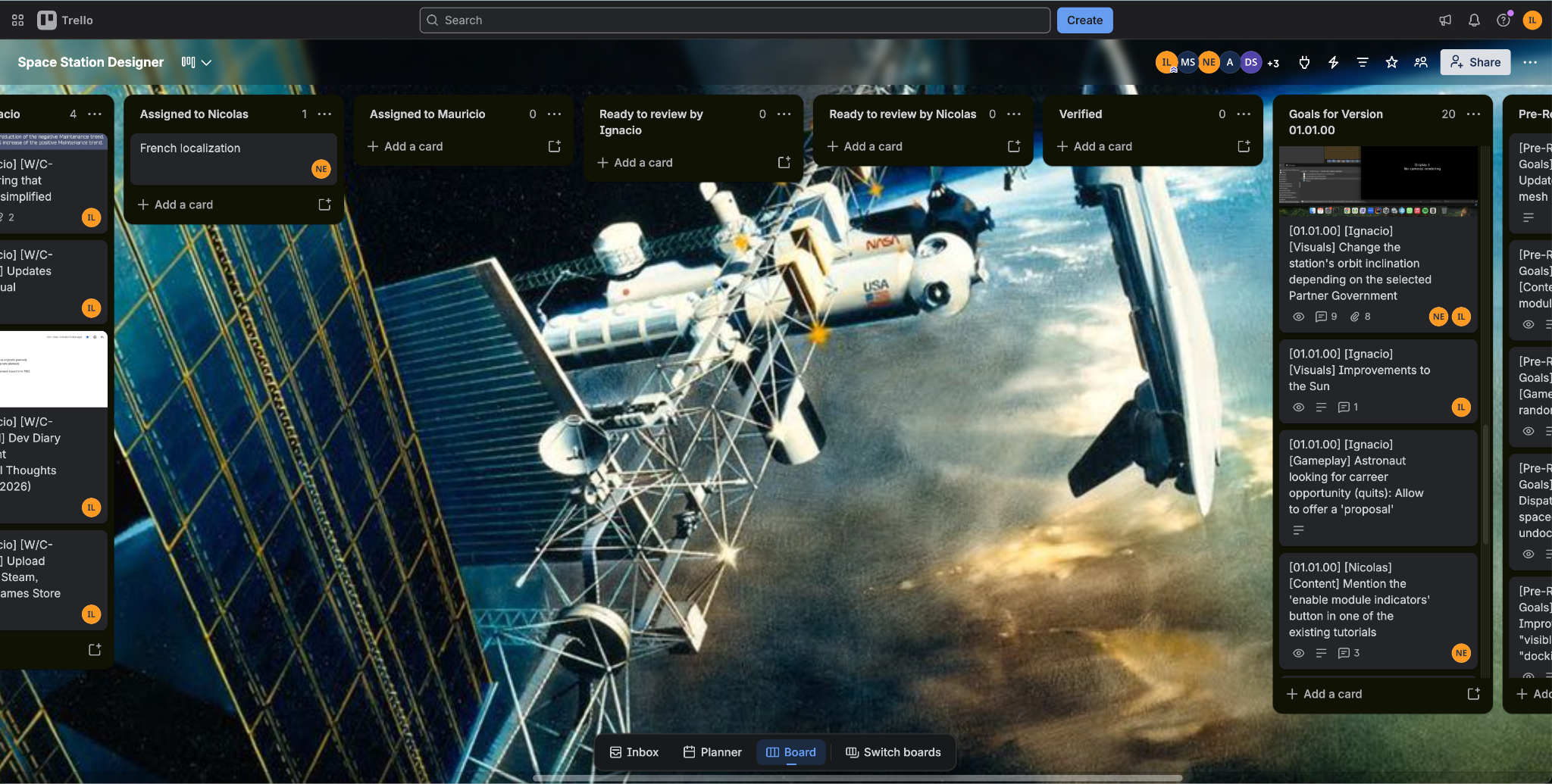
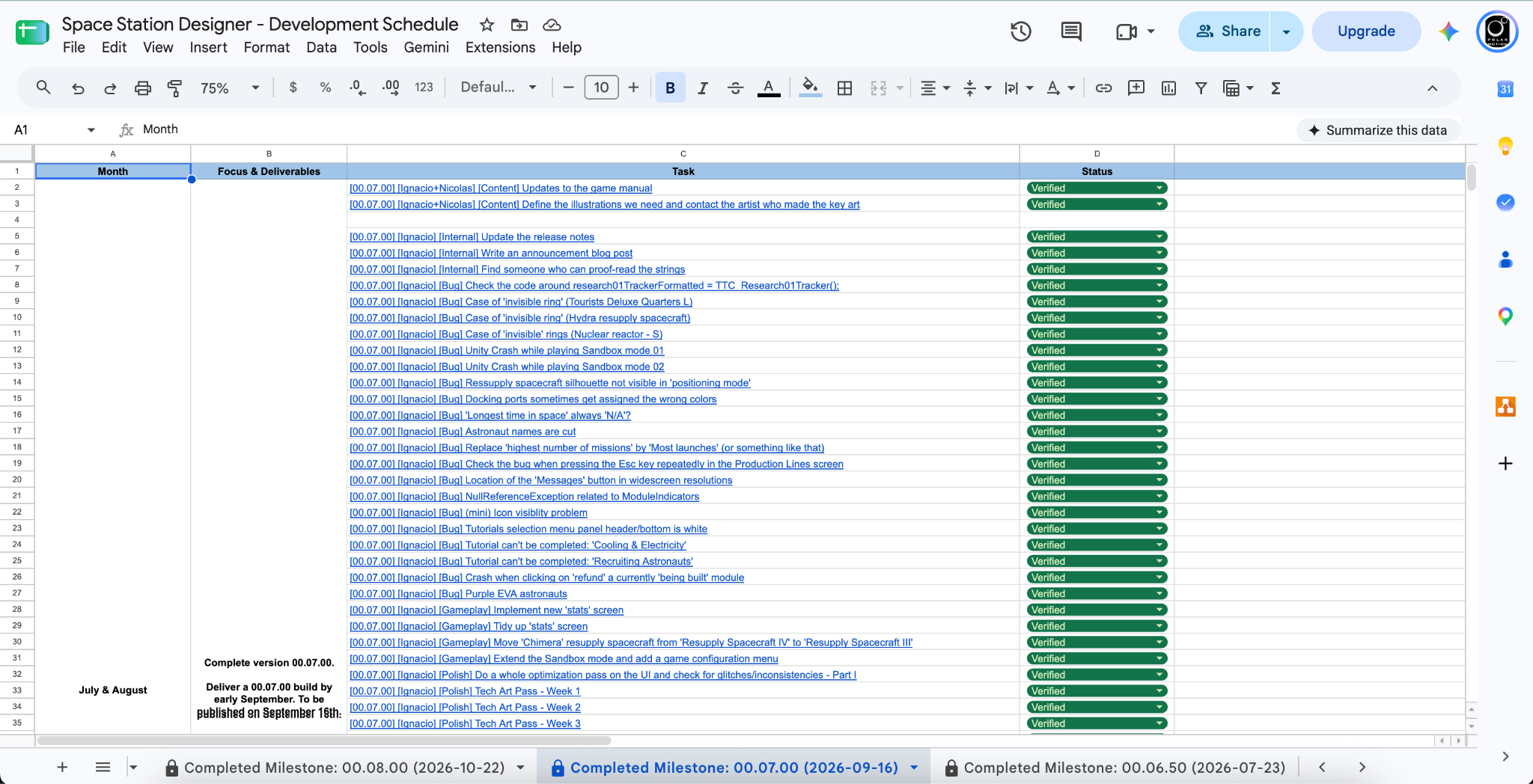

 Since neither of us are native English speakers, we also used GenAI (Codex, specifically) to scan all our string files in search of typos, grammar issues, etc. This helped us enormously, as Space Station Designer features nearly 5,000 strings and 84,000 words. Codex found several issues, which we addressed, and this allowed us to ship a much more polished final product than it would have been possible otherwise.
 Not every illustration started with a 3D blockout, though. For example, for city illustrations, I simply painted rough shapes to indicate where things should be, such as trees, walls, buildings, and other elements. This was enough to help AI understand the basic structure of the scene.
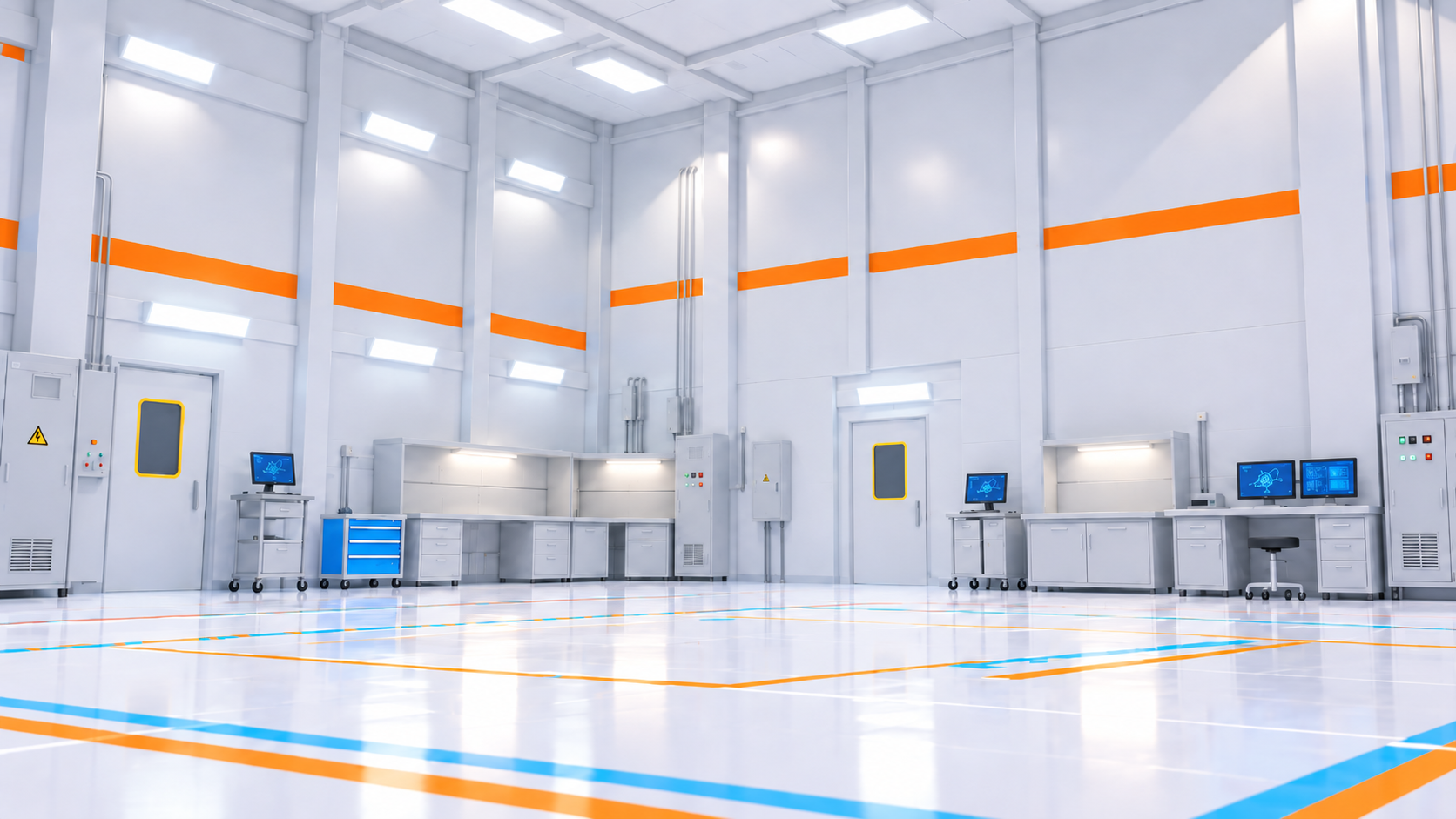 Essentially, the creative decisions about what to show and how to arrange the scene were made beforehand. AI was mostly used for the repetitive work of applying rough colors and exploring different visual treatments.
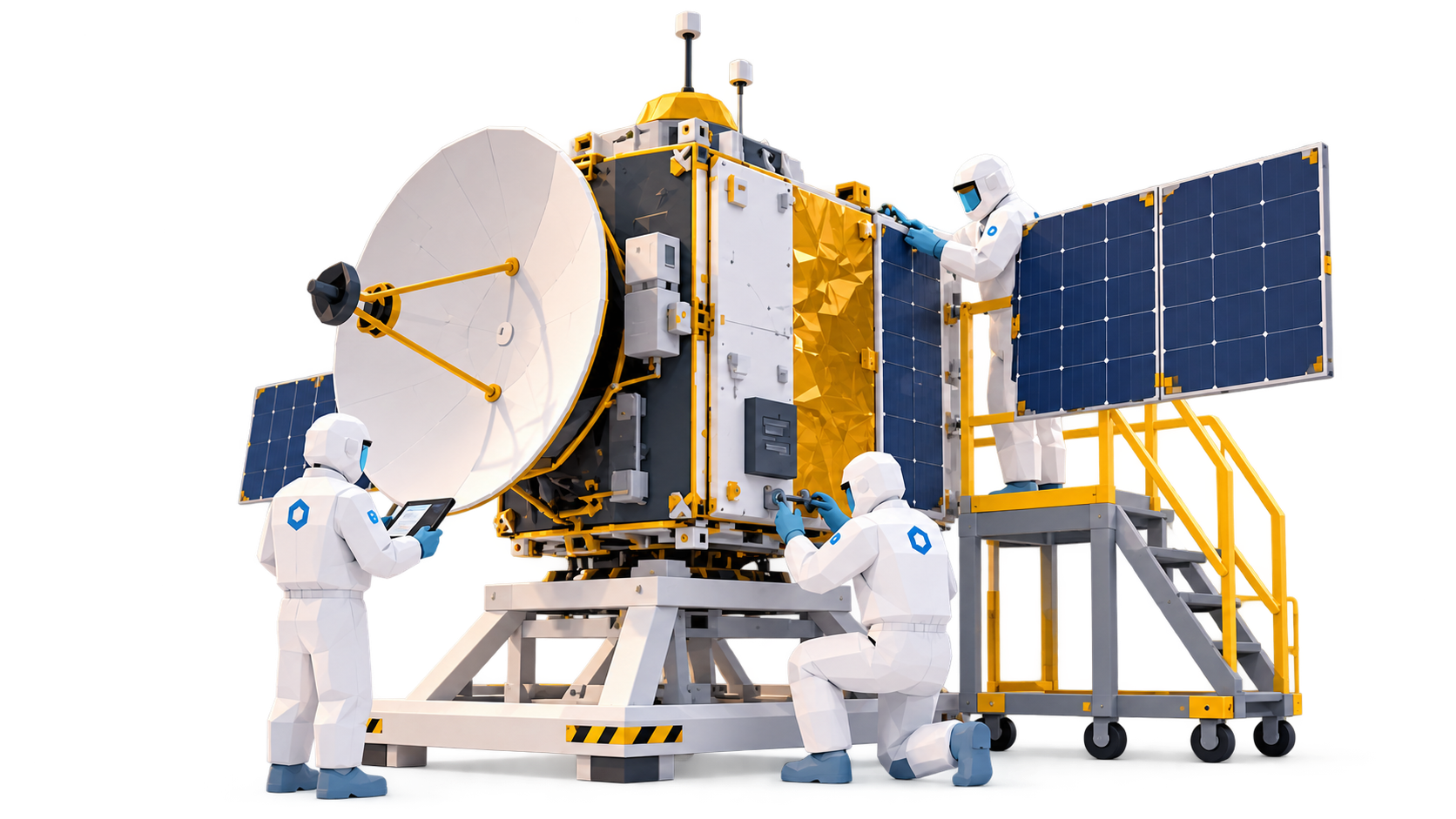
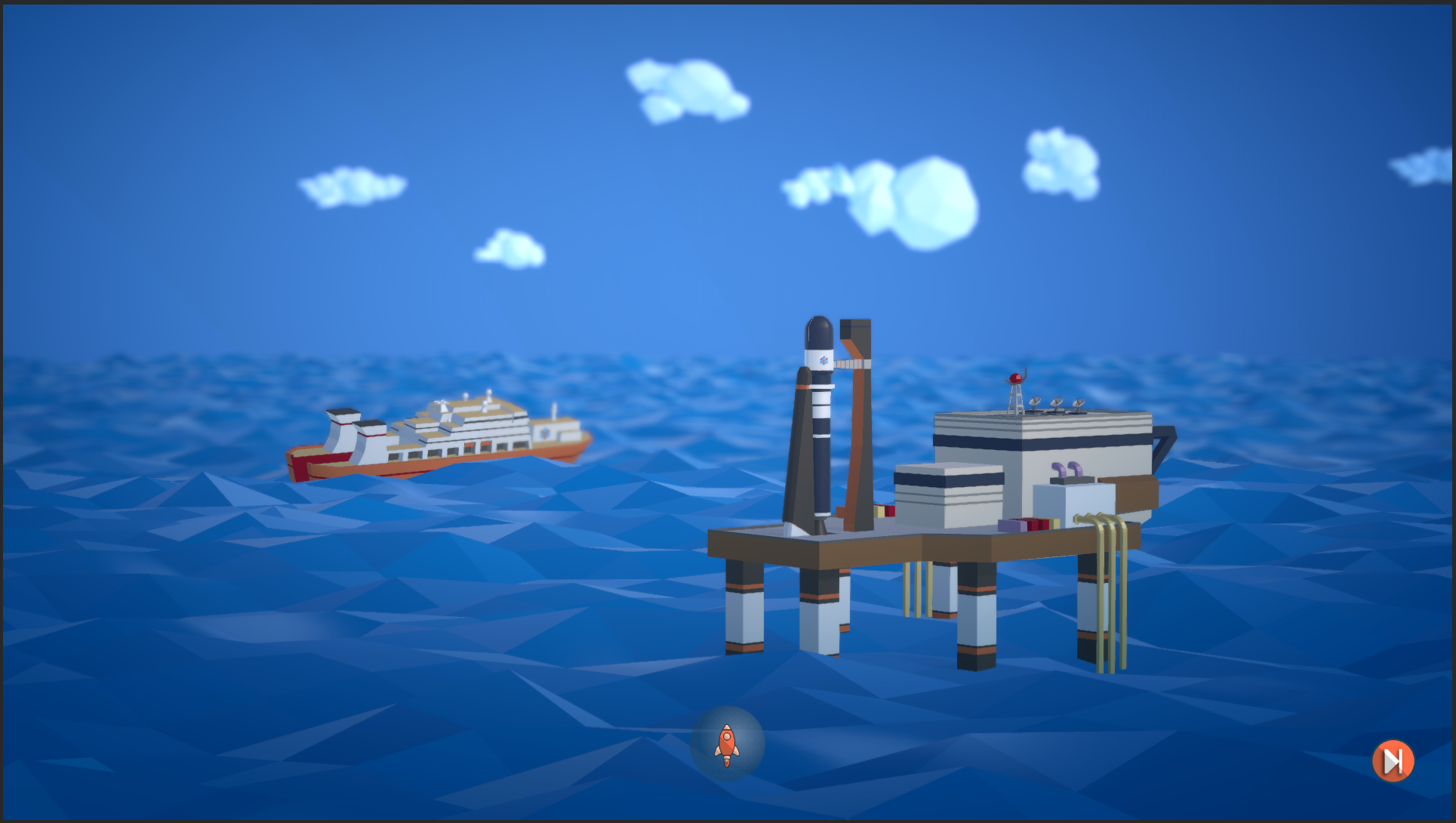

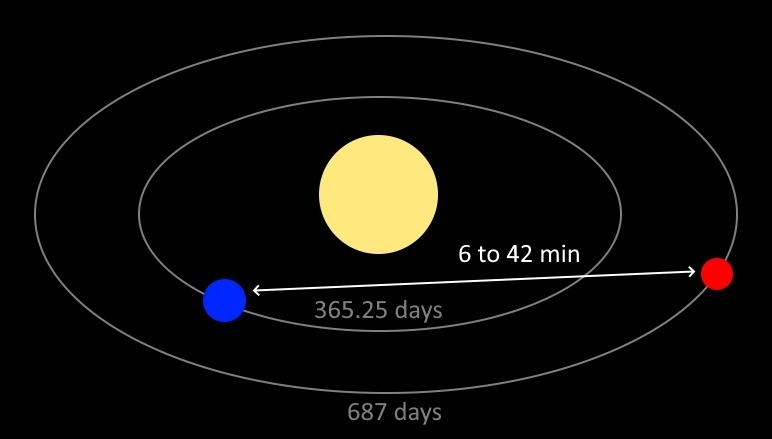
 Artist’s view of a permanent Lunar base.
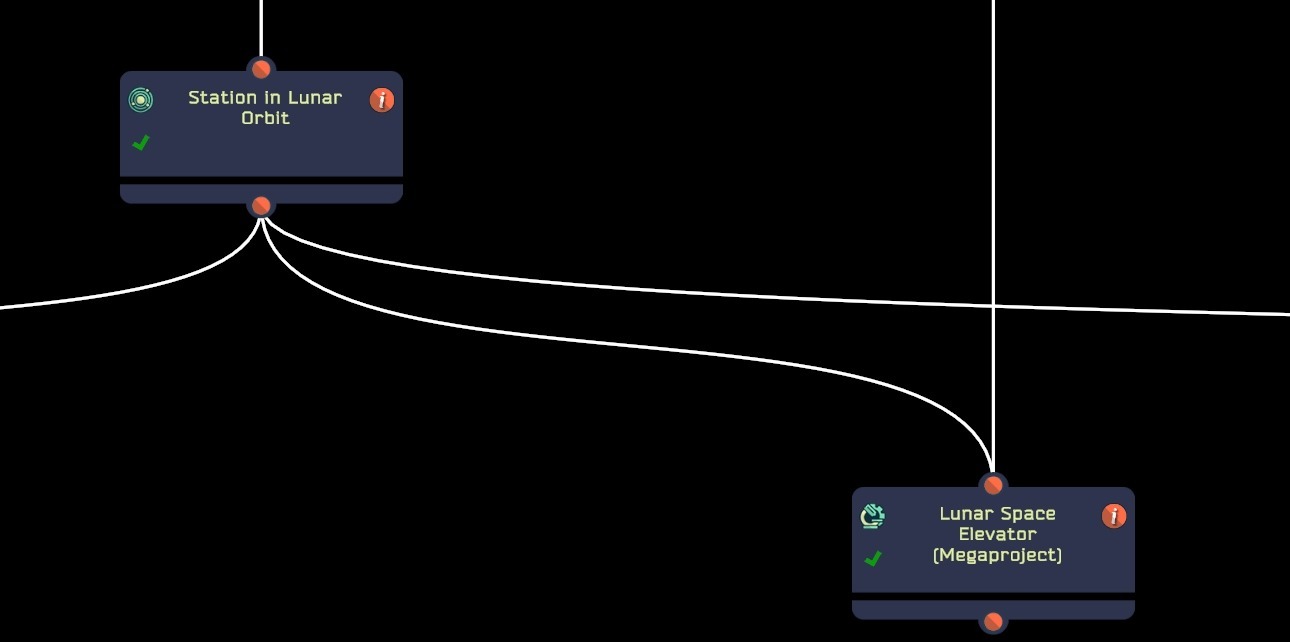 The ‘far bottom’ of the Tech tree.
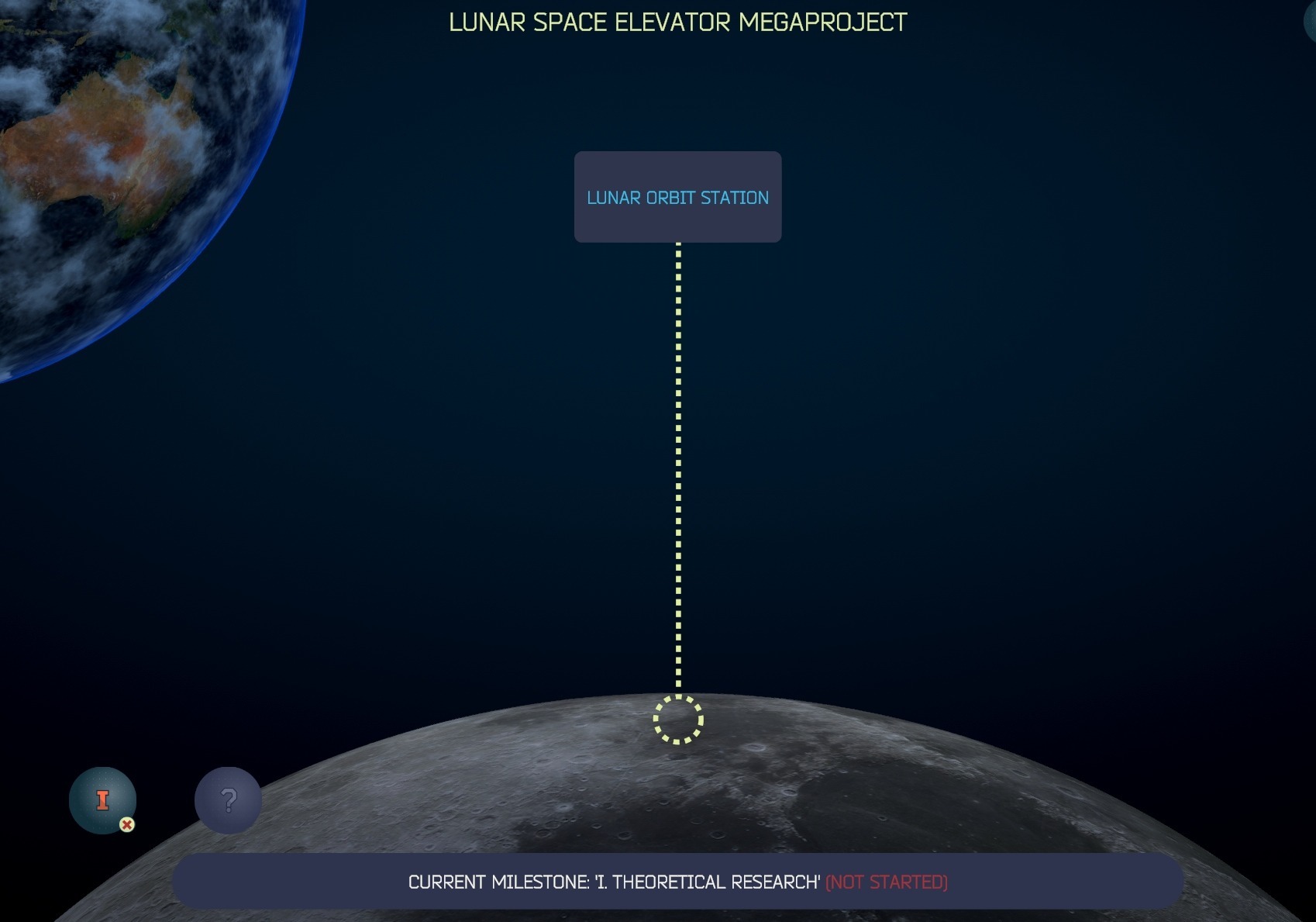 The Megaproject milestones screen, at a very early stage of completion (and still WIP).
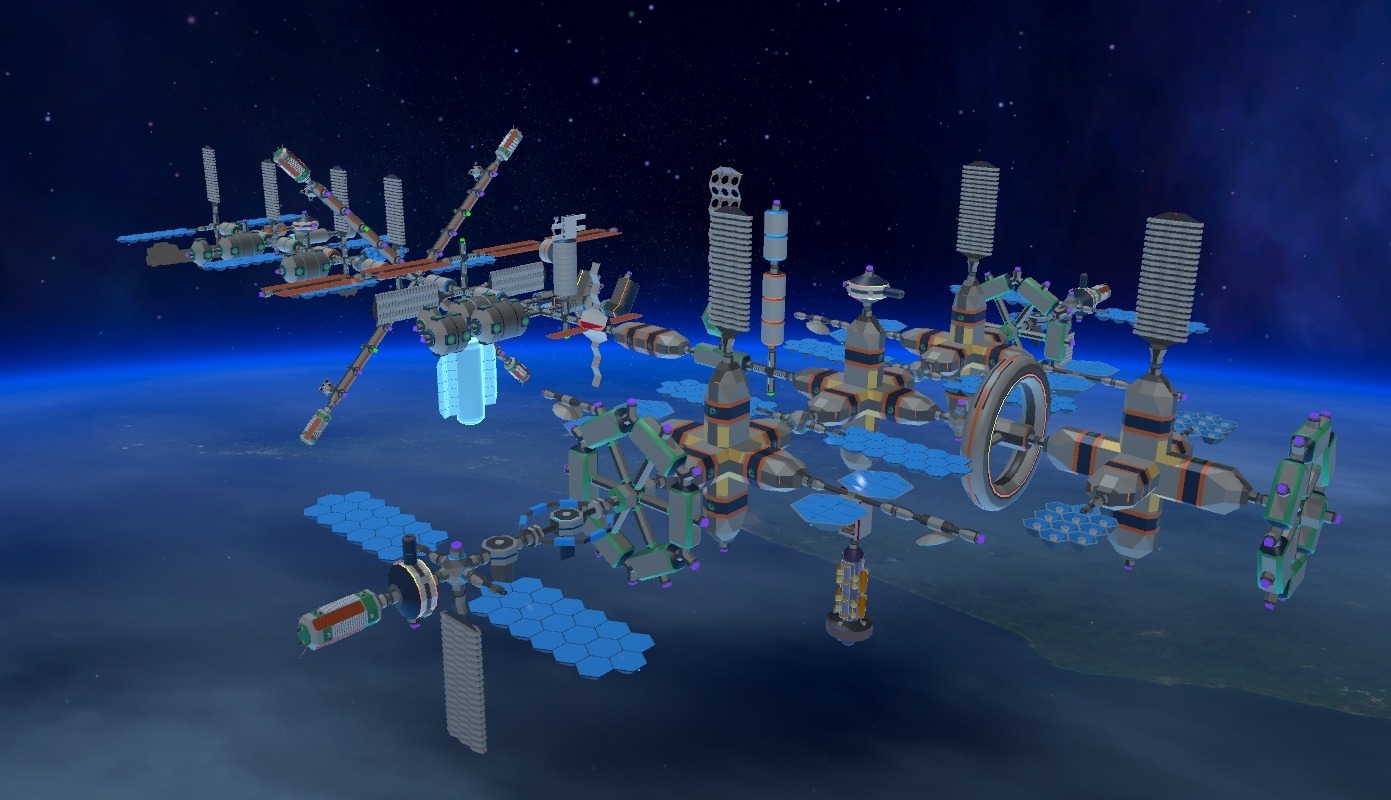 At this stage of the game, this LEO station is probably a bit too complex for its own good, and as research in other orbit is much more efficient, it could be simplified a lot, requiring less maintenance, freeing astronauts and player’s attention.
 A snapshot of the modules you need to acquire in order to complete the Lunar Space Elevator.
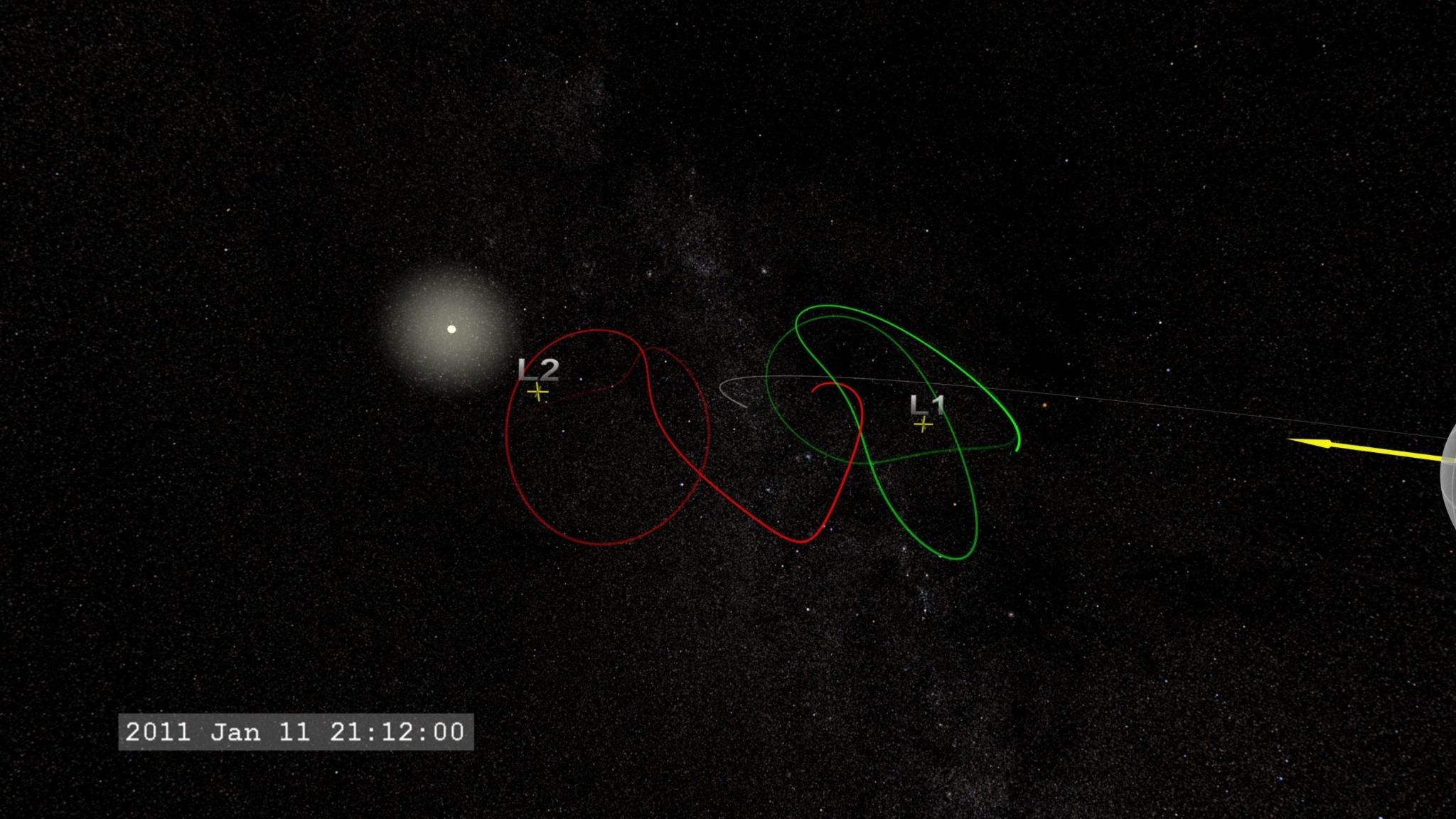
 Carbon Nanotube (CNT) macroscopic structure
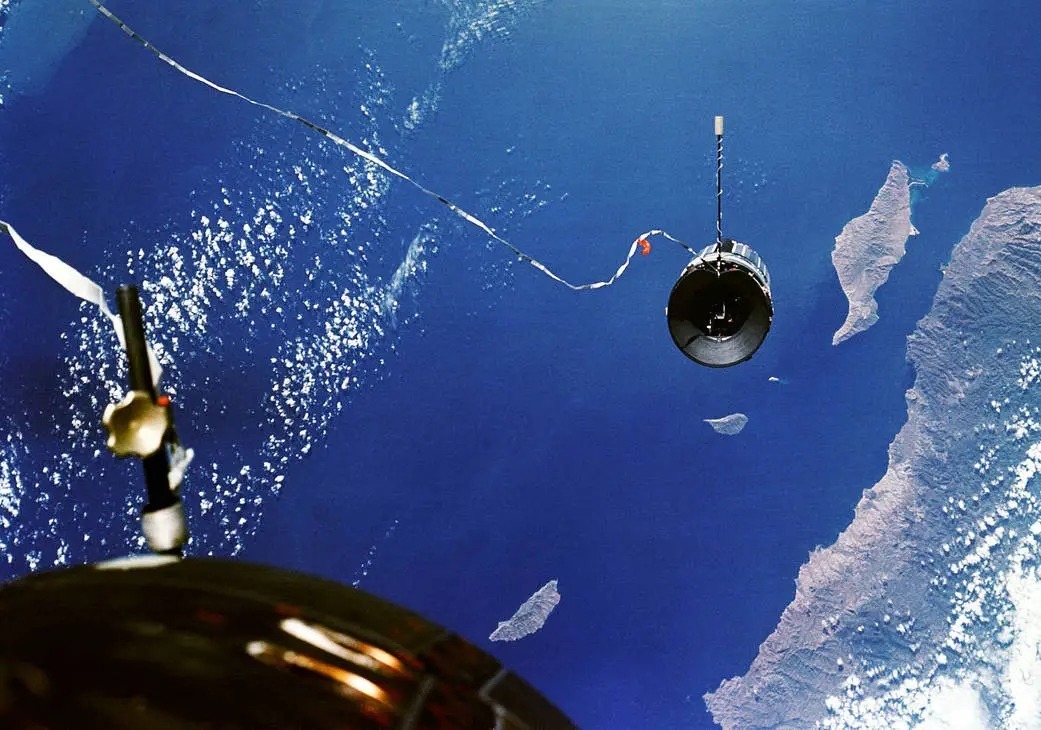 View of the Agena target vehicle from the Gemini XI spacecraft (NASA). Note the tether connecting them, not under tension at that moment.
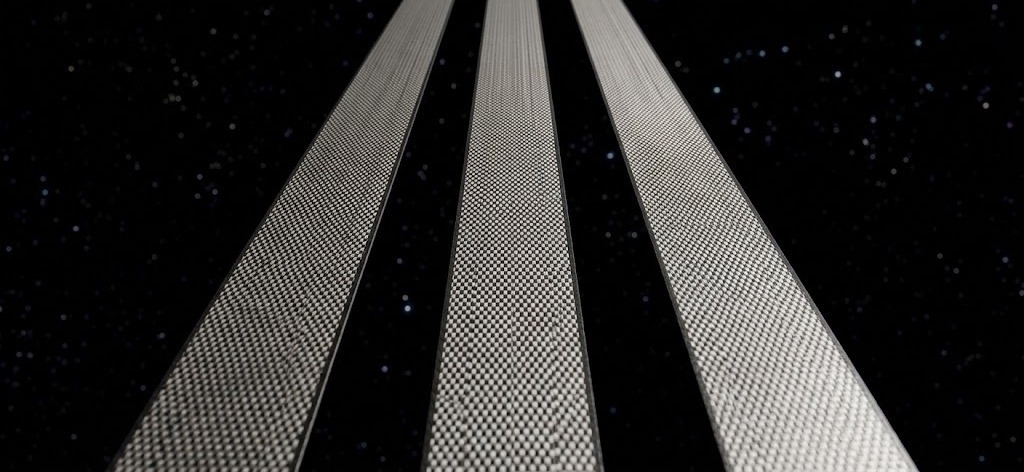 Three parallel tethers would ensure a good redundancy. They would together form ‘the ribbon’.
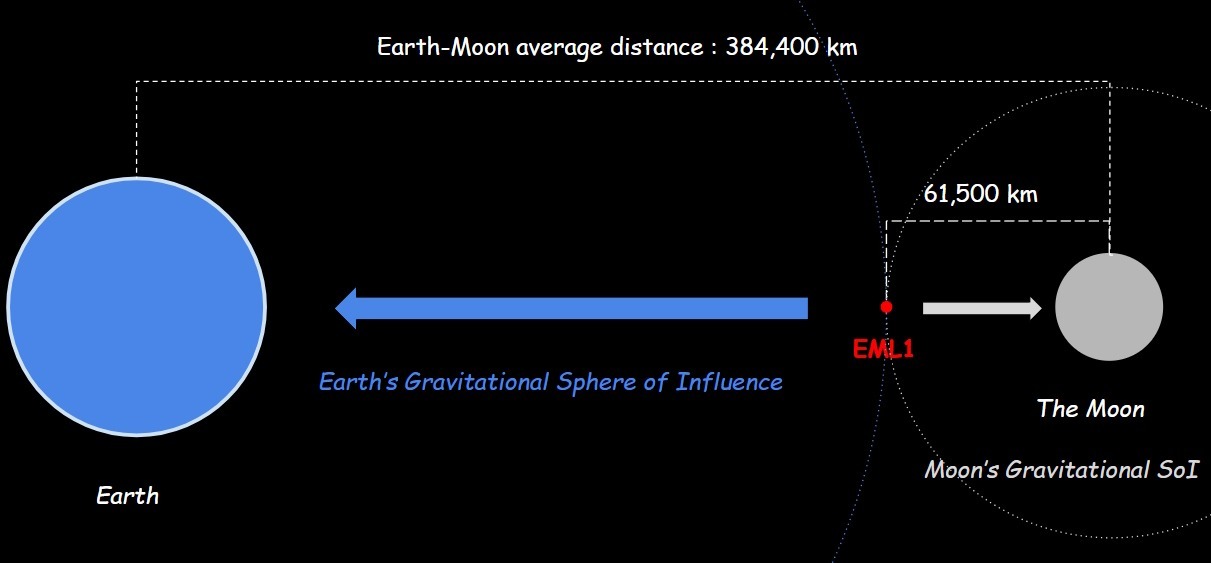 The Earth, The Moon, and the Earth-Moon Lagrange Point 1 or ‘EML1’ (not to scale).

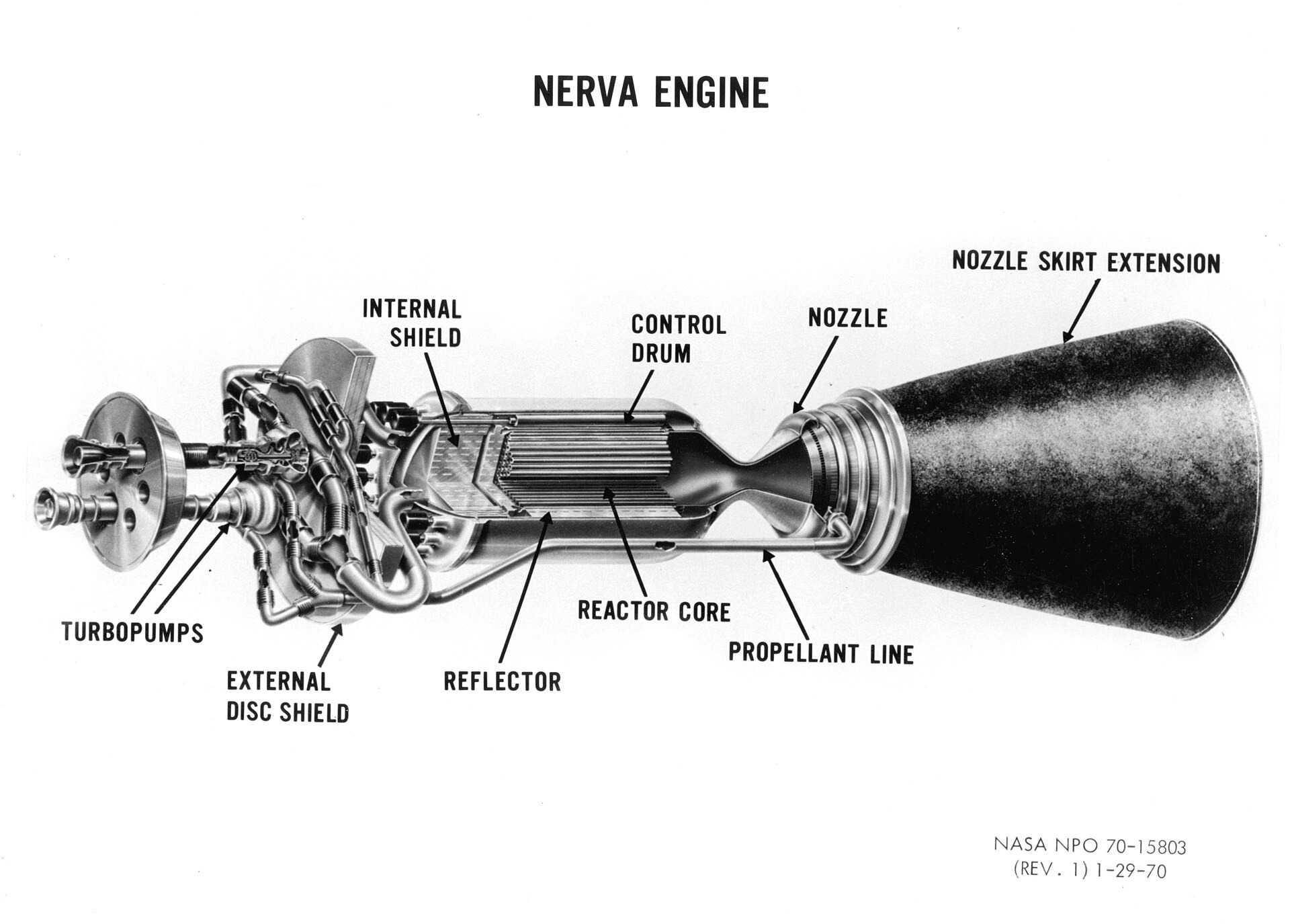 NERVA Nuclear-Thermal Rocket engine or ‘NTR’, NASA, 1970.
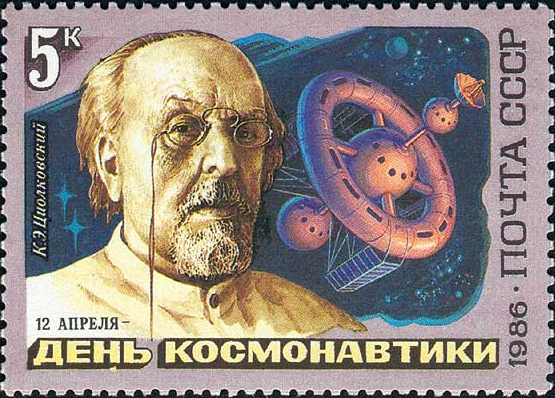 Konstantin Tsiolkovsky - Soviet postal stamp of 1986
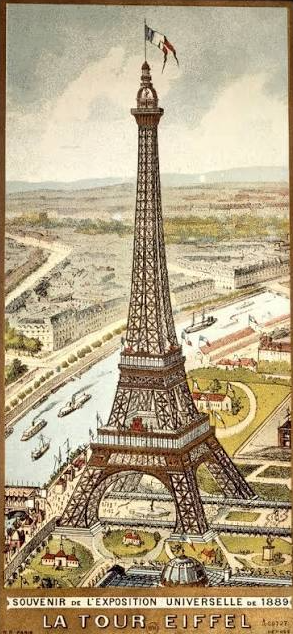 Eiffel Tower as in 1889
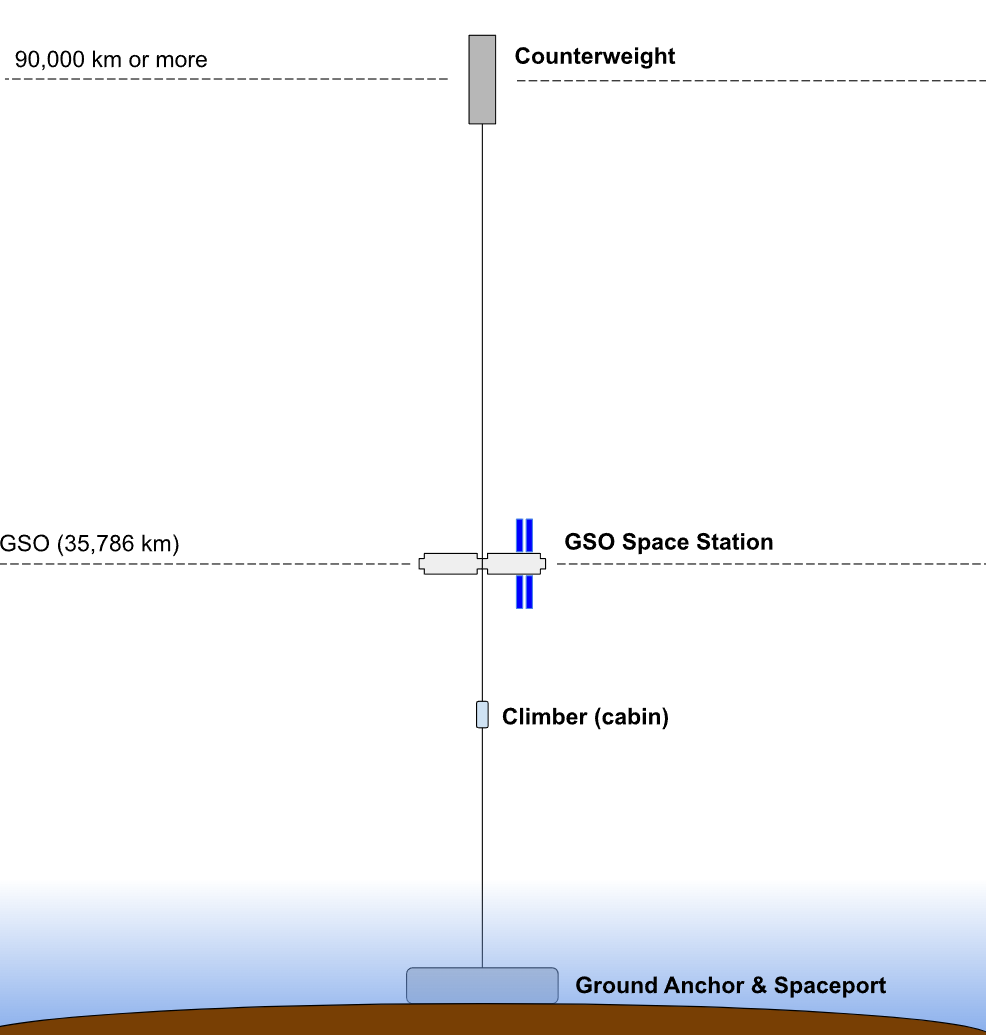 Modern Space Elevator concept
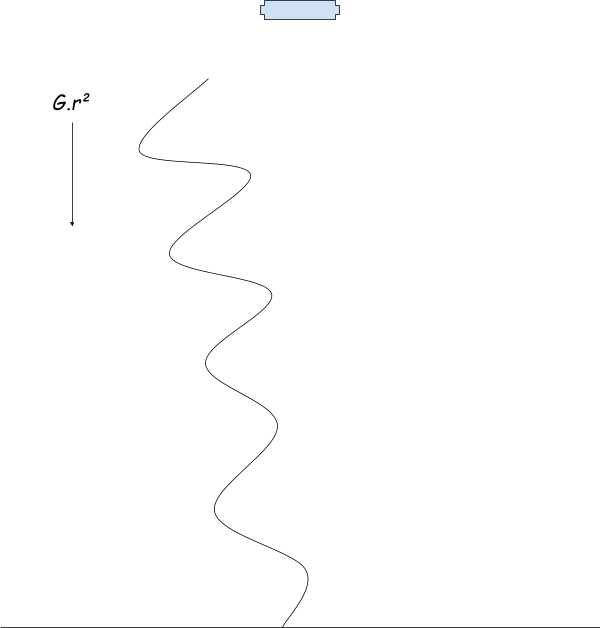
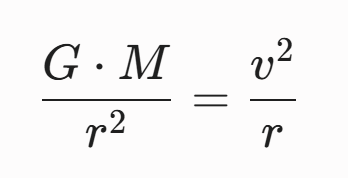
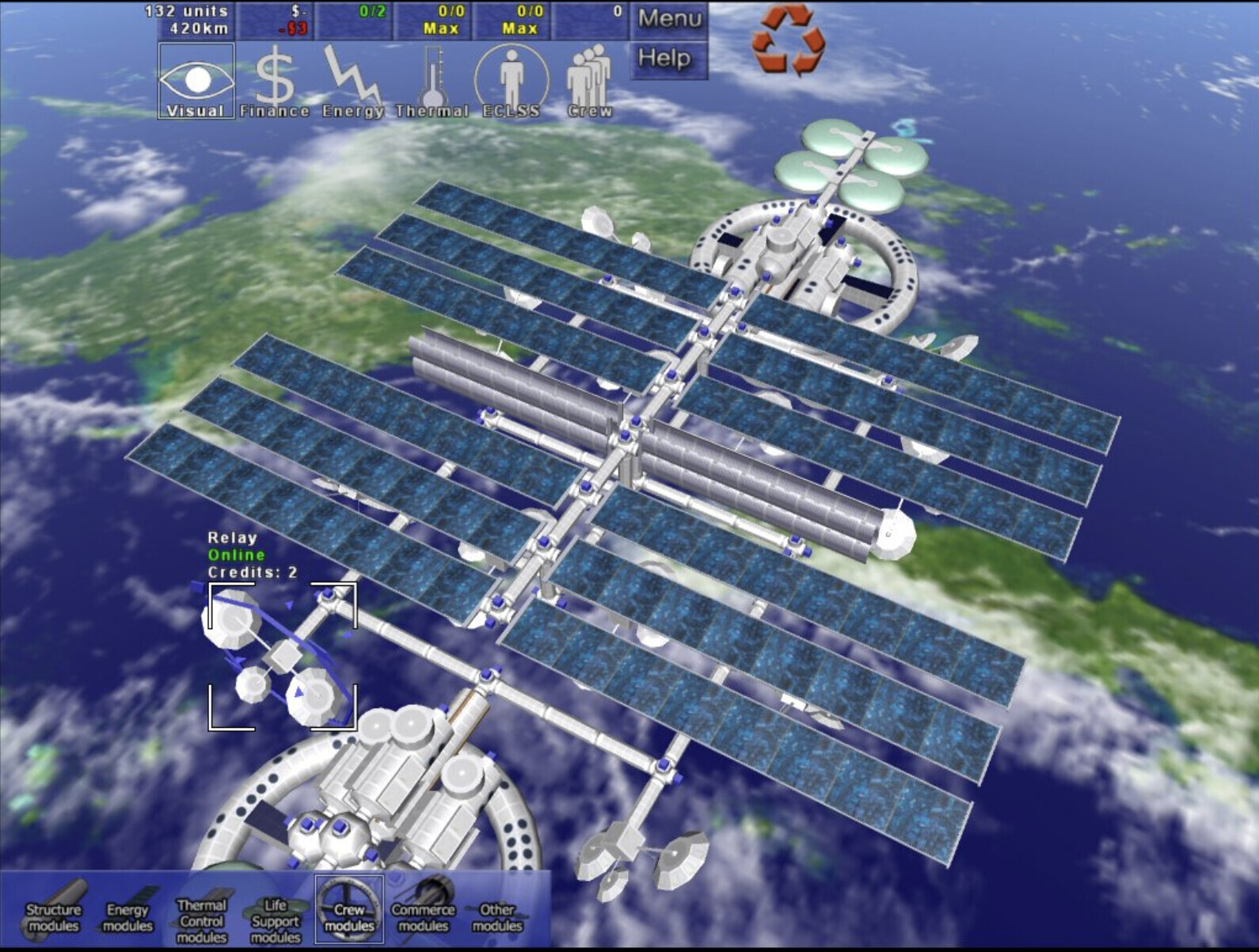 'Space Station Manager' gameplay, featuring a station with large solar panels.
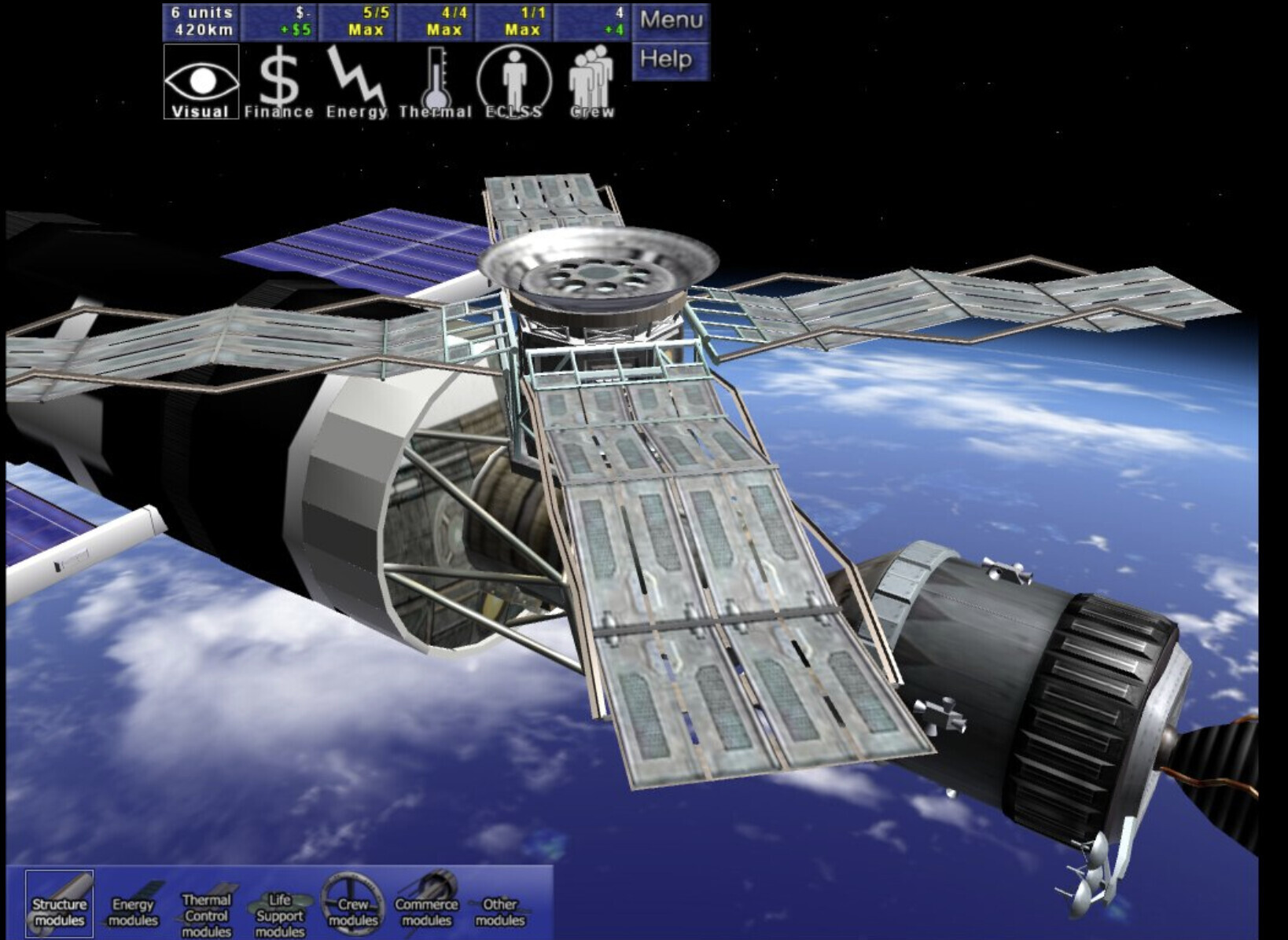
 Fig 1: The 'Power Tower' configuration.
 Fig 4: 'Space Station Freedom' design as of 1991.
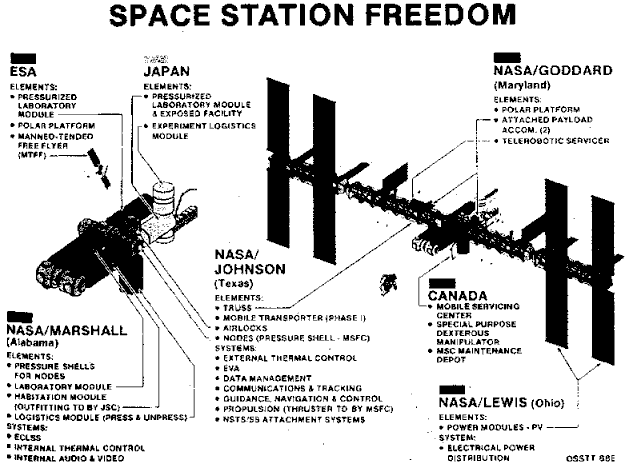
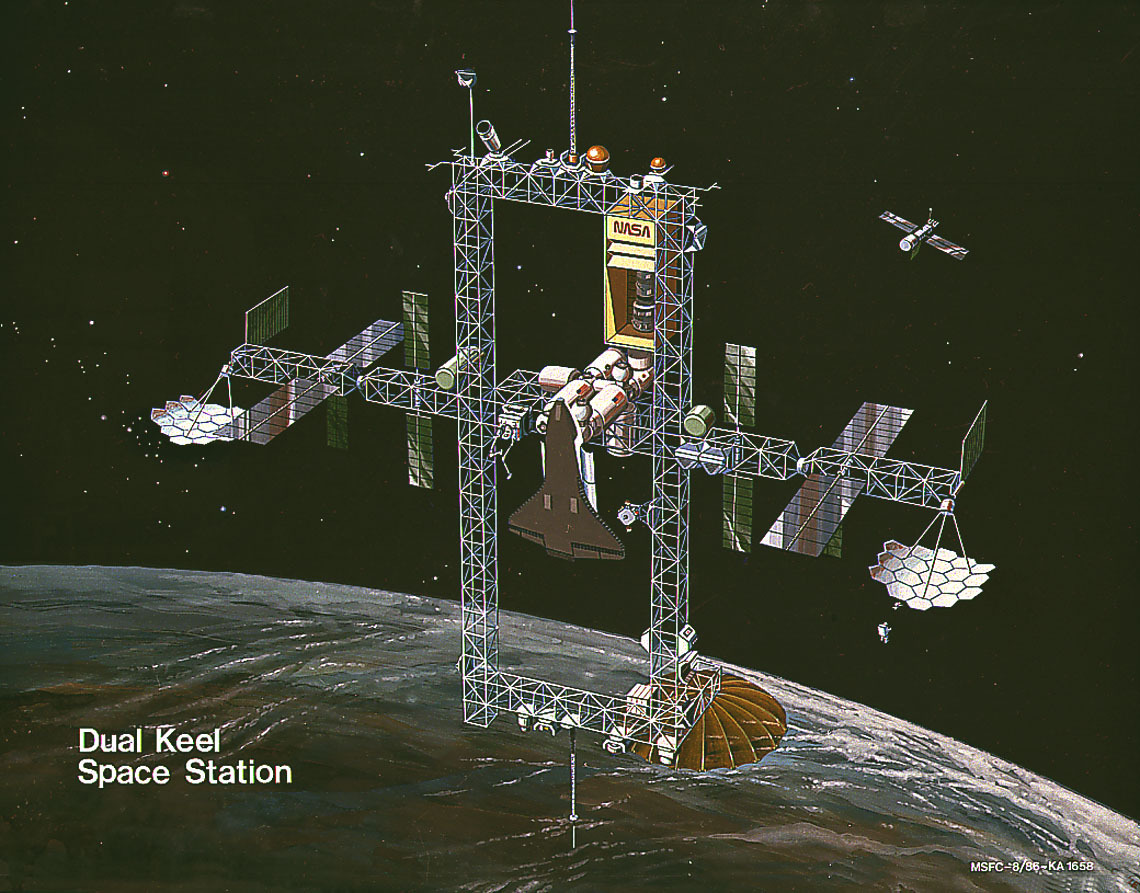
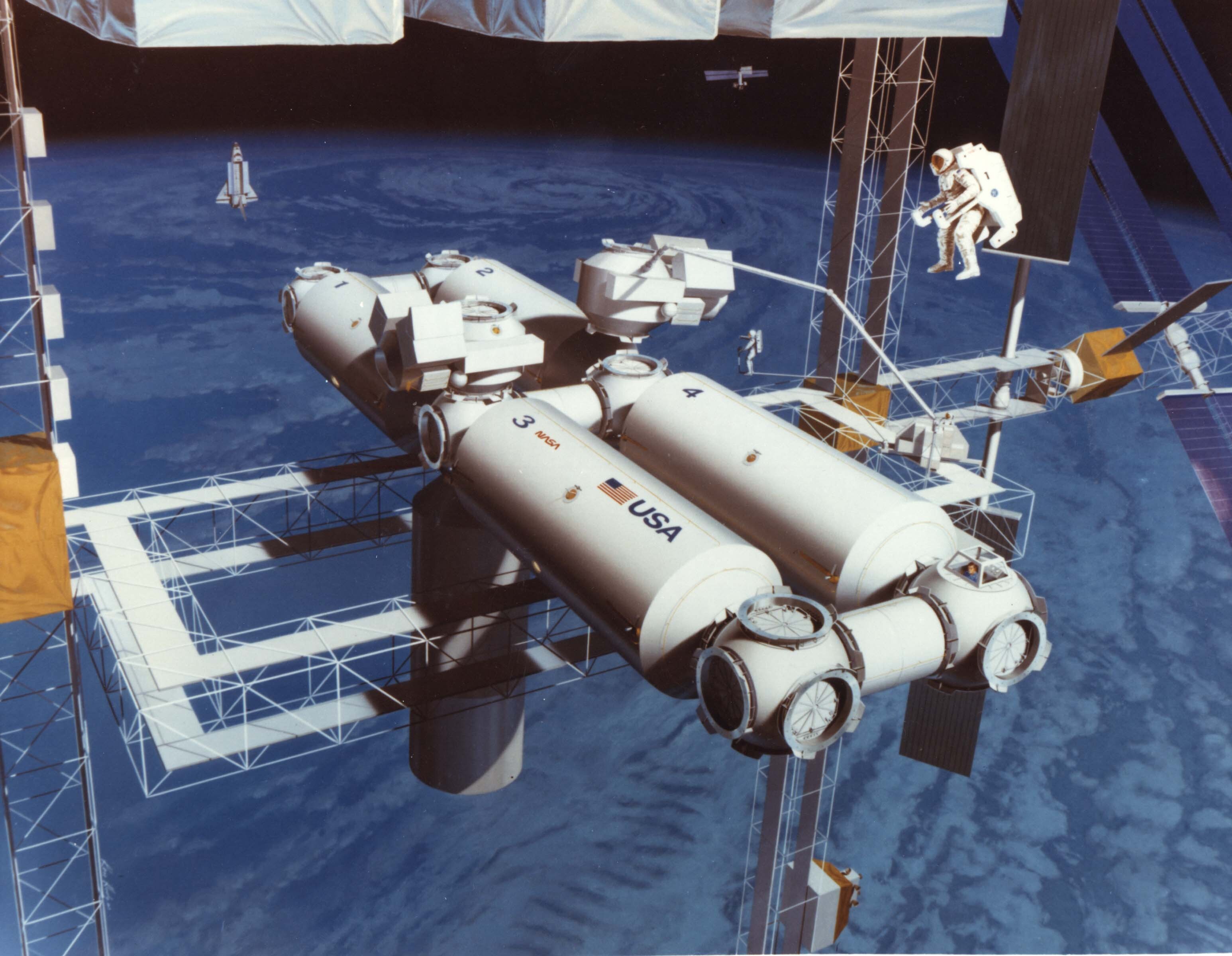

 Fig 16: 'The Space Station', by Kent Alexander (1990).

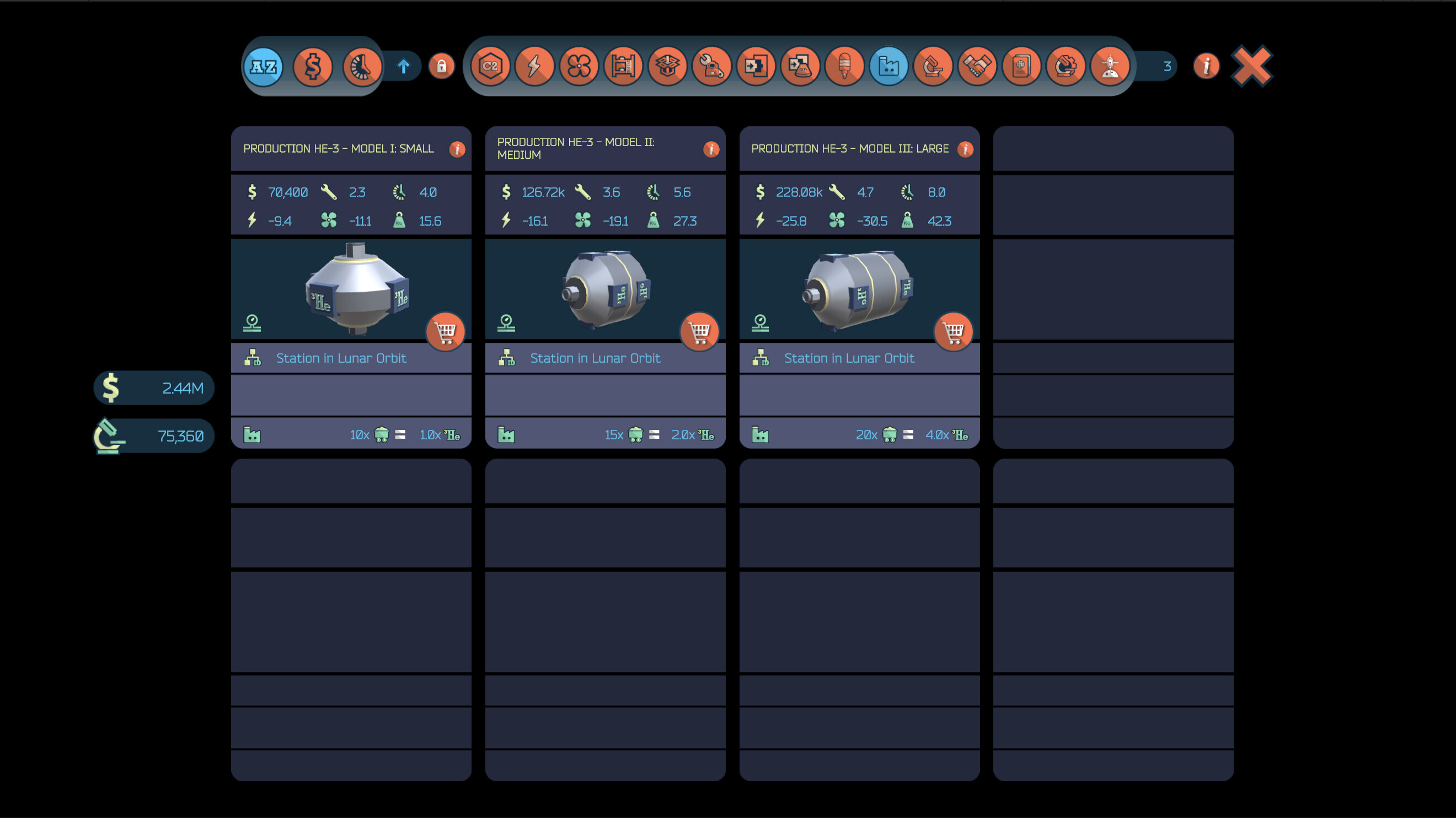
 Note that currently the mechanics for space tourism in the Lunar Orbit station are the same as in LEO and GSO. However, given the uniqueness of its location, we're planning to increase the rewards provided by space tours in Lunar Orbit in future versions of the game.
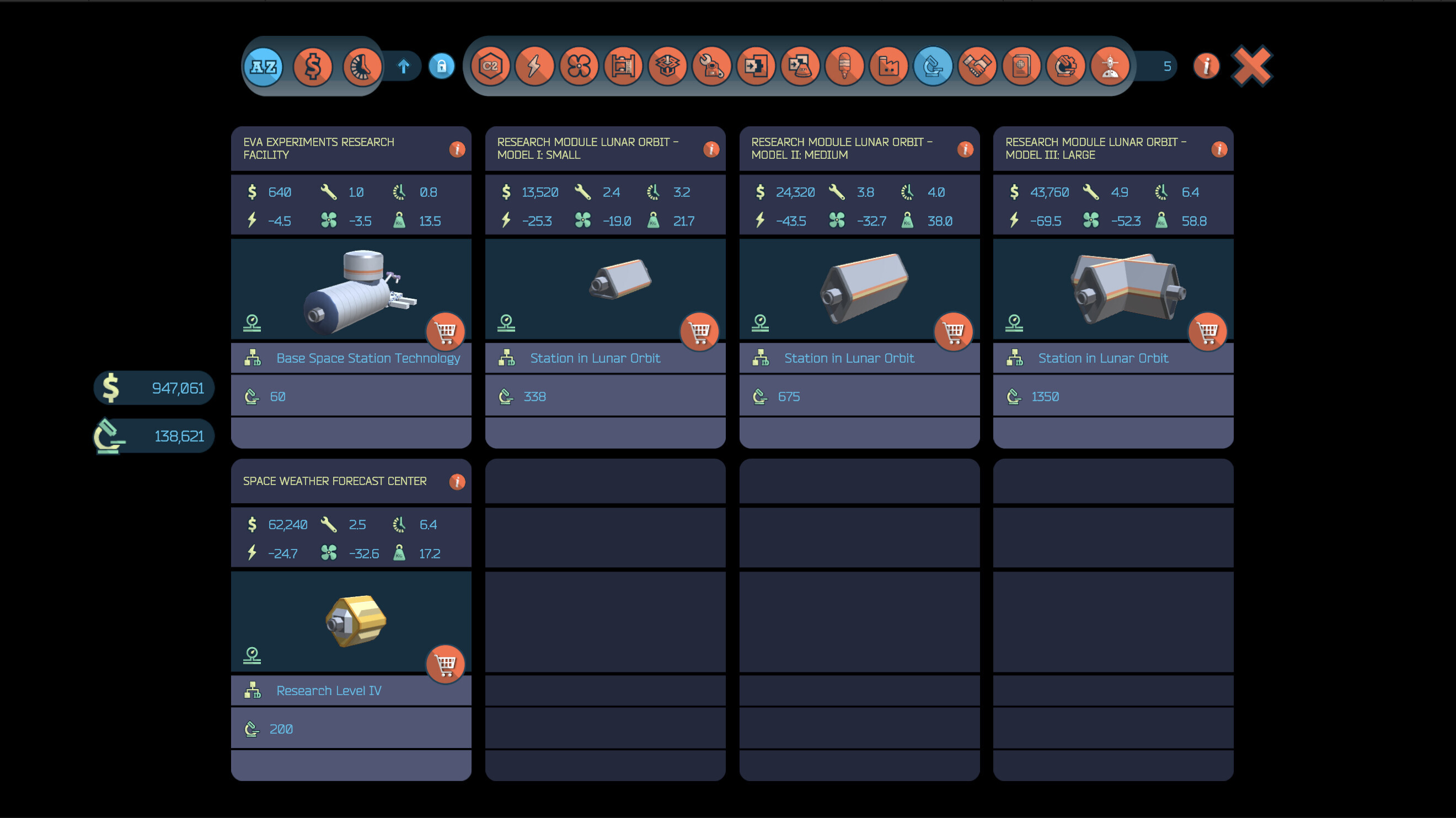 Note that the 'Station in Lunar Orbit' research technology is close to the end of the research tree, and it's a pre-requisite for the 'Industrial R&D Lunar Orbit' technology, which unlocks three new modules.
 These modules generate 'Industrial R&D Lunar Orbit' points, which is one of the four types of Industrial R&D points available throughout the game. Having the ability to generate these types of points will allow us to accept some very lucrative contracts. These types of points also play an important role in the development of the Lunar Space Elevator Megaproject.
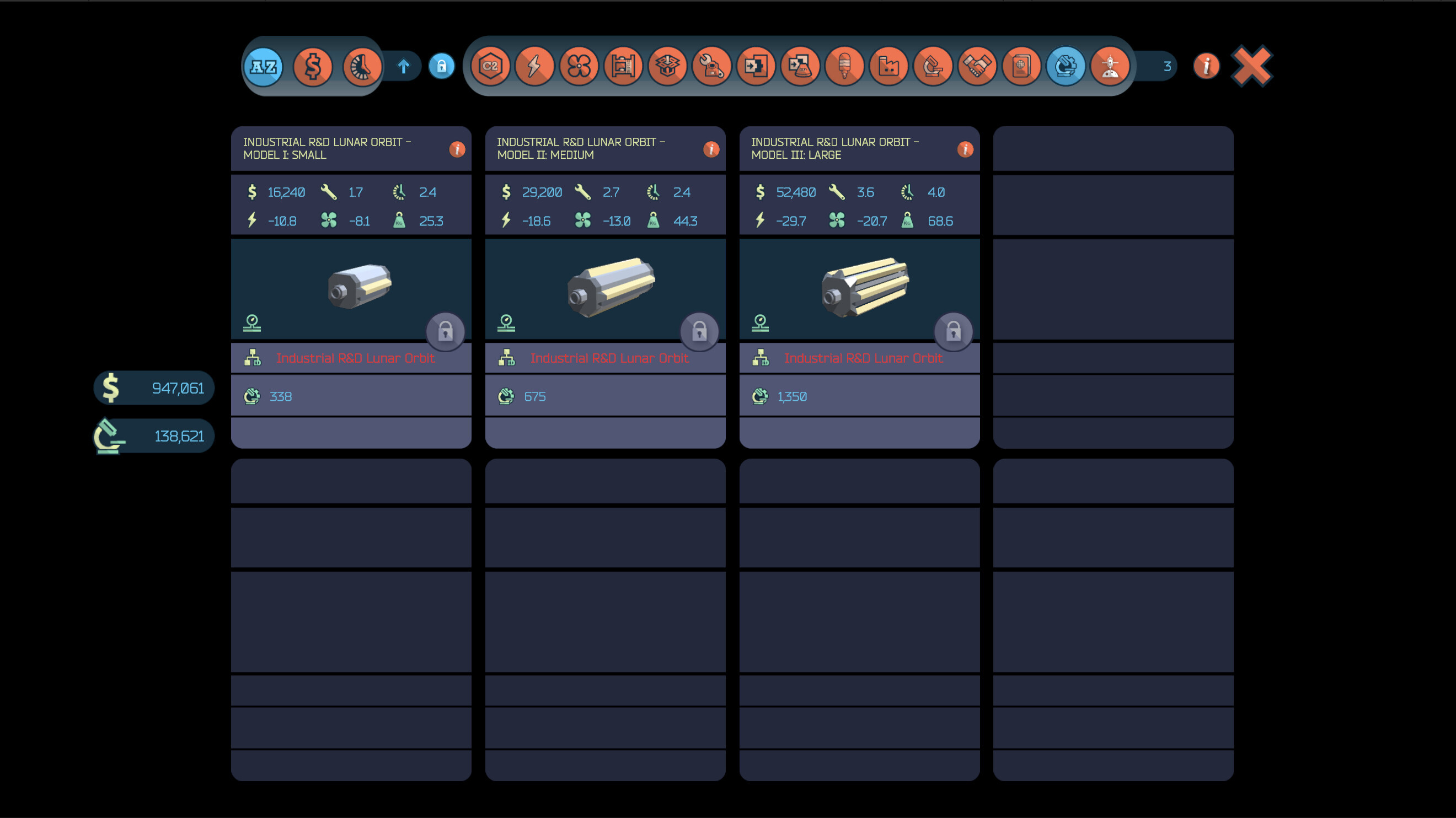

 The Earth-Moon Lagrange Point 1 (L1)
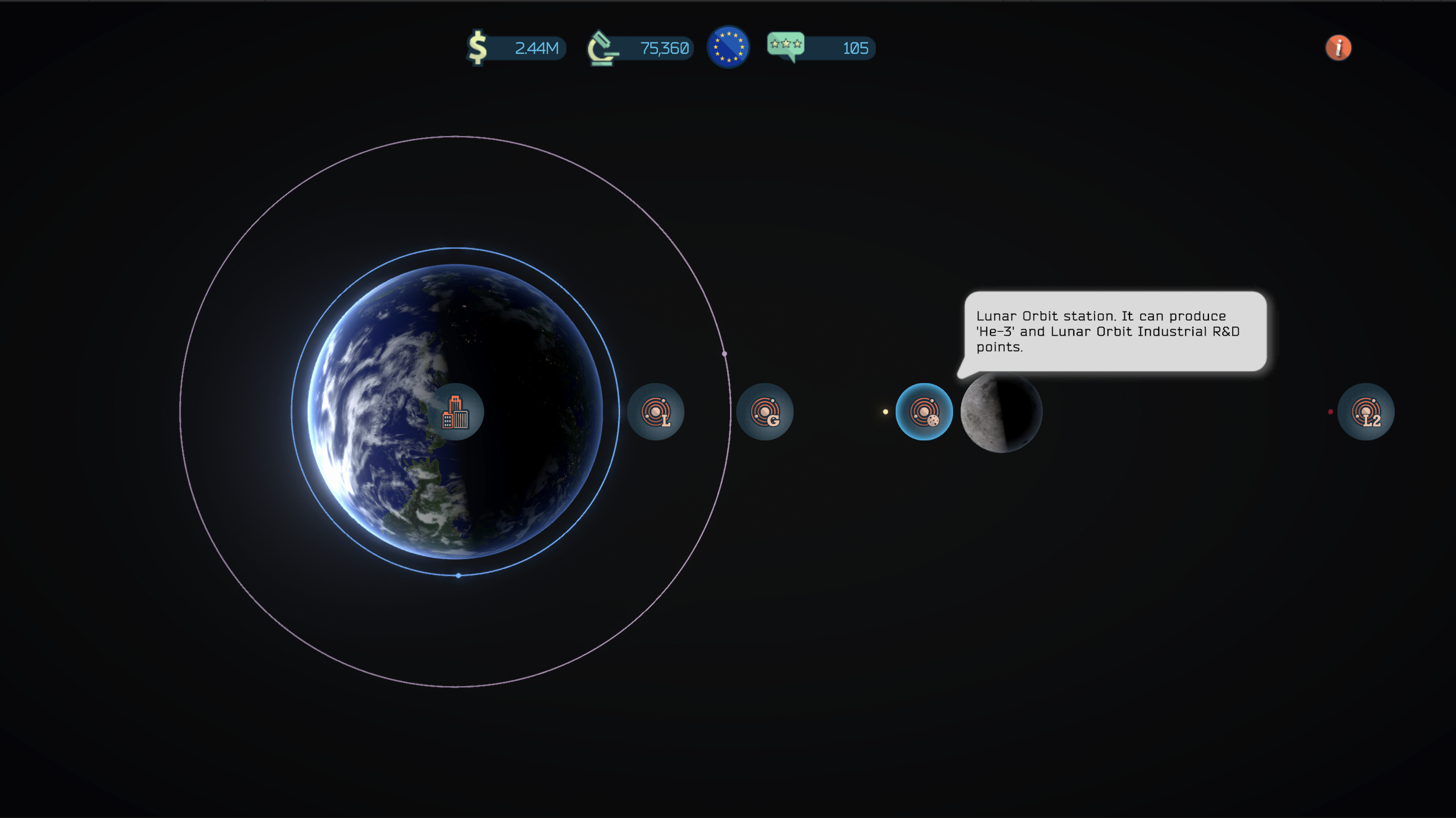 At L1, the combined gravitational pull of the Earth and Moon balances the centrifugal force, allowing a spacecraft, or a space station, to "hover" with reduced fuel requirements. L1's location provides several benefits, and makes it a very convenient location for a Lunar Orbit station. Some of these benefits include:
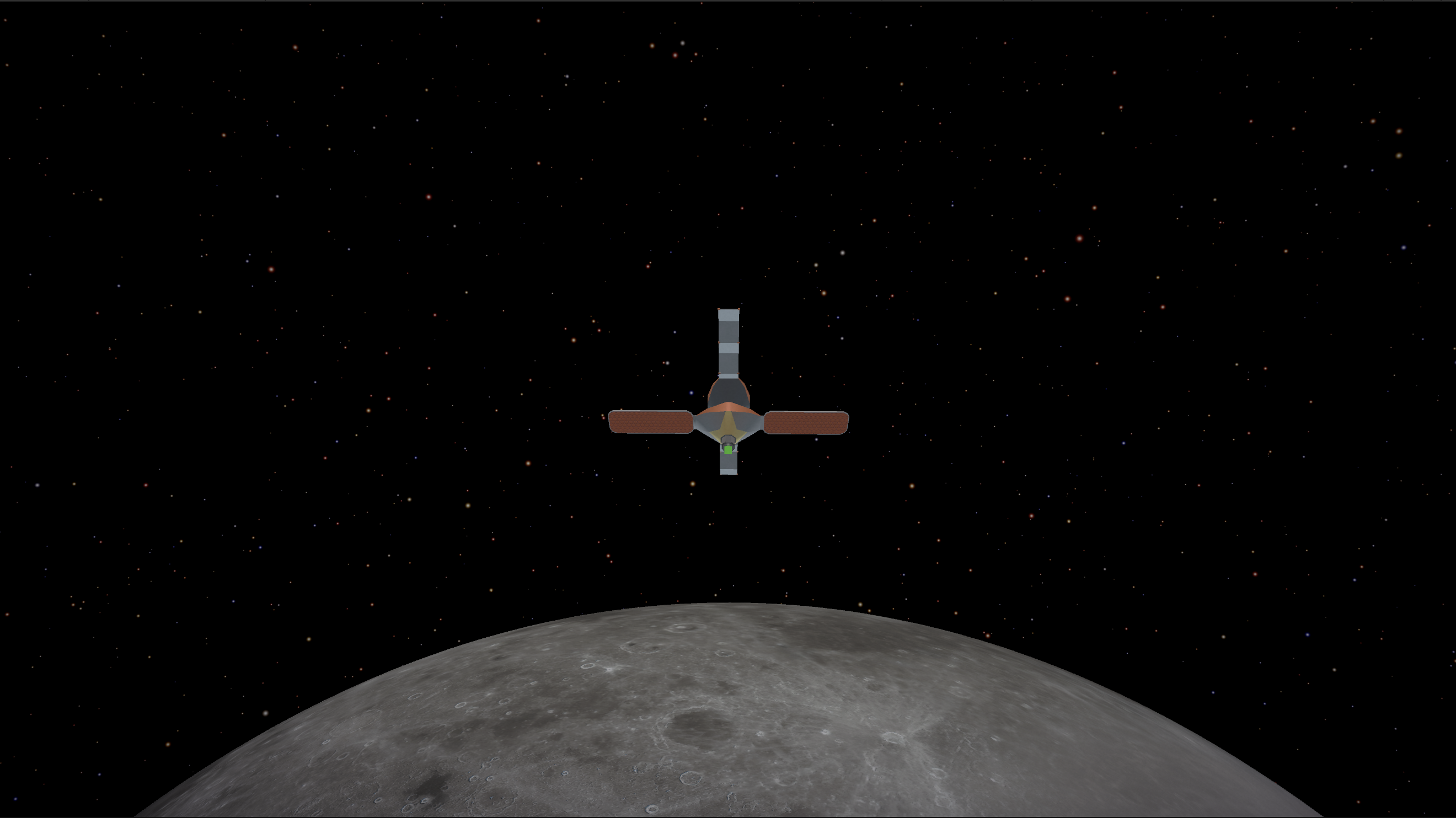 Orbit Control and Distance to the L1 point
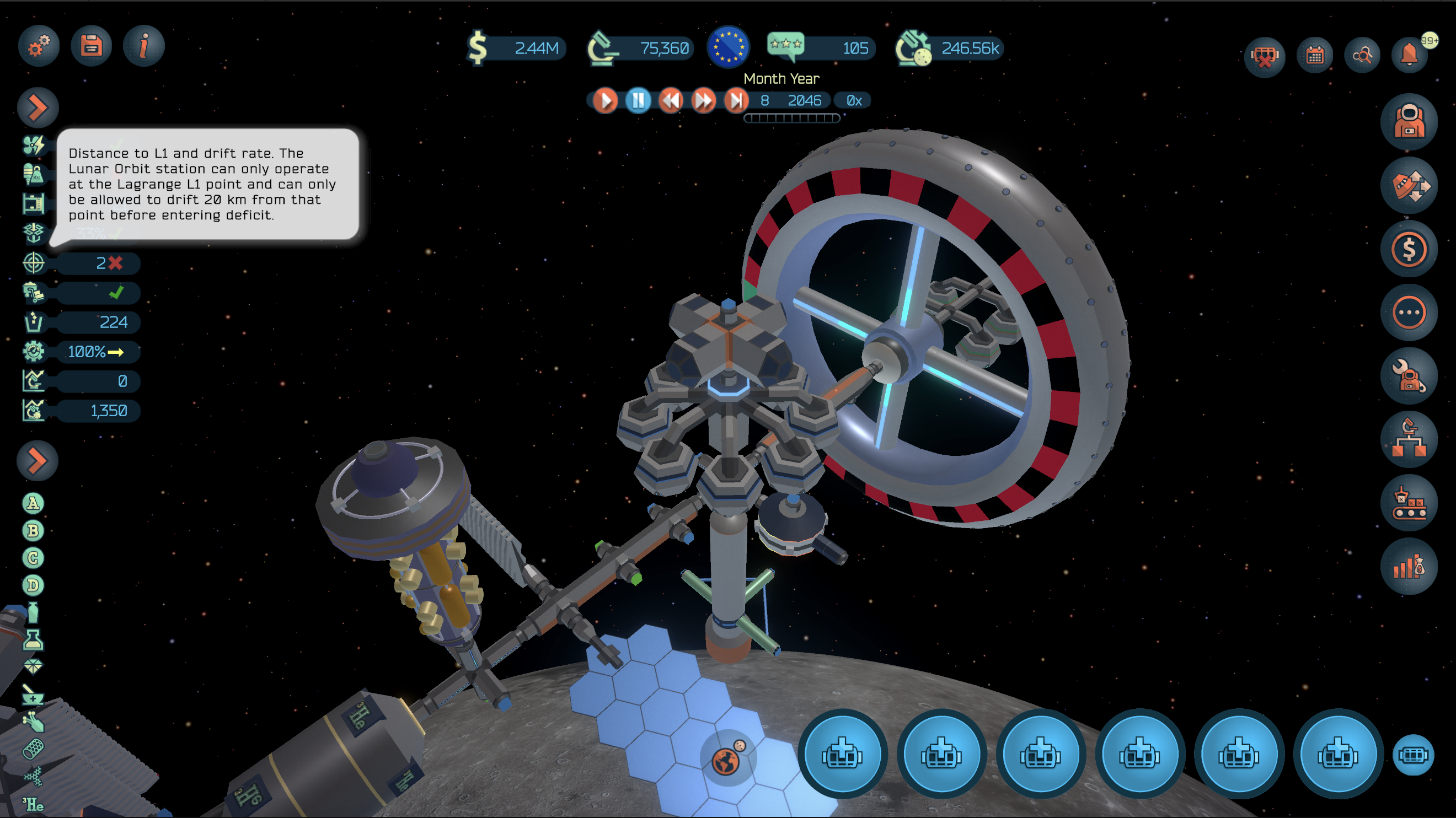 Attitude Control
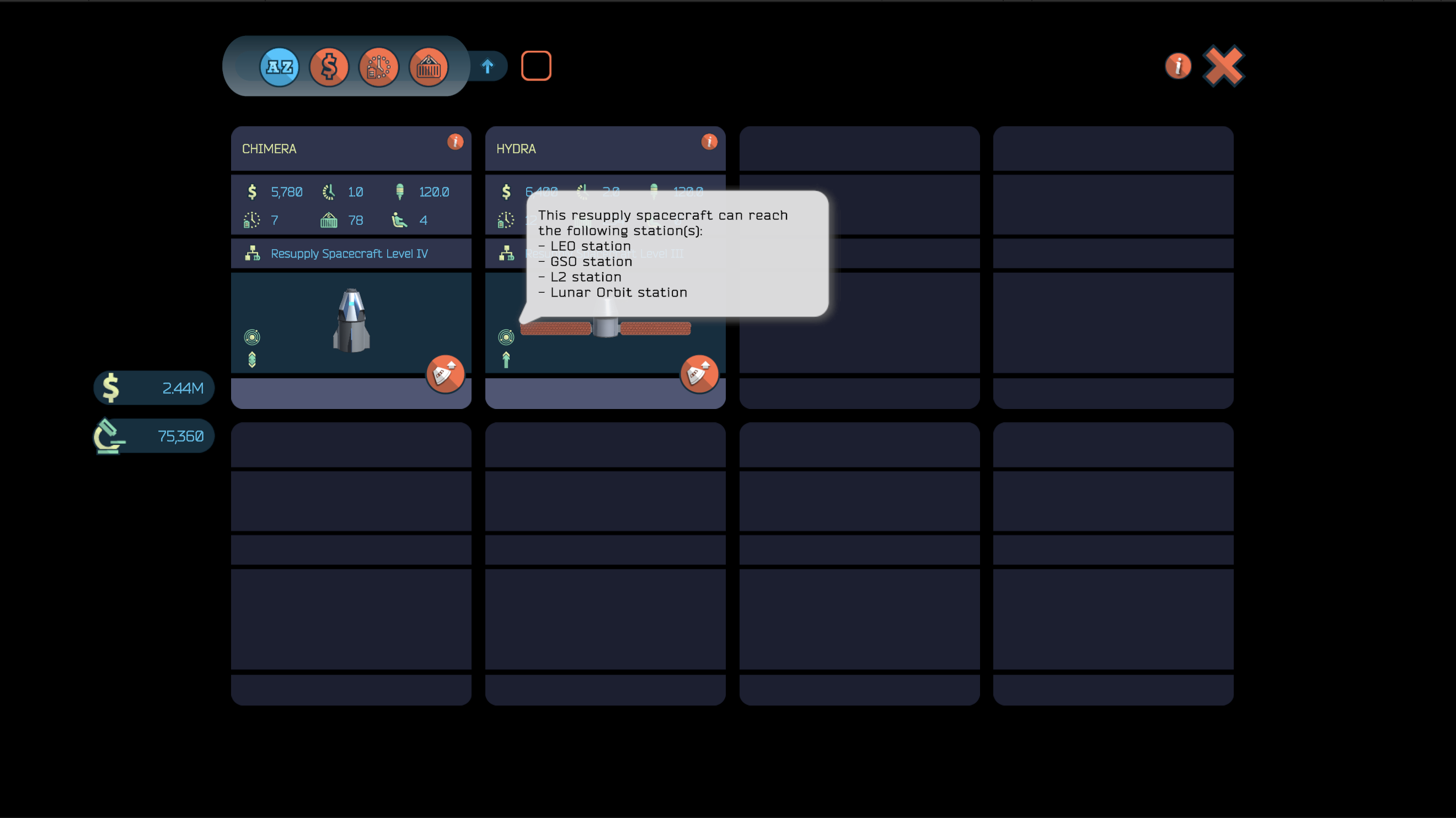 Coming Up Next
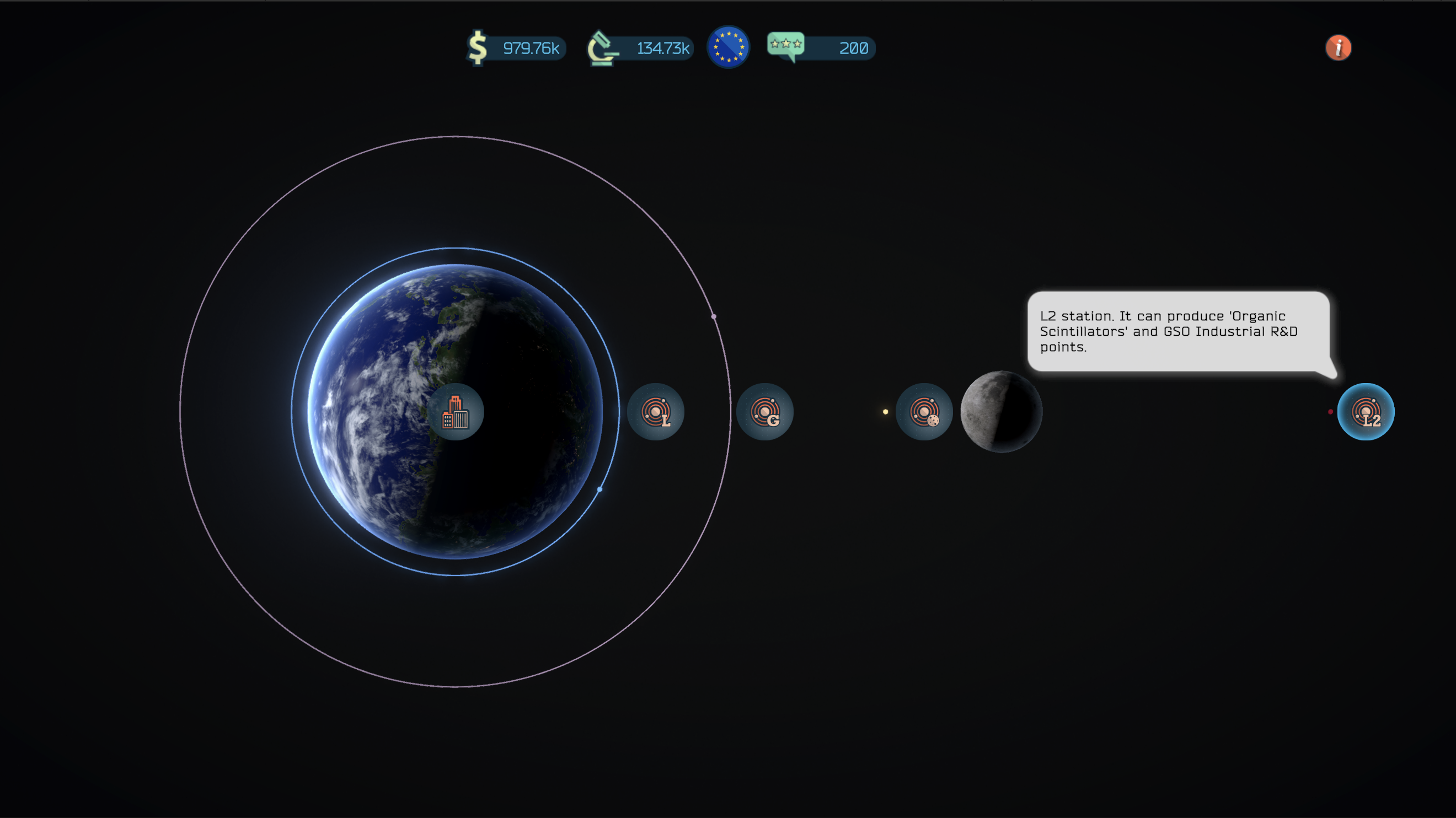


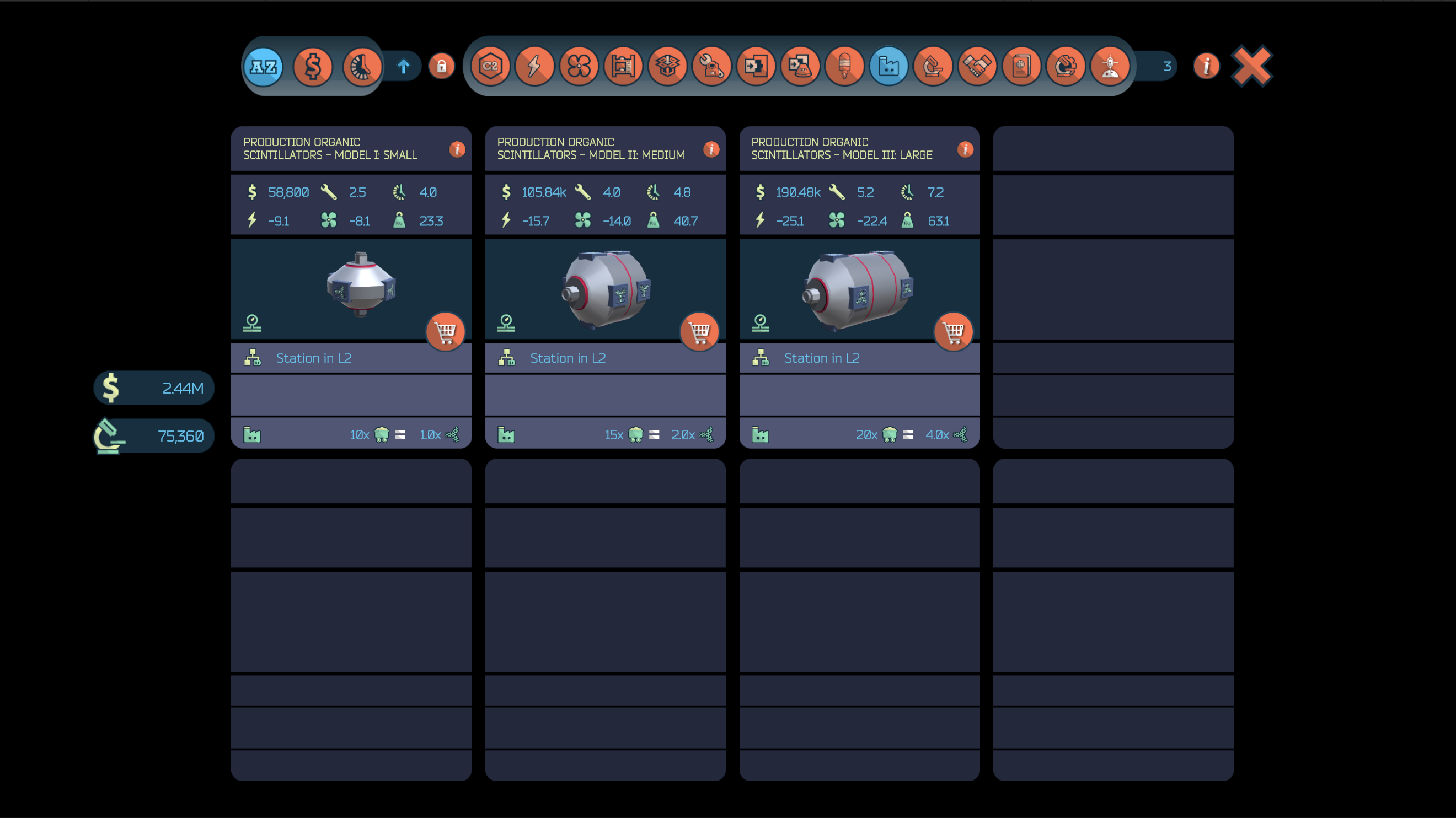


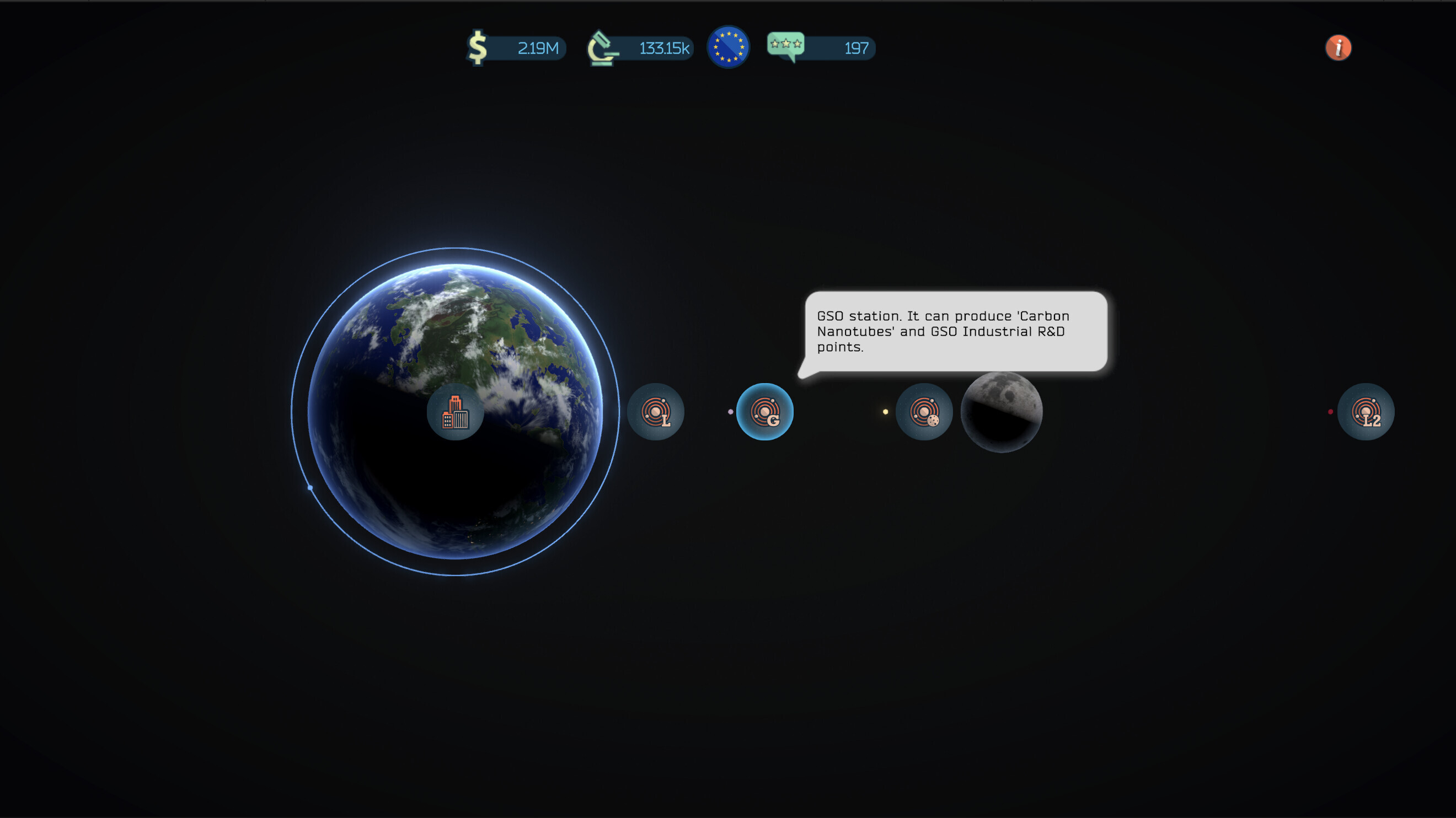





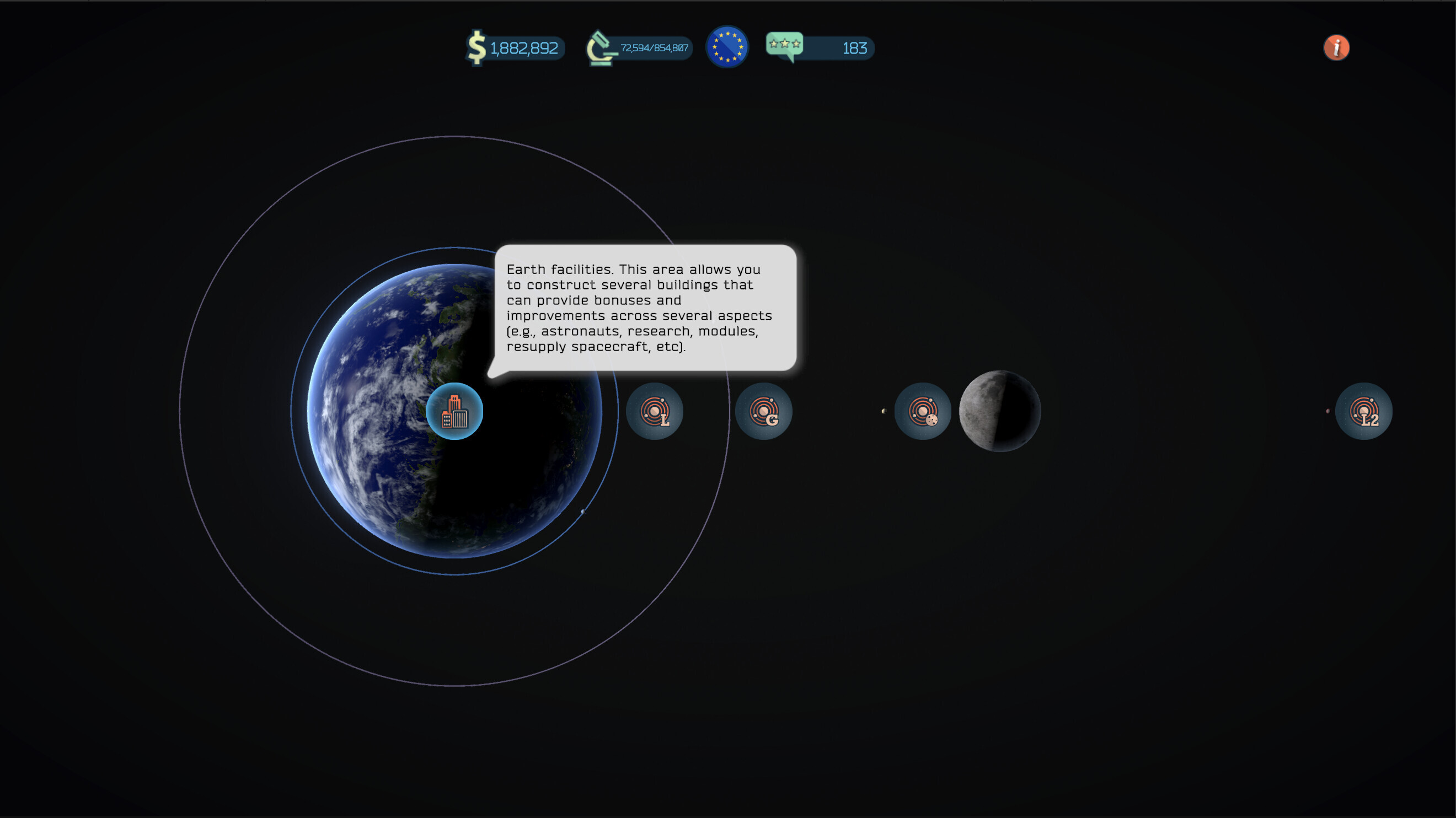 Note that the first time we access the Earth Facilities, there's only a handful of patches of land.
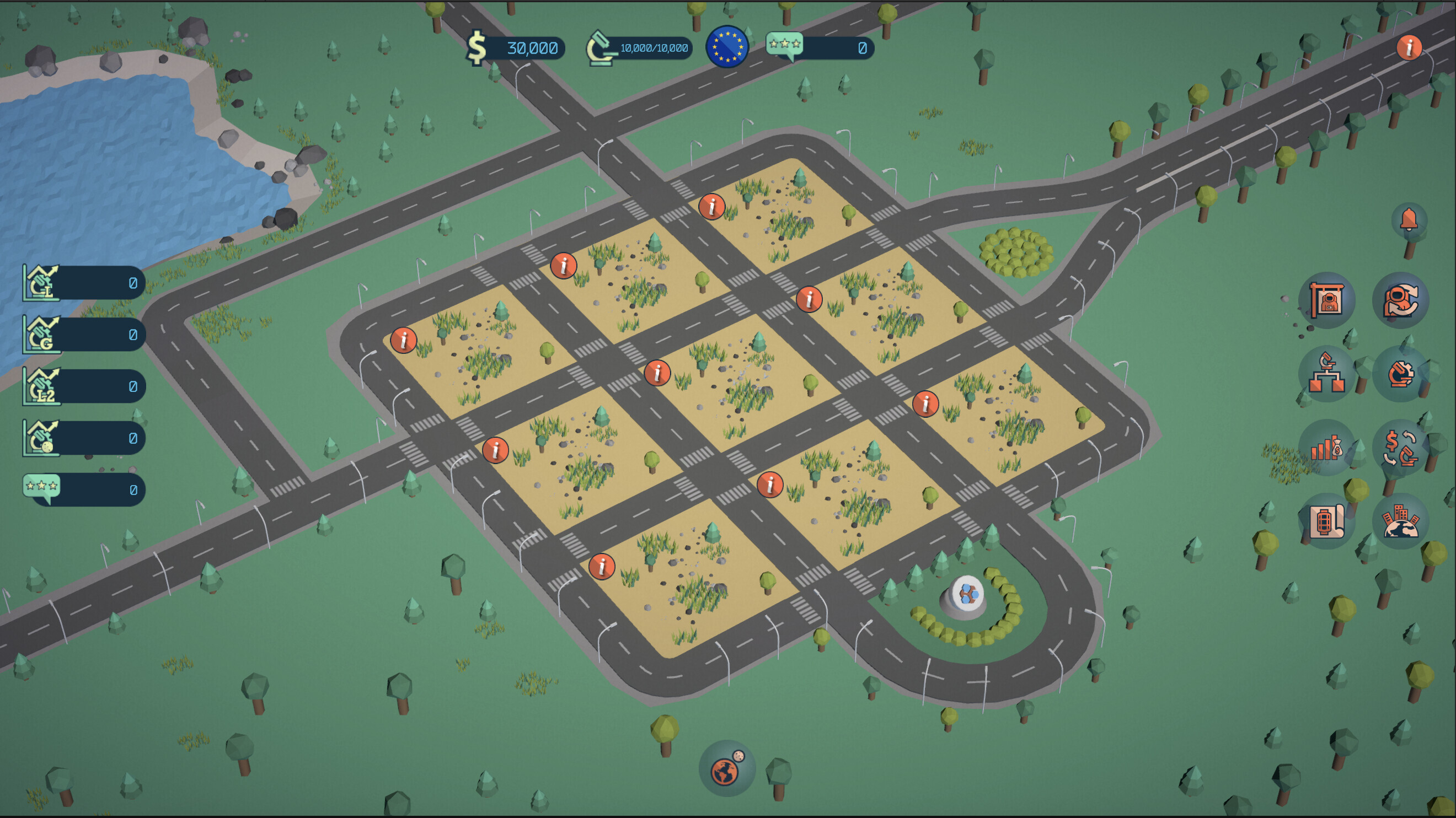 After unlocking one of these patches and clicking on it, the game will present a series of buildings that we can choose from. Some of them are locked, and they only become available after acquiring their corresponding research technology from the tech tree. Moreover, there's only a limited number of patches available, so we need to choose carefully.
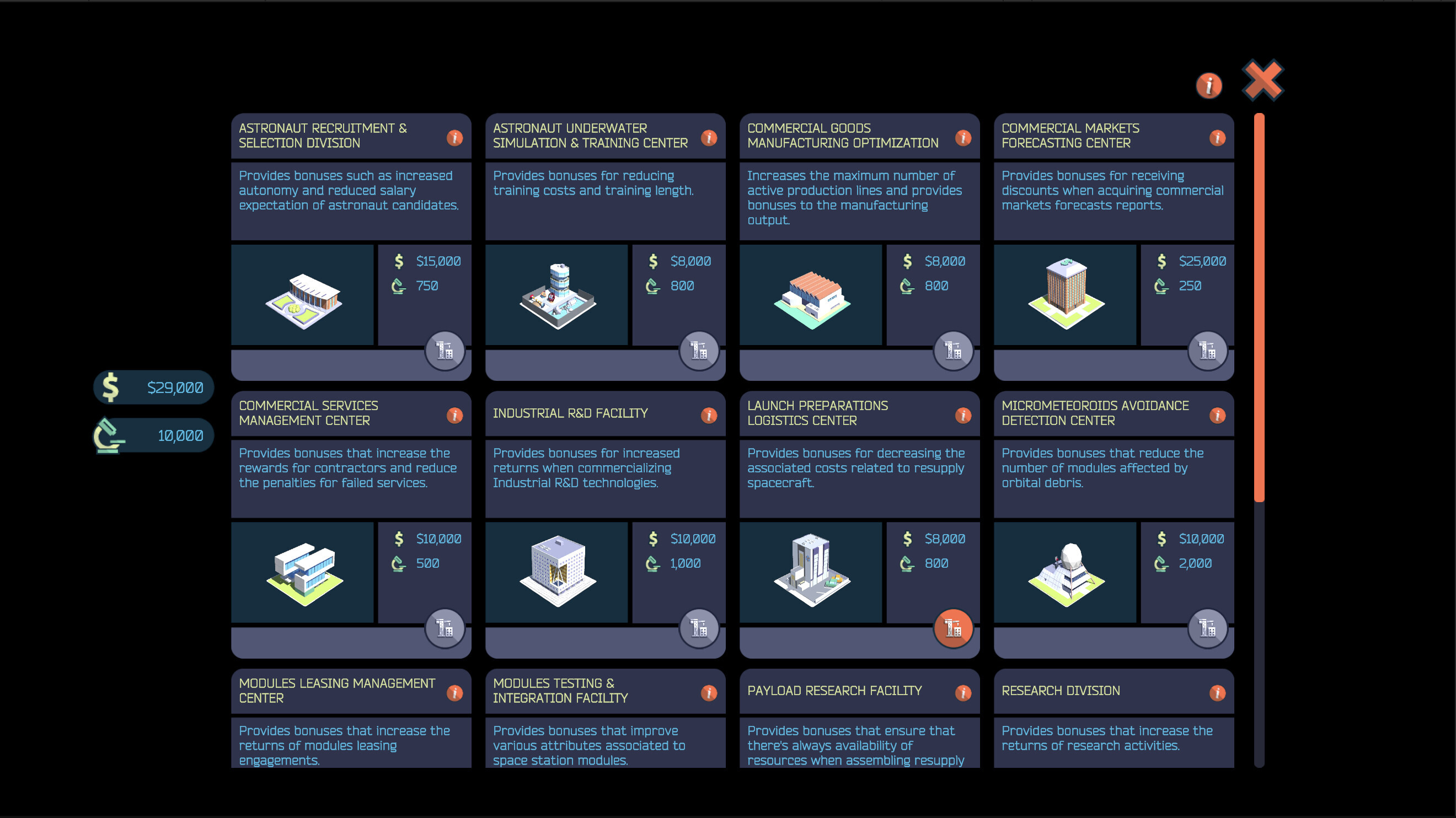 Once the construction process ends, the facility becomes fully functional, and it gives us access to a series of bonuses and Continuous Improvement Programs (CIPs). Bonuses are only active when there's an astronaut with the required special skill assigned to them, whereas CIPs allow us to upgrade astronauts, modules, resupply spacecraft, or a general aspect of our operations. For example, the 'Micrometeoroids Avoidance Detection Center' Earth Facility shown below includes a series of expensive CIPs for researching radar systems that decrease the chances of experiencing micrometeoroids showers across multiple orbits.
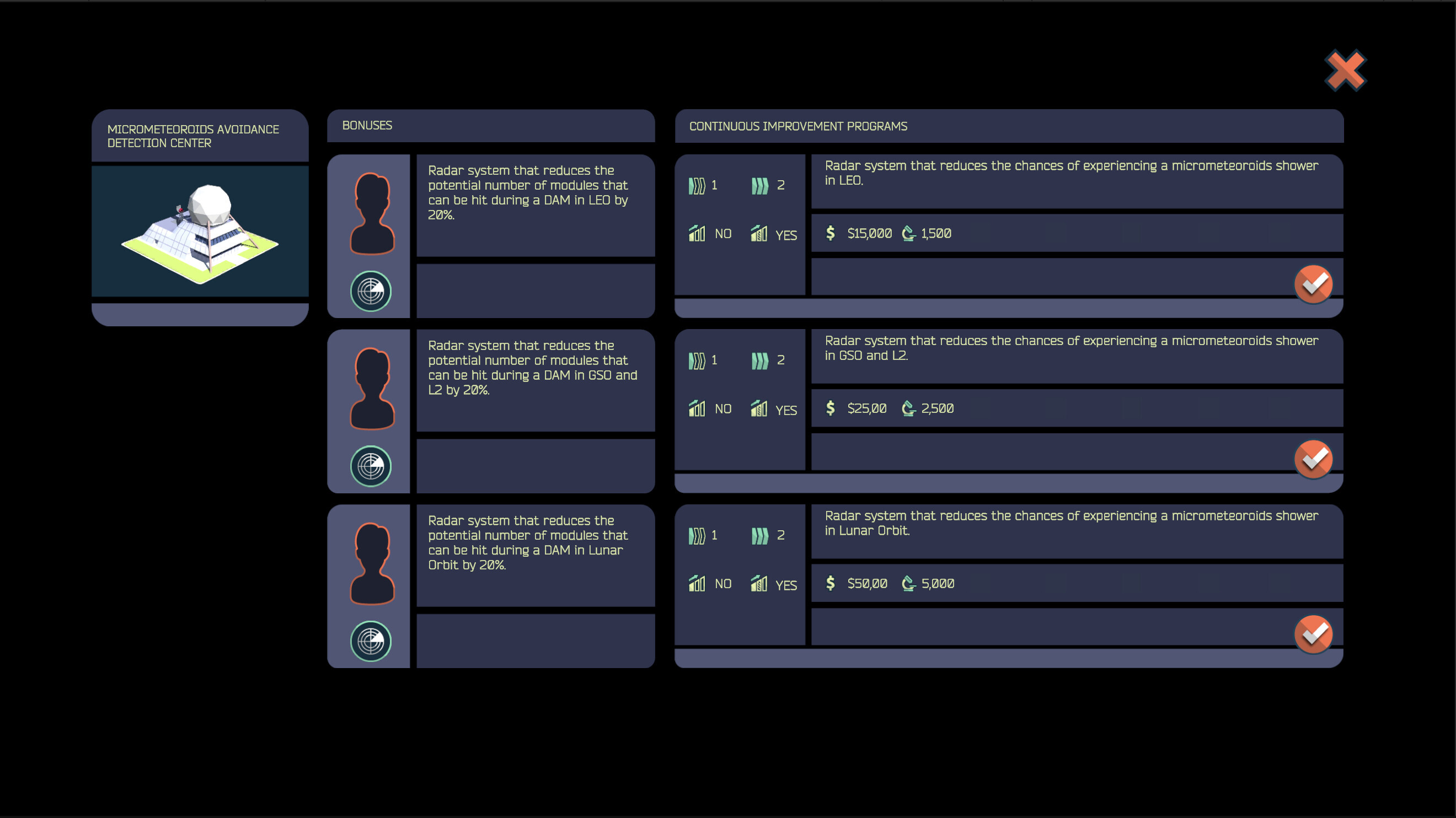 Note that astronauts assigned to bonuses have a minimum commitment time, so keep that in mind before assigning them to one, as they won't be available for other activities during this period. In the case of our astronaut assigned to the first bonus shown in the screenshot below, the waiting time is six months.
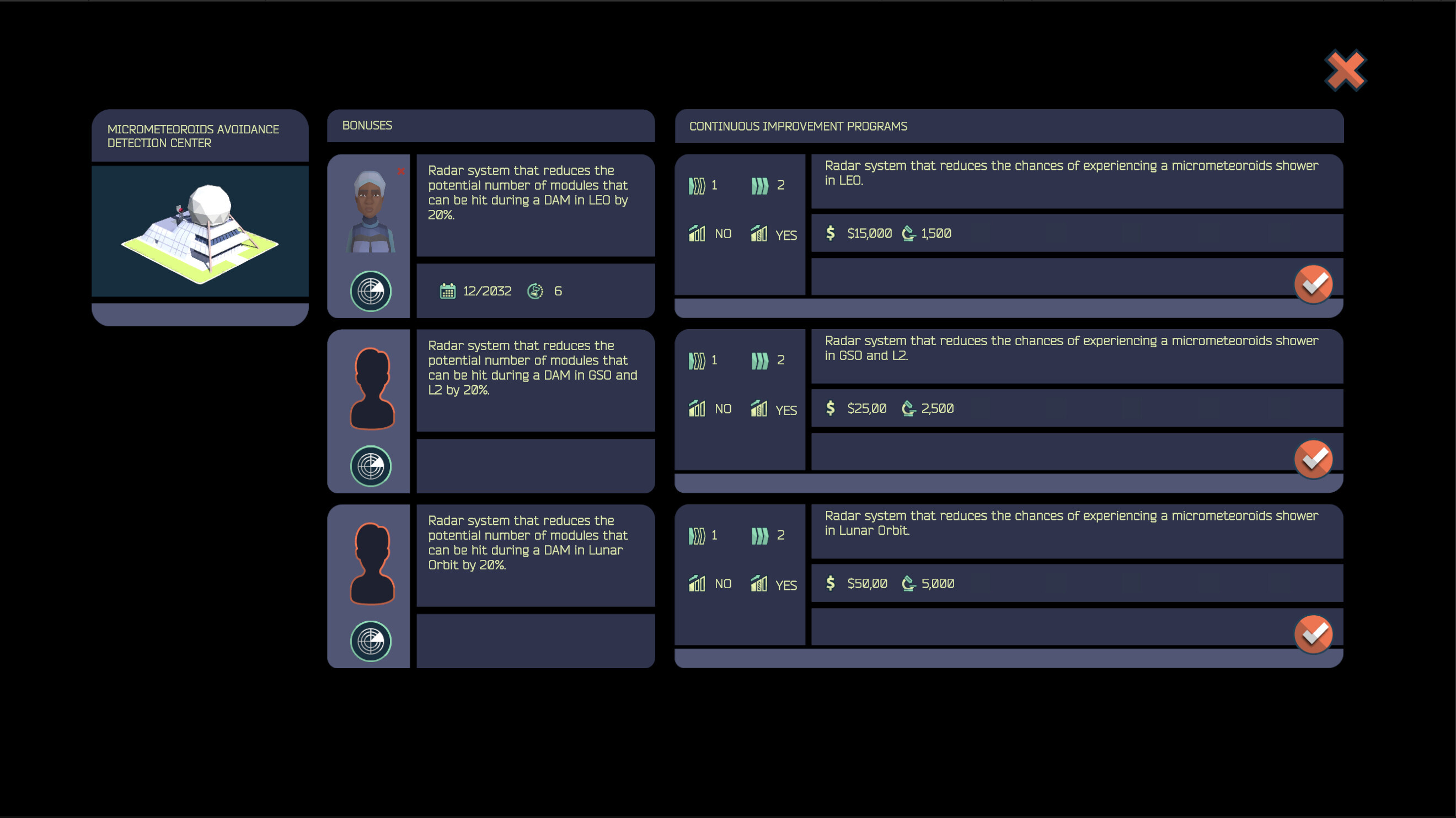
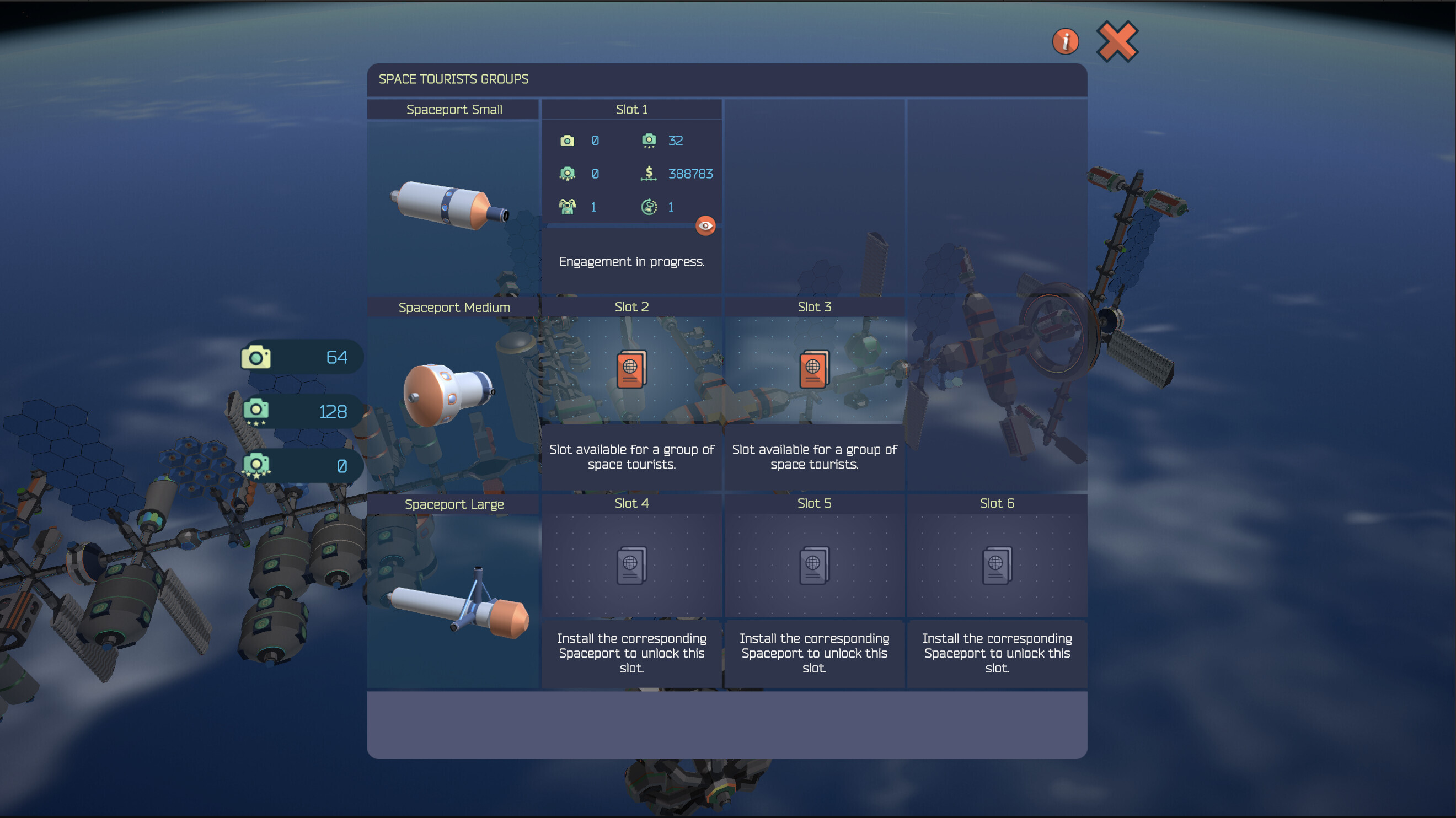 After selecting one of the slots, the game will present us with three space tourism shuttle options with different costs and capacities.
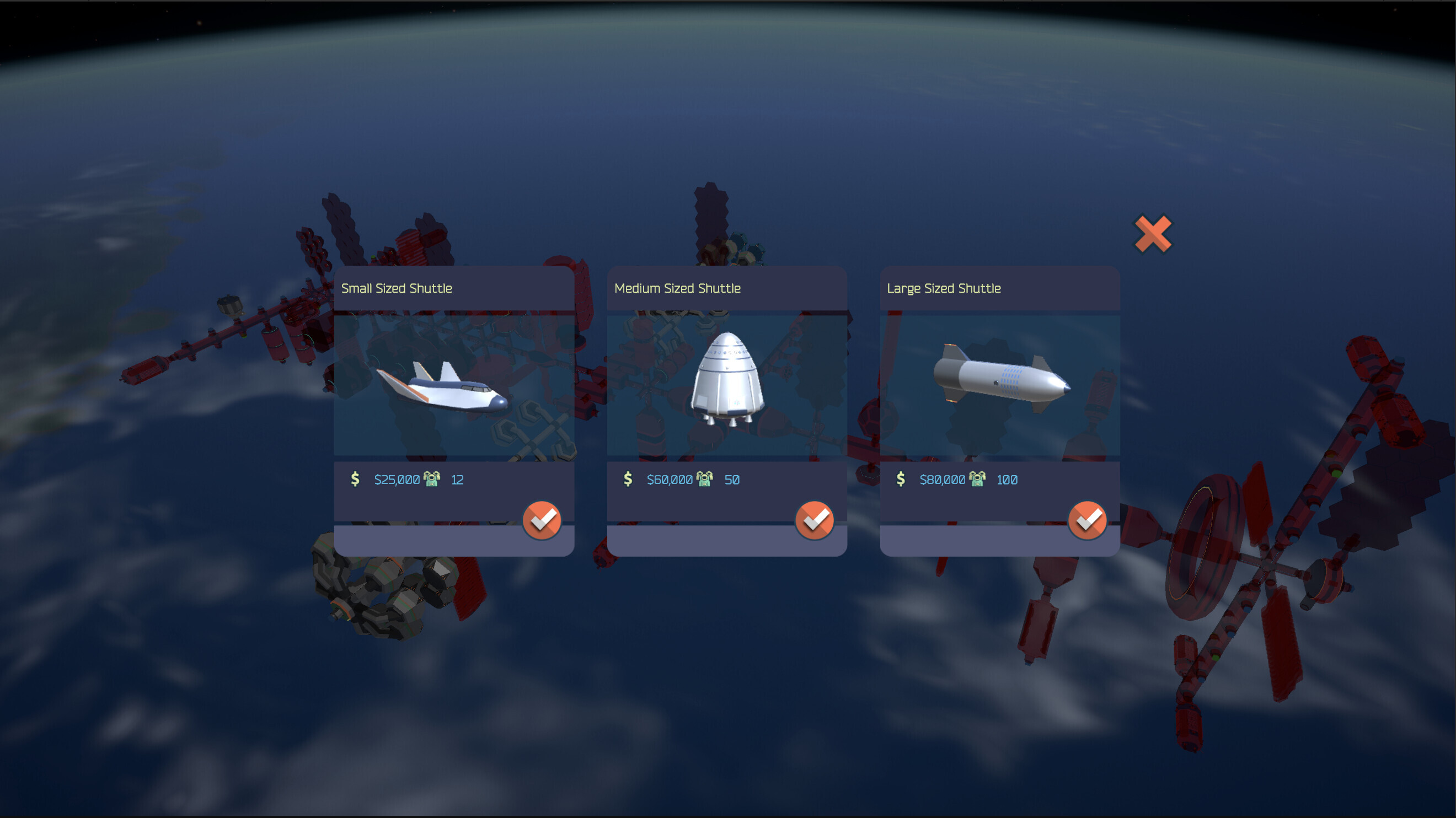 After selecting one of these options, we'll be presented with a screen that lets us select the space tourism modules we want to allocate for this tour. The selection of these modules will define the maximum number of seats available from each one of the available tiers (i.e., Standard, Premium, and Deluxe).
By using the sliders in the lower area of the dialog, we can define the number of tourists from each category we actually want to bring. The number and type of these tourists will define an 'astronaut Space Tourism skill points' requirement (in this case, 17). These two factors, combined with the duration of the tour (in this case, 7 months), yields a potential maximum revenue of $326,930. Larger, more prestigious, and lengthier tours will bring more revenue, but obviously will require a larger allocation of skilled astronauts to run them.
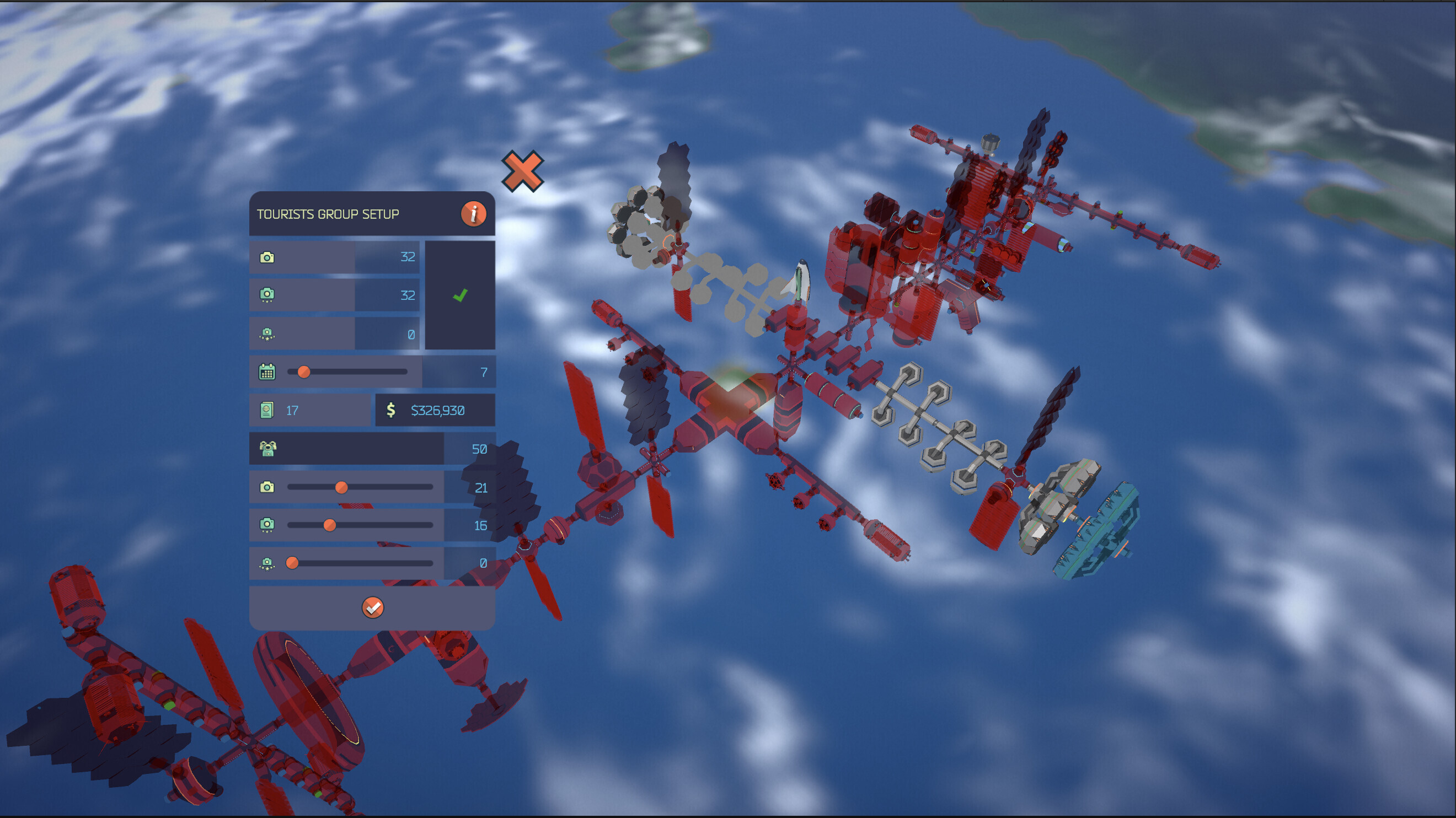 Once the selection of space tourism modules and the allocation of seats is complete, the game will present us with all available astronauts in the station that can be assigned to the tour. If we're planning to make space tourism a big part of our sources of revenue, then it's important for us to invest in the training of astronauts.
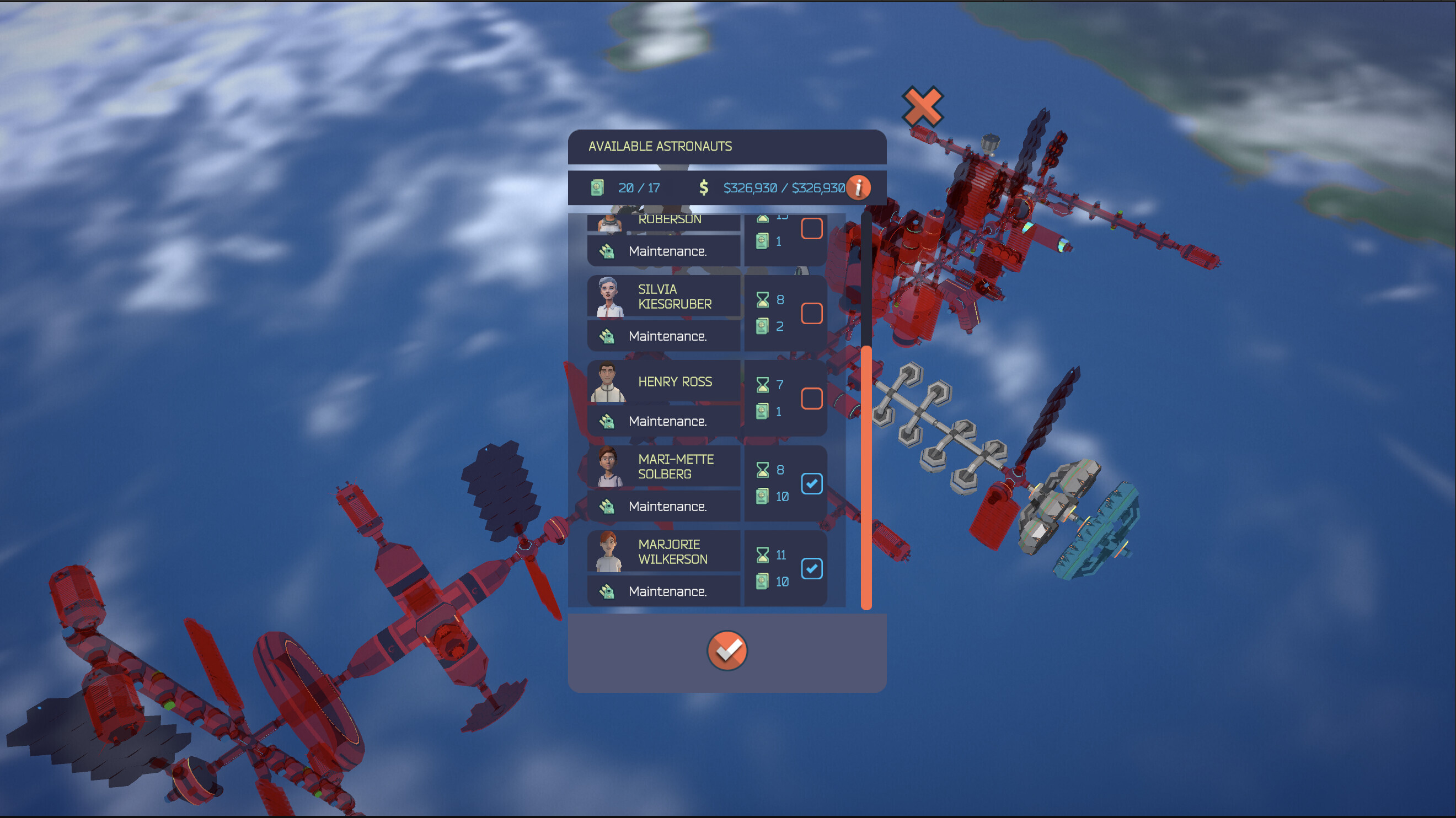 In addition to the waste management challenges related to large groups, ongoing space tourism tours can and will be affected by random events, but we'll let you discover those!
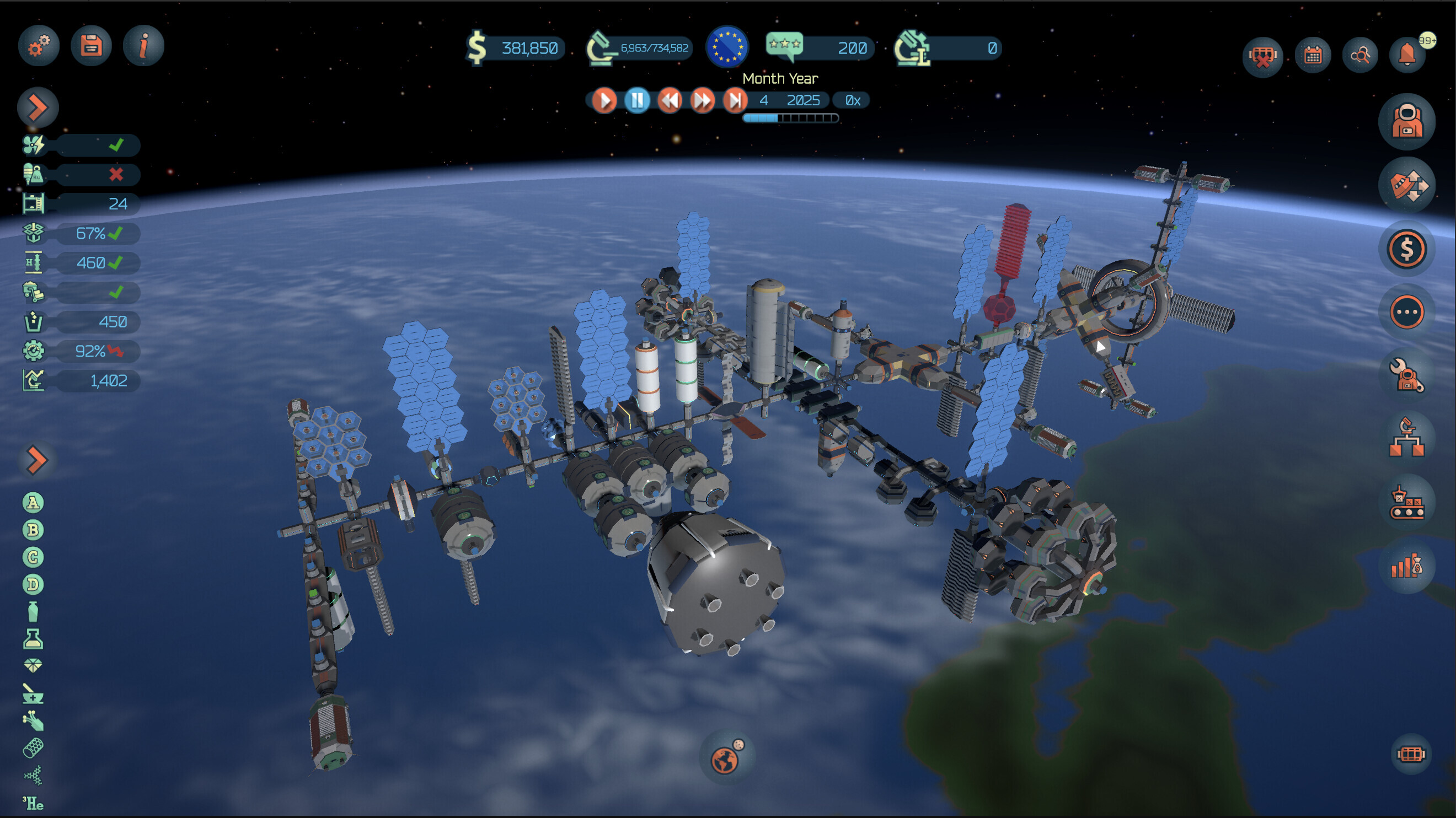 This functionality can be accessed by acquiring the 'Modules Leasing' research technology in the research tree, which has a dependency on 'Expansion in LEO'.
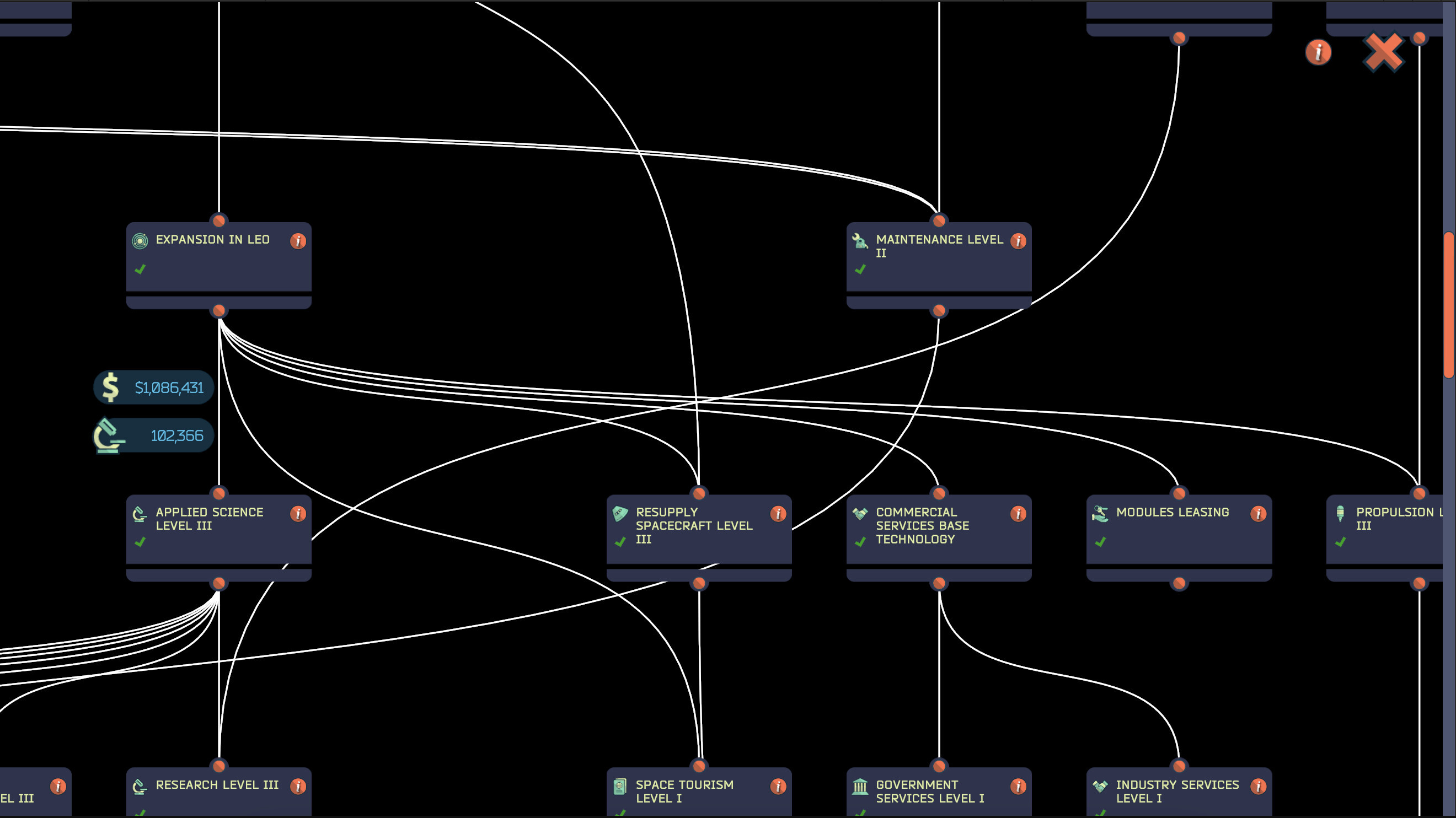 Once the acquisition of 'Modules Leasing' is complete, a new button in the 'Revenue Generation Group' will become available.
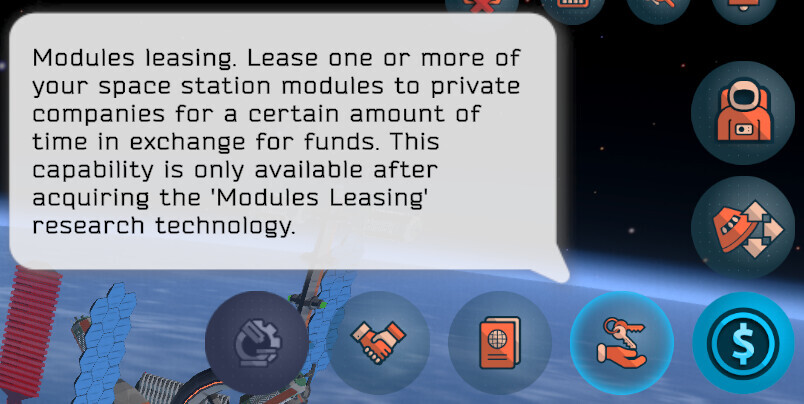 Initially, there's only one leasing slot available. Further slots can be unlocked via the 'Modules Leasing Management Center' Earth facility, which we will cover in a future entry.
 After selecting a slot, we can choose the modules that we would like to include as part of the leasing contract. Note that only certain modules can be included in a lease (for convenience, unavailable modules are shaded in red). The selection screen also shows us an estimate of the financial rewards based on the number and type of modules selected.
 After concluding the selection process, we'll be presented with six potential customers: three Contractors, and three Private Companies. These options feature a range of upfront/end payments, and lengths. Selecting a Contractor will also increase their experience points (XP), whereas selecting a Private Company will grant us a certain number of Public Reputation points depending on their alignment. For example, selecting a Private Company with a 'bad' reputation, such as 'WBC Broadcasting' will grant us a larger financial reward at the expense of a negative public reputation, so choose wisely!
 After selecting an option, the main leasing screen will be updated accordingly. In this particular example, our leasing contract with 'Brighton Aerospace Ltd' offers both an upfront and an end payment, and lasts for 10 months. Note that modules won't be available for other uses while the engagement is active.
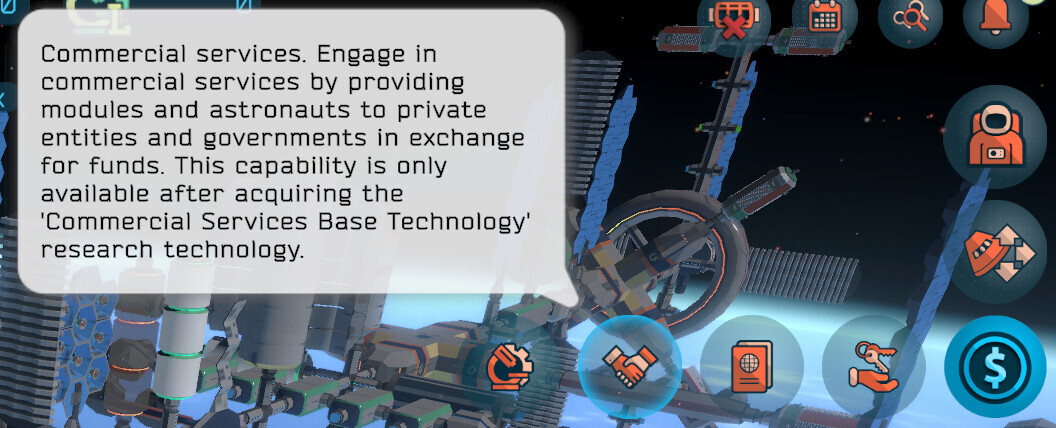 In this example from the late stages of the game, we already have three commercial services modules in our LEO station, and all of them are currently available.
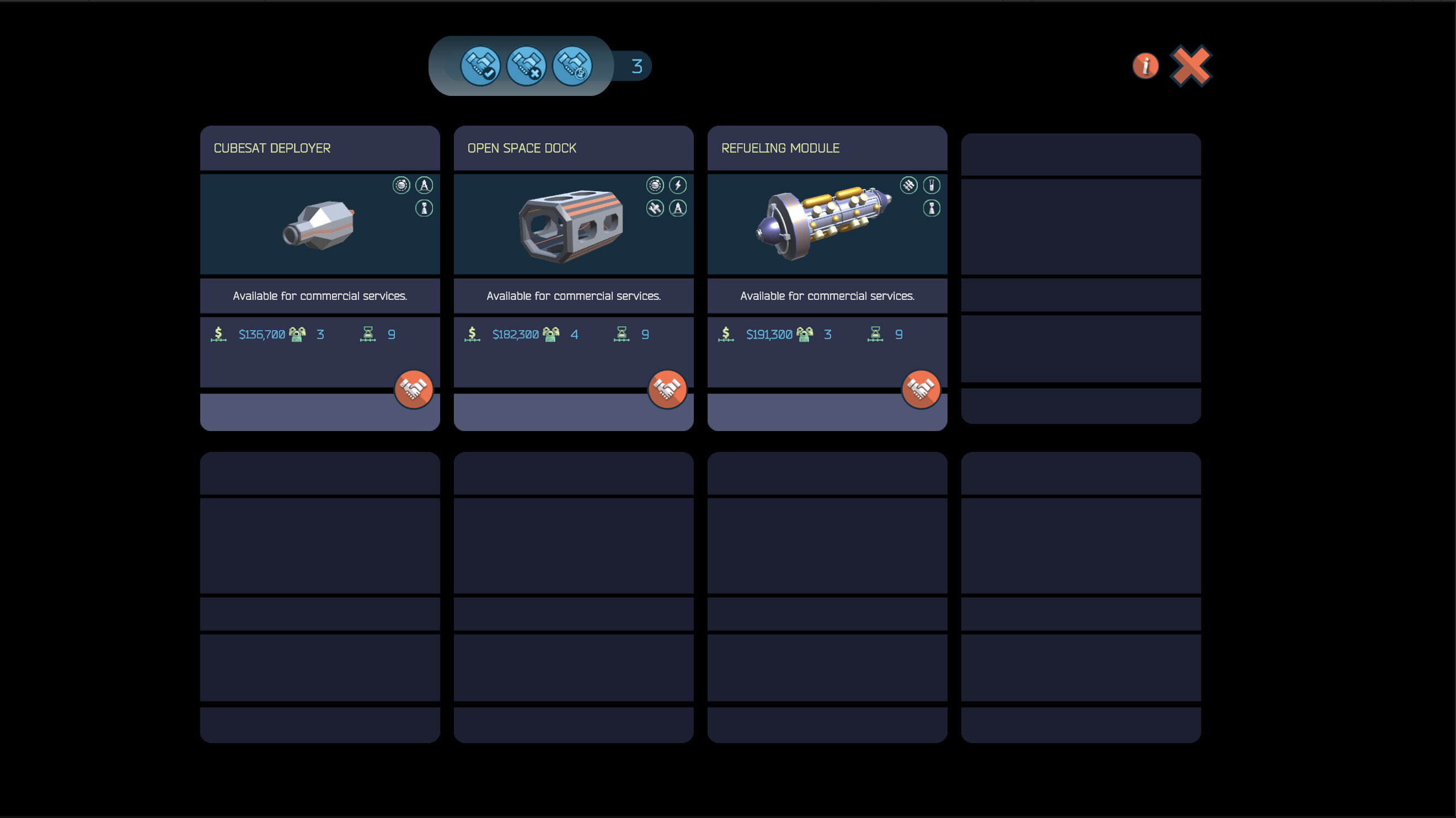 If we select the 'Open Space Dock', we're presented with a series of options: three Contractors and three Private Companies. Unlike the modules leasing process, when setting up a Commercial Services engagement we need to assign astronauts to it. There's also a possibility that the engagement can fail, in which case we'll be required to pay a penalty.
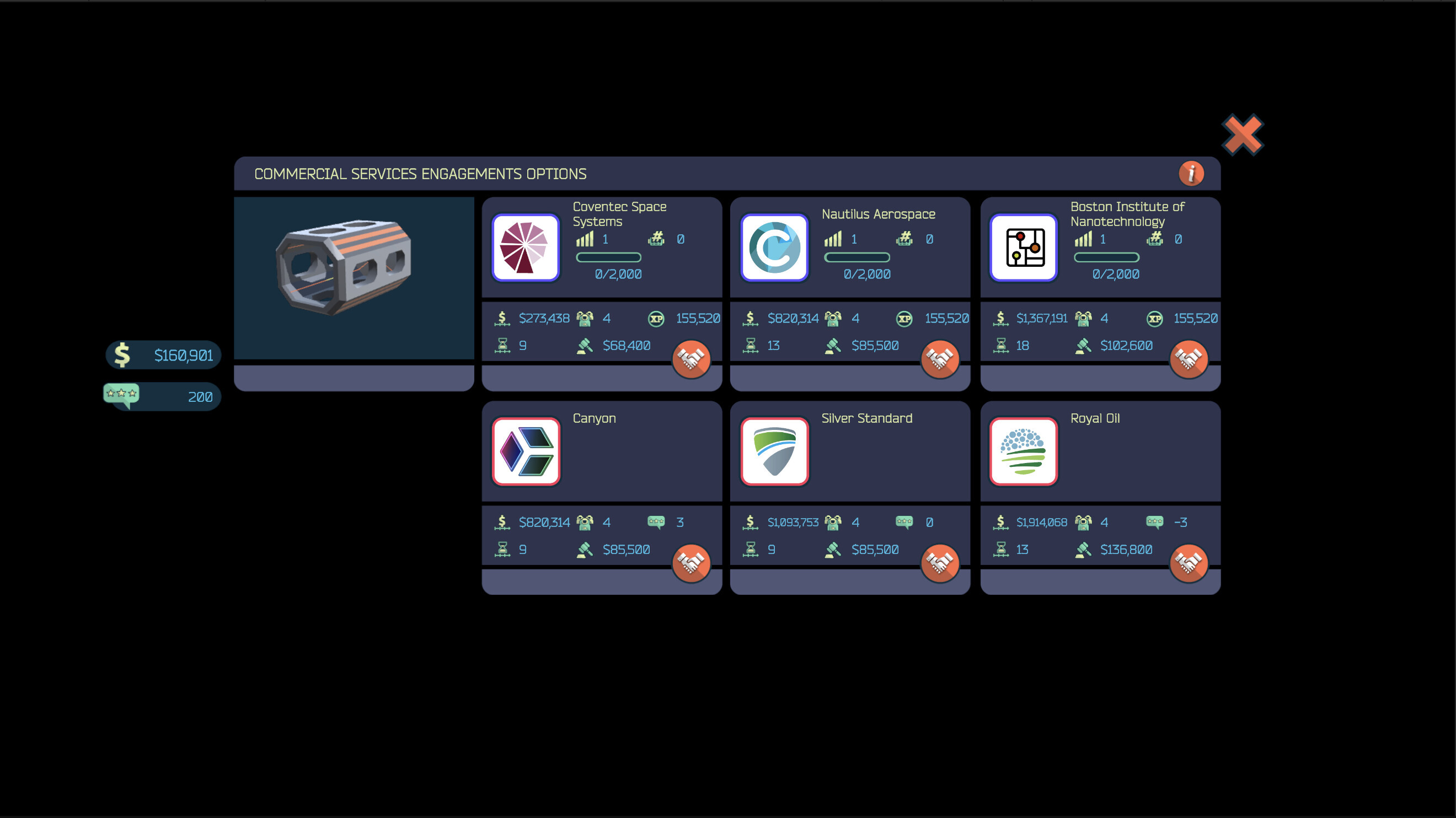 After selecting an option (in this example, we've chosen the 'Boston Institute of Nanotechnology'), we are presented with a list of available astronauts so that we can select the ones who will be assigned to this engagement. Note that this module requires four astronauts, and that there's a list of recommended special skills. Selecting a group of astronauts that possesses the recommended special skills will have a significant impact in the chance of delivering a successful engagement.
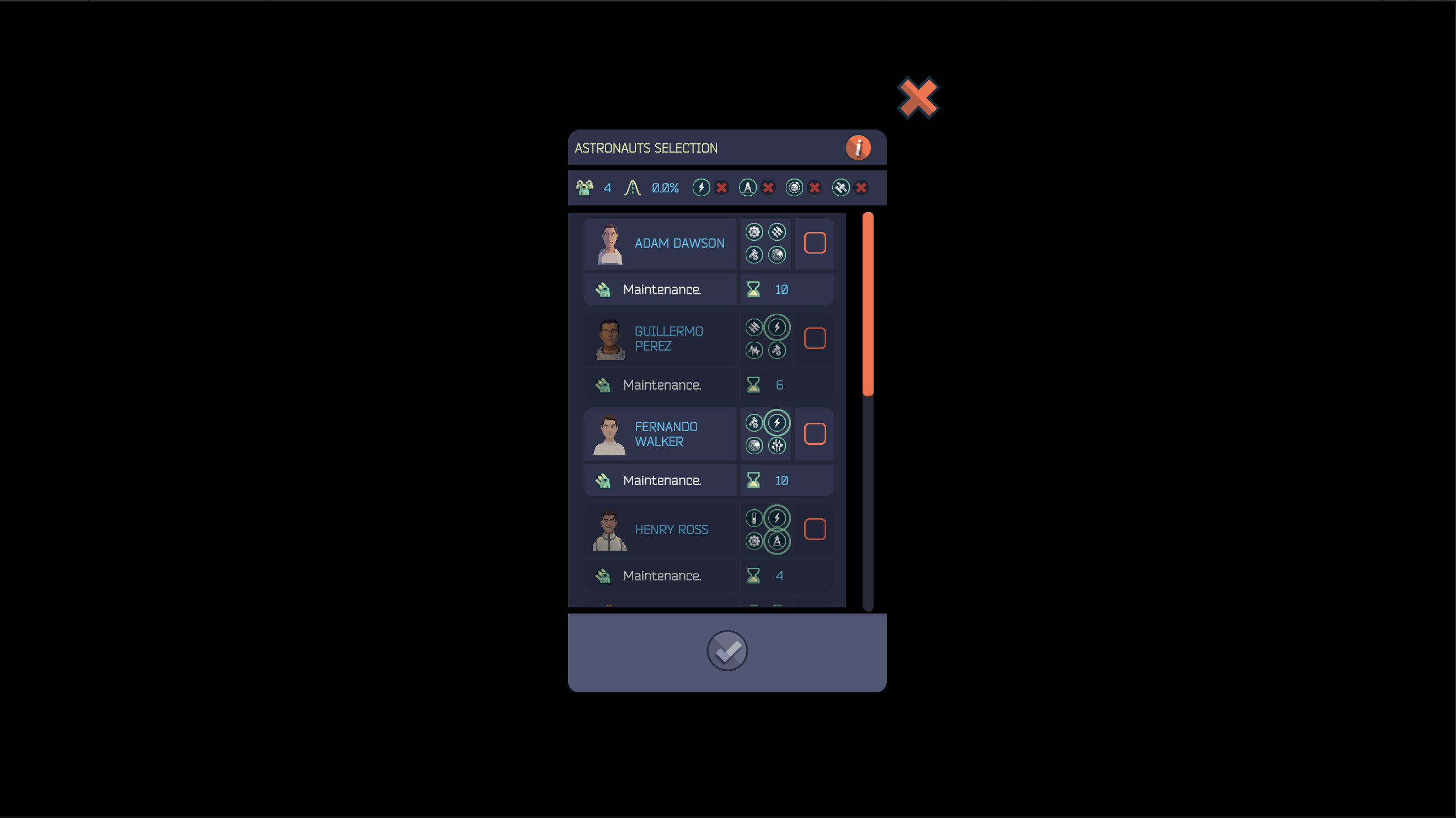 Once the astronaut selection is complete, we'll be taken back to an updated 'Commercial Services' screen. The 'Open Space Dock' and the selected astronauts will be unavailable throughout the whole duration of the contract which, in this case, is nine months.
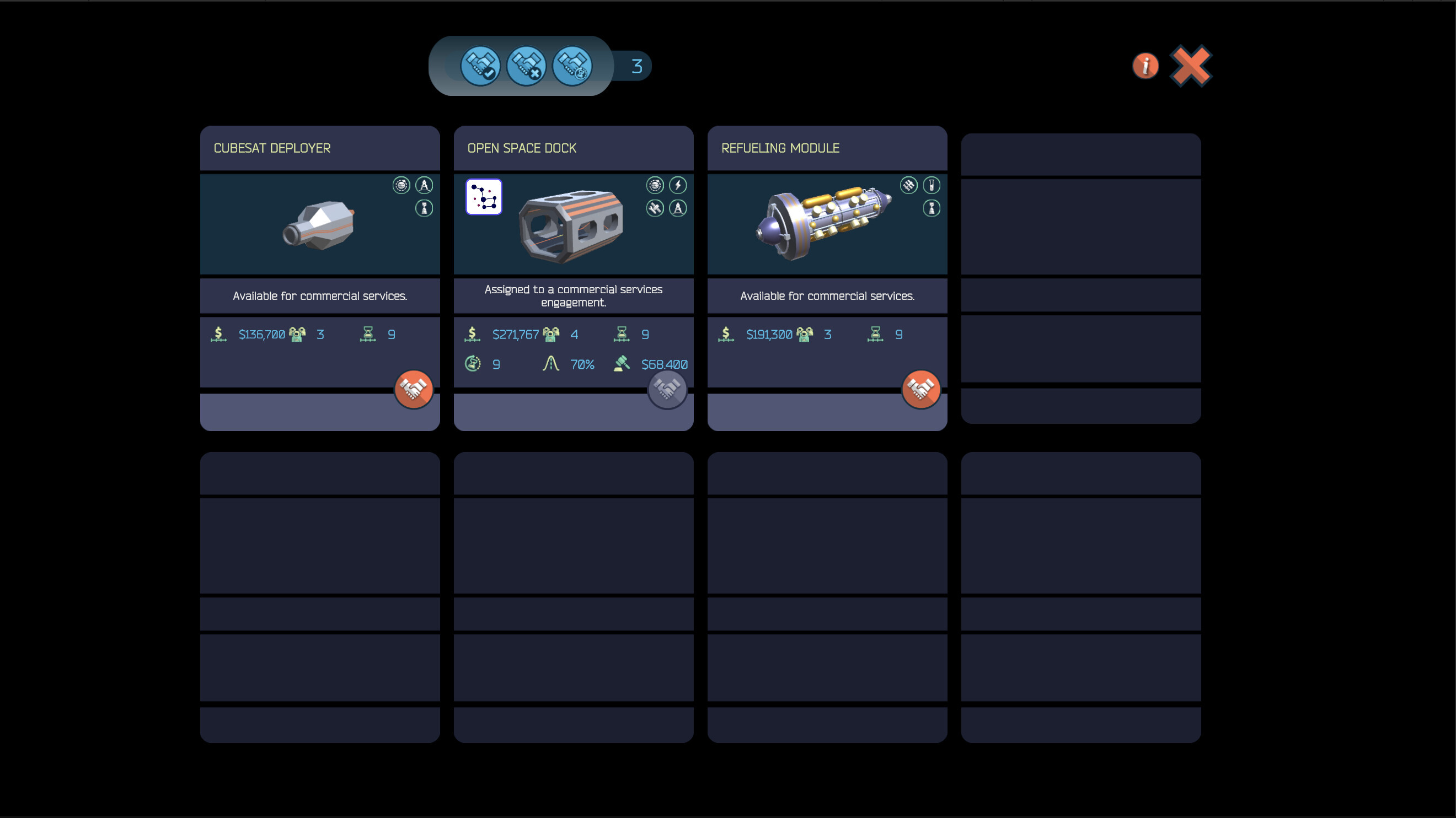
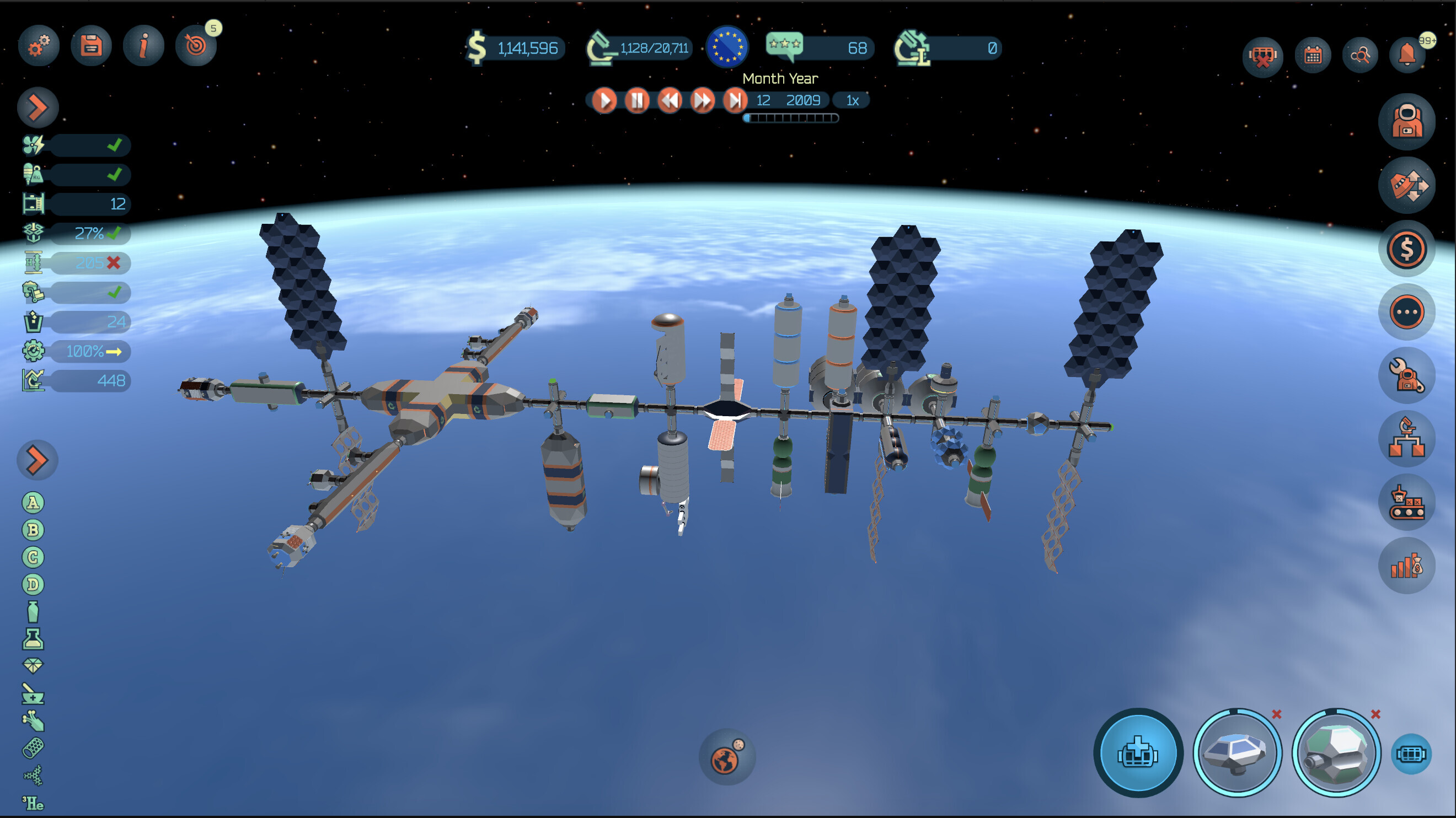 The various types of goods available can be found in the panel located in the lower-left part of the screen.
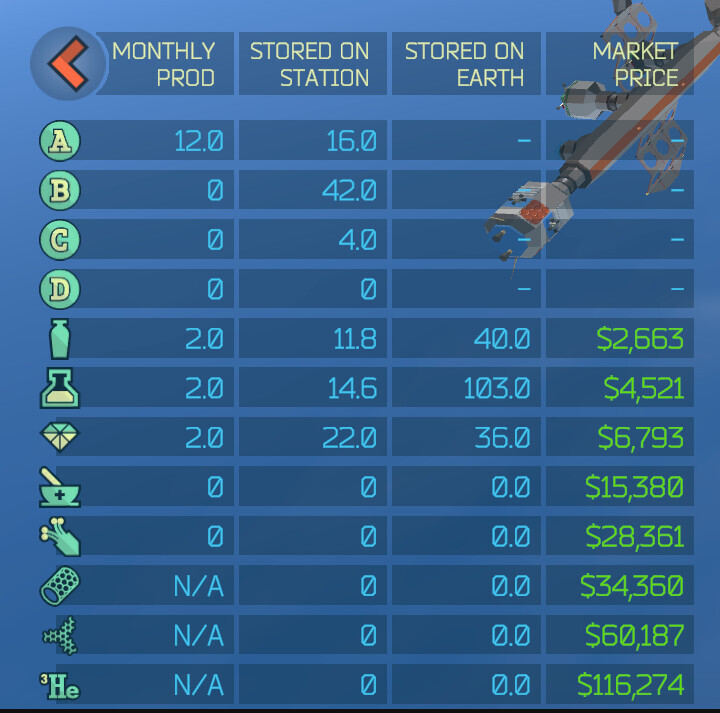 From top to bottom, these are:
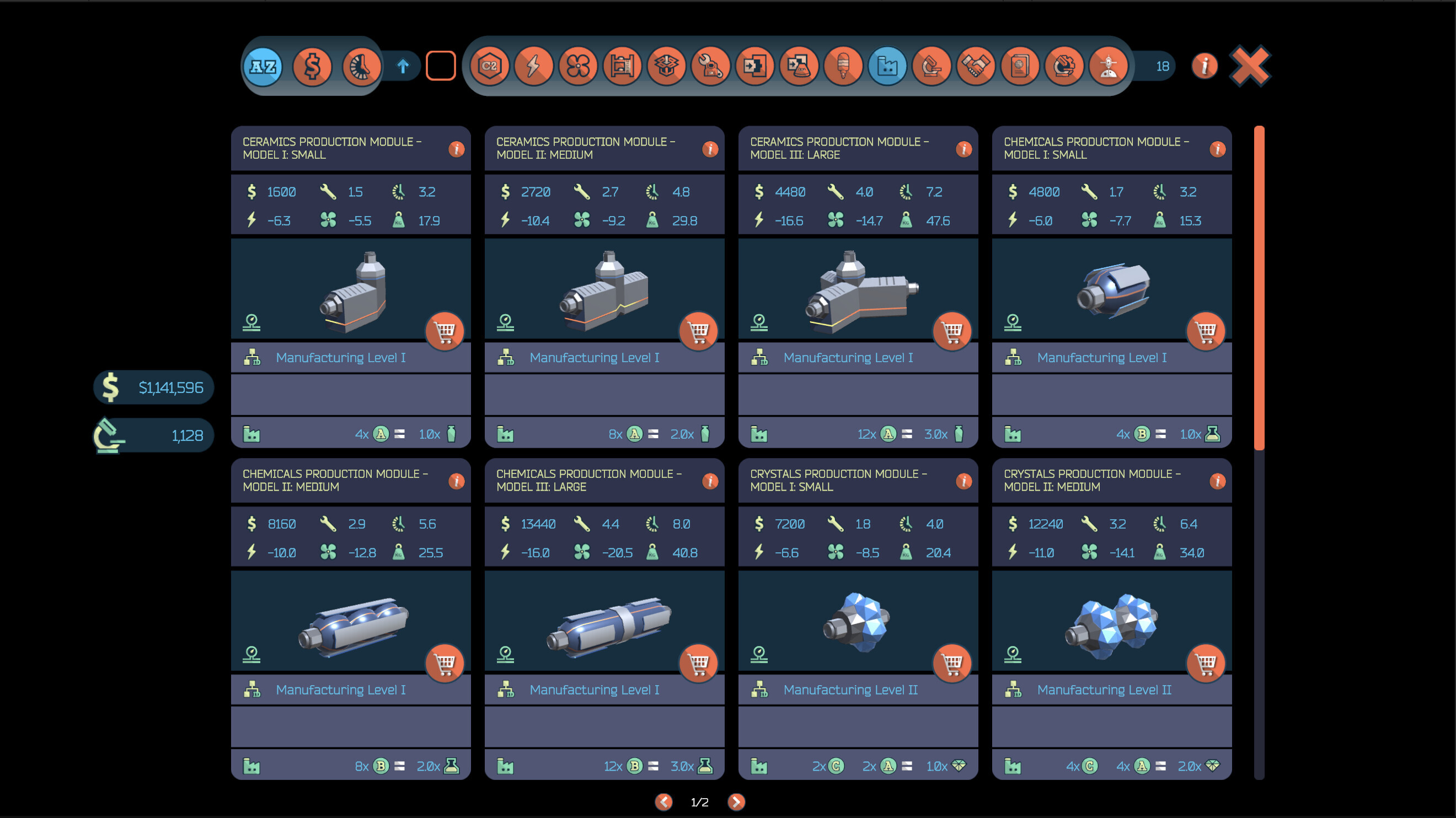 Manufacturing modules need to be put together in production lines, which can be managed by using the 'Production Lines' button located on the right-hand side area of the screen:
 In this particular example, we've already created two production lines named 'Inter A' and 'Ceramics'. Note that modules that belong to the same production line must be contiguous, which is required to streamline the production.
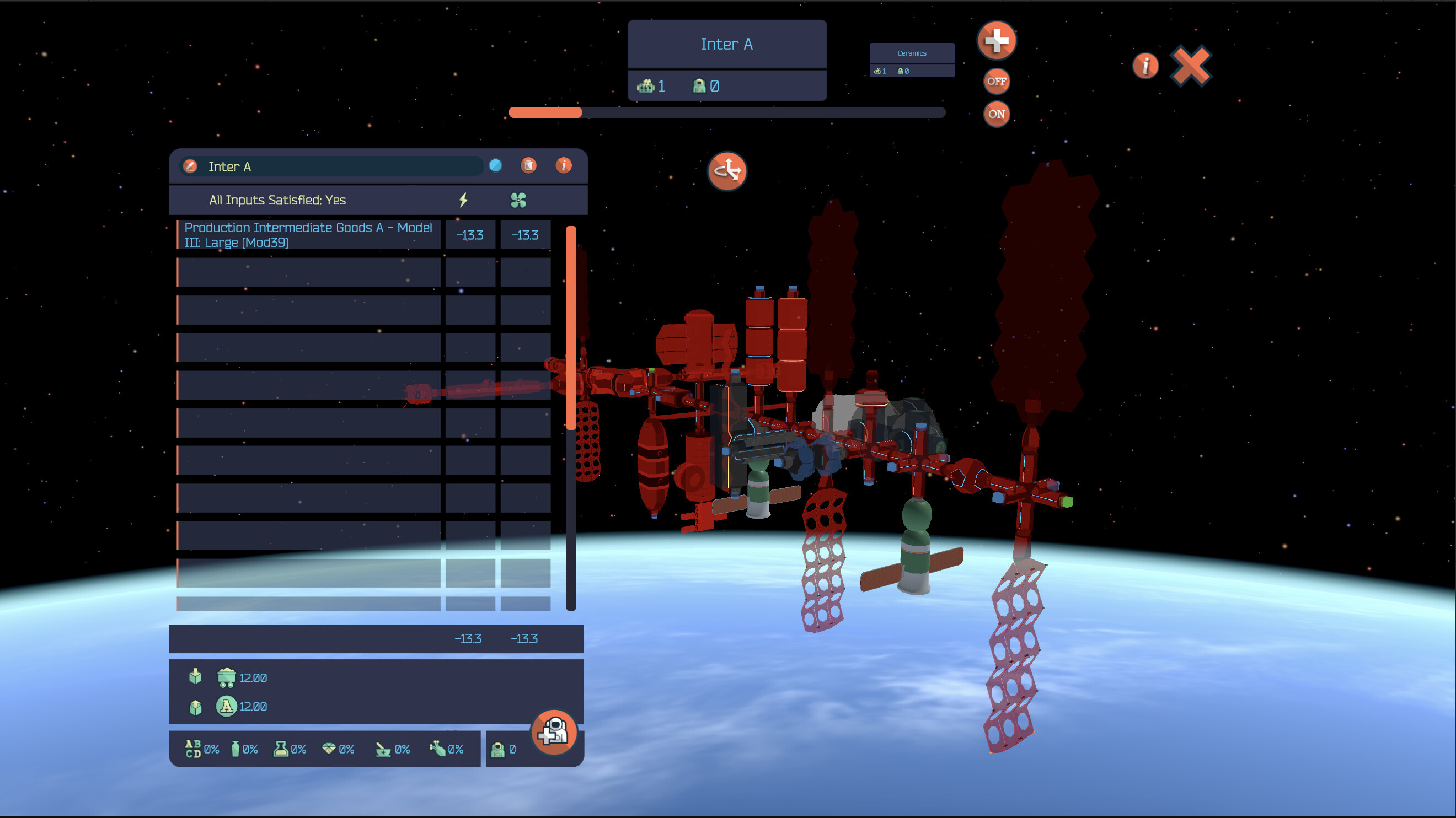 The production lines management screen allows us to create/delete production lines, add/remove modules from an existing production line, and even assign astronauts to them. It also features two handy buttons to enable and disable all production lines.
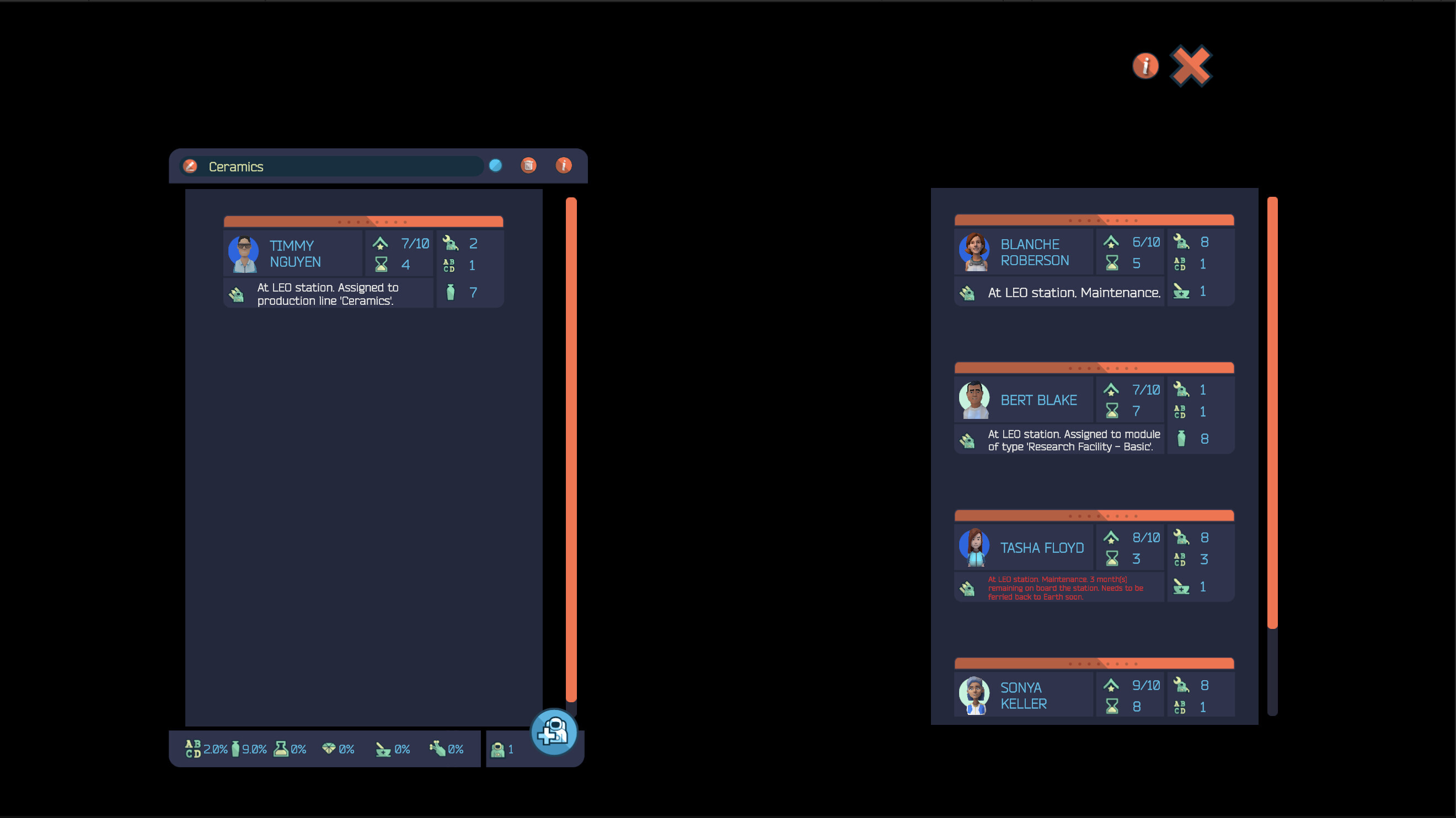 When assigning astronauts to a production line, their 'Intermediate Goods' and 'Commercial Goods' skills will help increase its throughput. In the example above, Timmy Nguyen's 'Intermediate goods' and 'Ceramics' skills are boosting the output of said type of goods by 2% and 9%, respectively.
 The commercial goods market screen provides a historical graph featuring the values of all types of commercial goods. The various individual graphs can be enabled/disabled by using the toggle buttons located in the left area of the screen.
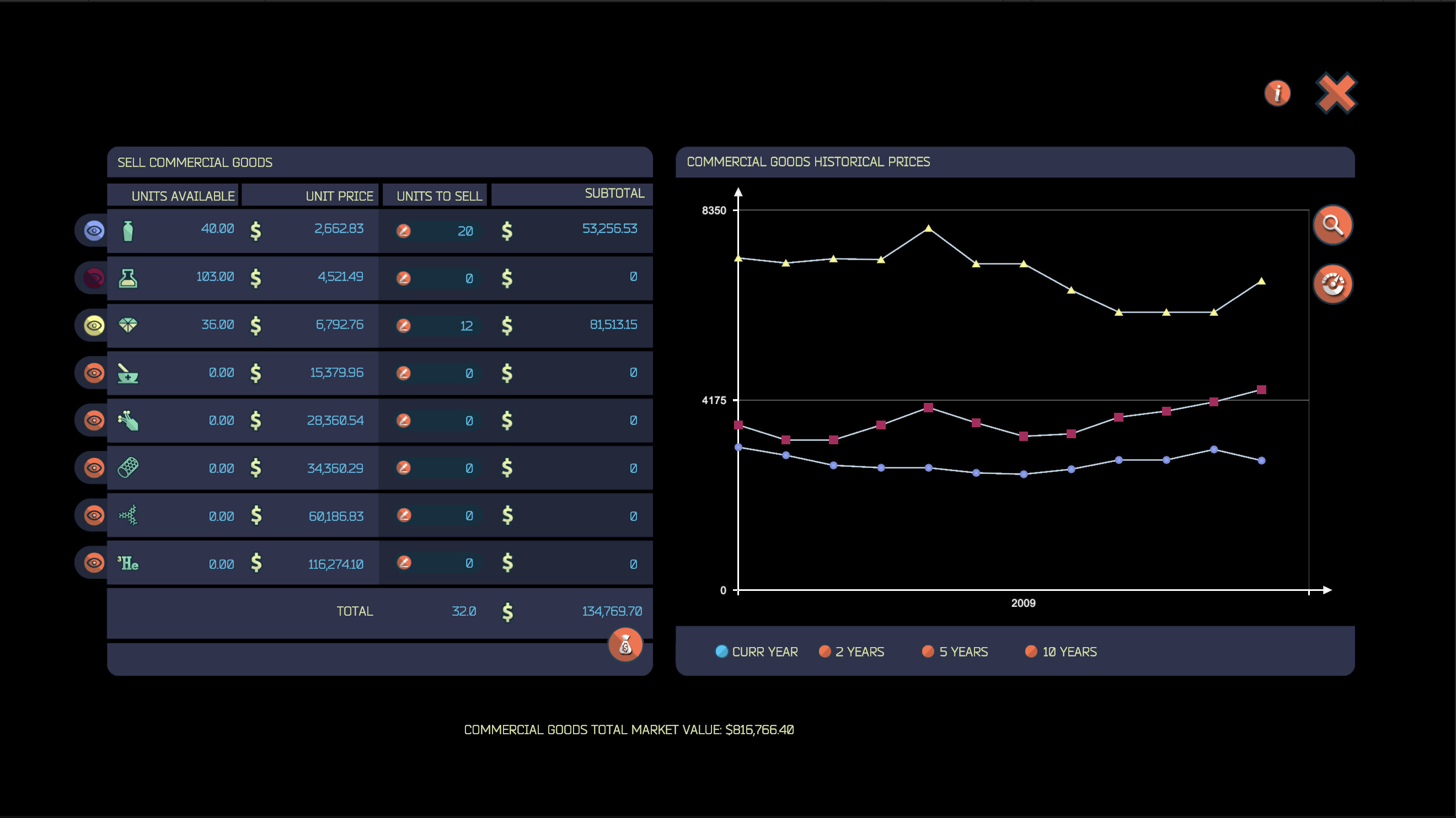 By using the two buttons on the right of the graph, we can review historical and projected data, and place limit orders, respectively. The historical data screen provides all-time minimum and maximum values for each type of commercial goods. We can even commission forecast reports and obtain projected data, which can help us decide the best course of action for our manufactured goods (i.e., shall we sell now, or should we rather wait?).
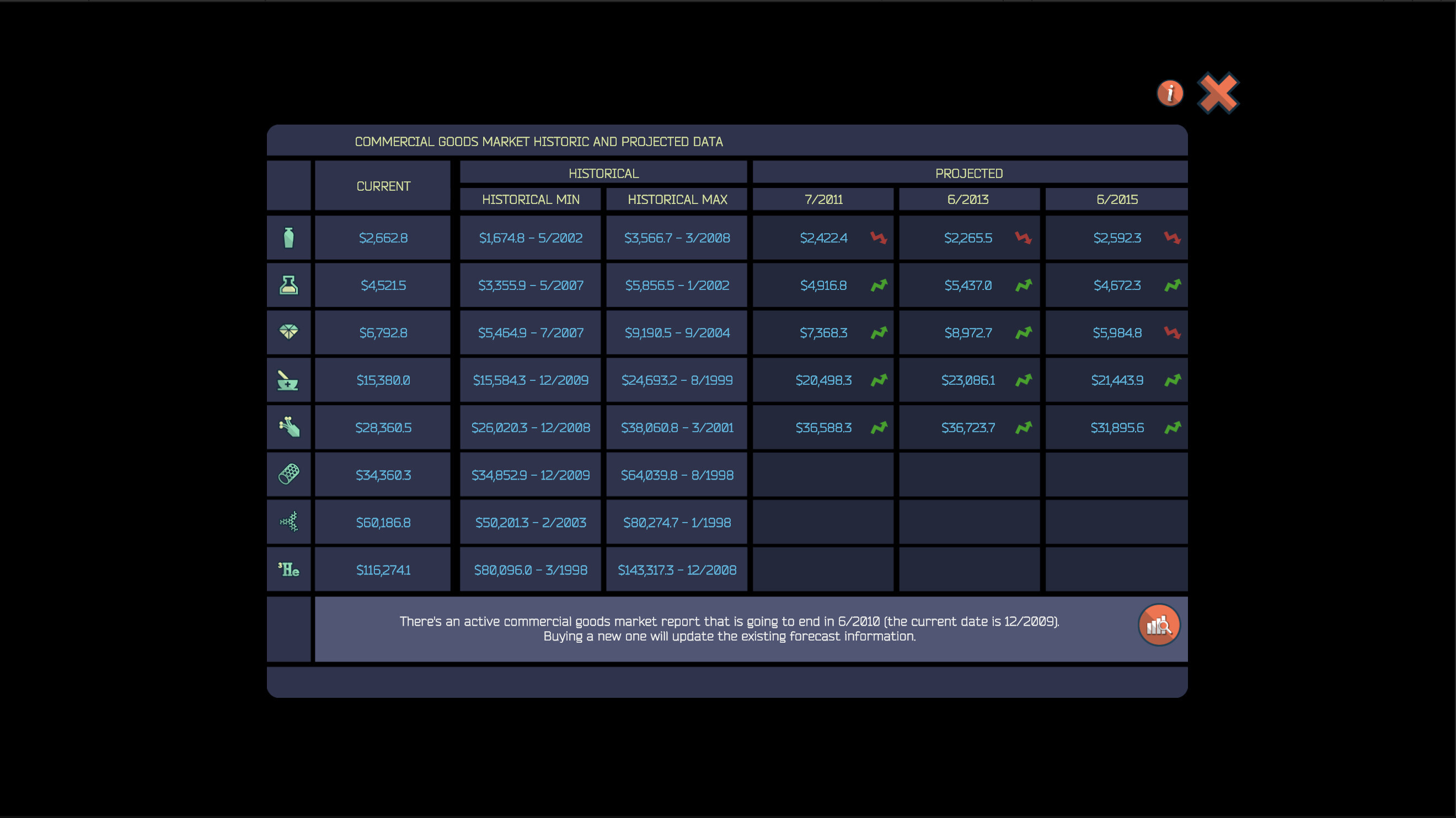 Lastly, if we have a target price for a specific type of good in mind, we can place a limit order, which will trigger once the value of the good reaches the target value. This can be handy as a 'fire and forget' mechanism, as the prices in the market are constantly changing, and keeping an eye on them constantly can be quite taxing.
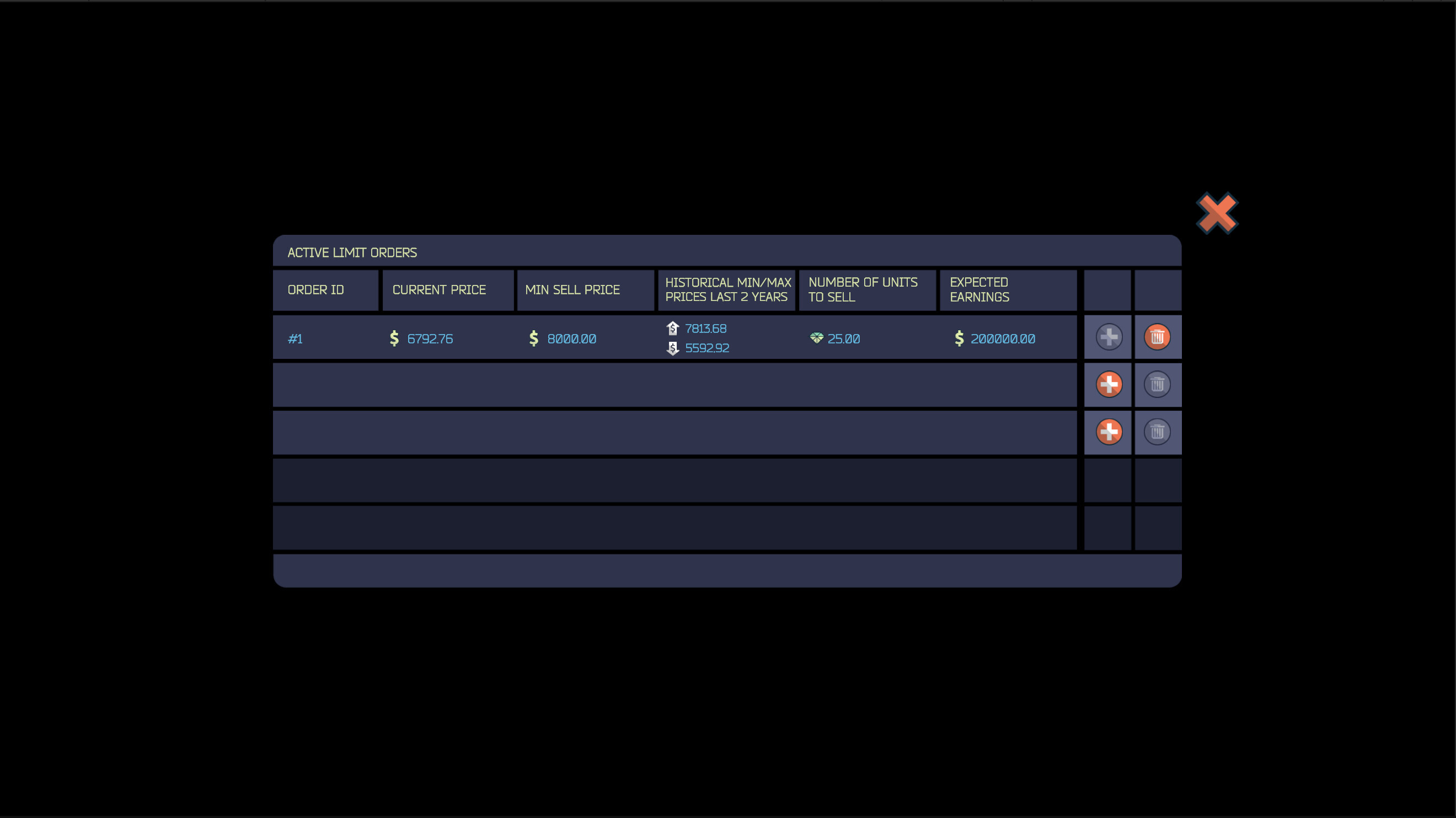
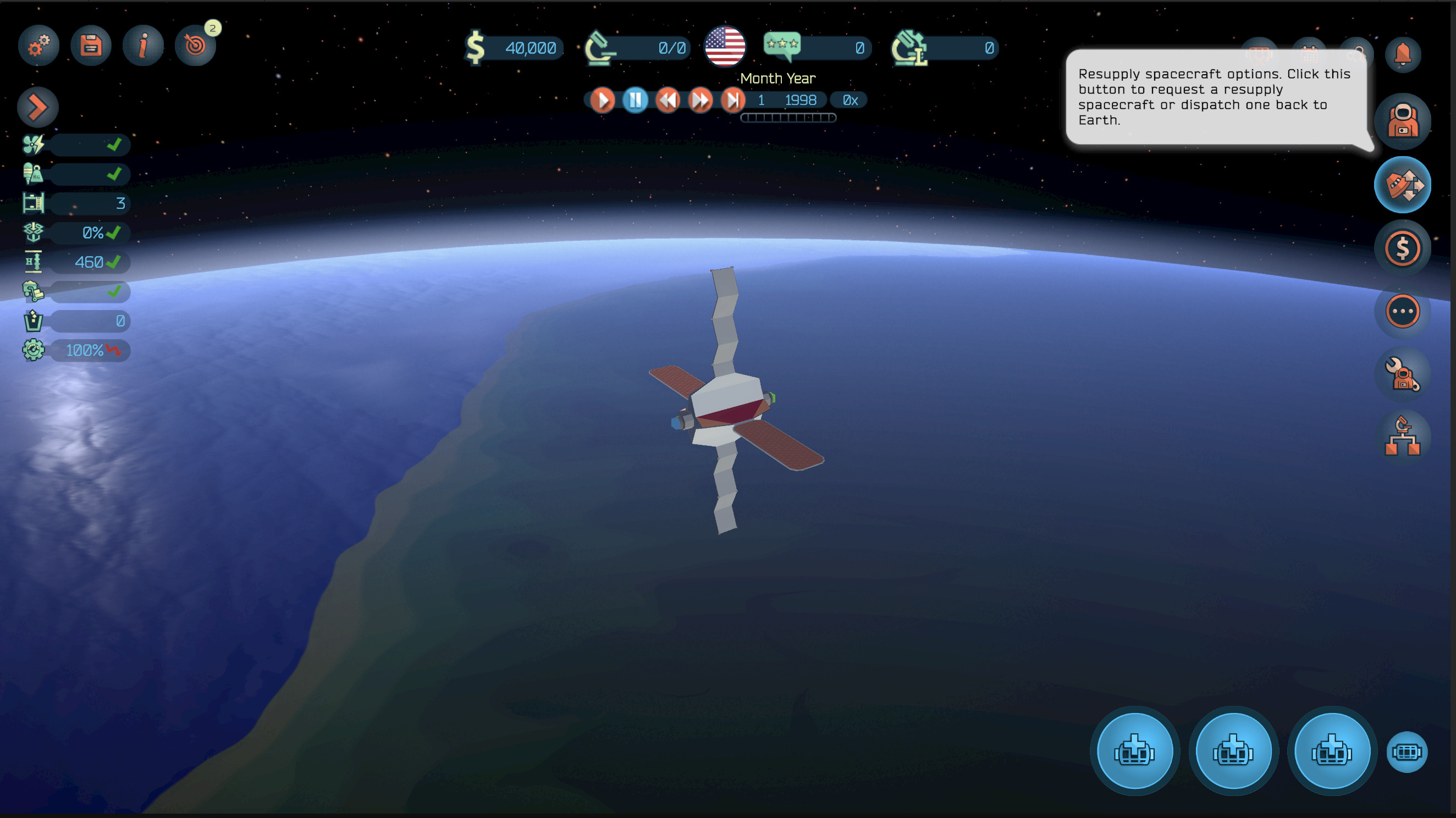 This reveals three buttons. From left to right, these are: 'Request Resupply Spacecraft', 'Dispatch Resupply Spacecraft', and 'Transfer Resupply Spacecraft'. The third option is only applicable to multi-stations setups, and will be covered in a future entry.
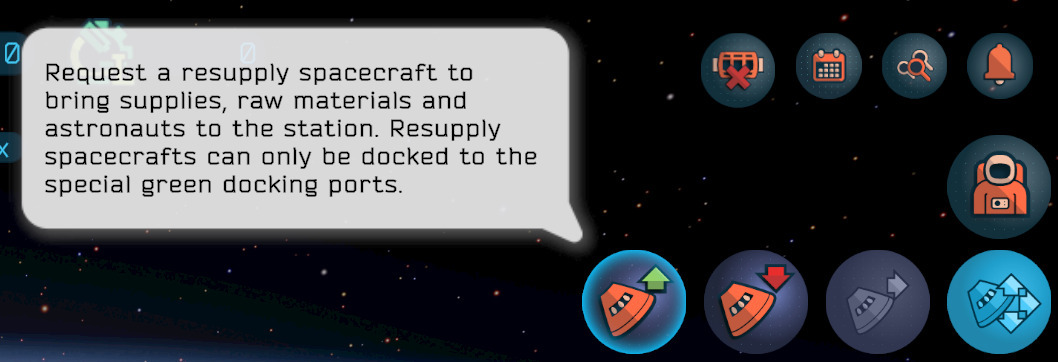 After selecting the 'Request Resupply Spacecraft' button, the game will display a list of options, which are inspired by both real-life and hypothetical spacecraft. Further types of resupply spacecraft become available after unlocking more advanced technologies from the tech tree.
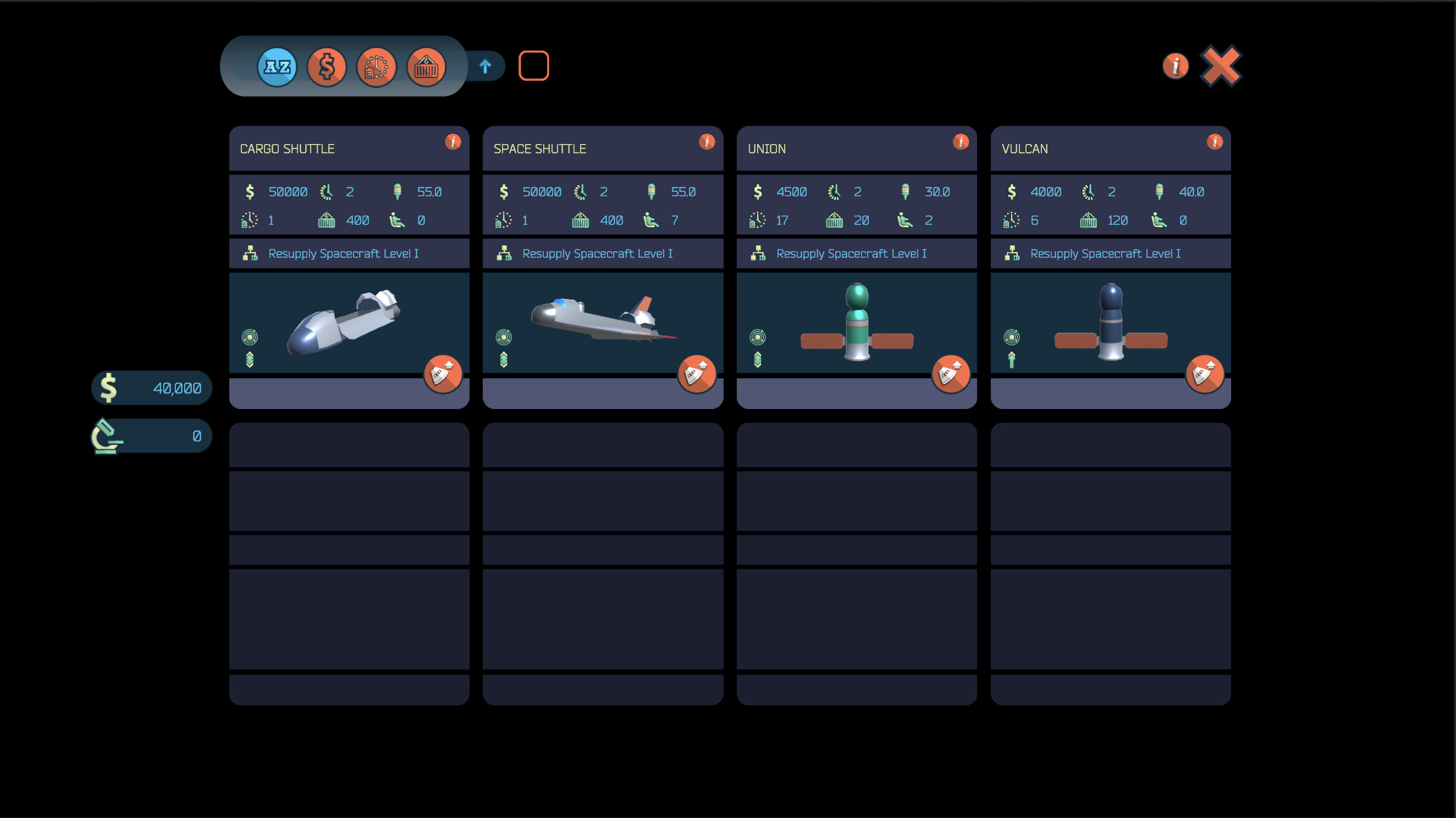 In this example, we select the Vulcan spacecraft, which is the in-game equivalent of the
 Before launching the spacecraft, we'll be able to determine the load in its cargo bay and, if applicable, the crew. In this particular example, we select 30 units of supplies and 90 units of raw materials. These elements are used to keep the astronauts crews active, and as the basic ingredient for manufacturing commercial goods in orbit, respectively.
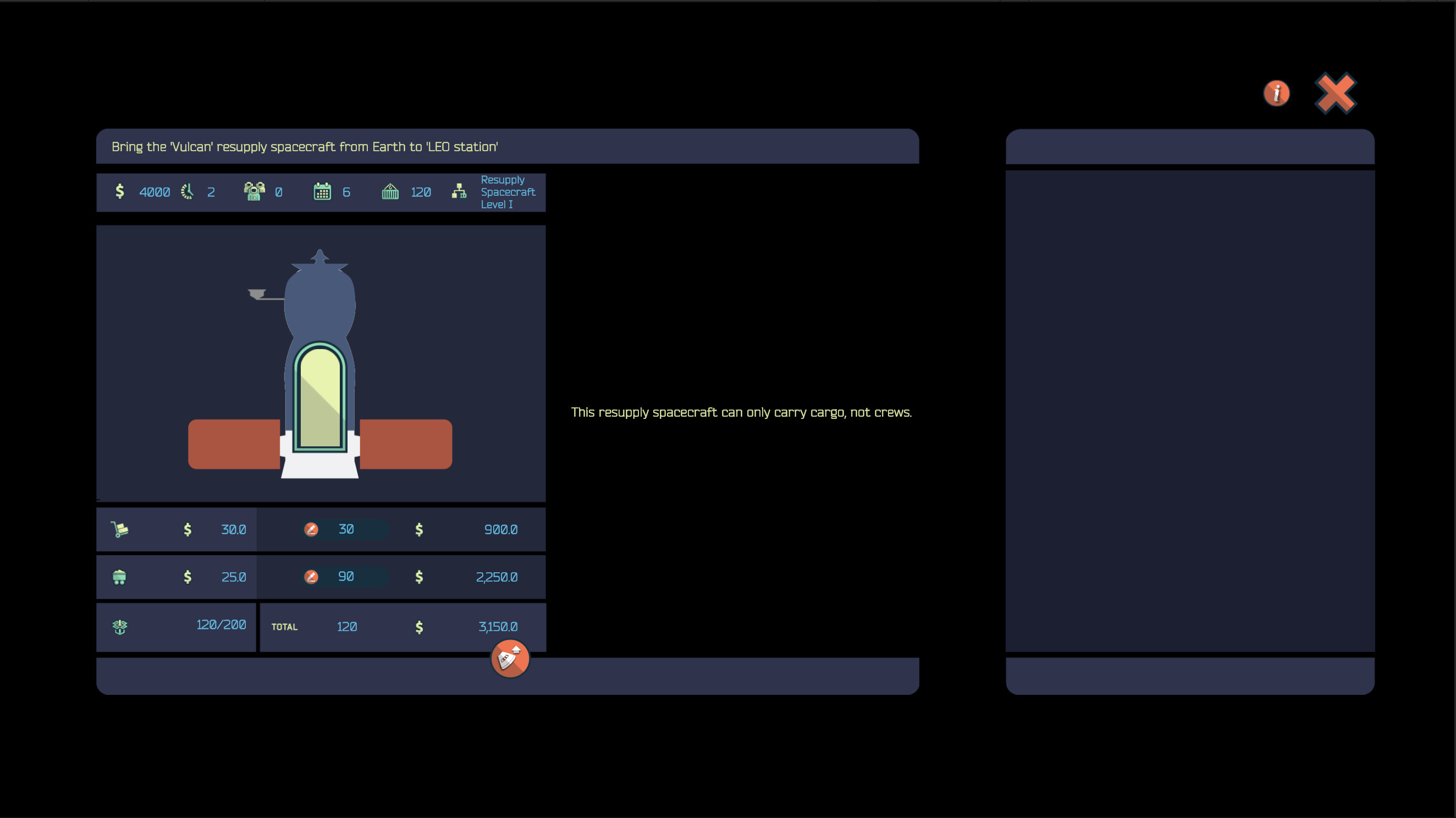 Once the spacecraft integration process ends after 2 months, we'll be taken to the launch screen, where we can supervise the launch.
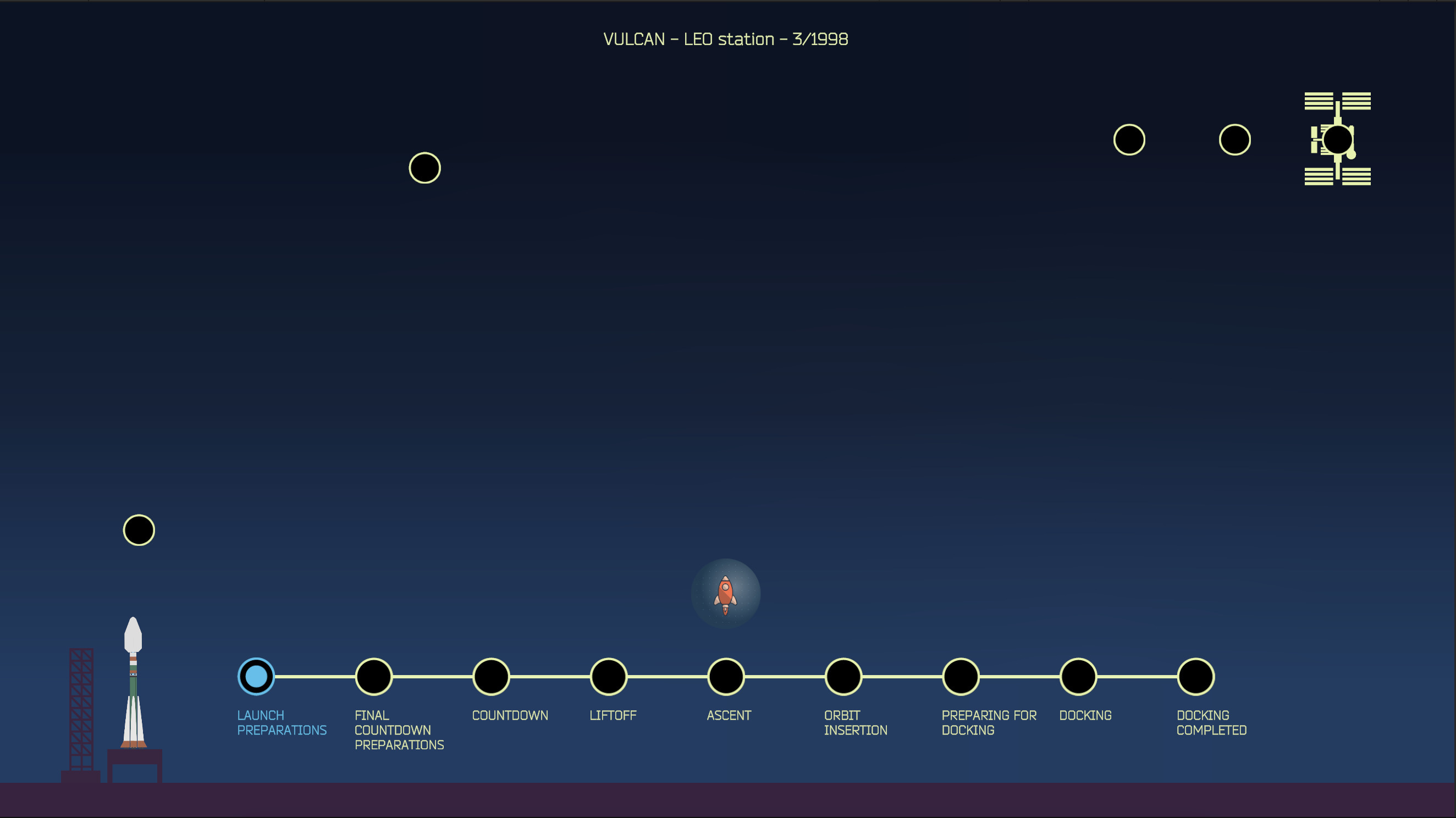 The launch process of a resupply spacecraft is composed of a series of steps. Most of them will go smoothly but, from time to time, there will be setbacks, and we'll be presented with a series of options and interesting decisions to make involving fees, loss of reputation points, or reduced chances of success.
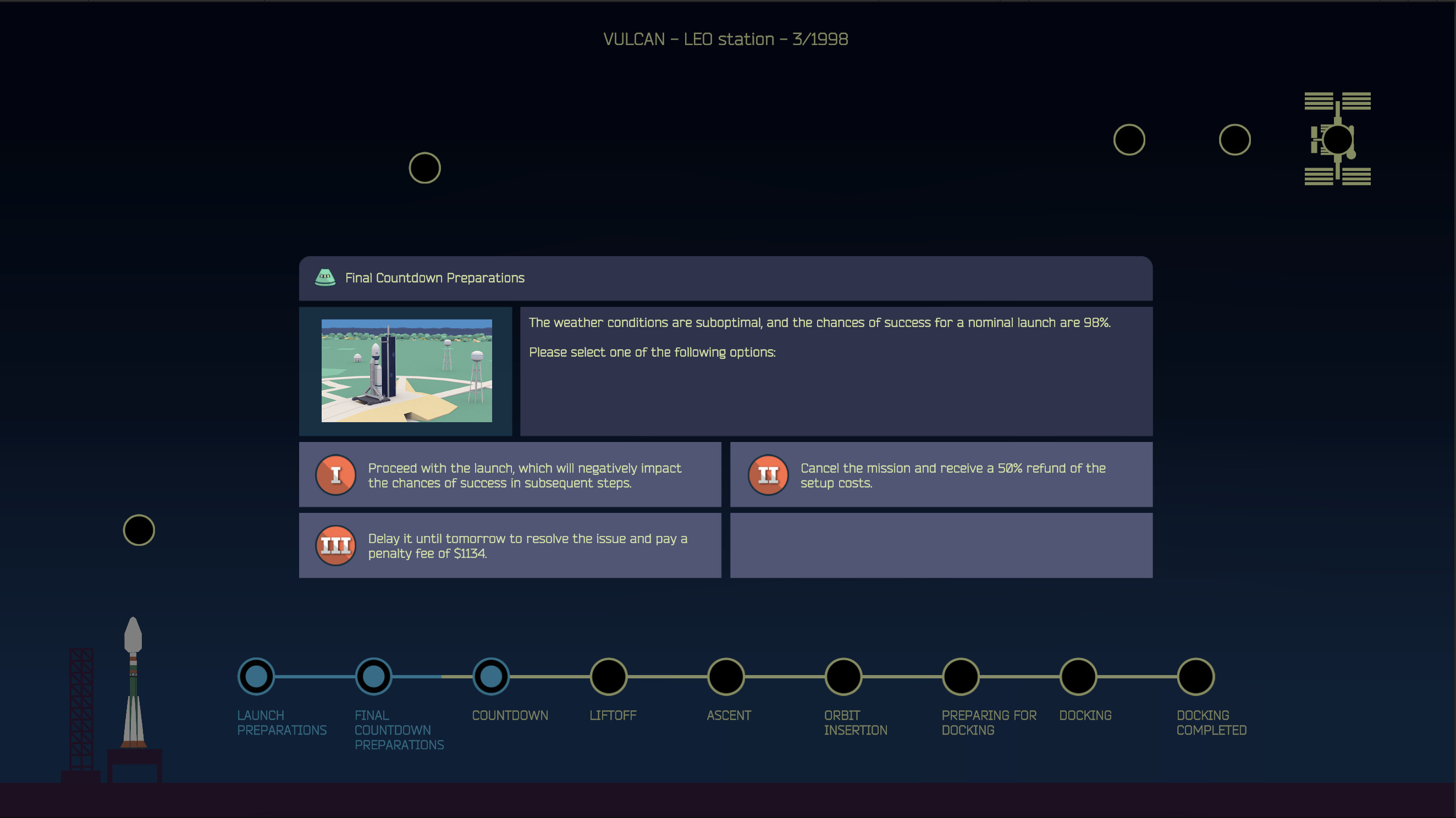 Note that after the first successful launch, the game will give us the option to automate the process and skip directly to its outcome. And yes, launches unfortunately can fail, sometimes with catastrophic outcomes, so we need to be careful and don't push our luck too much.
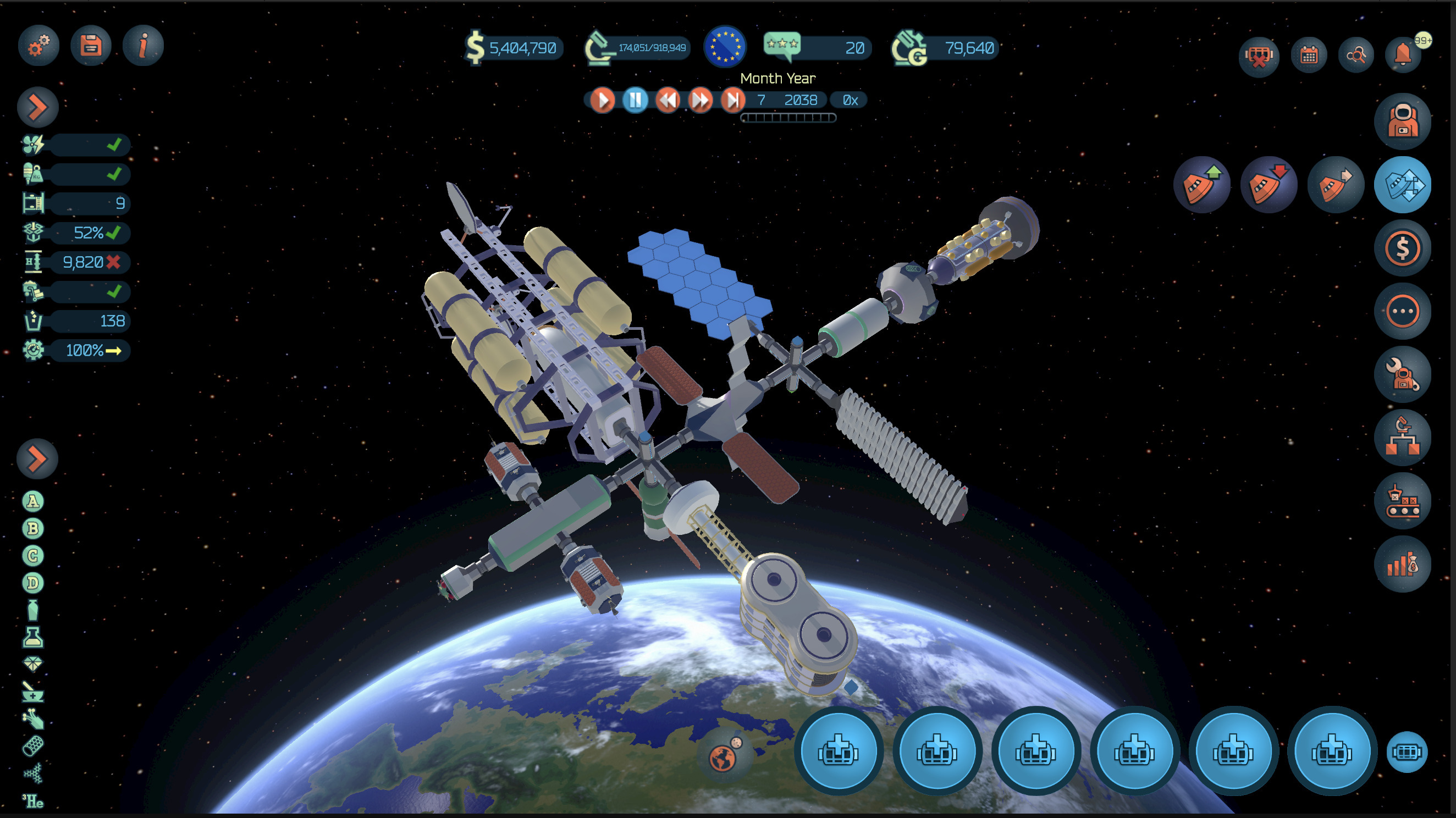 The 'Dispatch Resupply Spacecraft' is the second button, starting from the left.
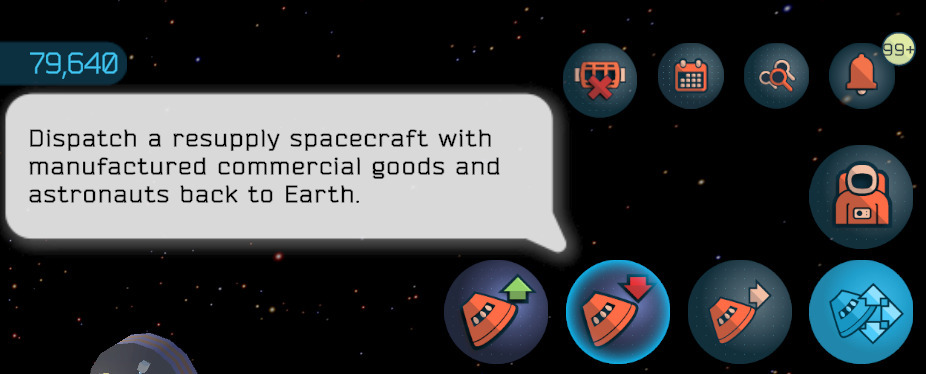 After selecting the resupply spacecraft we want to send back to Earth, the game presents a screen to specify the types of goods we want to send back to Earth, along with the crew. Note that, in addition to being able to include a large range of commercial goods, a resupply spacecraft can be used to discard 'Waste' units, which are generated by the astronauts on a monthly basis.
In real life, it is a common practice to load the Progress freighters reaching end-of-life with trash, and have the whole resupply spacecraft incinerated during re-entry. In 'Space Station Designer' both options are available, though it's preferable to use bidirectional spacecraft to carry valuable goods and leave the 'waste' for the unidirectional ones.
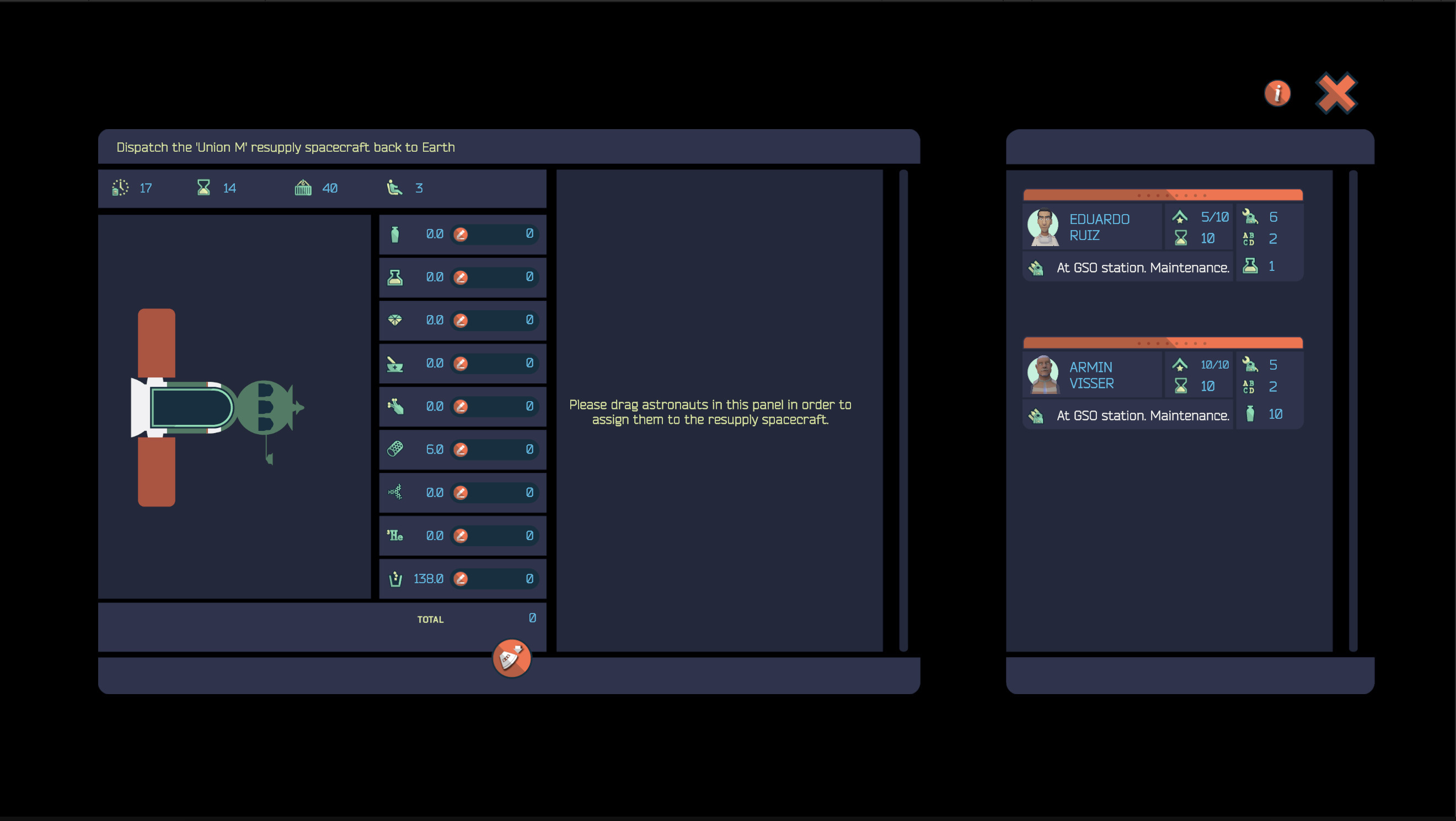 The process for dispatching a resupply spacecraft is very straightforward and, after clicking the 'Dispatch' button, the game will show a dialog summarizing the type and number of goods dispatched, and the astronauts that returned to Earth, along with any paid overtime fees (in this case, zero!)
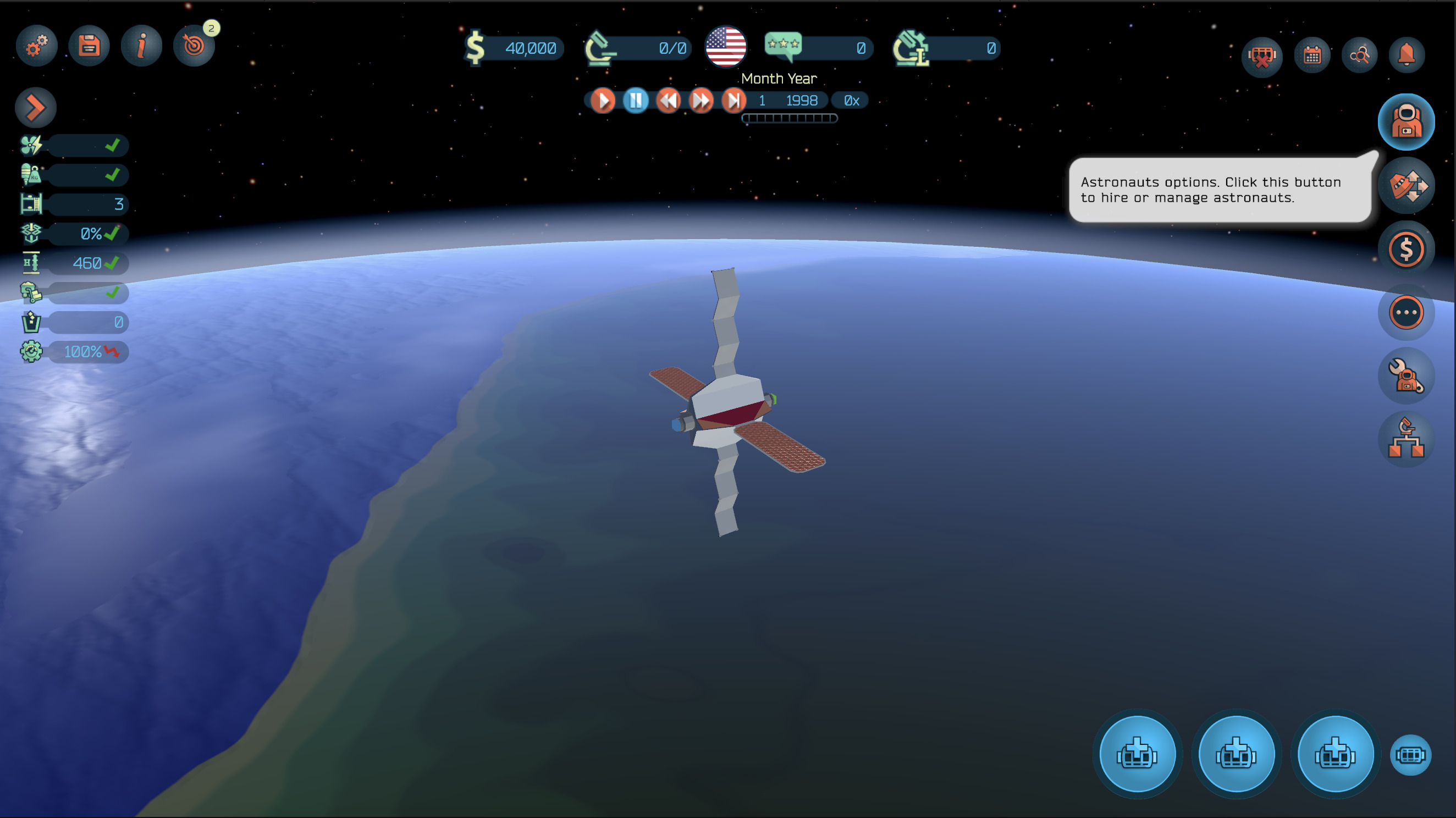
 The hiring screen features a batch of candidates, which have a range of attributes, such as 'Age', 'Max Rank', 'Autonomy', and 'Monthly Salary'. Some of them can already be strong in areas such as 'Maintenance', 'Research', or 'Space Tourism', which are known as 'standard skills'. In the initial stages of the game, a well-balanced hiring strategy is preferable, but once you've decided to focus on certain revenue streams, hiring more specialized candidates might be preferable.
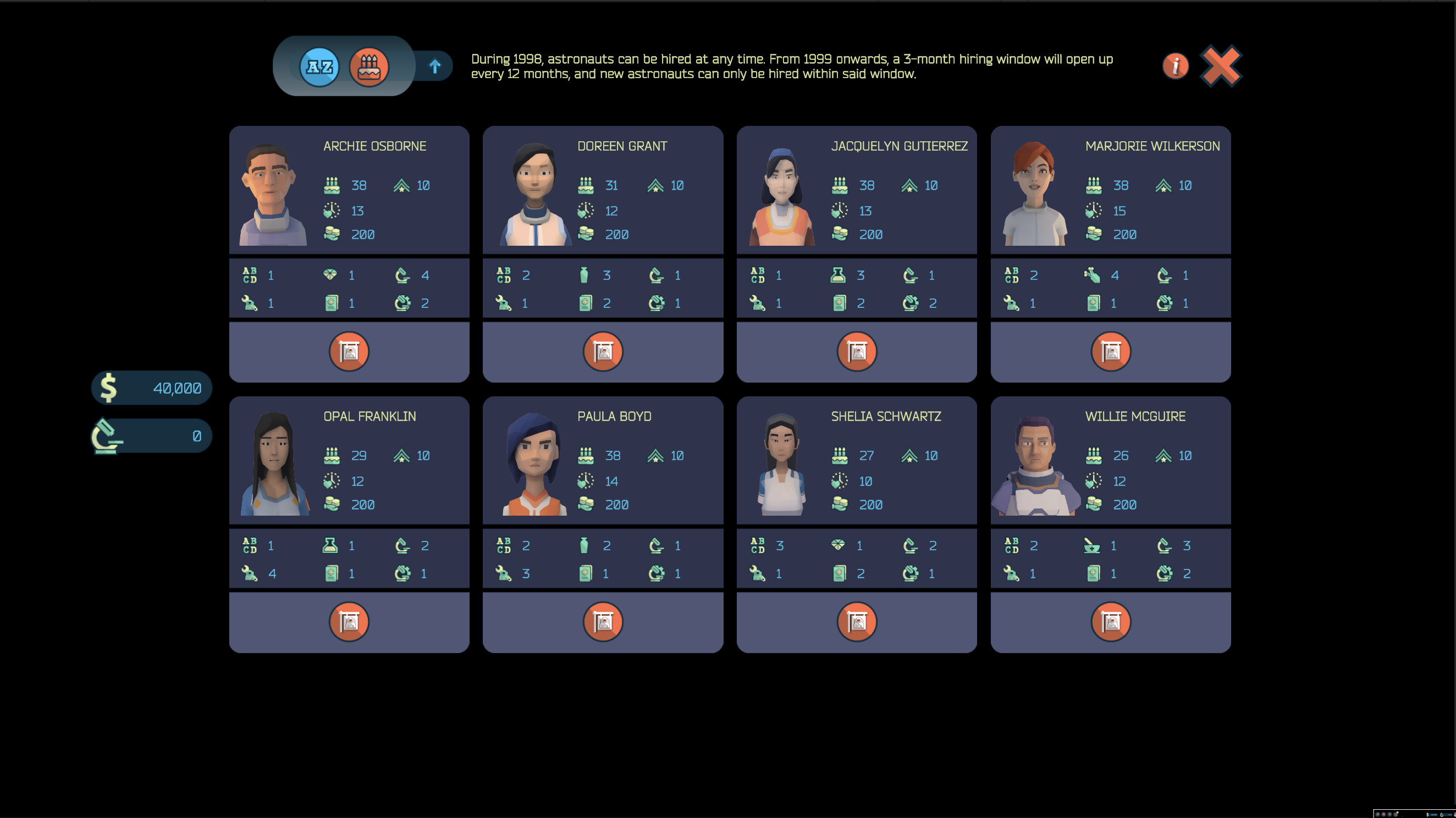 During the first year (i.e., 1998), astronauts can be hired any time, and you can even hire multiple rounds of astronauts during that year. After that, the hiring can only be done within predefined seasons. At the time of writing, these seasons open on a yearly basis, and they last for three months. This frequency may change before the final release based on the feedback we get from our beta-testers.
 This screen features a series of radio buttons (top-left) and toggle buttons (top-middle), which allows you to sort and filter astronauts based on certain criteria, respectively. In the following example, we can see all astronauts on Earth sorted alphabetically
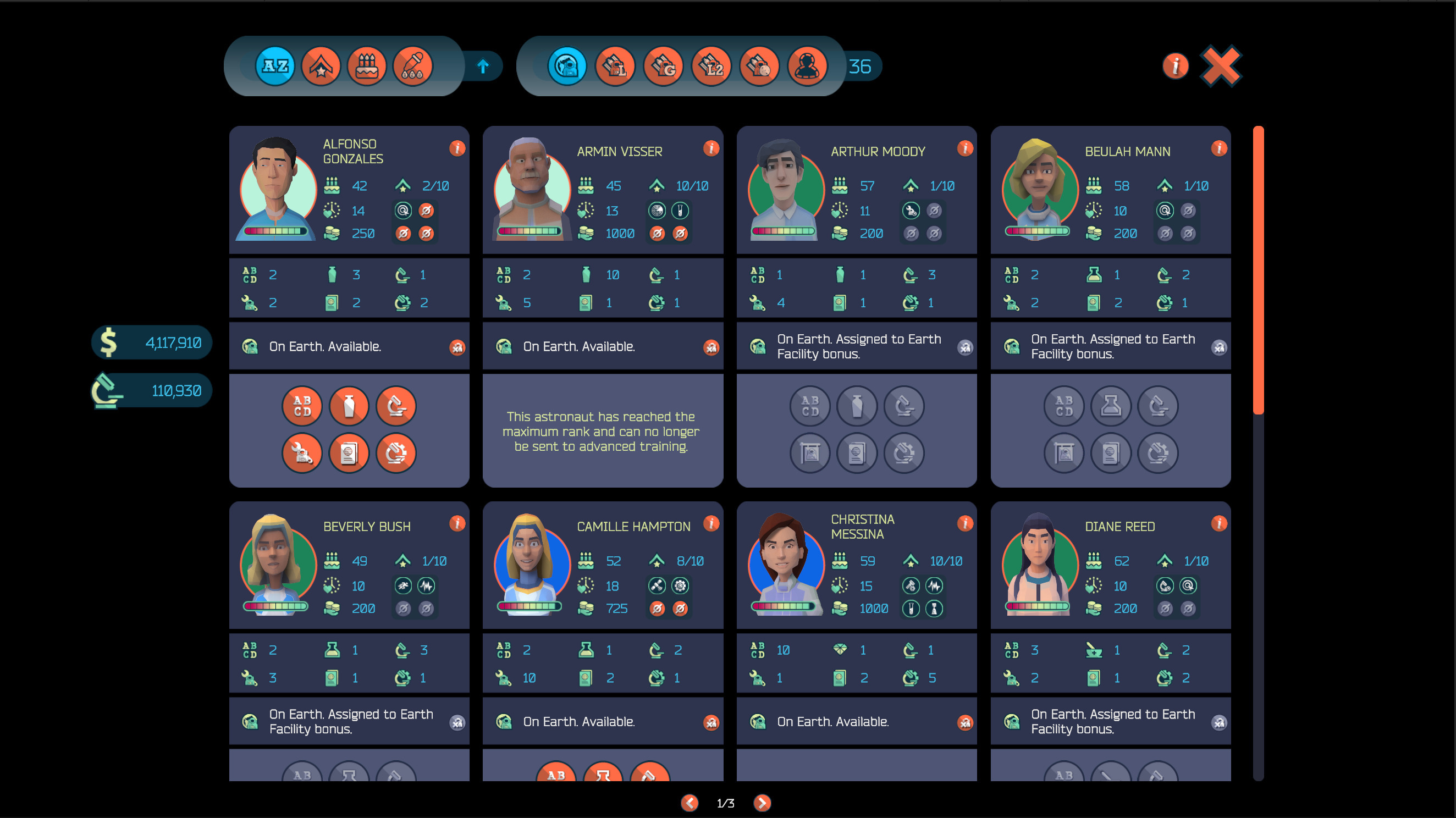 Astronauts on Earth can be sent to training to advance their 'standard' skills (i.e., 'Intermediate Goods', 'Commercial Goods', 'Research', etc). Every time they are sent to training, their Rank goes up by one. Once they reach their limit (normally 10), they can no longer be sent to training.
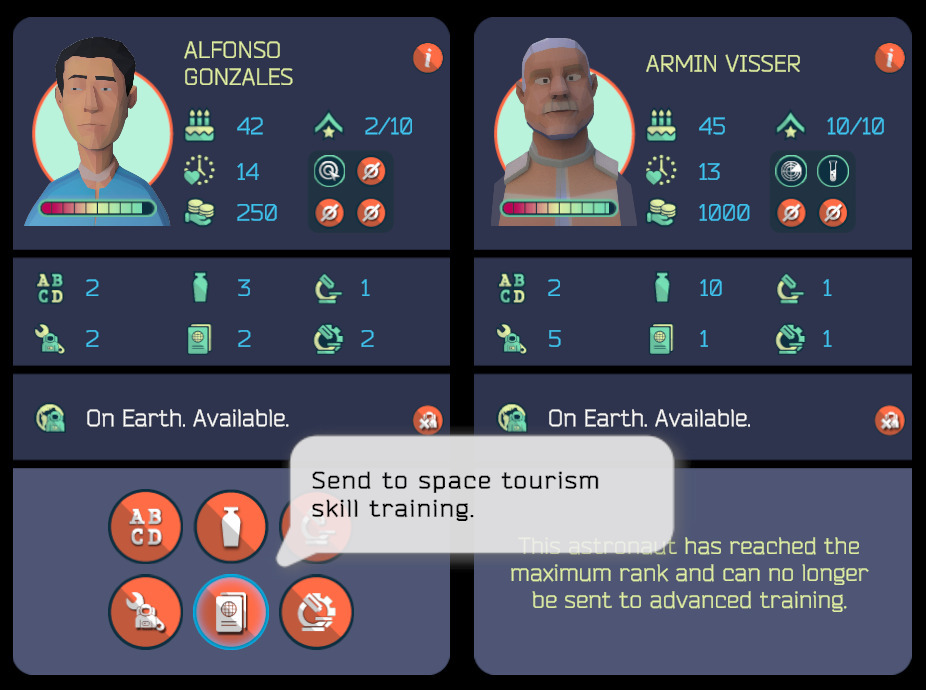 In addition to the 'standard' skills, all astronauts have four slots for 'special' skills. Initially, these four slots are usually empty.
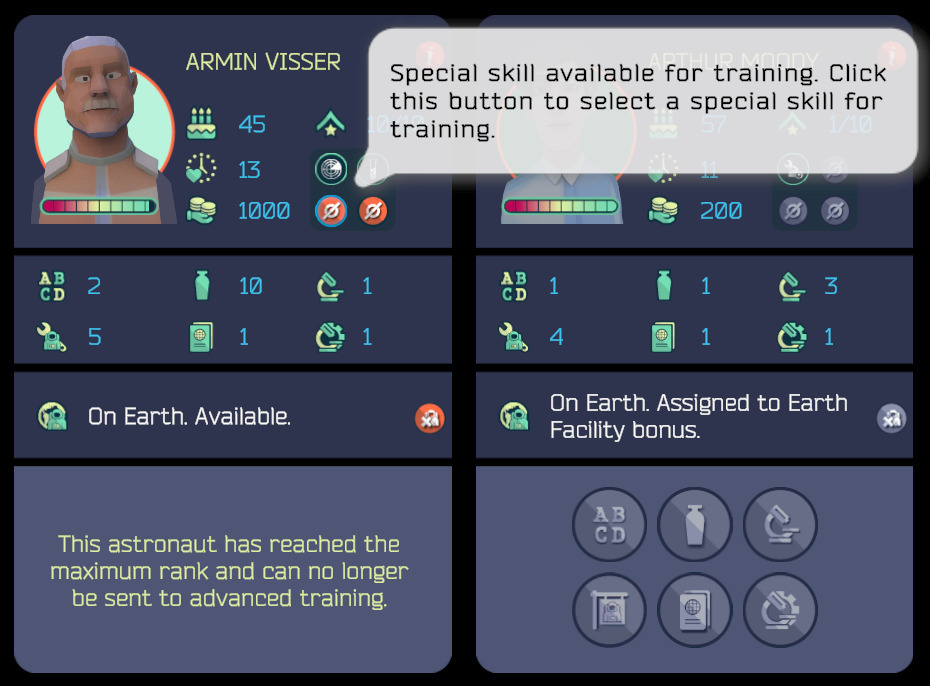 By clicking on any of them, you can select a special skill from a long list. These special skills have an impact across other areas of the game, such as repairing space station modules, providing commercial services, contributing to the 'Lunar Space Elevator' megaproject, and many more. Having a diverse astronaut corps with a wide range of special skills will increase your chances of success.
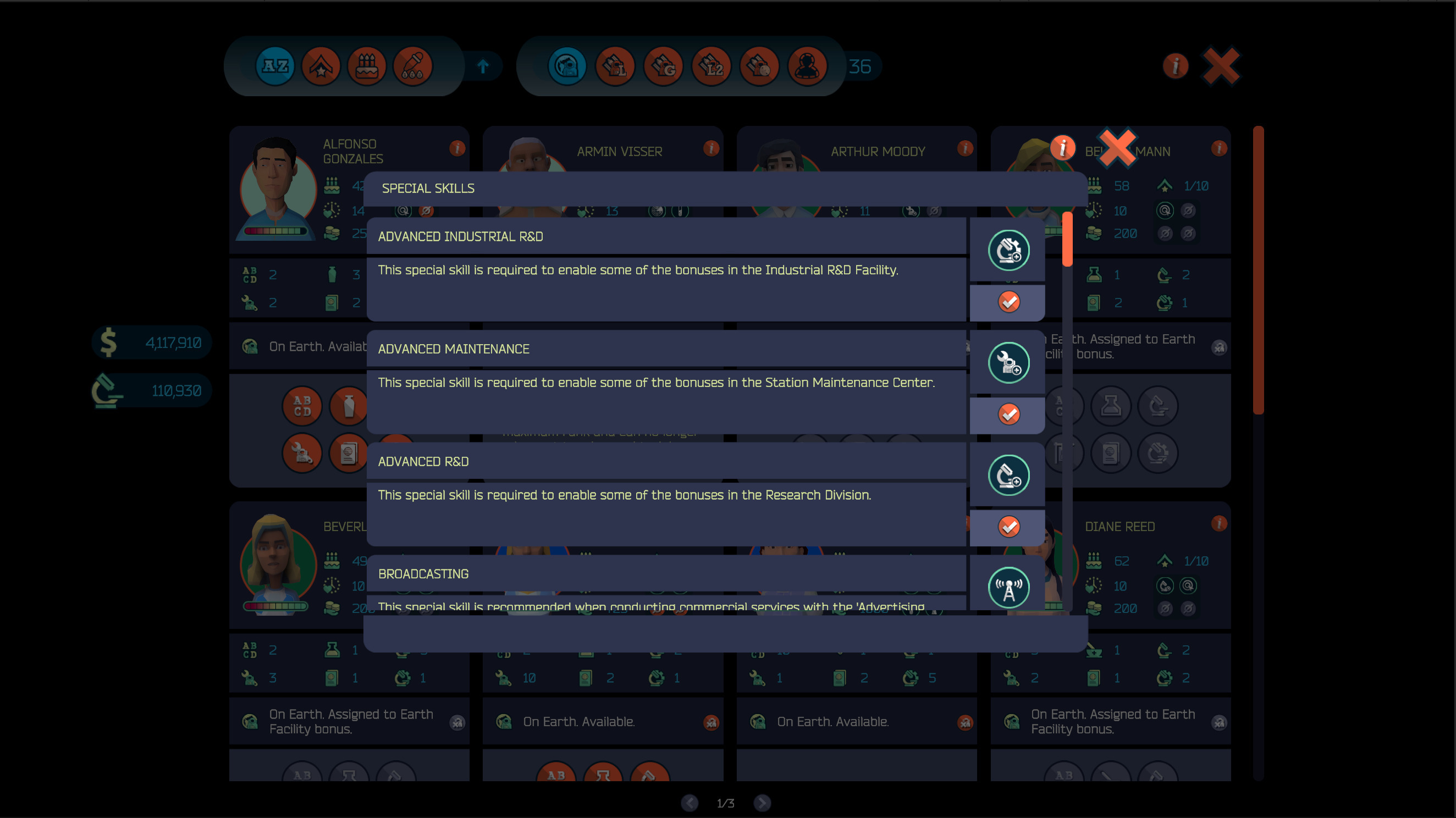 You may have noticed that all astronauts have a colored circle behind their portraits. These are used to identify the 'crew' they belong to. 'Crews' in Space Station Designer are simply a tool for you to organize astronauts using whichever criteria you deem best. For example, you can put together a crew of astronauts skilled in 'Maintenance', and use this as a mechanism to quickly find them when needed.
 Lastly, all astronauts have an associated 'Morale' value. Unexpectedly, all astronauts join the company with a 100% morale value (our hiring process ensures that all new joiners are really motivated!). Throughout the game, astronauts will experience events that will make their morale go up or down. Not being sent to training every now and then, or not visiting the station for a while, will make their morale go down. Whereas participating in a successful module repair will make the morale go up. The details behind the various morale events that have affected a given astronaut can be accessed via the 'Information' button located in the top-right corner of their card.
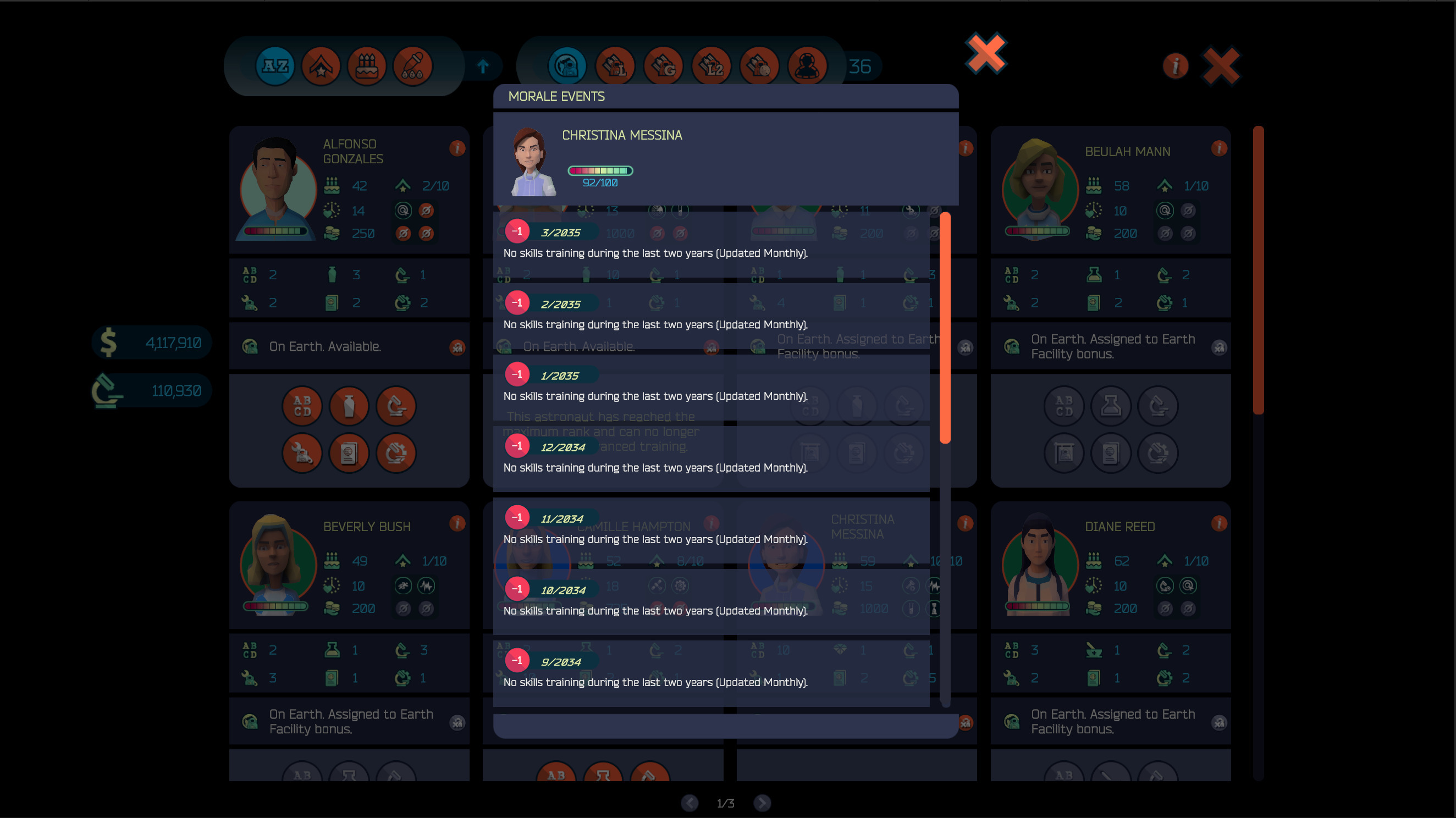
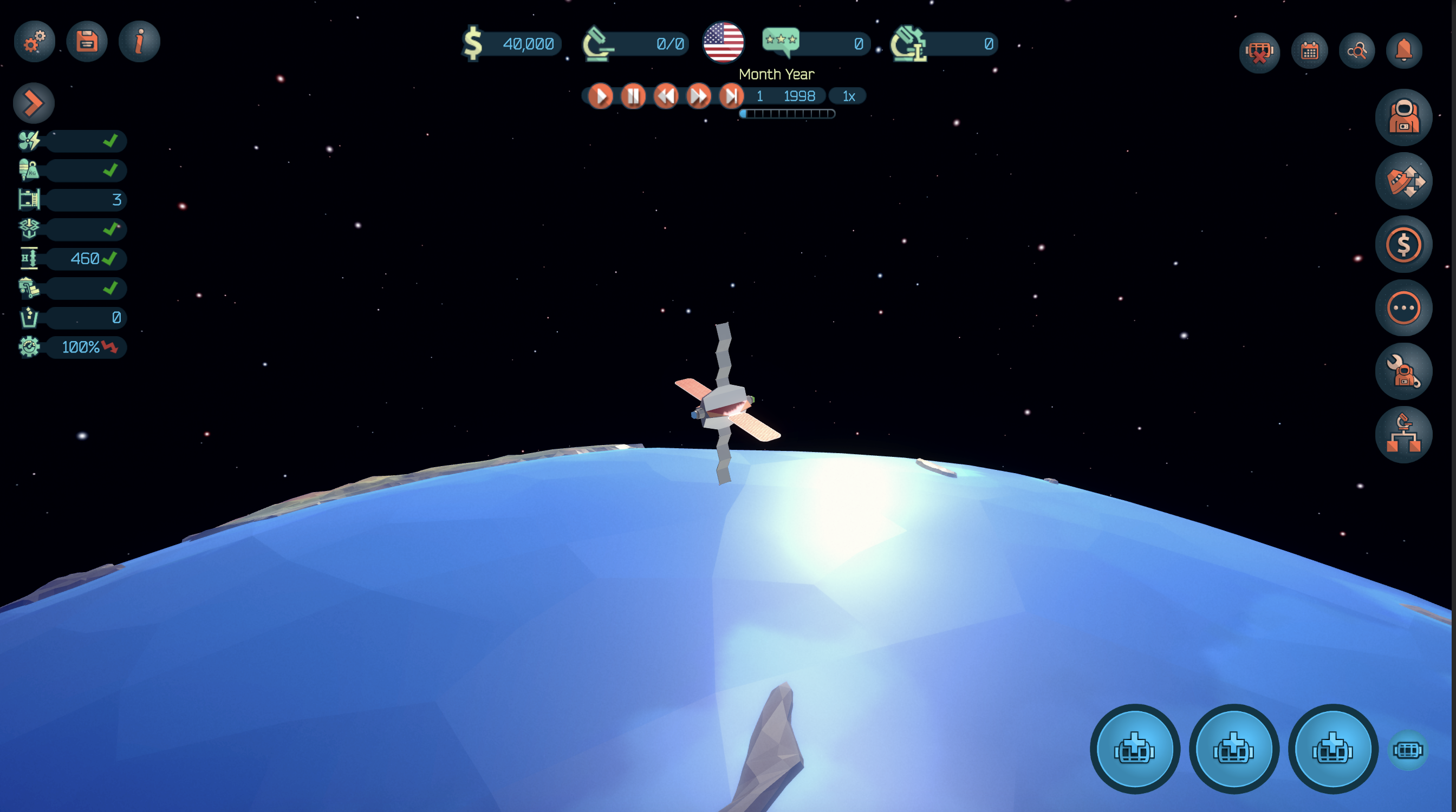
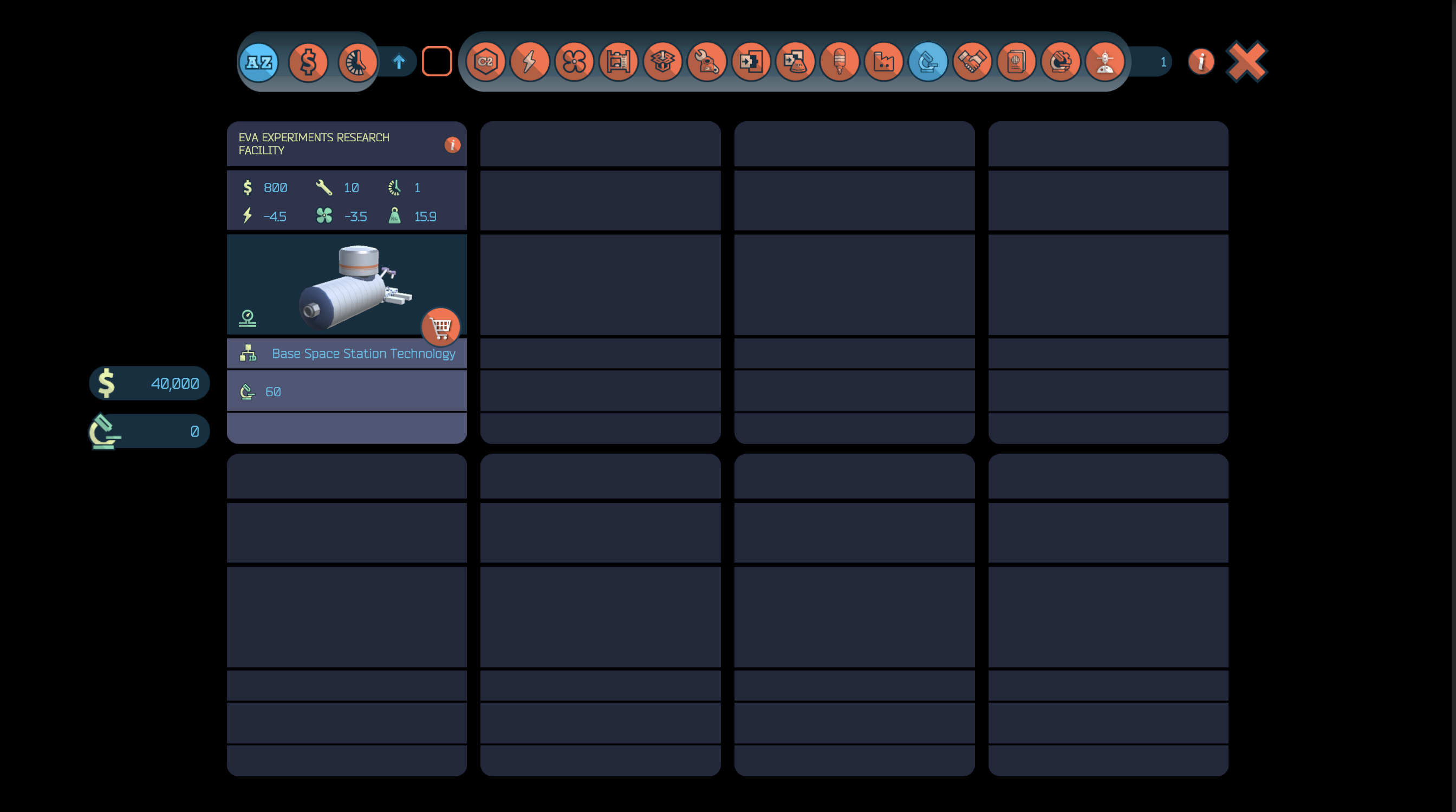 Additional Research modules become available after acquiring more advanced technologies from the tech tree. This doesn't include the specialized modules that are only available in higher orbits, but we'll let you discover them while playing the game!
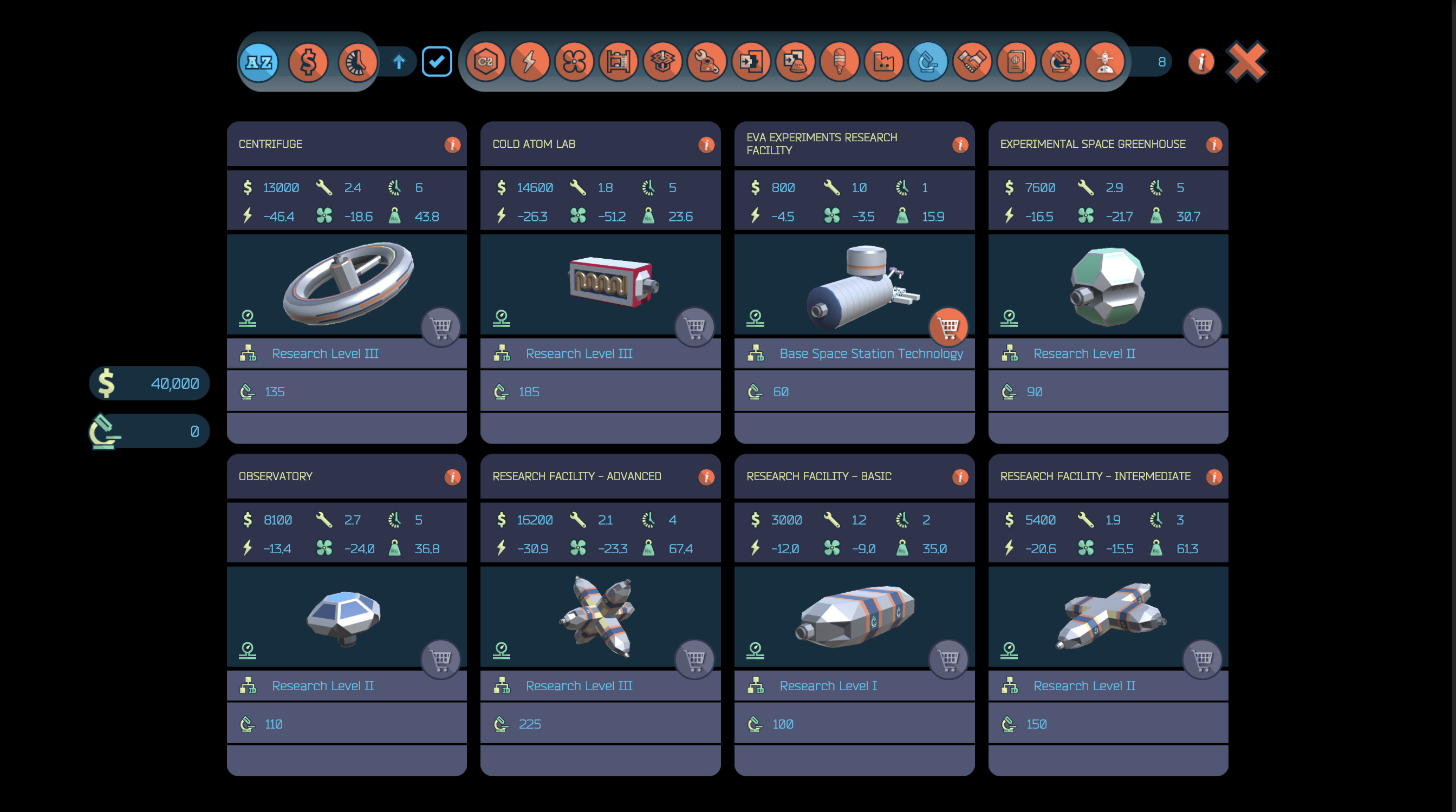 At the time of writing, all active Research modules generate Research points every month, with an additional boost if we assign an astronaut to it. Note that we've changed this behaviour a few days ago: in an upcoming update, astronauts will become a requirement for generating Research points. We made this change because it better captures the fact that humans play a very important role in research.
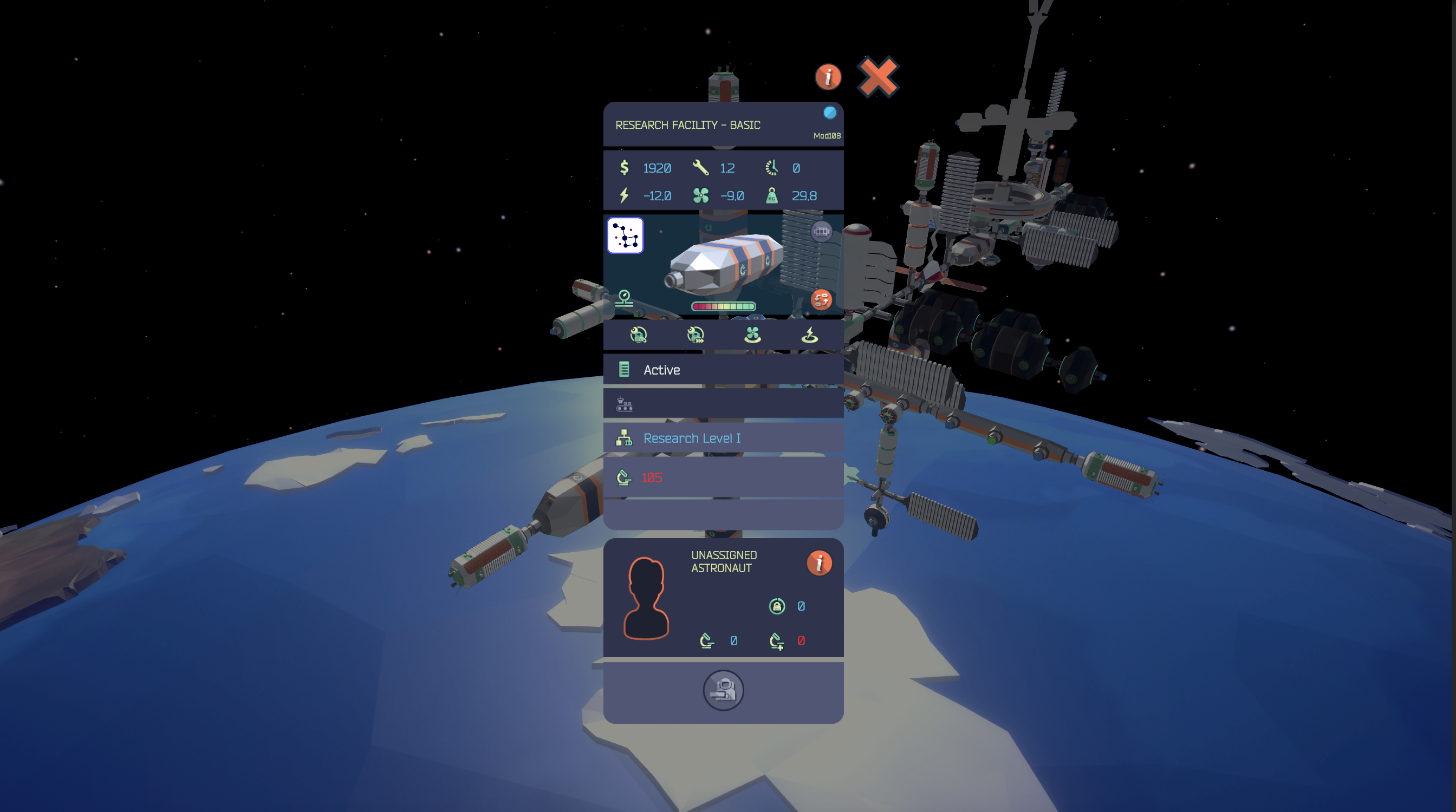
 The Research tree features over 60 unique technologies. Although we've provided a zoom in/zoom out feature, we cannot fit them all in a single screen! The following screenshots shows all the technologies leading up to 'Expansion in LEO', also known as 'Phase I', with a lot more to discover afterwards.
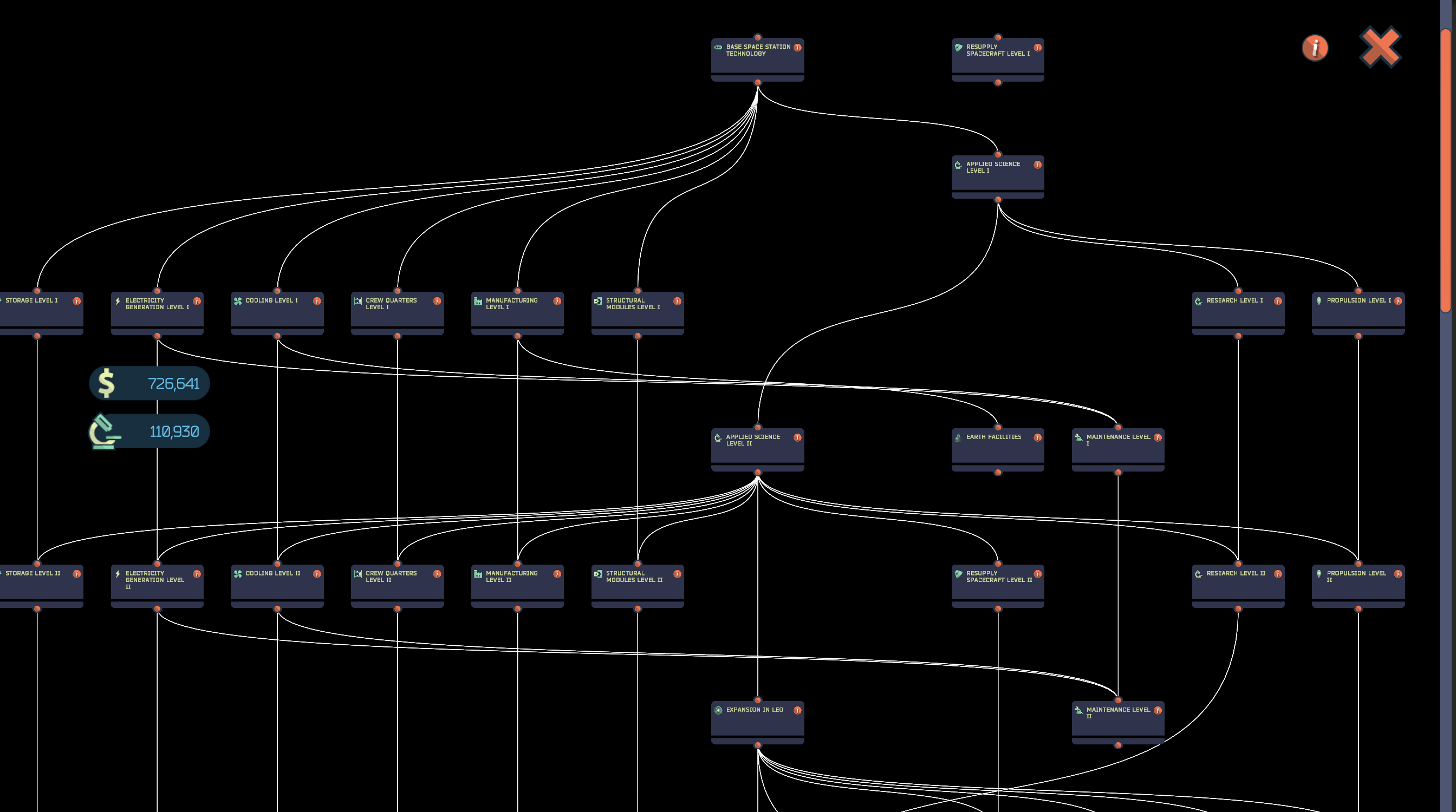
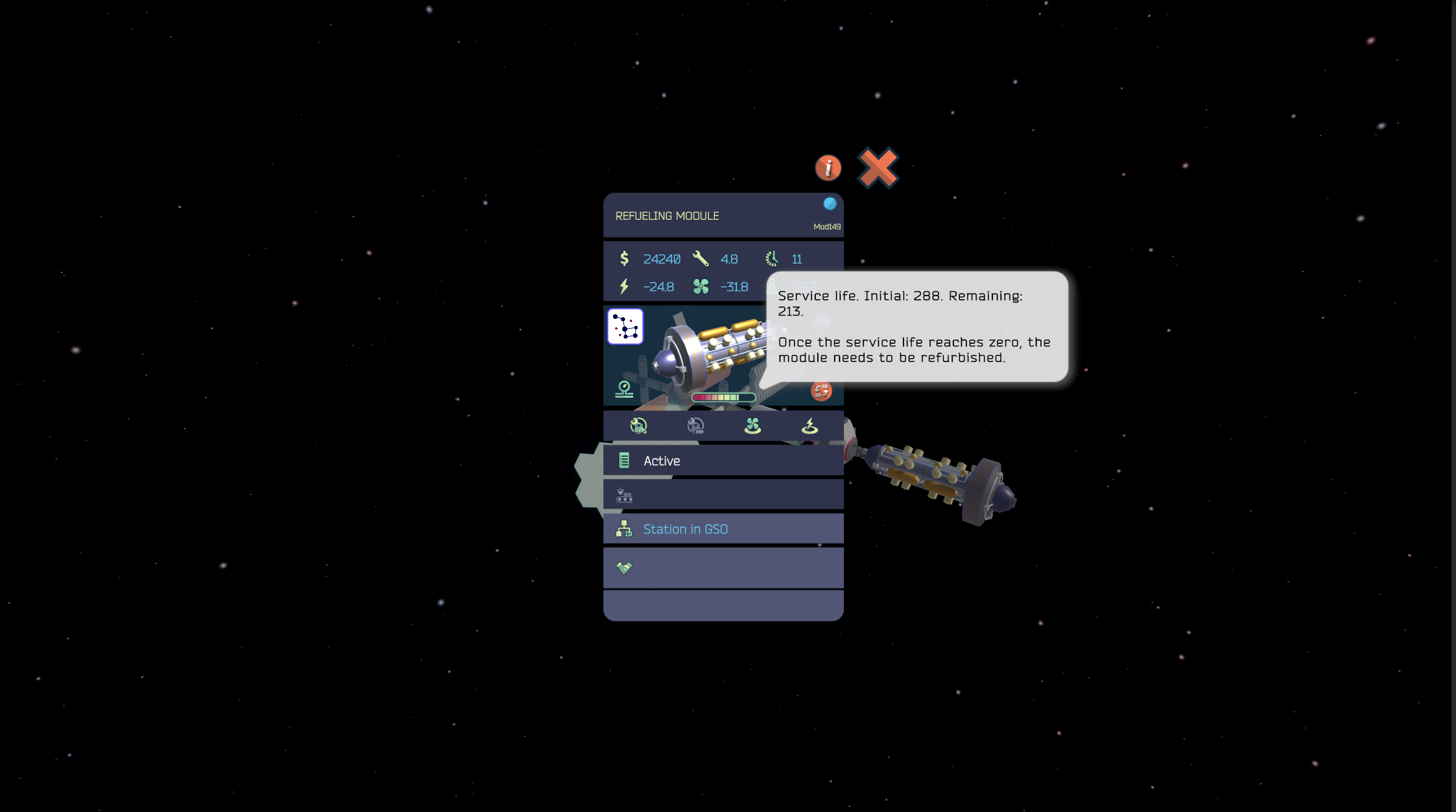 Modules can be refurbished anytime by pressing the 'Replace critical components' button. There's no need to wait until its service life reaches 0, and planning things ahead is often a good idea!
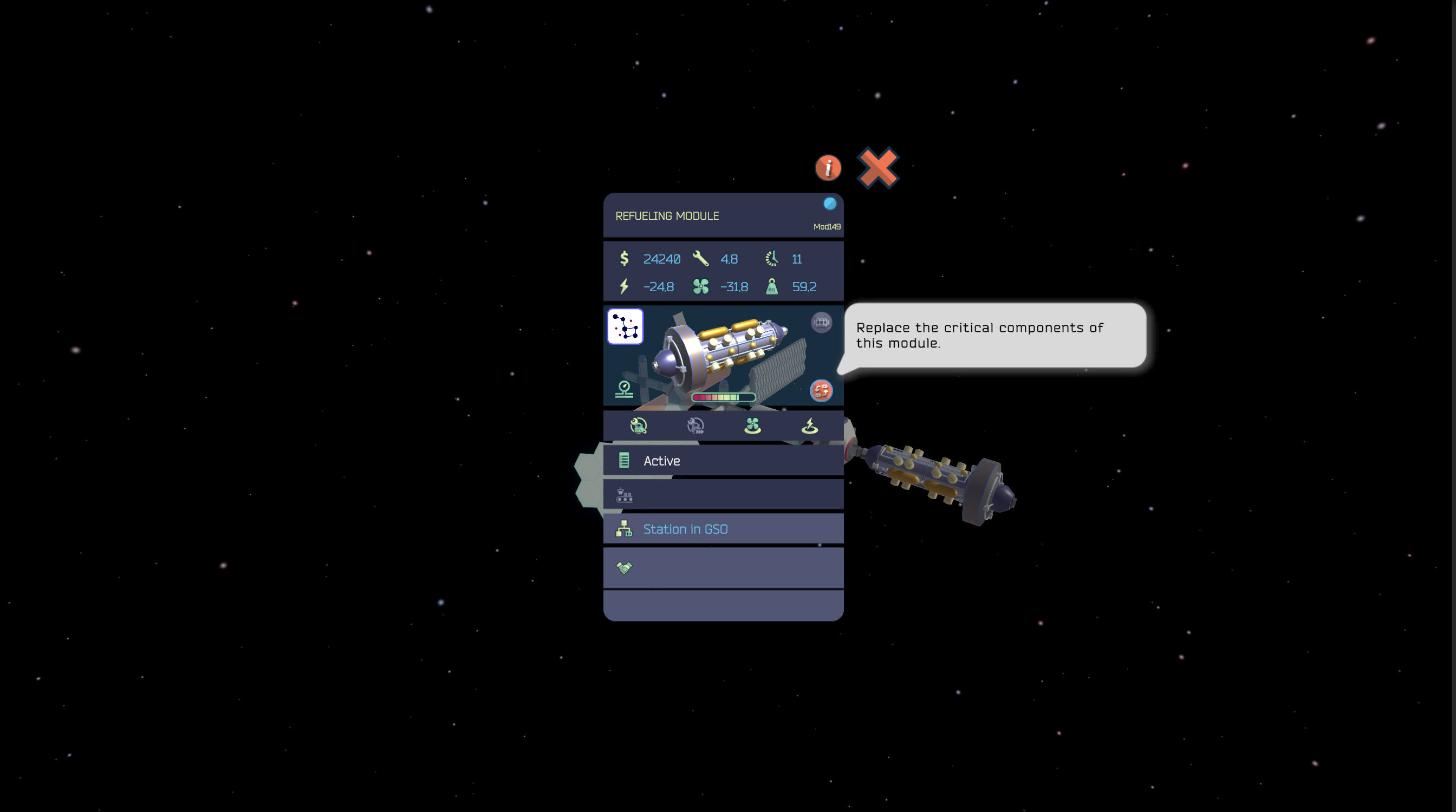 All modules come with an associated Median Time Between Failures (MTBF) value, which is the predicted time in months between failures. Note that a module with a MTBF value of, say, 100, won't experience a failure exactly 100 months after being installed. Instead, this is an average (or mean) value used as part of a probability calculation.
It is important to mention that all modules at some point will fail, but we can significantly reduce the chances of that happening by (1) procuring modules from a contractor that focuses on quality, and (2) ensuring we have enough astronauts assigned to 'Maintenance' duties. This assignment can be done by accessing the 'Maintenance' screen via the button located in the right-hand side panel:
 This screen features a series of stats on the left, including the overall maintenance capability of the astronauts assigned to maintenance duties, the required maintenance (which is a function of the number and type of modules in the station), and the current maintenance level and trend (not having enough astronauts assigned to maintenance duties causes a negative trend that significantly increases the chance of experiencing failures).
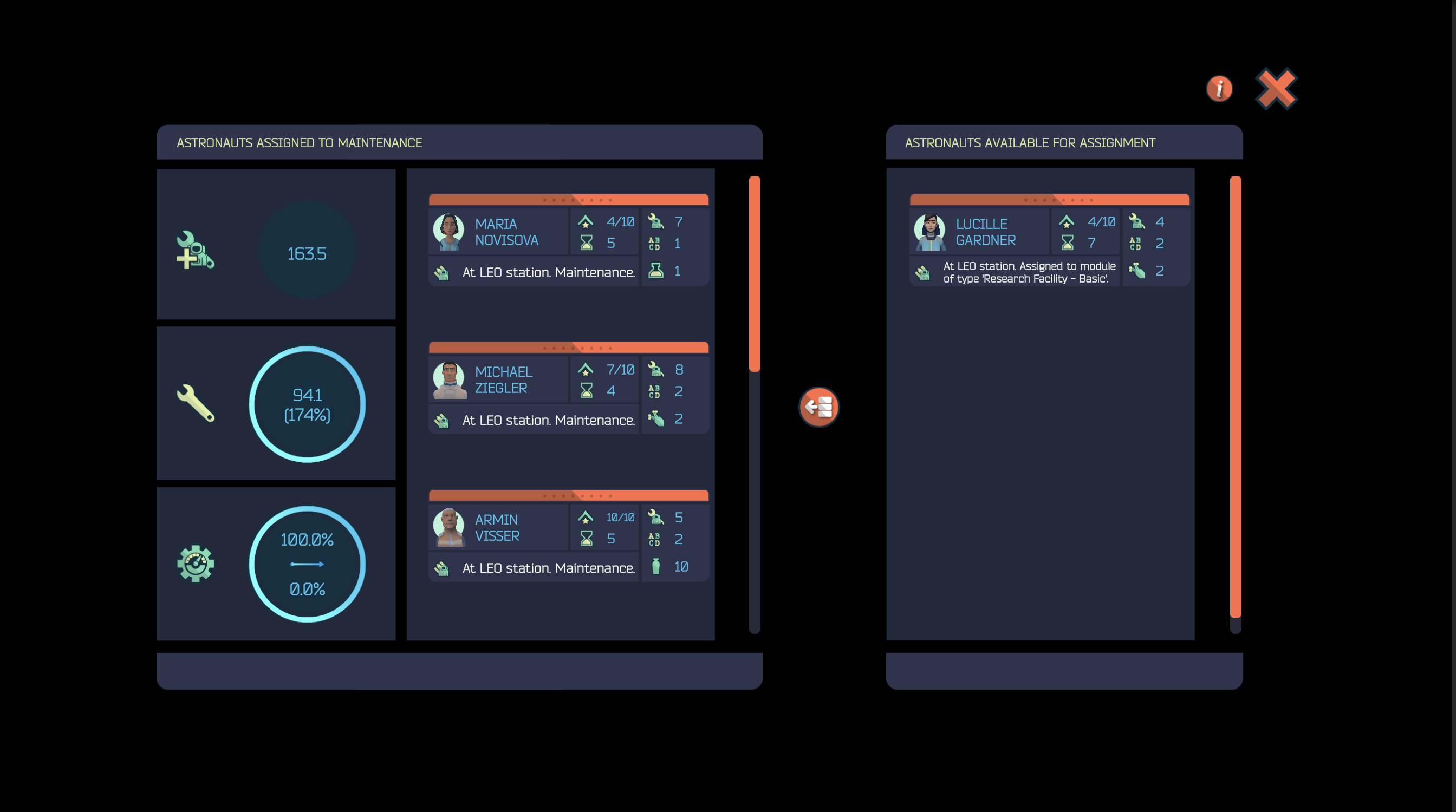
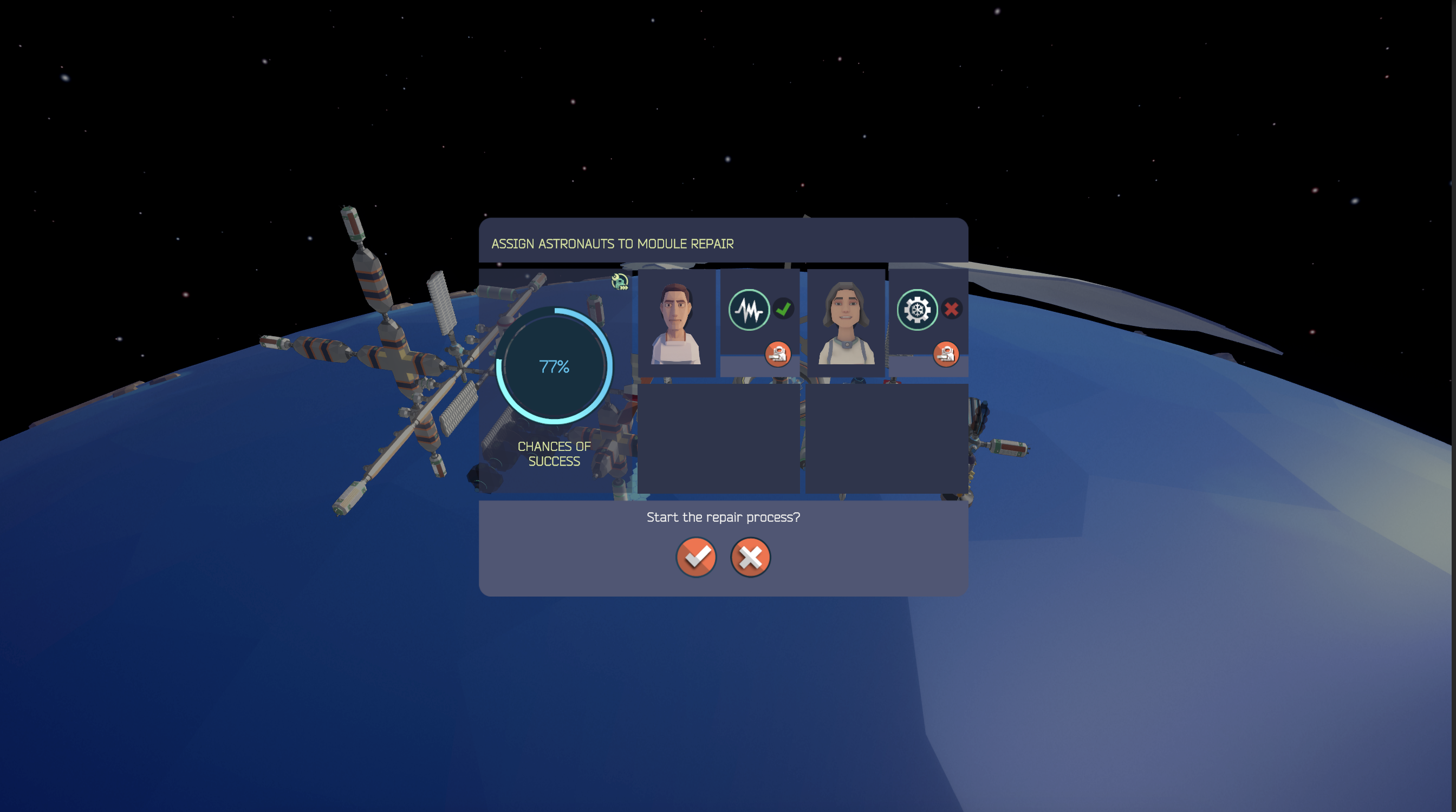 There's further nuance around the maintenance and repair mechanics, but we'll let you discover that while playing the game yourself.
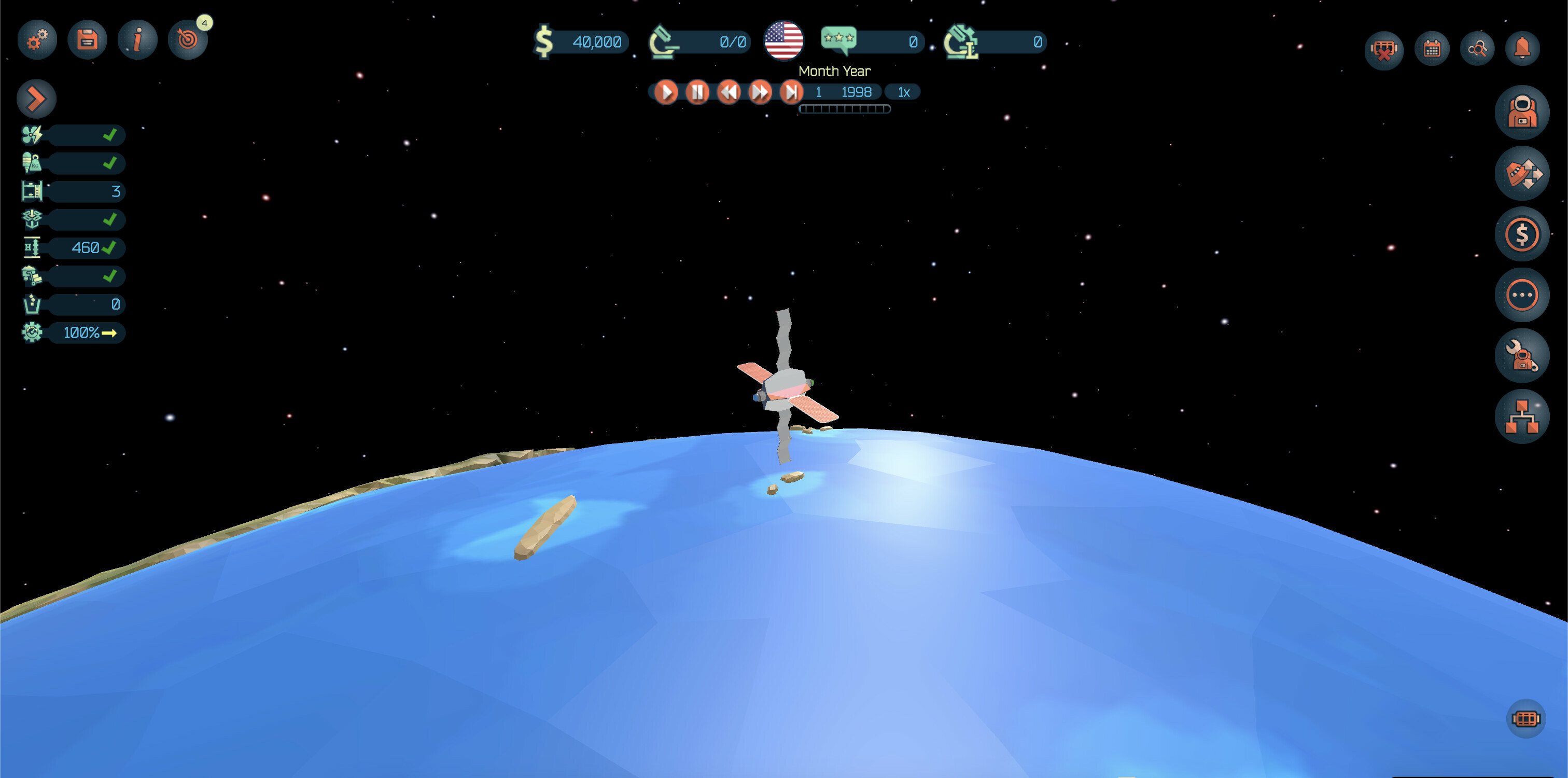
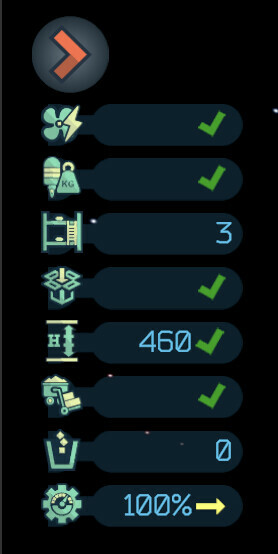 From top to bottom, these are:
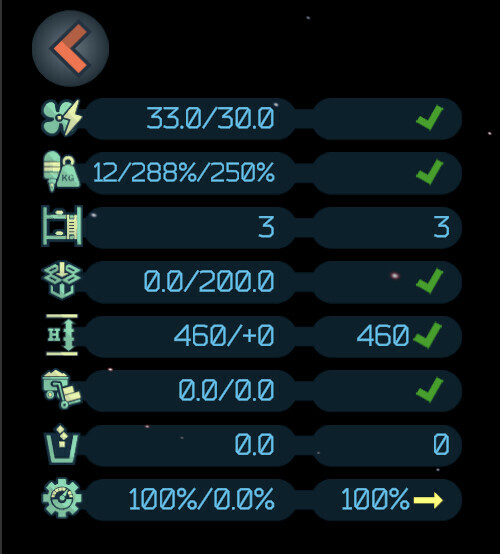 The Core Module is self-sustainable, in the sense that it generates enough electricity and has enough heat dissipation capabilities to function properly without additional support. Moreover, it has a relatively low mass, and enough propulsion capabilities for maintaining good 'orbit' and 'attitude' control.
 Clicking on any of these slots reveals the 'Modules Acquisition' screen:
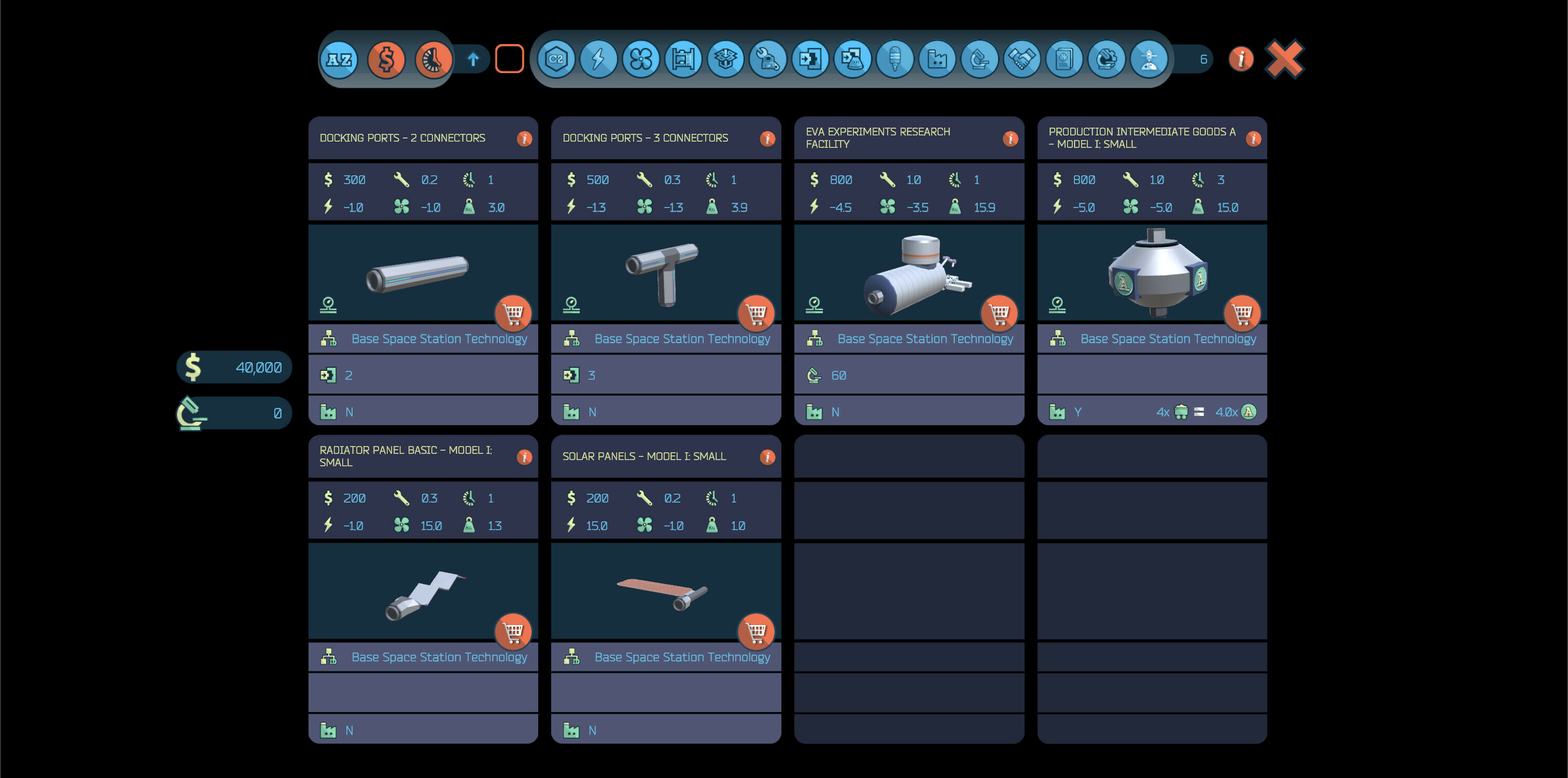 While initially there are only a handful of modules available (further modules types become available by acquiring new research technologies from the tech tree), the amount of options can become quite large in the late stages of the game. To help with this, this screen provides a series of radio and toggle buttons to help with sorting and filtering, respectively.
After clicking the 'Shopping cart' button in one of the modules, the game presents a series of contractors that can build and deliver this module. Contractors come in three "flavours", and they all follow the well-known iron triangle of service: "good, fast, cheap… pick two!". We're currently working on some ideas on how to make the decision on which contractor to choose much more nuanced.
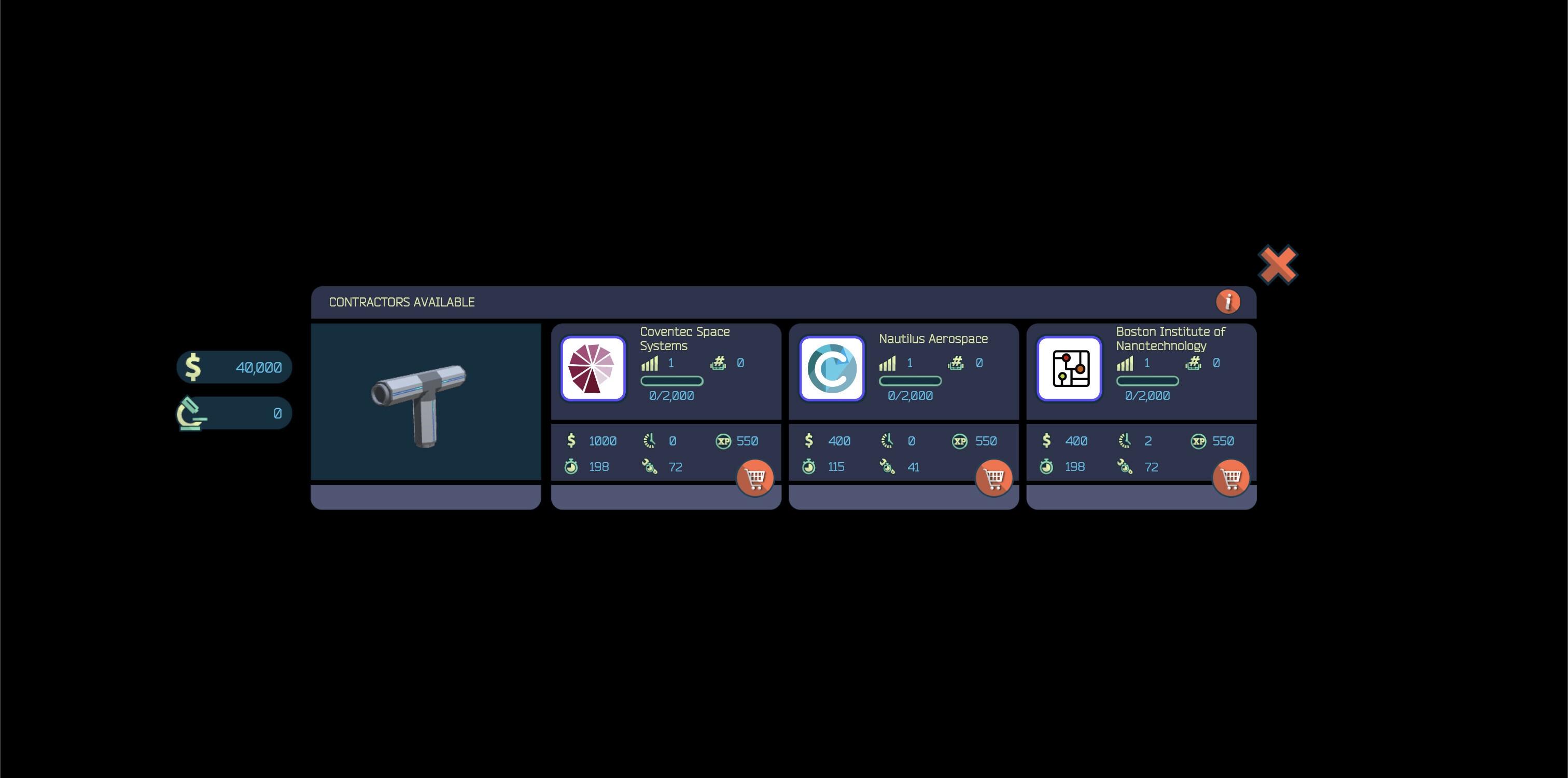 After selecting a contractor, the module will be assigned to one of the available slots, which features a radial indicator that shows how far it is into the build process.
 Once the module is ready, its outer border will become orange and it can be installed anytime.
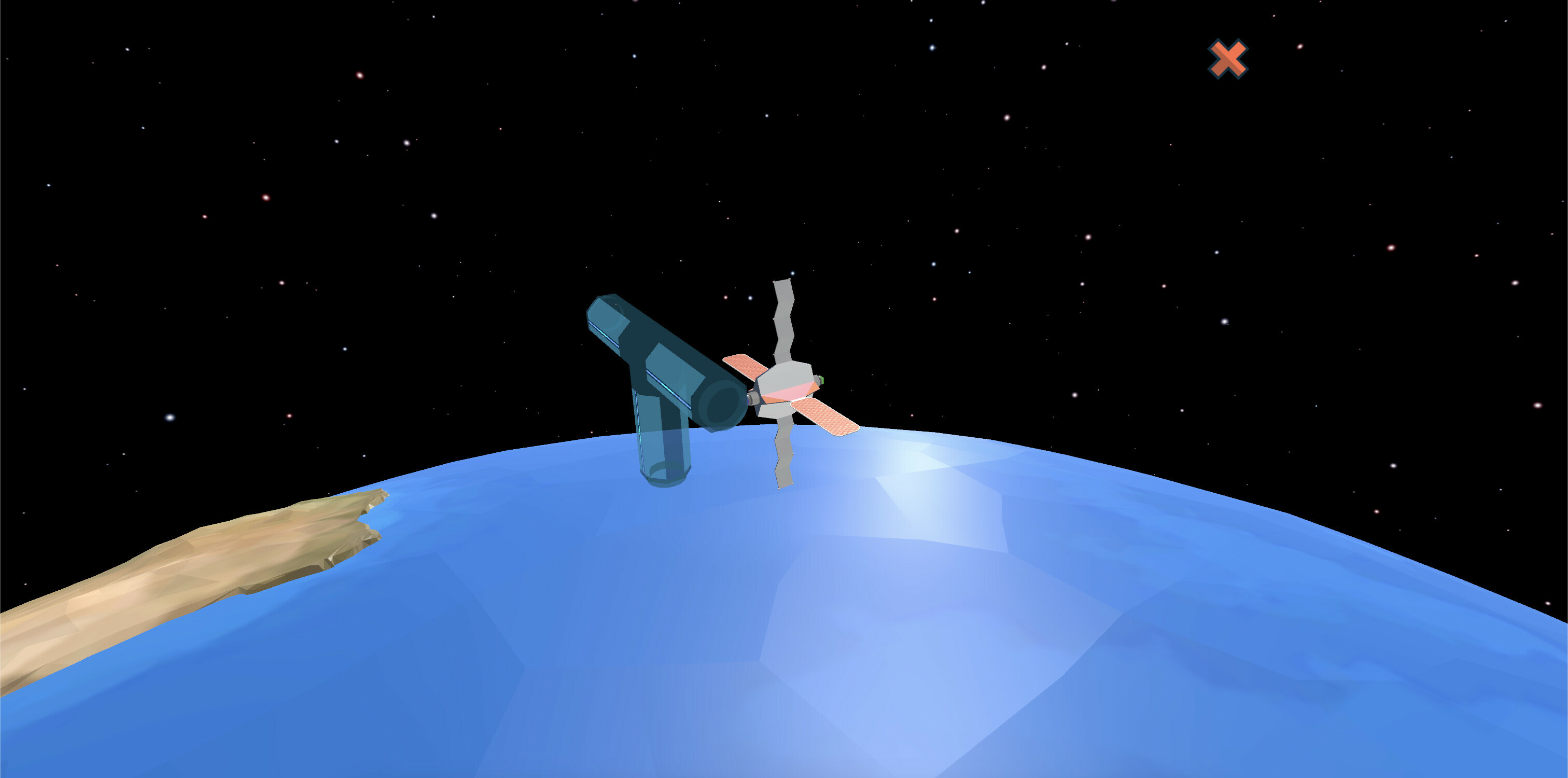 After clicking the target docking port, the game will display a dialog with some key information. More specifically, how the installation of this new module is going to impact the main stats, including electricity, cooling, and propulsion scores.
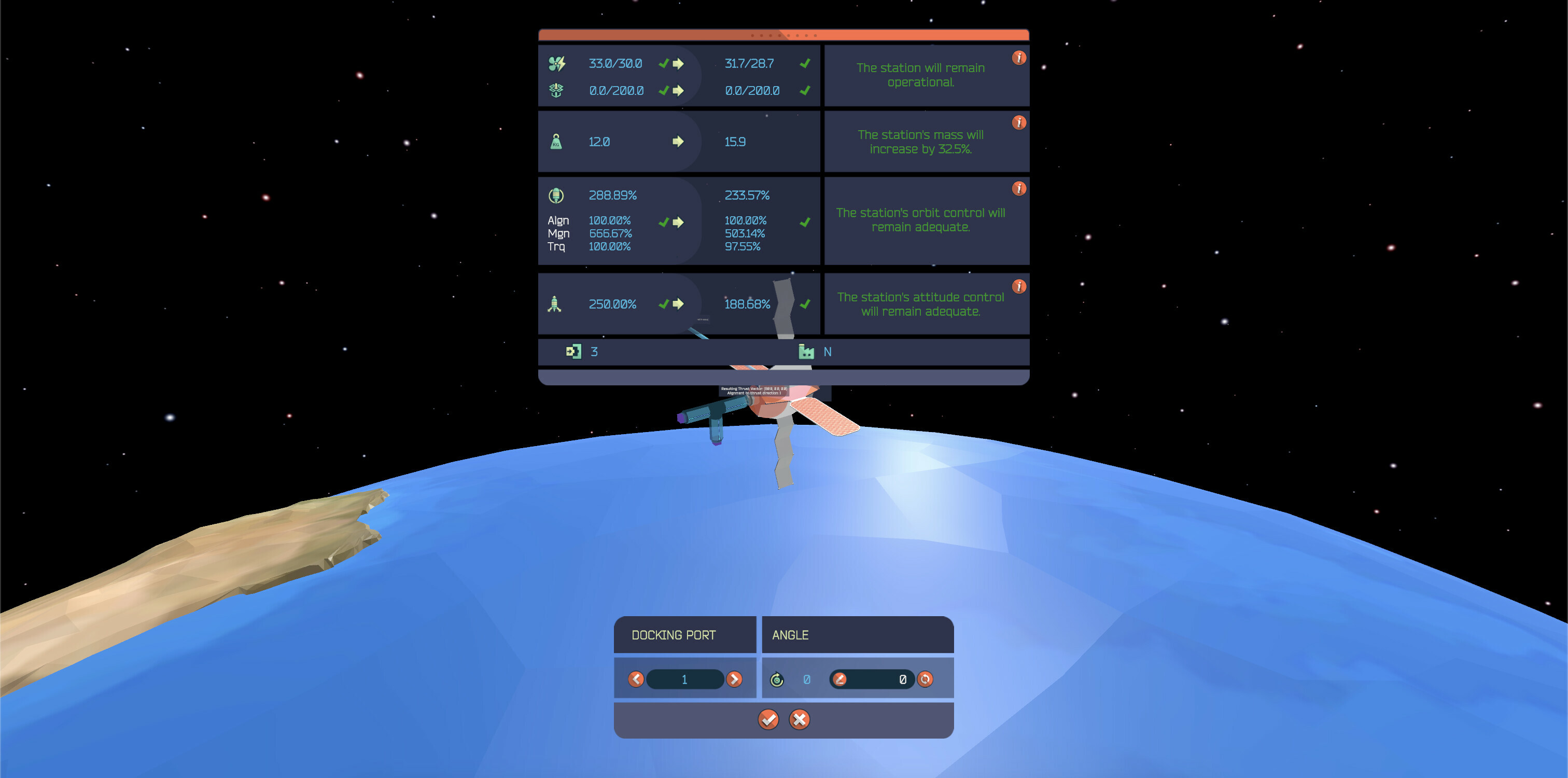 Moreover, the dialog allows you to rotate the module. For example, in this case we're going to rotate this connector by 90 degrees:
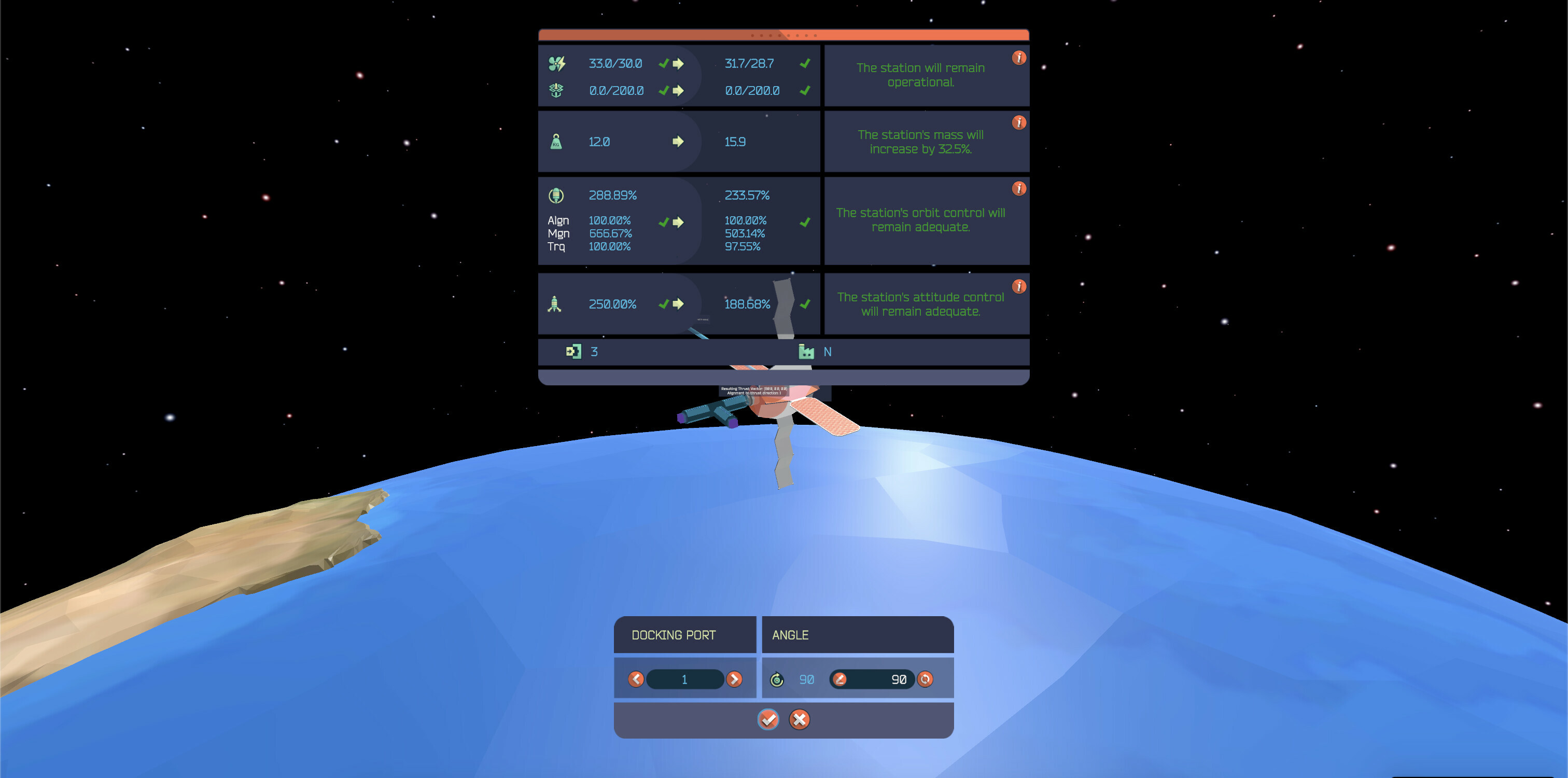 Clicking the 'Check' button finalizes the installation process and returns the control back to the 'Orbital Outpost' screen.
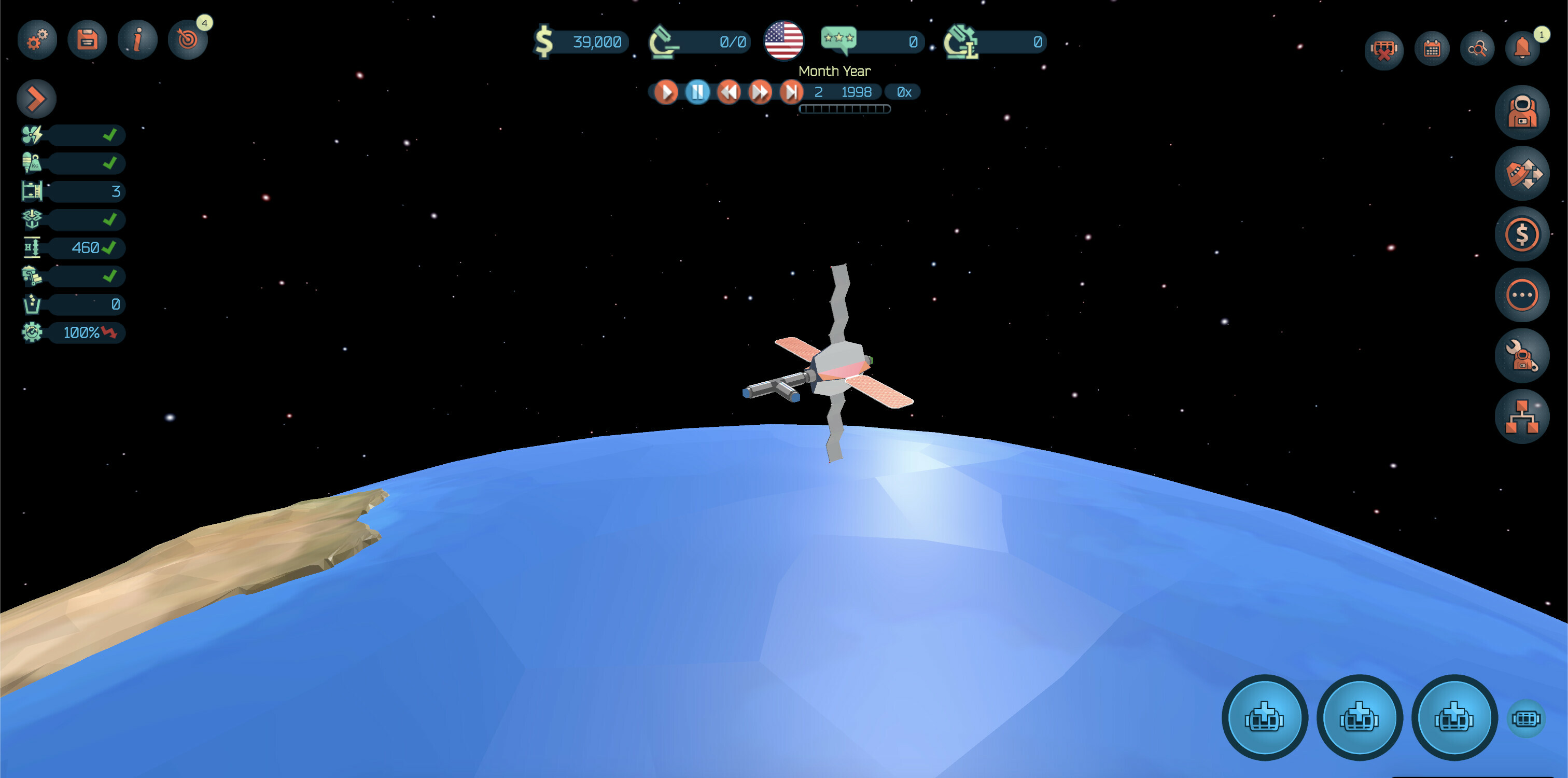
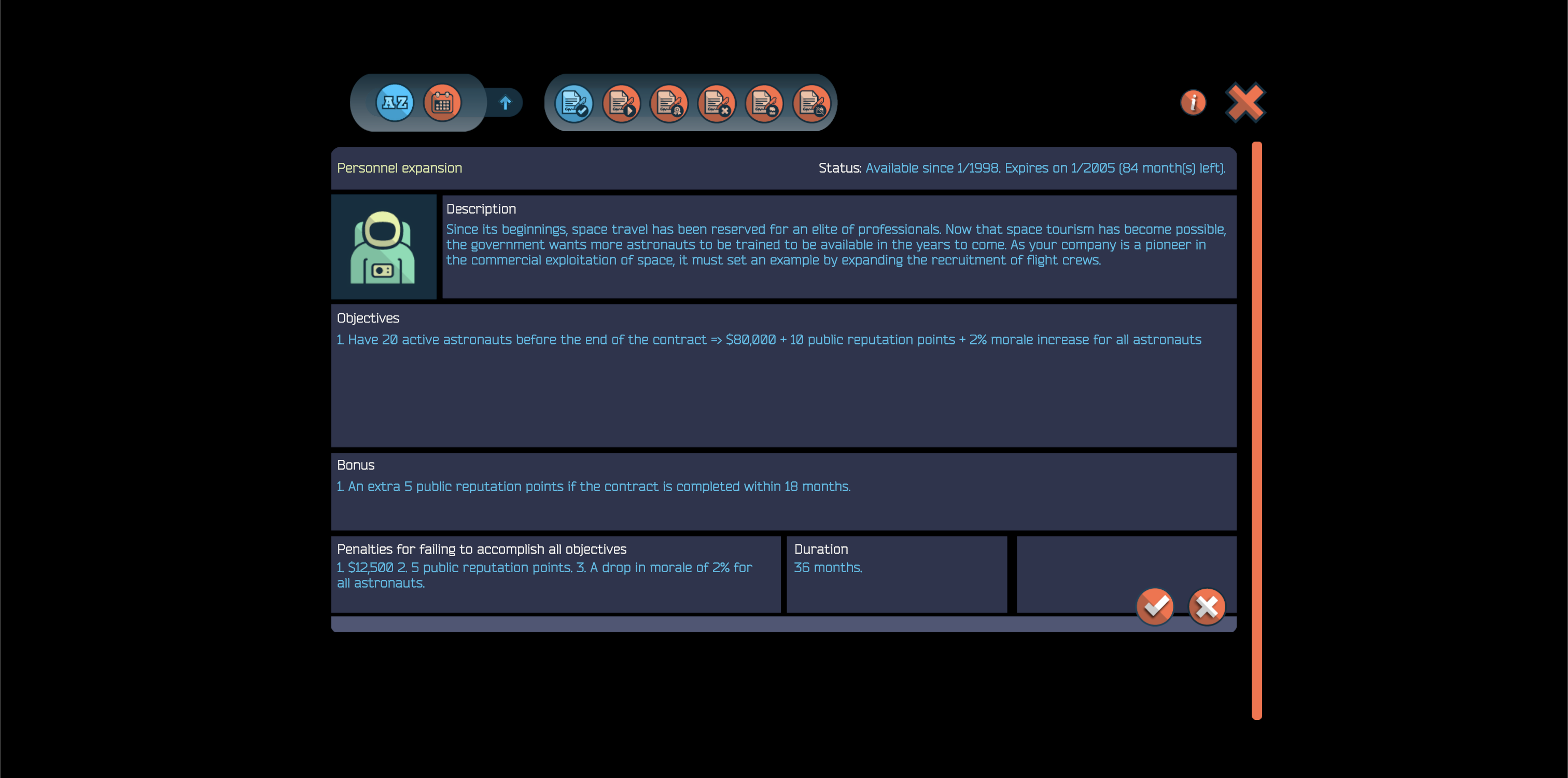 Lastly, the 'Free Builder' is completely unrelated to the first two. This mode provides a blank canvas for you to assemble a station using an unlimited number and variety of modules. The game starts with a single Core Module orbiting around the Earth.
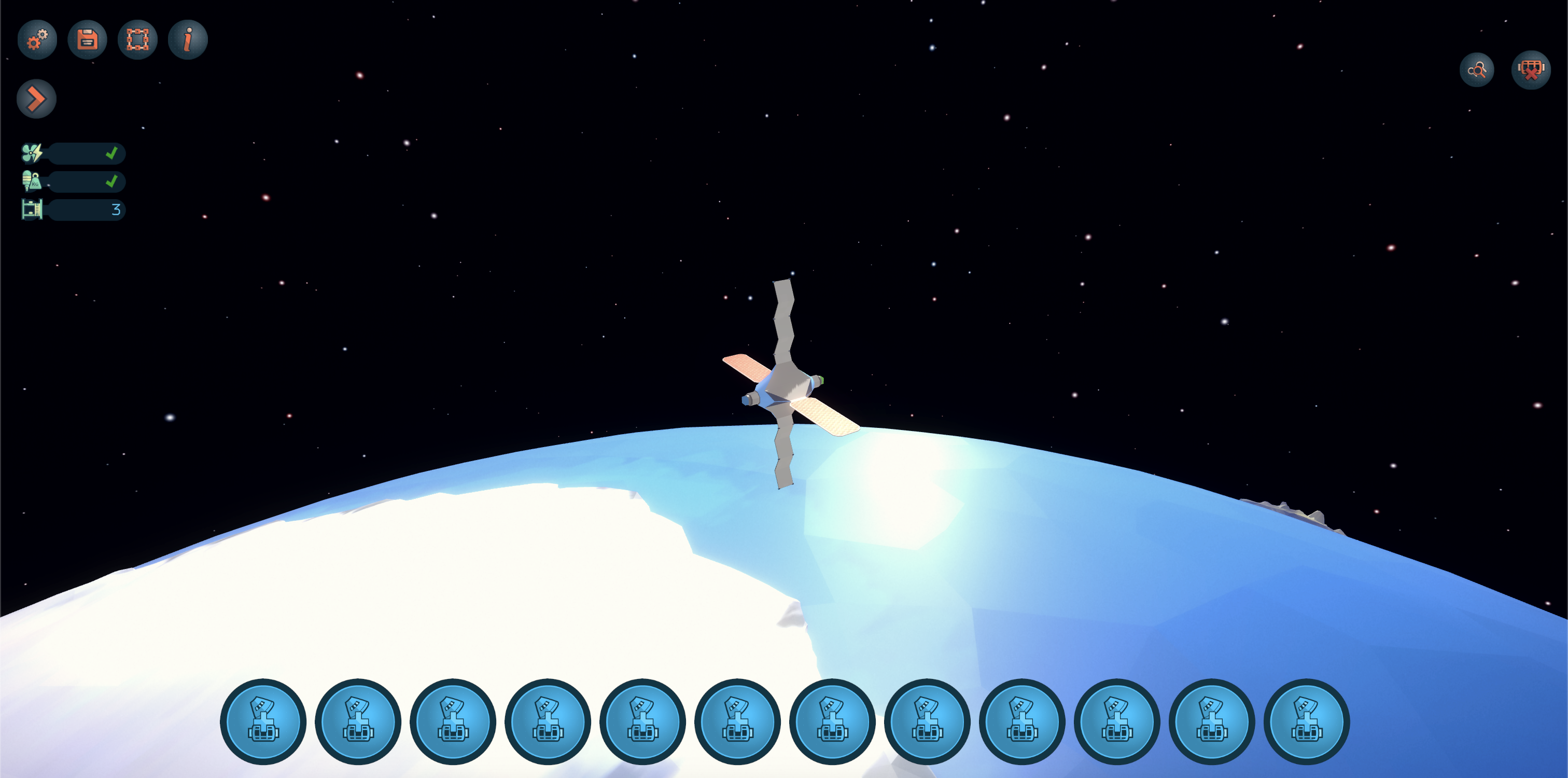 The slots located in the lower part of the screen can be freely filled with all modules available throughout the game, including those that belong to Phases II and III.
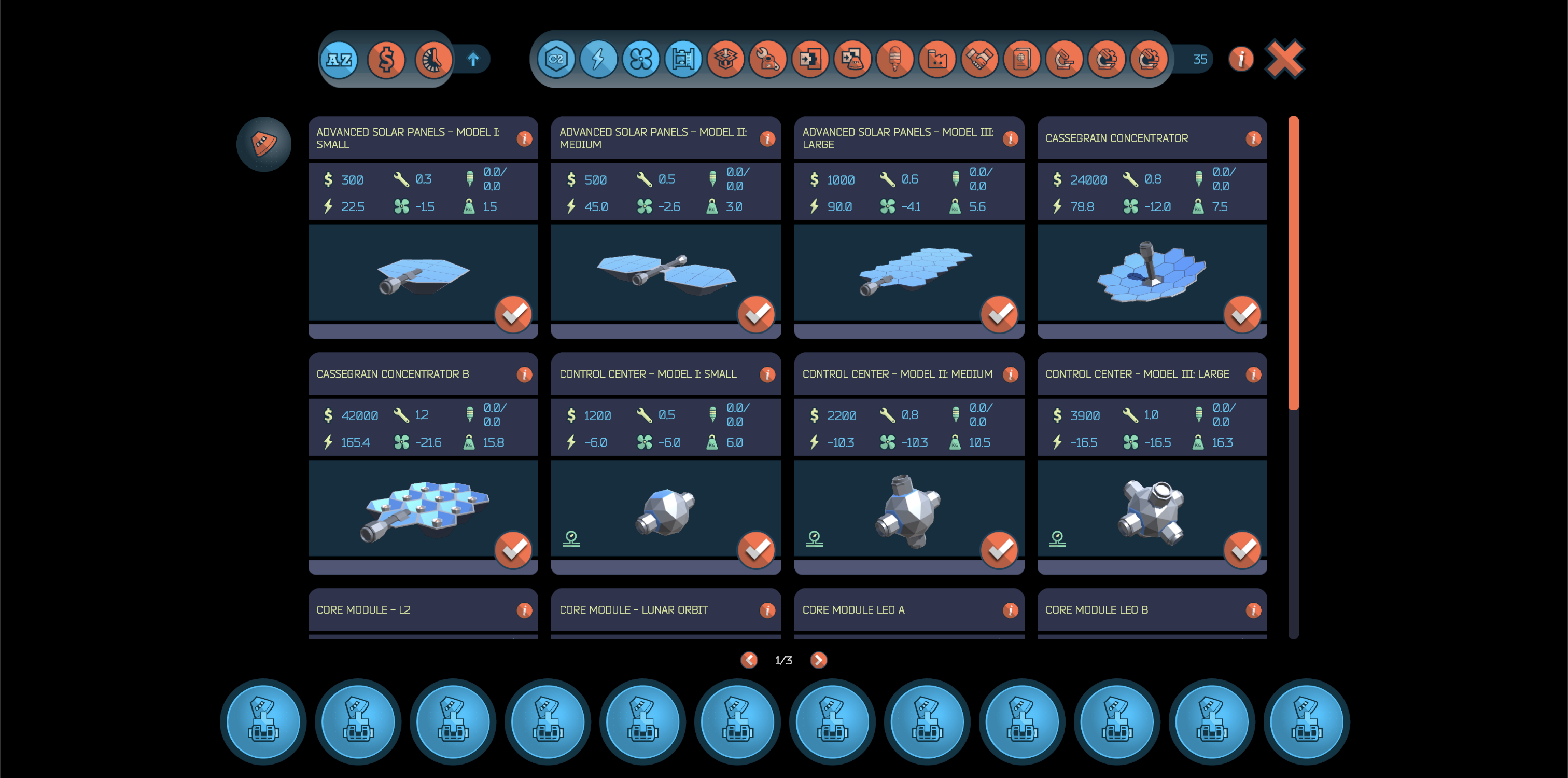 The game even allows you to select resupply spacecraft, so that you can also include them as part of your designs.
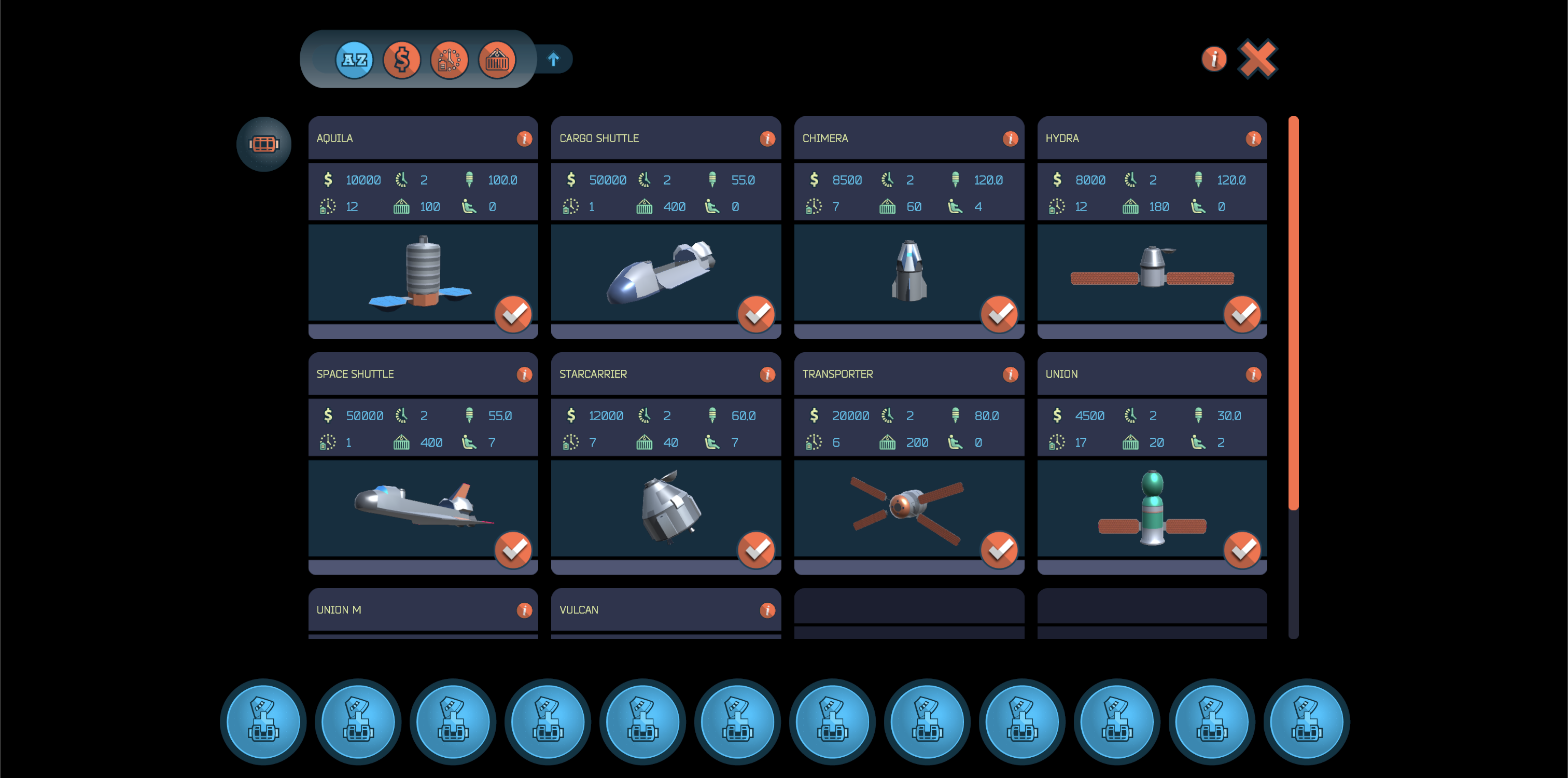 Unlike the other two game modes, in the 'Free Builder' mode there is no goal. Think of it as playing with LEGOs and putting things together in whichever way you want. The game provides a stats bar on the left-hand side of the screen so that you can see some basic information about your design but, other than that, you're free to explore and try out new ideas, such as massive stations like the one below. This station in particular could benefit from some adjustments to its 'orbit' and 'attitude' control…